
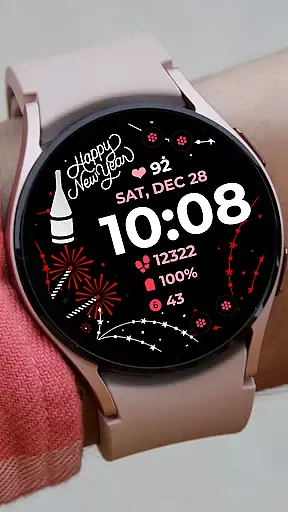
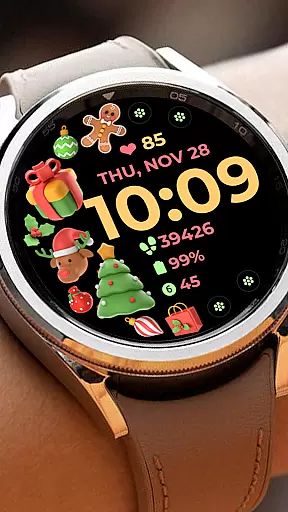
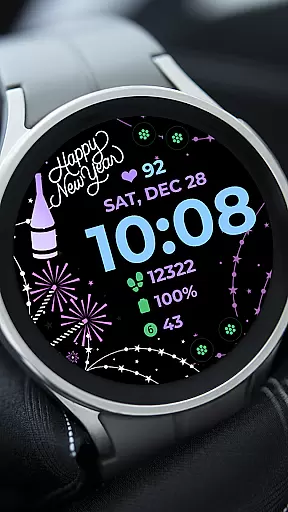
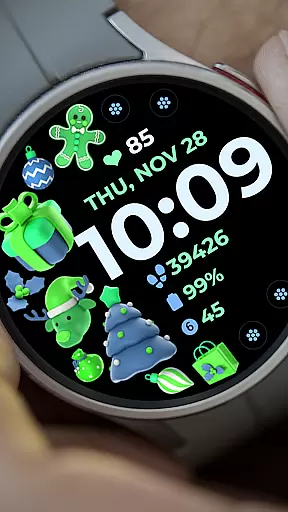
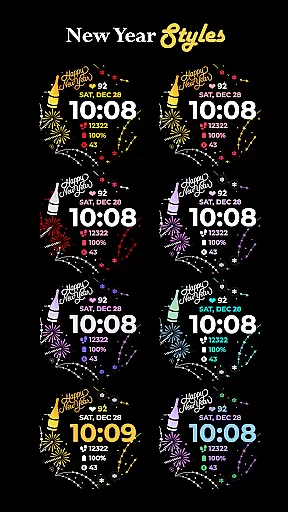
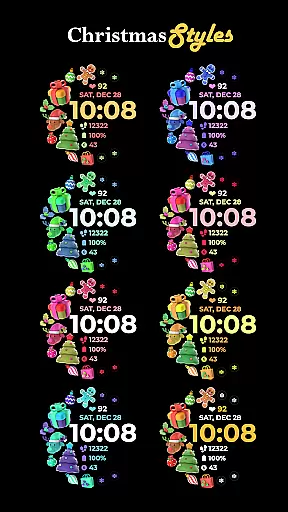
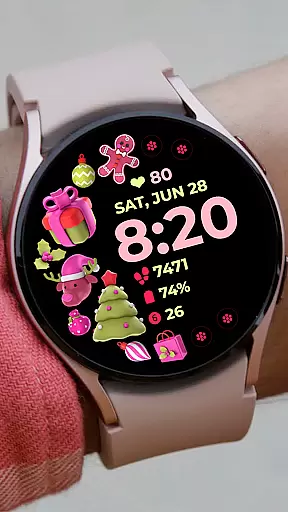
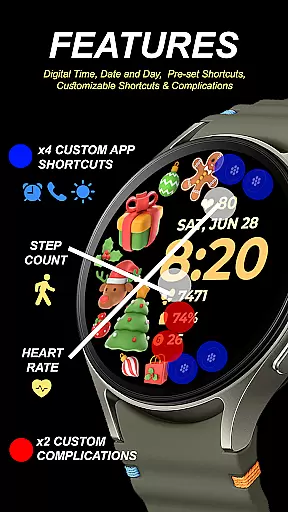
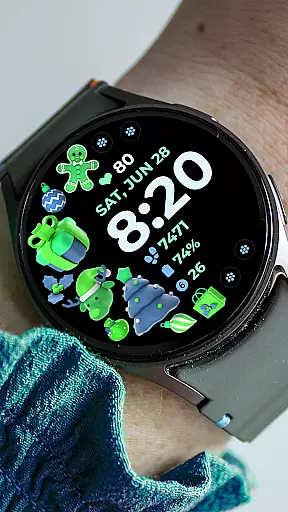
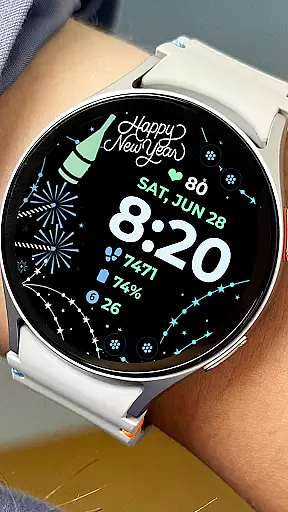
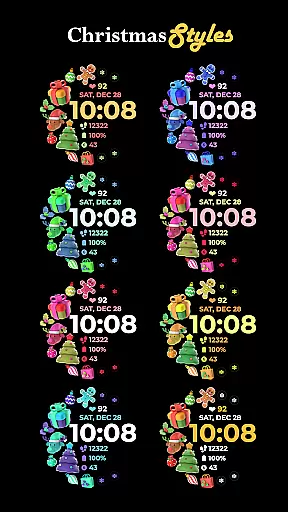
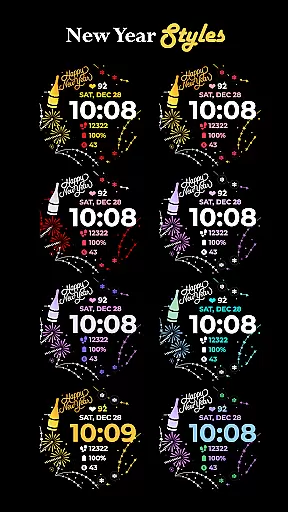
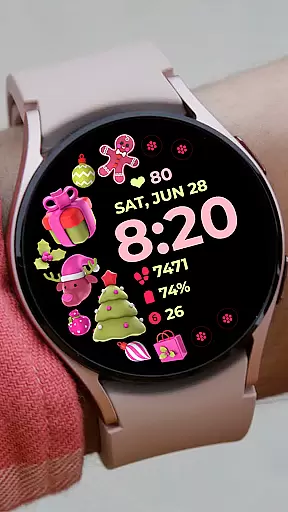
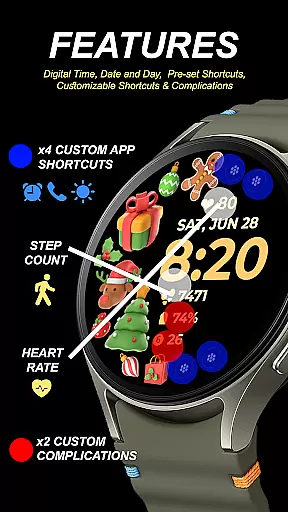
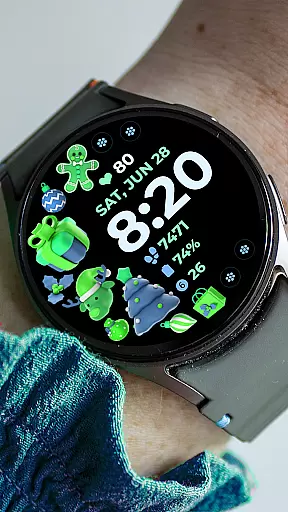
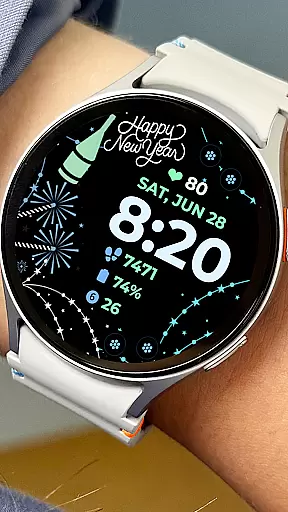
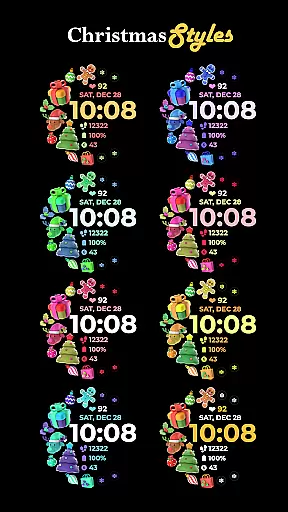
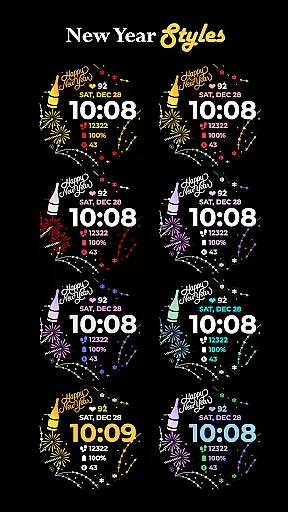
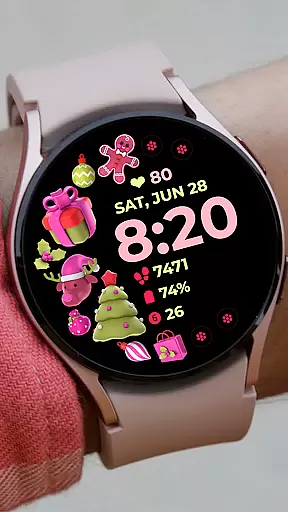
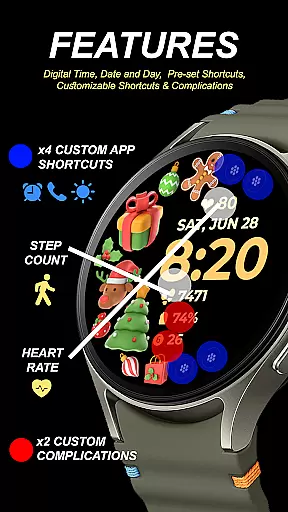
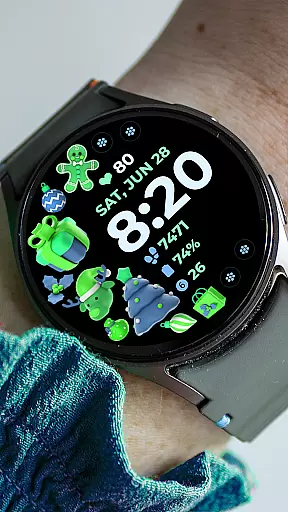
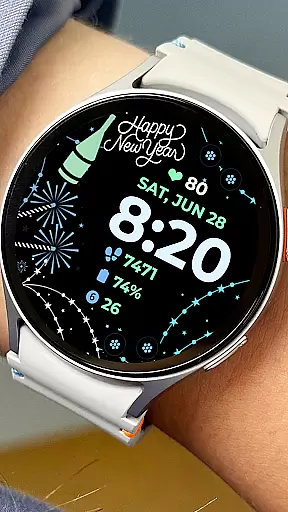
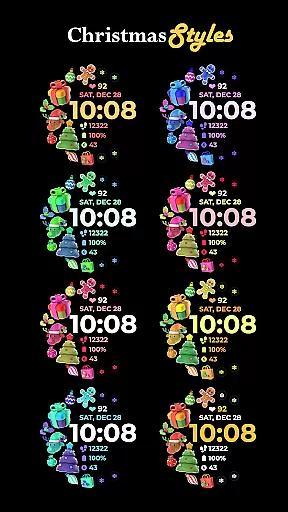
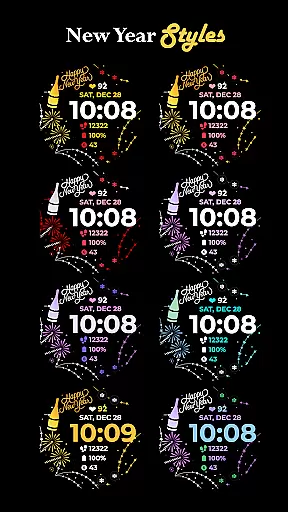
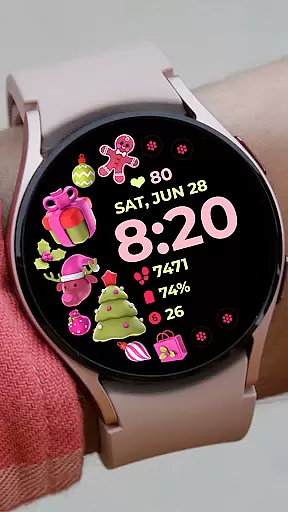
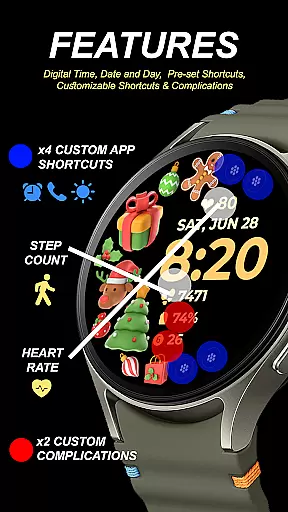
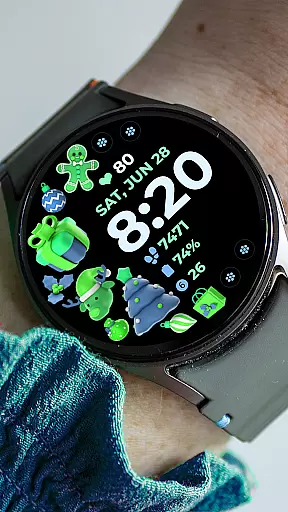
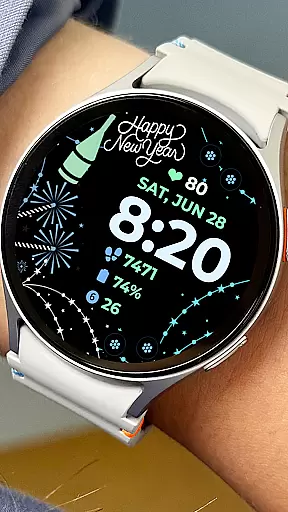
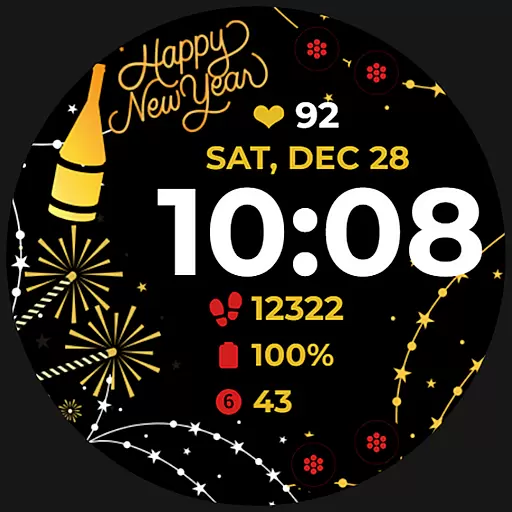
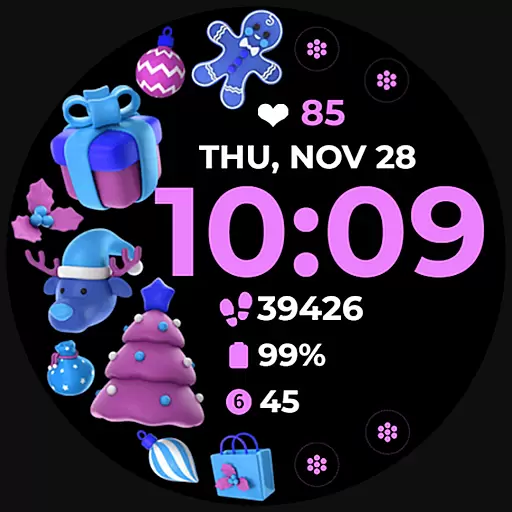
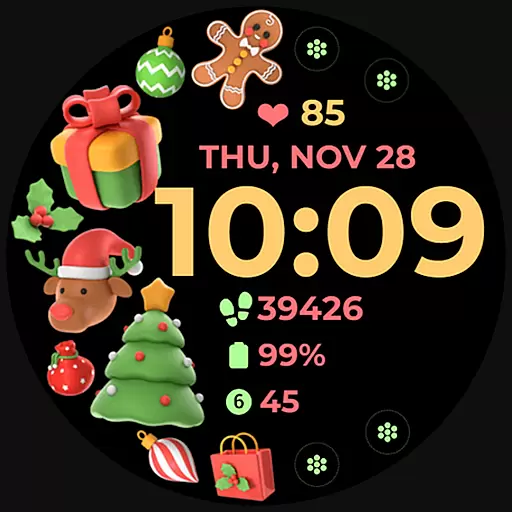
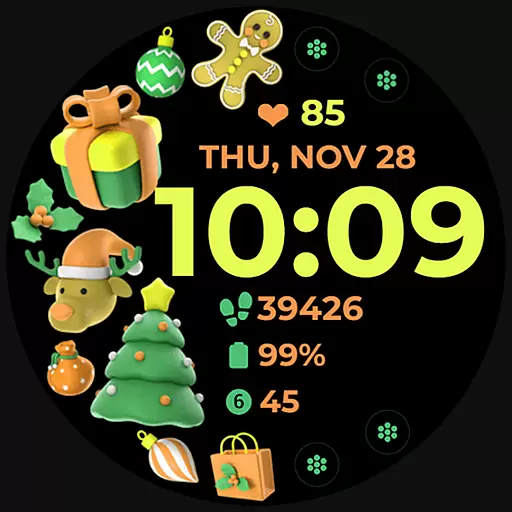
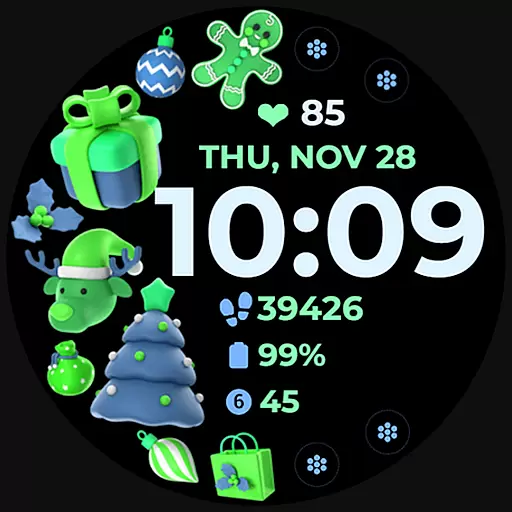
Holiday Art is a feature-rich watch face app designed specifically for Wear OS devices, including Samsung Galaxy Watch 4. This application offers users an enhanced timekeeping experience with its modern digital clock display, date and day indicators, and Always-On Display (AOD) functionality.
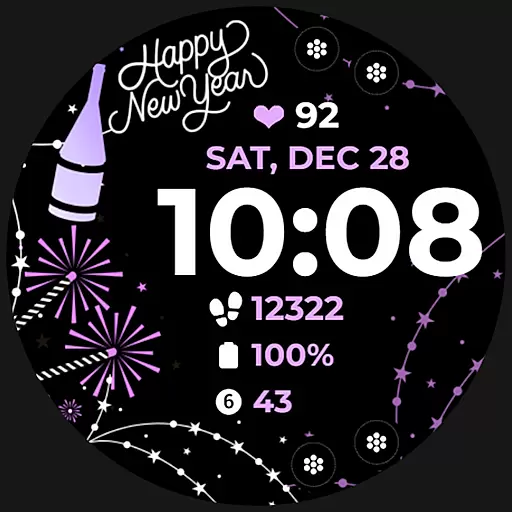
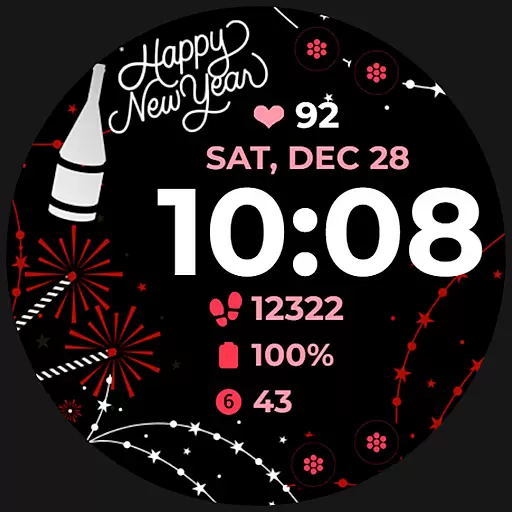
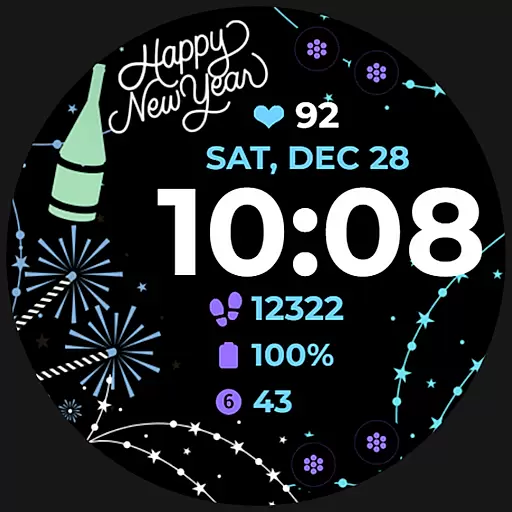
One of the standout features of Holiday Art is its customizable app shortcuts and complications, allowing users to tailor their watch face to suit their personal preferences. The app also provides a variety of changeable styles and color palettes, ensuring that users can find the perfect look for their smartwatch. Whether you're looking to match your watch face with your outfit or mood, Holiday Art has got you covered.
This app is ideal for tech-savvy individuals who appreciate both aesthetics and functionality in their wearable devices. With seamless installation and robust customer support, Holiday Art ensures a smooth user experience from start to finish.
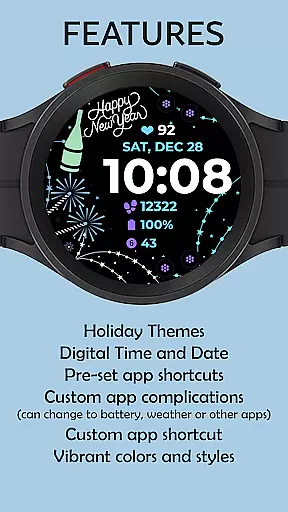
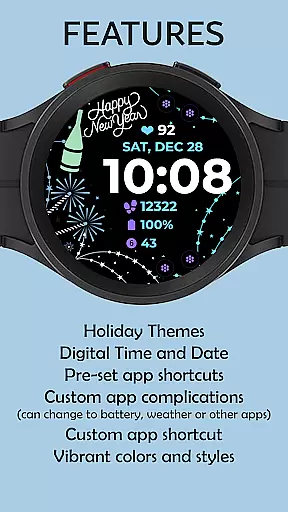
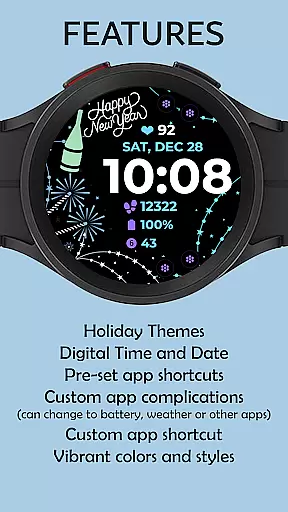
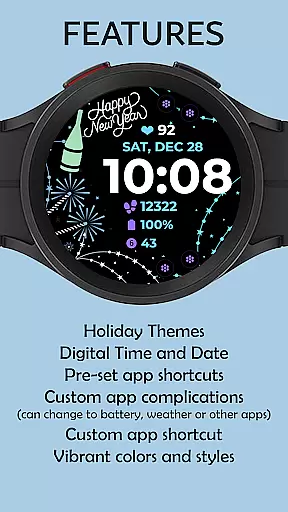
Holiday Art stands out with its comprehensive set of features tailored for Wear OS users. The app includes a sleek digital clock, date and day display, and an Always-On Display (AOD) mode, which keeps the time visible even when the watch is not in active use.
Users can take advantage of preset app shortcuts and fully customizable app shortcuts and complications. This level of customization allows users to access their most-used apps and information quickly and efficiently. Additionally, the app offers a range of changeable styles and color palettes, providing a personalized touch to each user's watch face.
The app is meticulously tested on real devices and approved by the Google Play Store team, ensuring reliability and performance. With clear installation instructions and dedicated customer support, Holiday Art delivers a superior user experience that combines style and practicality.
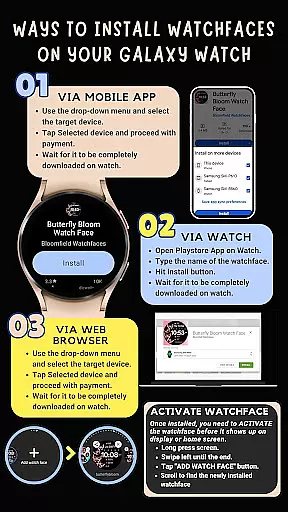
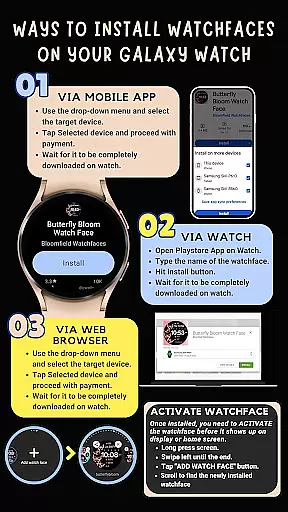
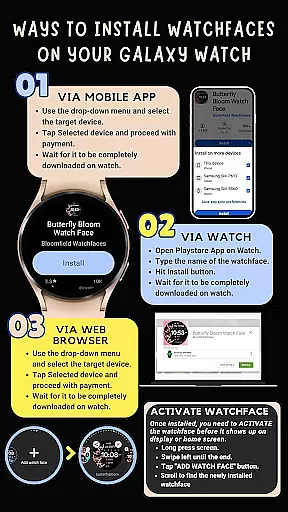
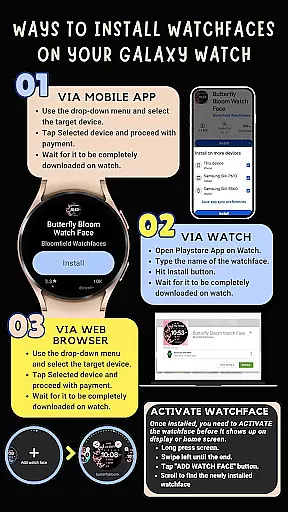
Companion app integration is essential for Android Wear applications as it ensures seamless synchronization between the wearable and its paired smartphone. Holiday Art watch face excels in this area by providing clear installation instructions and ensuring smooth data transfer.
The application automatically installs on the watch with visual indicators during the process. To facilitate this, users must maintain a strong connection between the watch and phone using the same Wi-Fi network. Logging into the Google account on the watch further enhances this integration, allowing for automatic updates and notifications.
Should any issues arise, Holiday Art offers comprehensive support through email and provides additional installation guidance via YouTube tutorials. This multi-channel support system ensures that users can easily resolve any companion app integration challenges they may encounter.
Ensuring compatibility across various Wear OS devices is crucial for Android Wear applications. Holiday Art watch face is optimized for Samsung Galaxy Watch 4 and other devices running on the new Wear OS Google/One UI Samsung operating system, guaranteeing a consistent user experience.
Developed using Samsung's 'Watch Face Studio' tool, this application supports a range of features including digital clock, date display, always-on functionality, and customizable app shortcuts. These elements are designed to work seamlessly across compatible devices, providing users with a versatile and personalized watch face experience.
While some advanced features may not be available on all watches, the core functionalities remain accessible to a wide range of devices. The developer's commitment to thorough testing and Google Play Store approval ensures maximum compatibility and reliability across supported Wear OS devices.
User-friendly interface
Customizable shortcuts
Variety of styles
Always-On Display
Robust customer support
Limited to Wear OS
Some features may not be available
Installation requires Wi-Fi
Permissions needed
Refund within 24 hours only

Christmas watch face. For Wear OS devices.
 4.30
4.30
Embrace the holiday spirit with this magical animated watch face!
4.40
A Wintery Snow Globe on Your Wrist; now celebrating Christmas!
4.3
Deck out your Wear OS Watch face with a beautifully decorated pine wreath!
4.50
Sleek, highly customizable watch face inspired by Galaxy Watch Circle Dashboard.
4.5
Fitness interactive virtual pet super fighter boy watch face
4.5
Structured watch face with seven complications and modular UI elements
3.90
The ultimate destination for kids ages 3-8 to explore the Marvel Universe!
4.30
Start and succeed with PAP
4.10
Christmas - Festive - Christmas Village - Winter - Christmas lights
5.00
Real-time weather radar with temperatures, warnings, hurricanes, and widgets
4.80
Gym & home workout plans with strength training, exercise tracking, HIIT & more.
4.60
MyNISSAN® lets you remotely control your car from your phone.*
4.50
Connect, create, and collaborate with Gmail, part of Google Workspace.
4.10
Watch the sharpness of the sky on your wrist..
3.70
Want to take charge of your health? Let Google Fit help you reach your goals.
3.50
Christmas is near, let's count together the days left until Santa comes
4.1
Contemporary digital watch face with five complications
4.5
Minimalistic design modern digital watch face.
4.2


User Reviews