
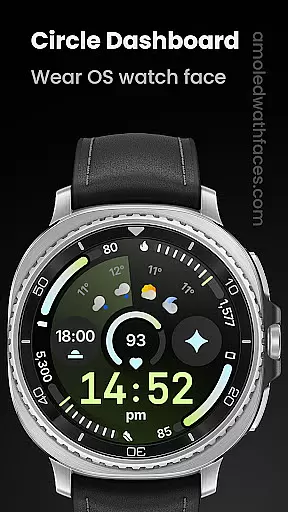
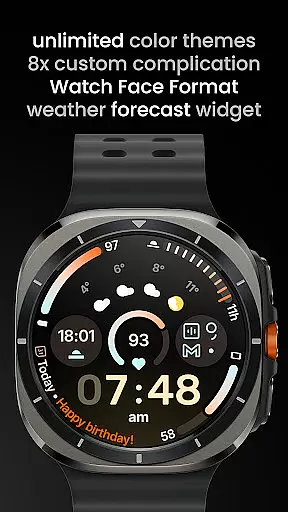
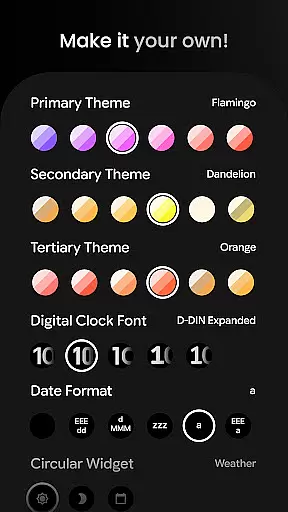
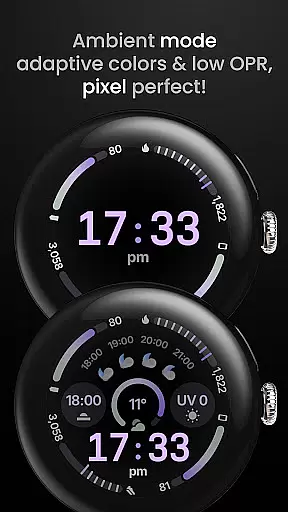
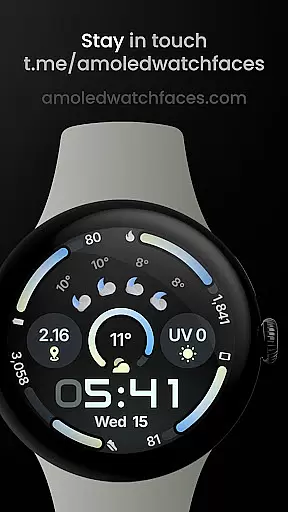
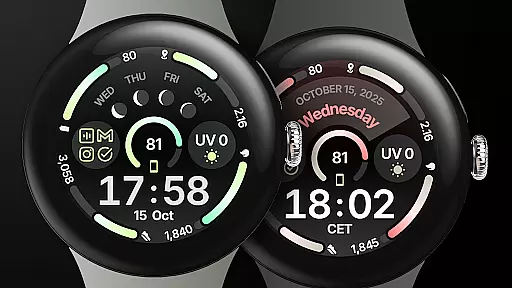
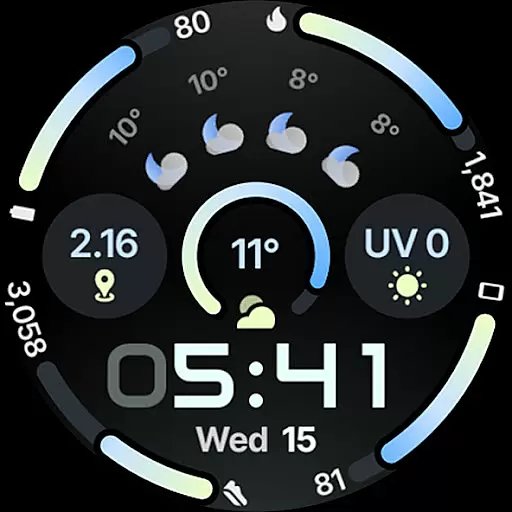
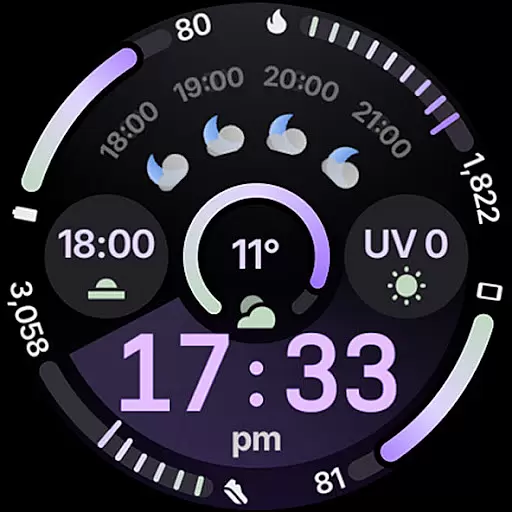
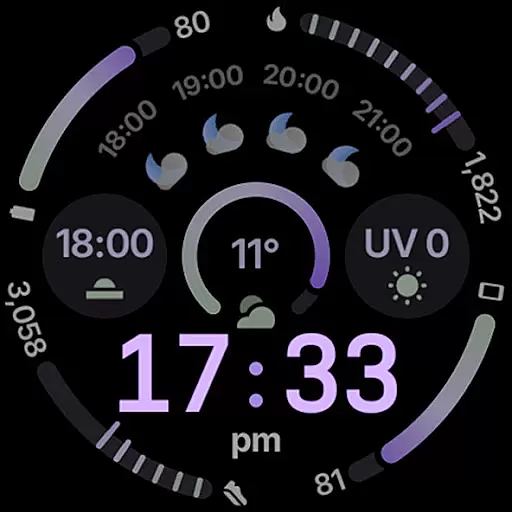
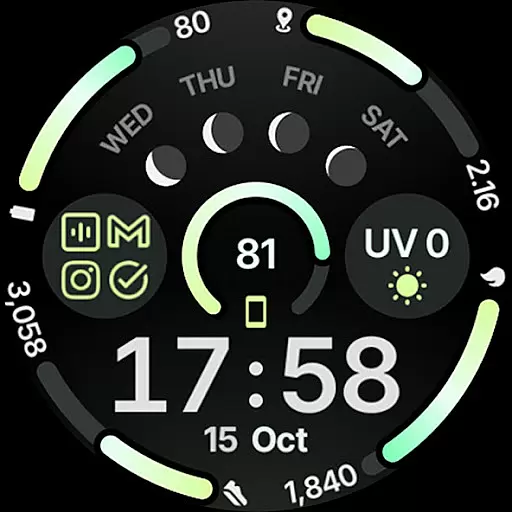
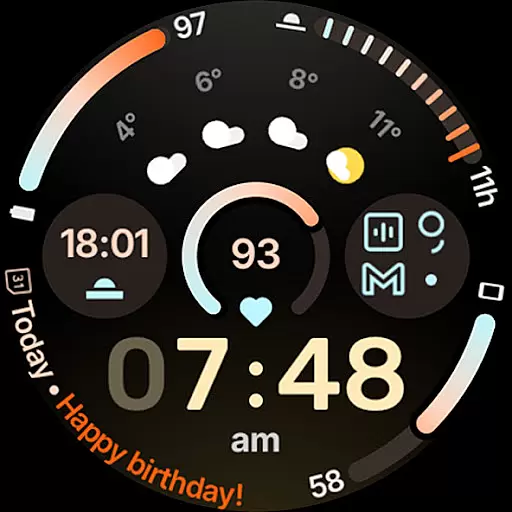
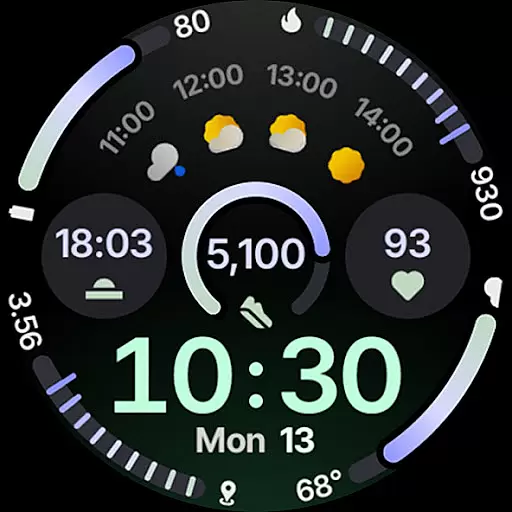
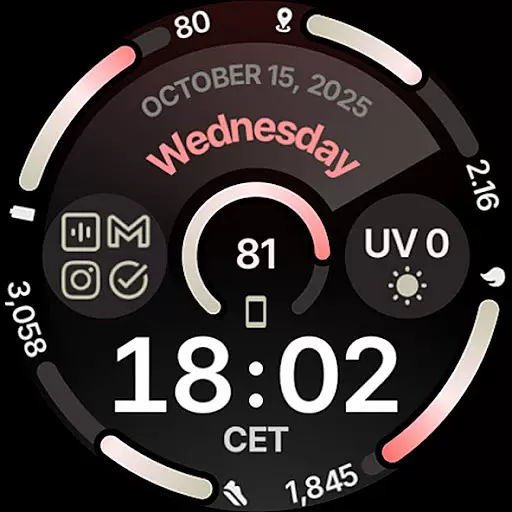
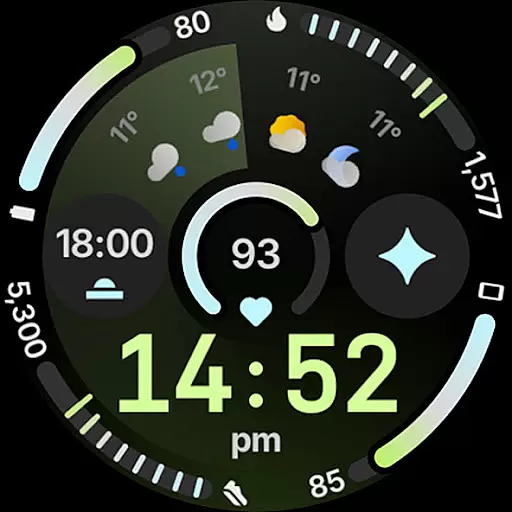
Circle Dashboard Watch Face is a feature-rich watch face designed exclusively for Wear OS 4+ devices. Inspired by the Galaxy Watch 8 series, it offers advanced customization options and supports multiple complication types including SHORT_TEXT, LONG_TEXT, and RANGED_VALUE. The watch face provides users with an intuitive dashboard experience through its adaptive design elements such as expressive progress bars, optional seconds indicator, and multilanguage support.
This application stands out with its unlimited color theme combinations, three always-on display styles, and battery-friendly operation. It also includes practical widgets like weather forecast and moon phases, making it both functional and visually appealing. Whether you want a personalized digital clock or need quick access to important information, Circle Dashboard ensures a seamless user experience tailored to your preferences.
The Circle Dashboard Watch Face boasts an impressive array of features that cater to diverse user needs. With support for Watch Face Format 4 and upcoming presets functionality in Wear OS 5+, users can enjoy pre-configured settings that simplify personalization. The inclusion of 8 custom complication slots allows integration of various data sources directly on the watch face, enhancing usability.
Notable innovations include animated AOD entering effects available from Wear OS 6+, adaptive complication text size, and vivid digital clock options. These cutting-edge features not only improve readability but also add dynamic visual appeal. Additionally, the app's compatibility with external services like Phone Battery Complication extends its utility beyond basic timekeeping, offering comprehensive device management right from your wrist.
Companion app integration is essential for wearable devices to synchronize data and settings with a smartphone. Circle Dashboard Watch Face ensures seamless connectivity between your Wear OS device and Android phone. This synchronization allows users to receive notifications, update preferences, and manage complications directly from their mobile device.
The watch face supports eight custom complication slots that can display various types of information such as weather forecasts, moon phases, or battery levels. These complications are powered by companion apps on the user's phone, enhancing functionality without compromising performance on the wearable itself.
By integrating with dedicated apps like Phone Battery Complication, users gain access to additional features that enrich their experience. For instance, real-time battery status updates help in managing both phone and watch power efficiently throughout the day.
Ensuring compatibility across different versions of an operating system is crucial for maximizing reach and usability. Circle Dashboard Watch Face has been meticulously designed for Wear OS 4+ devices, guaranteeing optimal performance on supported hardware configurations.
This watch face leverages advanced capabilities introduced in newer versions of Wear OS, including expressive progress bars, adaptive complication text sizes, and animated transitions into always-on display modes available starting from Wear OS 6+. Such enhancements not only improve aesthetics but also contribute significantly towards usability.
Moreover, extensive testing ensures broad device compatibility within the specified OS range, providing peace of mind when choosing this watch face regardless of whether you own a high-end smartwatch or more budget-friendly options running compatible software versions.
User-friendly interface
Highly customizable
Battery efficient
Versatile complications
Visually appealing design
Wear OS 4+ only
Some features require additional apps
Complex setup process
Limited free themes
Premium subscription needed for full access

Christmas is near, let's count together the days left until Santa comes
 4.3
4.3
Current temperature, weather hourly, weather radar by the weather forecast app
4.40
Embrace the festive spirit with our Christmas Countdown watchface for Wear OS
4.10
A watch face that fuses motorsport precision with contemporary smartwatch design
4.1
Stunning modern digital watch face with 7 complications and strong contrast
4.1
Artistic Digital Watchface
4.5
Real-time results, stats, schedules and player profiles for all leagues
4.60
The most customizable hybrid watch face. For Wear OS 5.0, API 34+ and later
4.70
Toyota app currently supports 2010 or newer vehicles (2018 or newer for Hawaii).
4.50
A modern hybrid informative watch face for Wear OS designed by BALLOZI
4.80
Real-time weather radar with temperatures, warnings, hurricanes, and widgets
4.80
A modern premium sporty hybrid watch face for Wear OS by Ballozi
4.70
Digital watch face with big numbers and many customization for Wear OS devices
4.40
Christmas watch face. For Wear OS devices.
4.30
Wear Os Watch Face - Animated Snow Effect & Magic Spark - 6 Scenes
4.10
Daily Weather forecast with 15 weather images for Day & Night plus Big Bold time
4.10
Connect, create, and collaborate with Gmail, part of Google Workspace.
4.10
A digital watch face that celebrates Christmas.
4.00
Wear Os Watch Face - Animated Snow - Sesonal for Christmas & Winter
4.4


User Reviews