
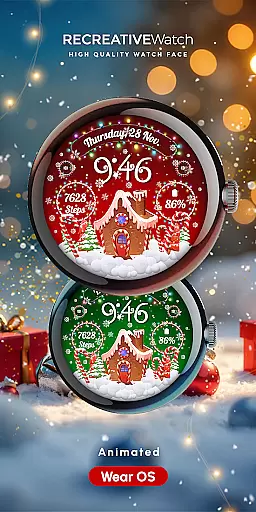
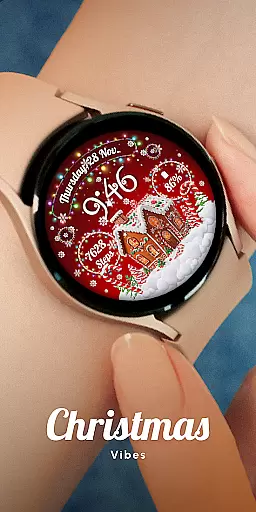
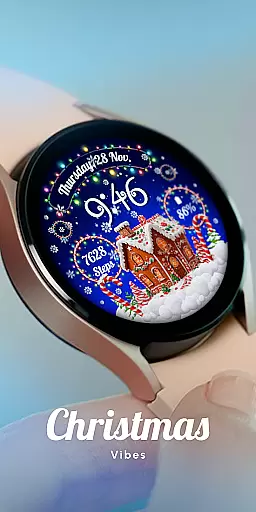
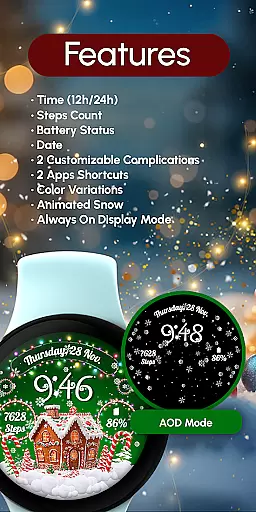
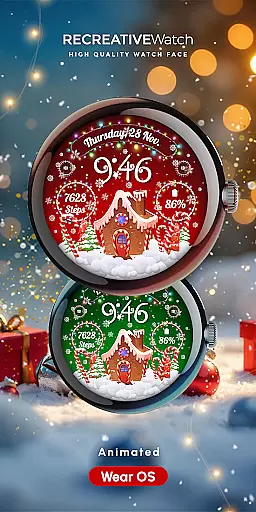
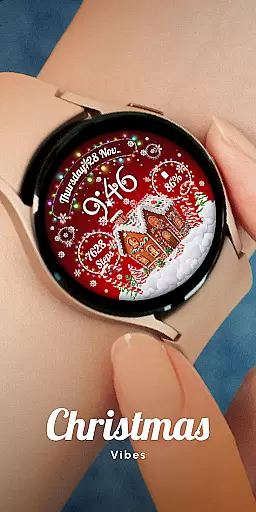
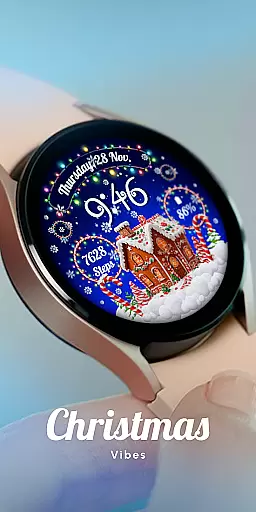
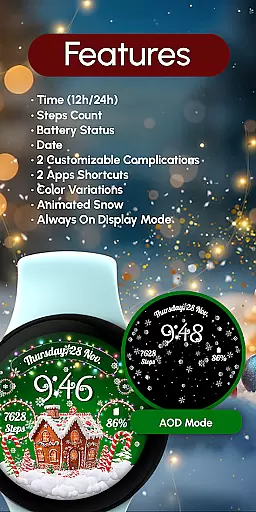
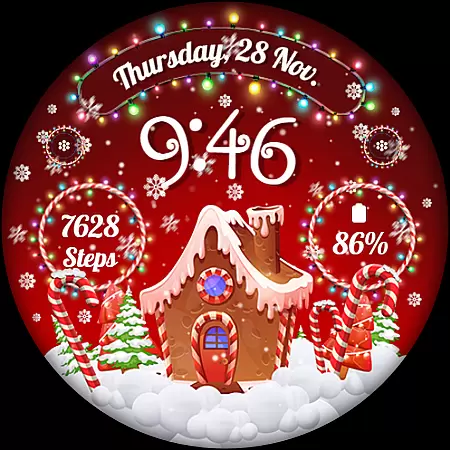
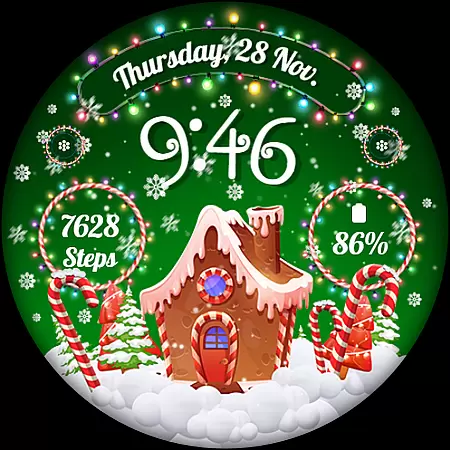
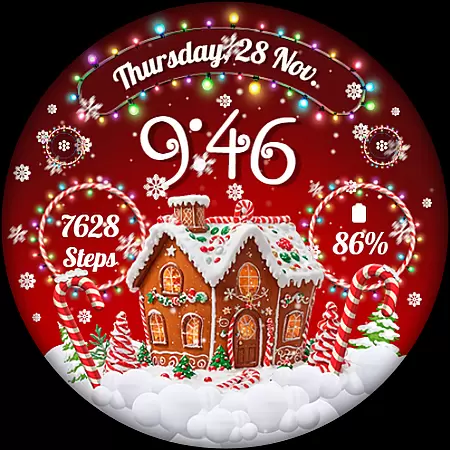
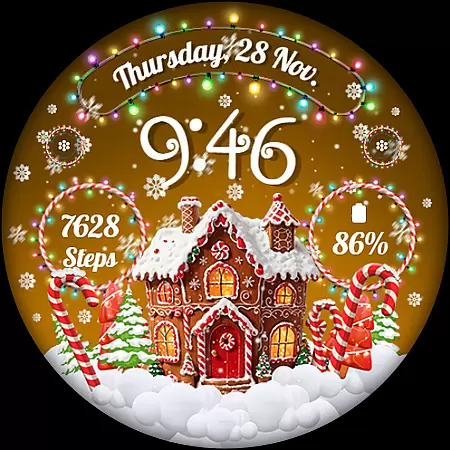
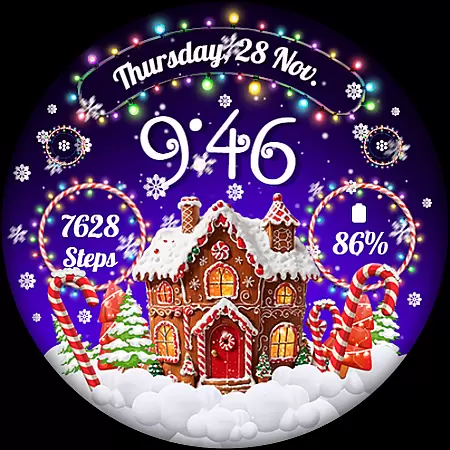
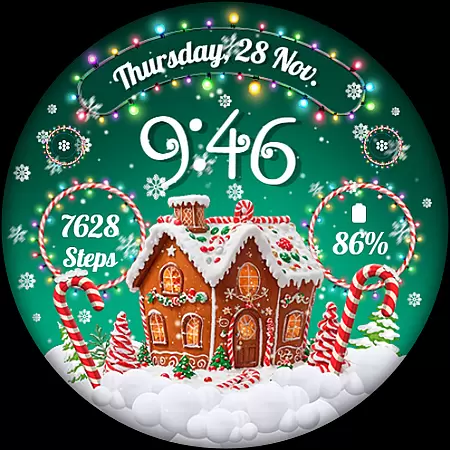
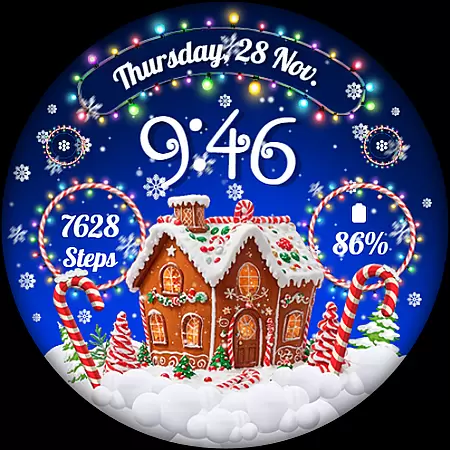
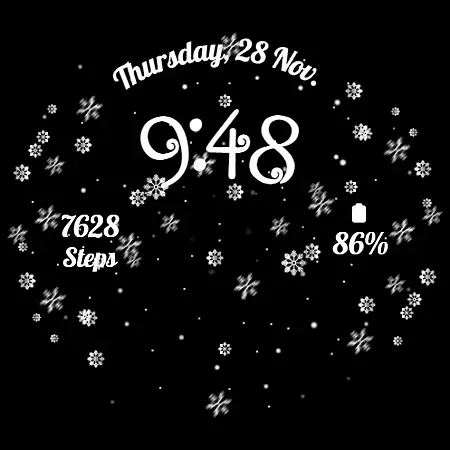
RW01 is a festive Wear OS watch face that brings holiday cheer to your wrist. Featuring animated snow and charming gingerbread houses, it creates a magical Christmas atmosphere. The design includes essential timekeeping elements like 12/24hr digital time, date, and battery indicators.
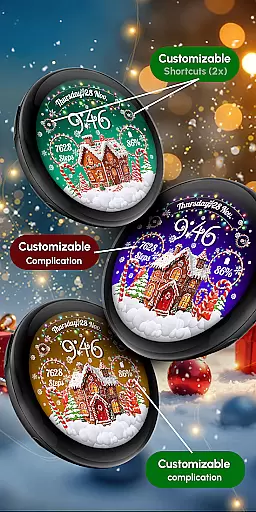
With support for step counting, customizable complications, and shortcuts, RW01 combines functionality with personalization. Users can choose from three different scenes and various color variations while enjoying the enchanting always-on display. Compatible with API level 33+ devices including Google Pixel and Galaxy Watch series.
RW01 offers an impressive array of features designed specifically for Wear OS smartwatches. The watch face showcases animated snowflakes and gingerbread houses, creating a captivating holiday theme. It maintains practicality with clear 12/24hr digital time display, date, battery status, and step counter.
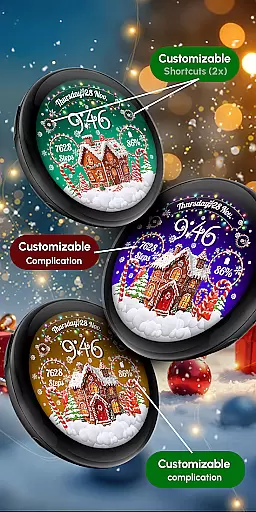
Customization options are abundant with two configurable complications and shortcuts. Users can personalize their experience by selecting from three distinct scenes and multiple color variations. For optimal battery performance, users can disable the always-on display mode. The intuitive interface allows easy customization through simple touch-and-hold gestures.
The watch face supports all Wear OS devices running API level 33 or higher, ensuring broad compatibility across popular models like Google Pixel and Galaxy Watch series. With its unique combination of festive aesthetics and functional features, RW01 stands out among wearable applications.
Companion app integration is essential for a seamless wearable experience. RW01 excels in this area by offering users a comprehensive suite of features directly on their Wear OS devices.
The watch face provides crucial information such as 12/24hr digital time, date, battery status, and step count. Additionally, it includes two customizable complications and shortcuts, allowing users to tailor the display to their specific needs.
With three different scenes and color variations, users can personalize their watch face to match their style. The animated snow effect adds a festive touch, making it perfect for the holiday season.
This level of integration ensures that users have all the necessary information at a glance, enhancing both functionality and aesthetics on compatible devices like Google Pixel and Galaxy Watch models.
Ensuring broad device compatibility is crucial for any Wear OS application. RW01 is designed to work seamlessly with API level 33+ devices, including popular models like Google Pixel and Galaxy Watch series.
The application supports a range of features that enhance user experience across different devices. These include an always-on display mode, customizable complications, and various customization options accessible through simple touch interactions.
For optimal battery performance, users are advised to disable the always-on display feature. This recommendation helps maintain device efficiency while still enjoying the full range of functionalities provided by RW01.
By focusing on compatibility and performance optimization, RW01 guarantees a smooth and engaging experience on all supported Wear OS devices, ensuring users can enjoy their festive watch face without compromise.
Festive holiday theme
Animated snow effects
Customizable features
Broad device compatibility
Intuitive user interface
Limited to Wear OS
Holiday-specific design
Battery optimization needed
No automatic application
Manual customization required

Contemporary digital watch face with five complications
 4.5
4.5
Artistic Digital Watchface
4.0
Sleek, highly customizable watch face inspired by Galaxy Watch Circle Dashboard.
4.5
Your second brain for organizing your life: to-do, calendar, reminder.
4.70
Find EV charging stations
4.30
Connect to your Bluelink equipped Hyundai vehicle from your smartphone.
4.50
The most customizable hybrid watch face. For Wear OS 5.0, API 34+ and later
4.70
Retro digital watch face with customizable colors and a unique lighting effect
4.60
Start and succeed with PAP
4.10
Beautiful, colorful and practical watch face. For Wear OS devices.
5.00
Nutrition, Macro tracker: Food, fitness & healthy diet tracking for weight loss
4.60
To-Do List: daily schedule planner, task organizer, to do reminder app, calendar
4.60
Bold weather Digital watchface with forecast & optional animated background
4.40
"PER27 Galaxy Digital" is a digital Wear OS watch face designed by PERSONA
4.10
The #1 source of faces for your smartwatch!
4.00
Professional weather radar and more
3.90
Your local weather forecast, storm tracker, radar maps & live weather news
3.40
Stunning modern digital watch face with 7 complications and strong contrast
4.1
Minimalistic design modern digital watch face.
4.4


User Reviews