
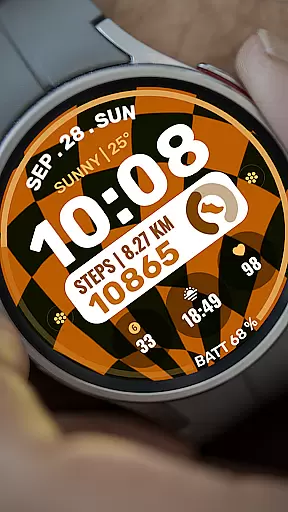
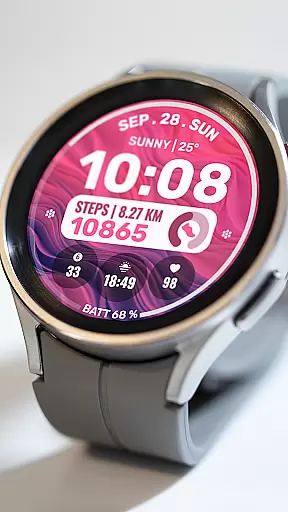
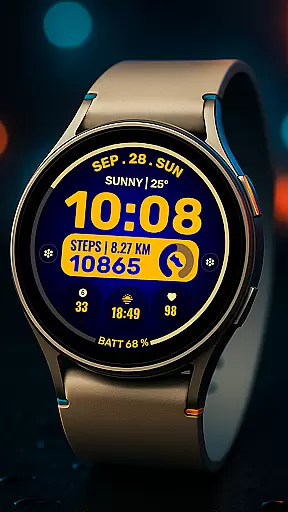
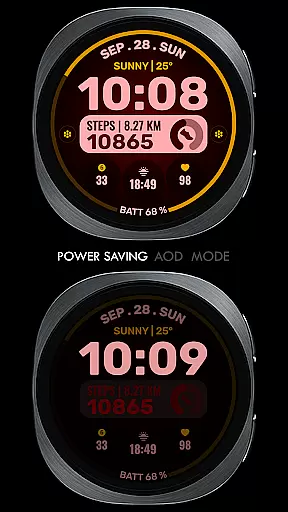
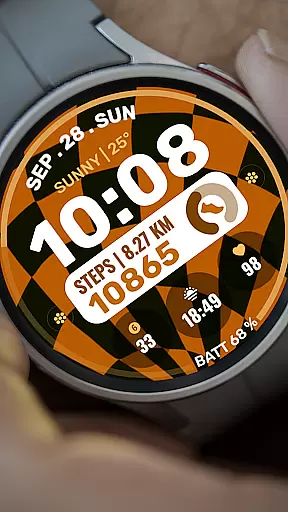
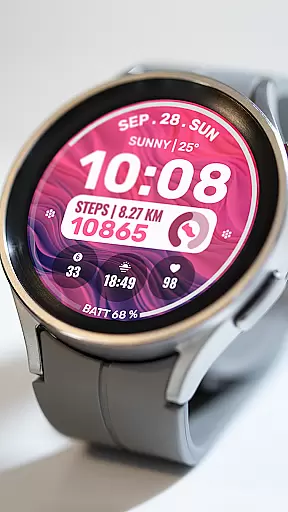
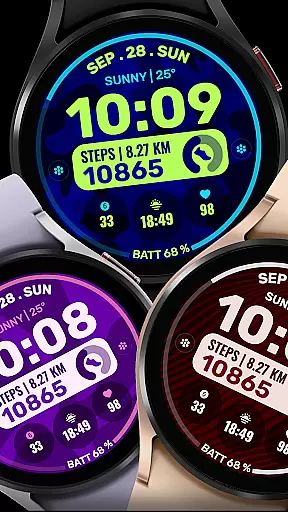
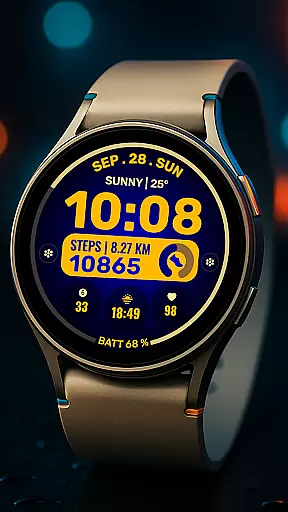
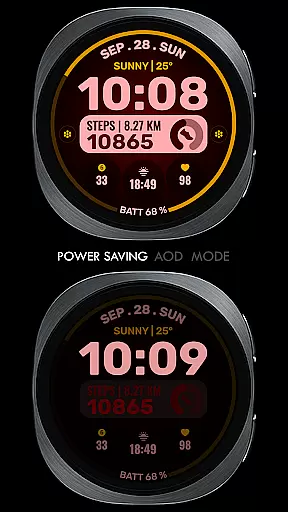
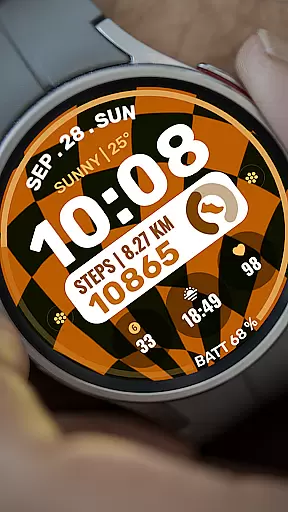
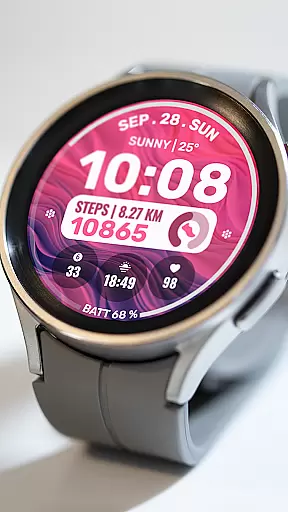
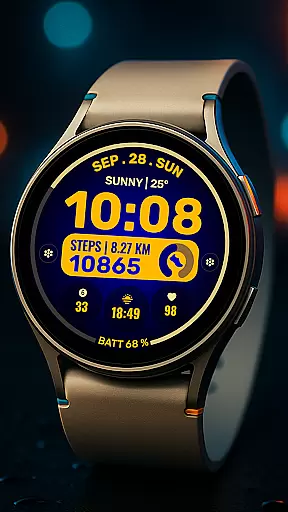
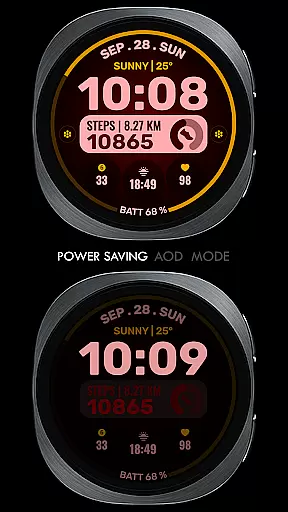
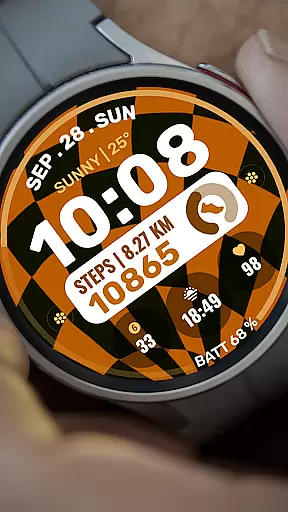
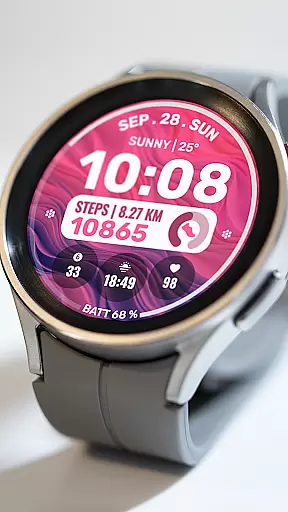
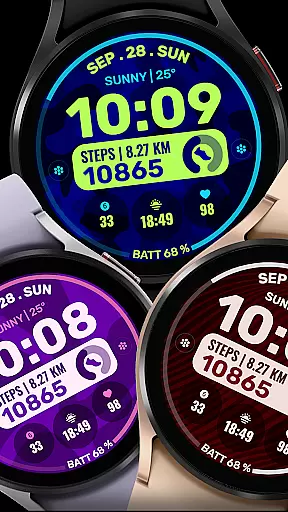
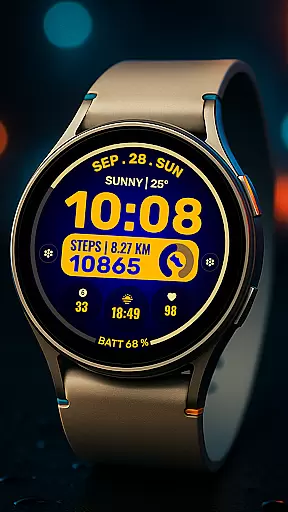
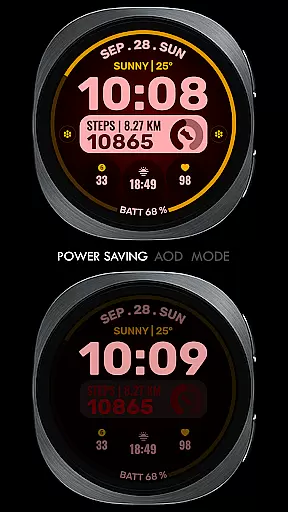
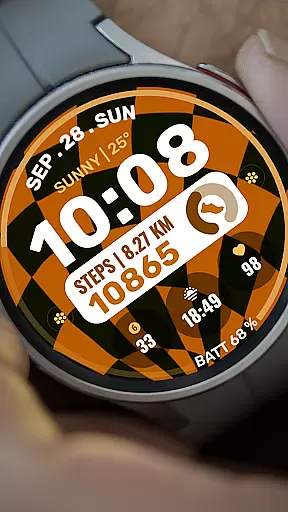
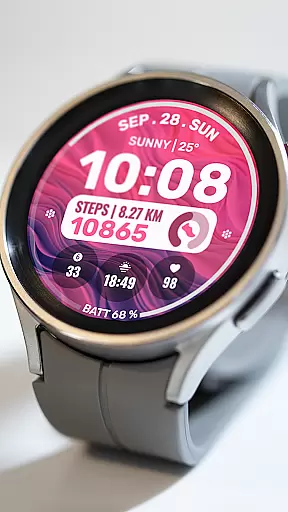
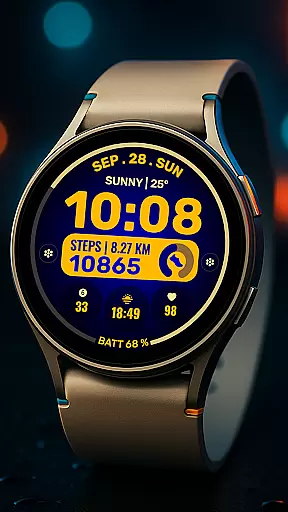
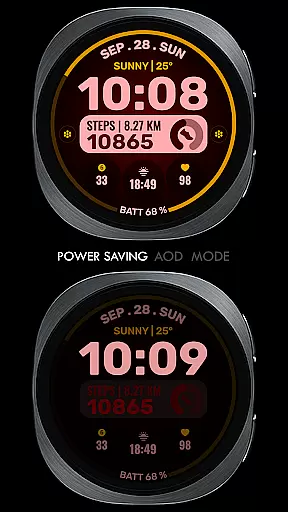
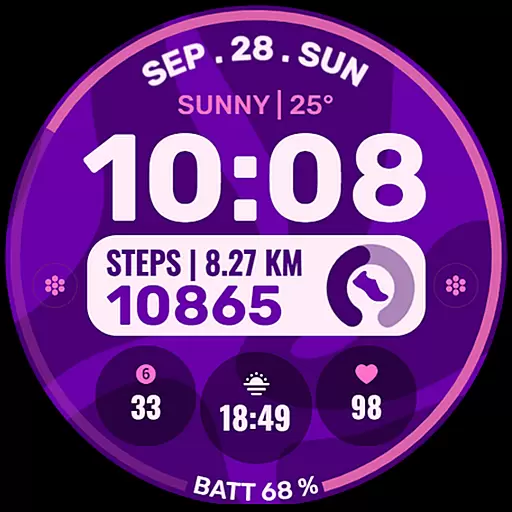
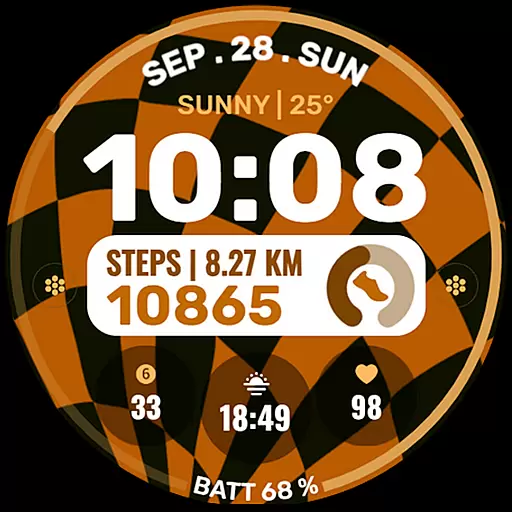
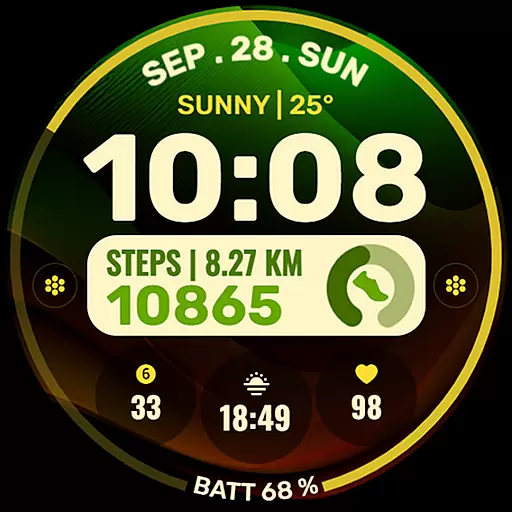
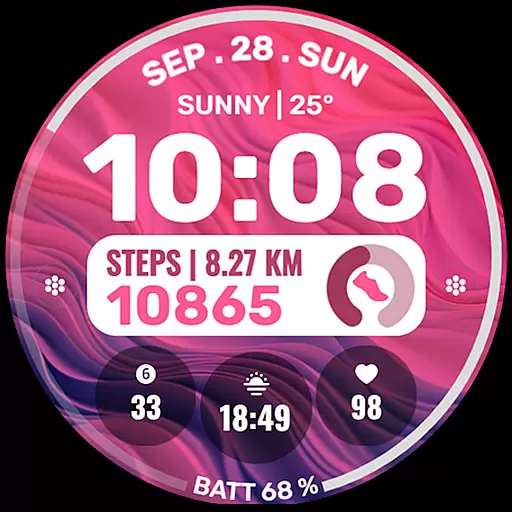
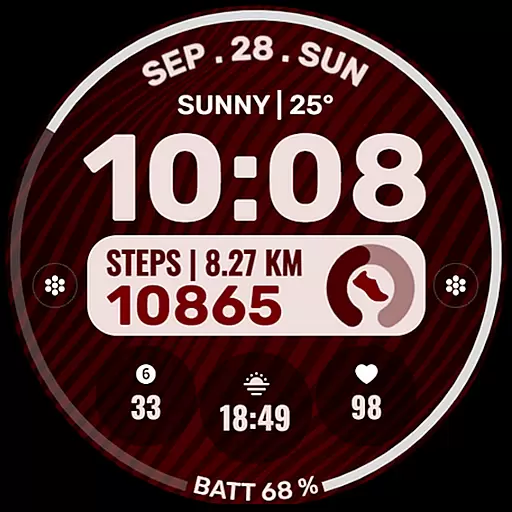
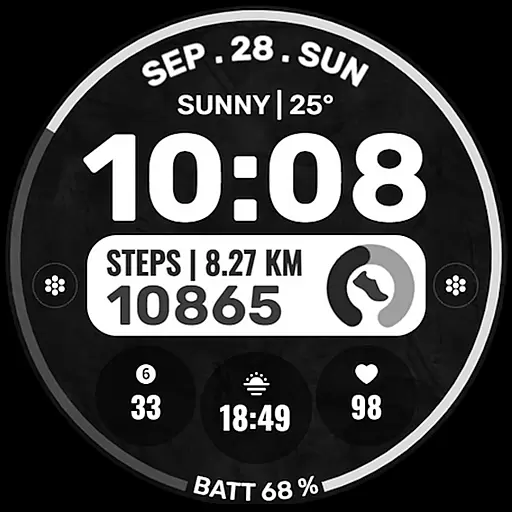
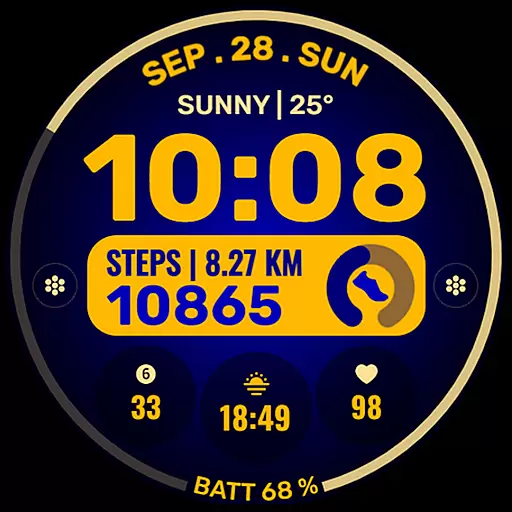
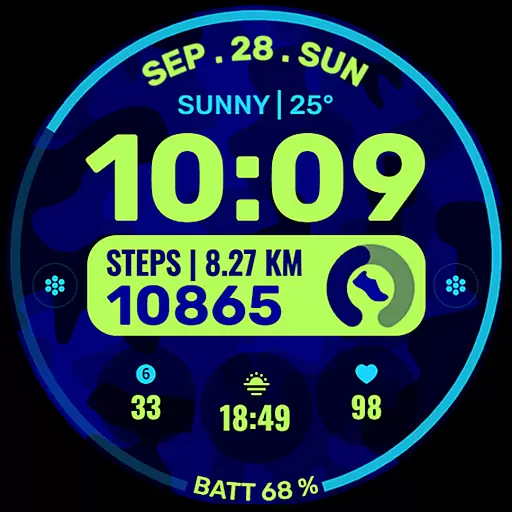
Data Dash is a feature-rich watch face designed for Wear OS devices, offering users an artistic digital clock display along with customizable shortcuts and complications. The app supports all Wear OS devices running API Level 34+ and Wear OS 4 or later versions, ensuring compatibility with the latest smartwatches.
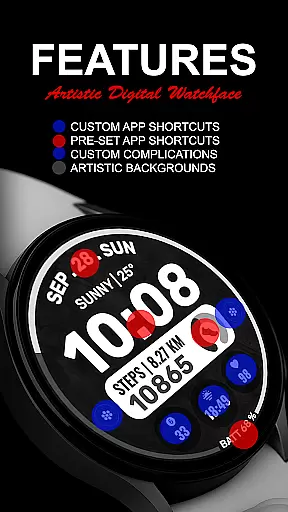
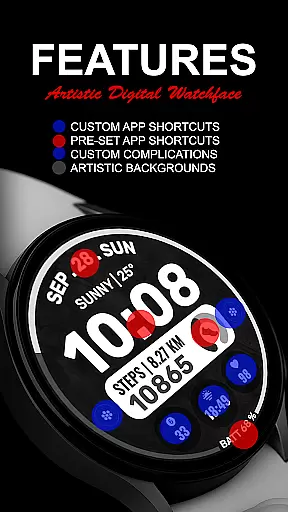
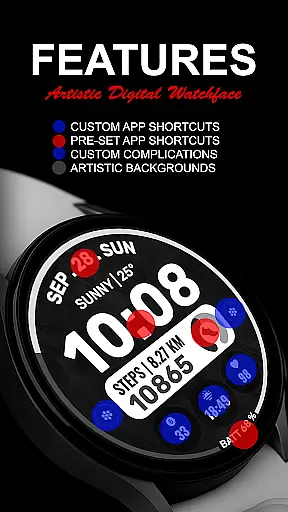
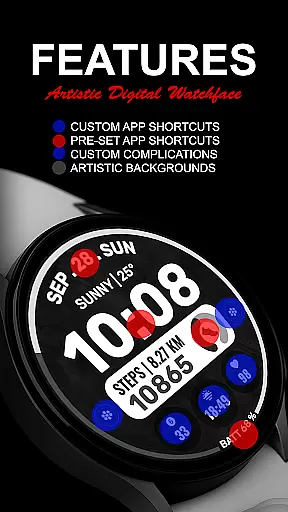
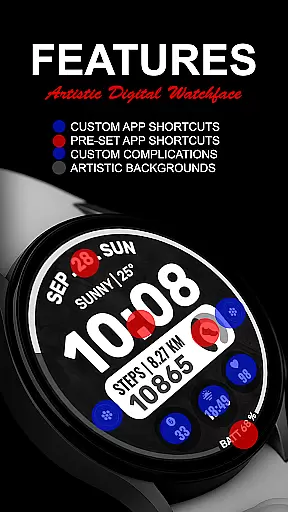
With pre-set app shortcuts for essential functions like Alarm, Calendar, Battery, and Steps, as well as two custom app shortcuts, Data Dash provides quick access to frequently used features. Users can further personalize their experience by customizing up to three complications with data such as date, weather, steps, world clock, sunset/sunrise times, next appointments, and more. This flexibility allows for a tailored watch face that meets individual needs.
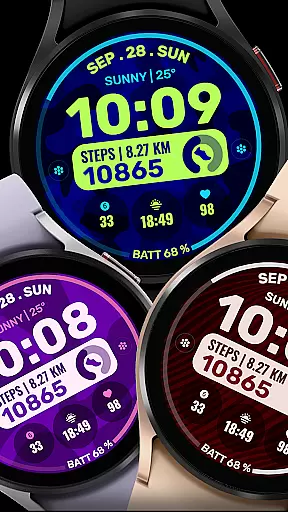
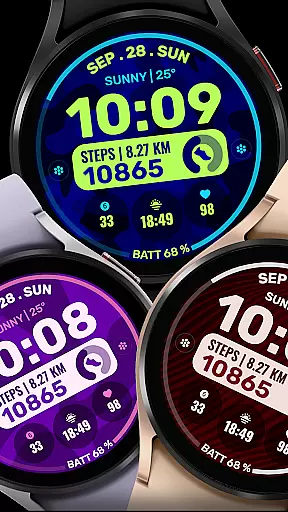
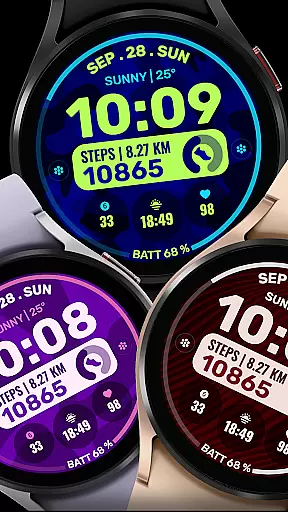
The ability to customize background and color themes adds another layer of personalization, making it suitable for both professional and casual settings. Whether you're tracking daily activities or staying informed about upcoming events, Data Dash enhances your smartwatch's utility while maintaining an aesthetically pleasing design.
Data Dash stands out with its comprehensive set of features designed to enhance user interaction and customization on Wear OS devices. One of the key highlights is the artistic digital clock, which not only displays time but does so in a visually appealing manner, setting it apart from standard watch faces.
The inclusion of pre-set app shortcuts for Alarm, Calendar, Battery, and Steps ensures that users have immediate access to critical functionalities without navigating through menus. Additionally, two custom app shortcuts allow for further personalization based on individual preferences. The ability to customize up to three complications with various data types—including date, weather, steps, world clock, and more—provides unparalleled flexibility in how information is displayed.
Custom background and color themes enable users to match their watch face with personal style or mood, enhancing both functionality and aesthetics. These features collectively ensure that Data Dash offers a unique blend of practicality and personal expression, catering to diverse user needs and preferences.
Companion app integration is essential for ensuring that a smartwatch and its corresponding smartphone work seamlessly together. For Data Dash, this means that users can expect a smooth synchronization process between their Wear OS devices and smartphones.
The watch face supports all Wear OS devices with API Level 34+ and later versions, which ensures compatibility and functionality across different devices. Users should make sure that their watch and phone are synced using the same email address to facilitate an uninterrupted installation experience.
After downloading the watch face, it may take a few minutes for the transfer to complete. A notification will appear on the watch once the process is successful. In case of issues, users can search for 'Data Dash' in the Play Store directly on their watch.
This companion app integration allows users to customize their watch faces either through the Samsung Wearable app or directly on the watch, providing flexibility and convenience in personalizing their wearable technology.
Device compatibility is crucial when selecting a watch face to ensure it functions correctly on your specific device. Data Dash is designed to support all Wear OS devices with API Level 34+ and later versions, making it accessible to a wide range of users.
Some features might not be available on certain watches due to hardware limitations, but the core functionalities such as the artistic digital clock, pre-set app shortcuts, custom app shortcuts, and complications remain consistent across supported devices.
To install Data Dash, users need to wait a few minutes after download for the watch face to transfer to their Wear OS watch. If no notification appears, they can manually search for the watch face in the Play Store on their watch, ensuring that even if initial syncing fails, they can still access the desired features.
By supporting a broad spectrum of Wear OS devices, Data Dash offers a versatile and reliable option for users looking to enhance their smartwatch experience with customizable and visually appealing watch faces.
Highly customizable
Artistic clock design
Wide device support
Quick access shortcuts
Versatile complications
Complex setup process
Limited initial features
Potential sync issues
Third-party dependencies
Restricted refund policy

"PER27 Galaxy Digital" is a digital Wear OS watch face designed by PERSONA
 4.10
4.10
Animated Watch Face and Customizable with 24 Backgrounds. Perfect for Christmas!
3.90
Embrace the festive spirit with our Christmas Countdown watchface for Wear OS
4.10
A heartwarming Christmas scene featuring a cute image of Santa and Rudolf
4.5
Beautiful, colorful and practical watch face. For Wear OS devices.
5.00
Locate your family members by GPS phone location tracker everywhere and anytime
4.30
Hybrid Vibrant Health Watch Face for Wear OS
4.5
Simple, helpful messaging by Google
4.60
Toyota app currently supports 2010 or newer vehicles (2018 or newer for Hawaii).
4.50
Real-time weather radar with temperatures, warnings, hurricanes, and widgets
4.80
Kia Access makes getting your vehicle information easier than ever
4.60
A realistic hybrid watch face with many customization options.
4.60
The ultimate destination for kids ages 3-8 to explore the Marvel Universe!
4.30
A customizable Christmas watch face for Wear OS with a countdown.
4.20
Snowflake Rose Gold Watch Face - Digital, modern, & sleek with GYRO effect.
4.10
Professional weather radar and more
3.90
Authentic military-tactical design with ZULU time! Realistic and functional!
3.80
Sleek, highly customizable watch face inspired by Galaxy Watch Circle Dashboard.
4.0
Minimalistic design modern digital watch face.
4.0


User Reviews