

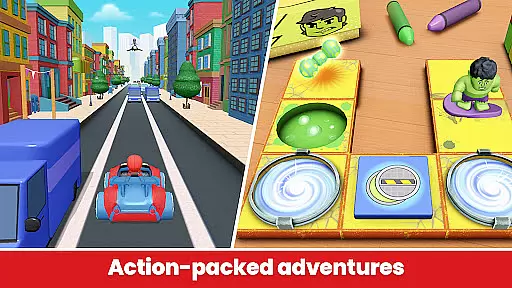
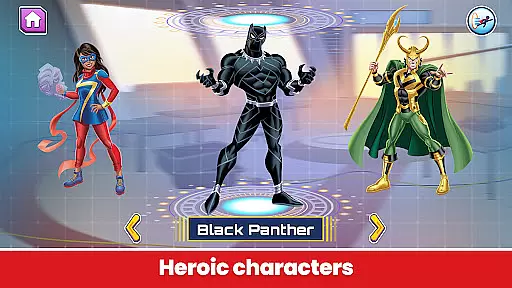
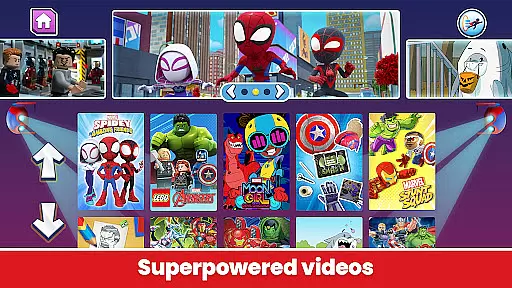
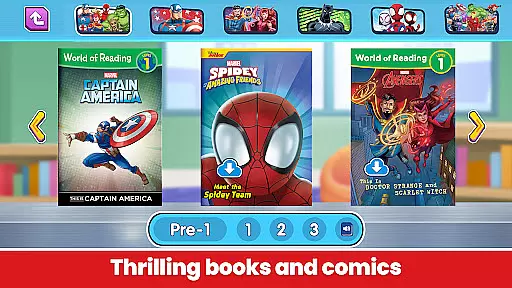

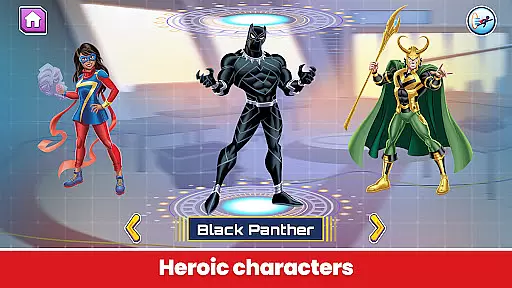
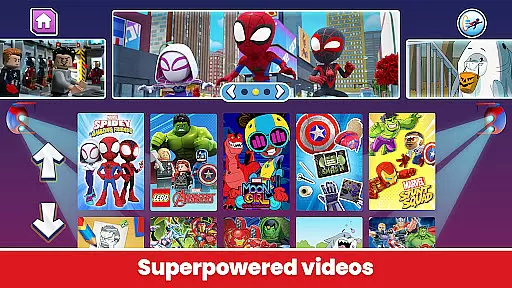
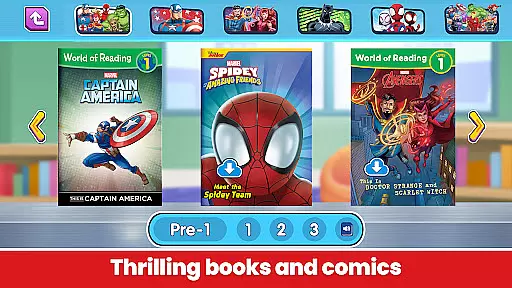
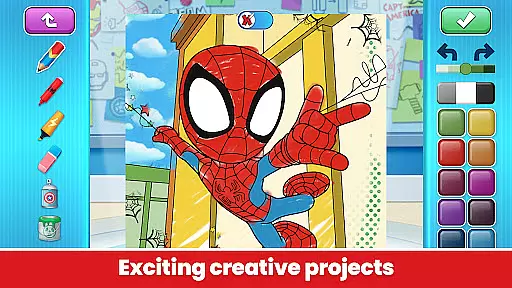
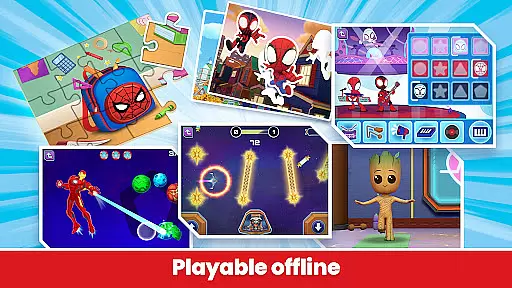

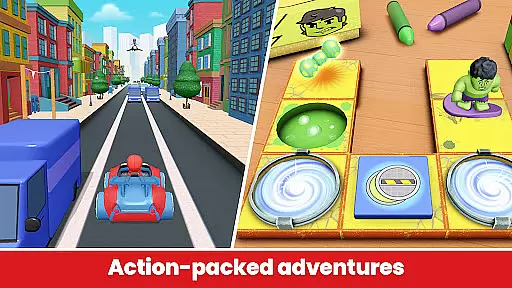
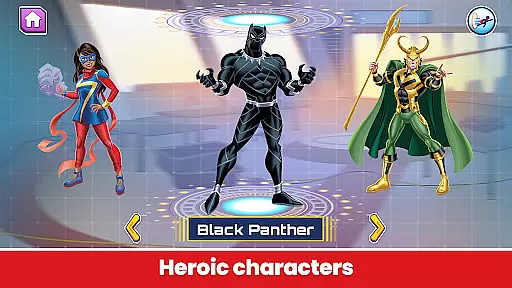
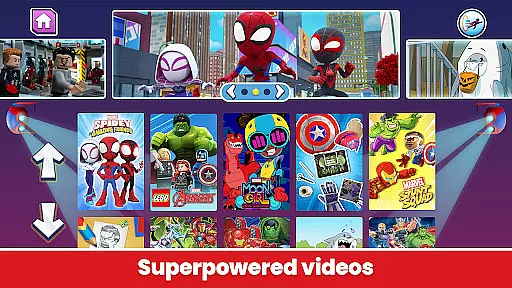
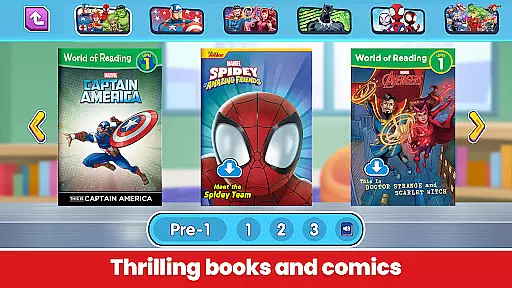
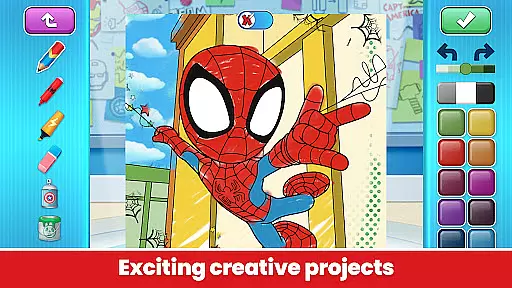
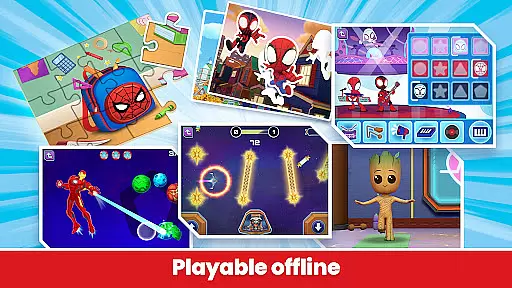

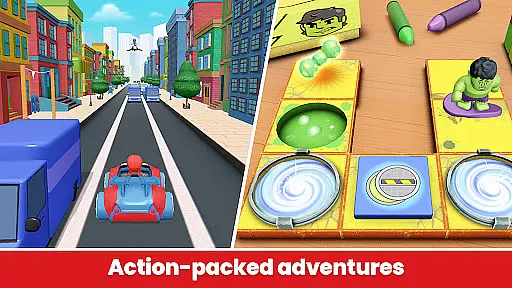
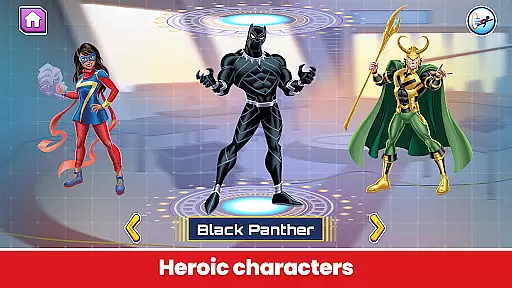
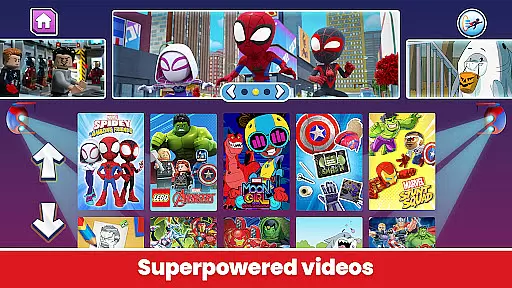
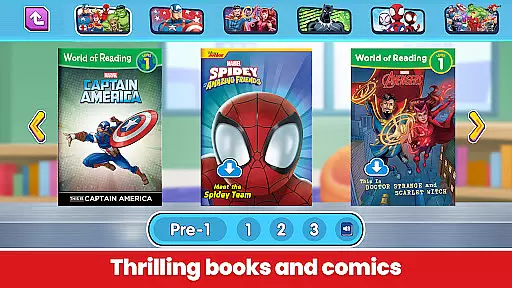
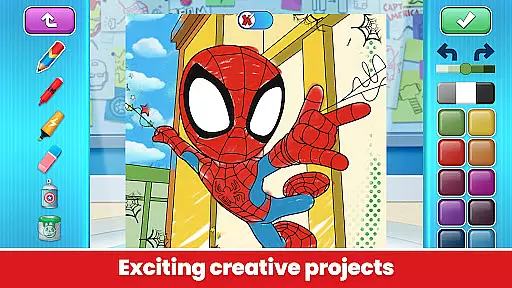
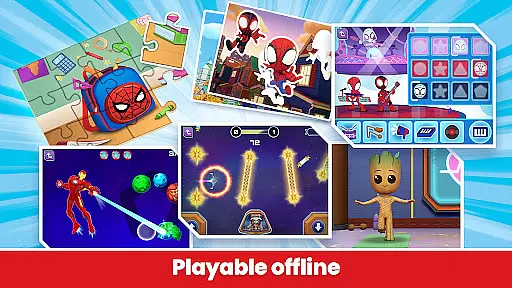
Marvel HQ is an engaging app designed for children aged 3-8, offering a rich selection of Marvel-themed content. It provides access to comics, videos, and interactive activities featuring beloved superheroes. The app is crafted to enhance cognitive skills, problem-solving abilities, and creativity while ensuring age-appropriate and safe digital experiences.
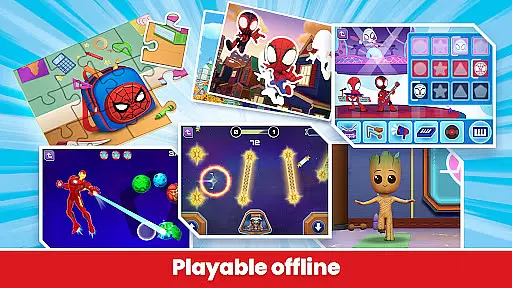
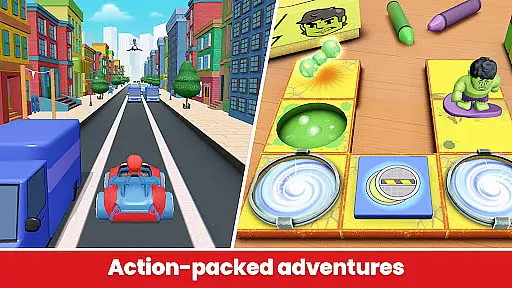
With features like offline play, regular content updates, and COPPA certification, Marvel HQ ensures a secure and uninterrupted entertainment experience. Children can enjoy activities such as coding with Hulk, reading stories, and nurturing their own Groot, all within a controlled environment that promotes healthy screen time habits.
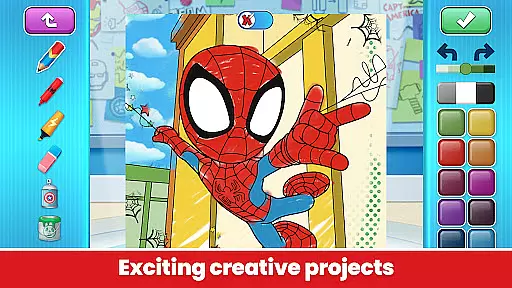
Marvel HQ stands out with its diverse range of features tailored for young Marvel fans. The app includes interactive games, digital comics, and creative tools that foster artistic development. Activities are designed to sharpen critical thinking and boost literacy through engaging storytelling supported by actor narration.
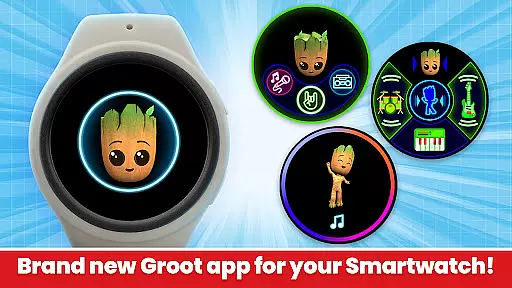
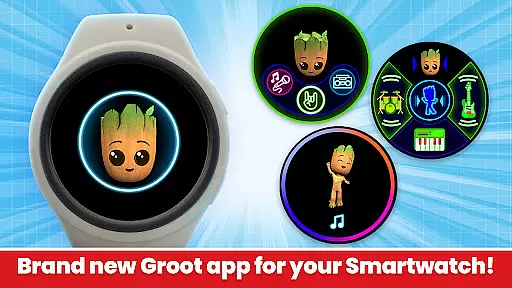
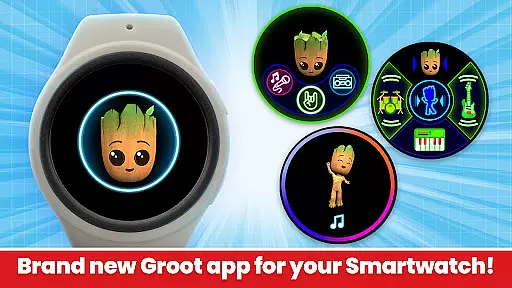
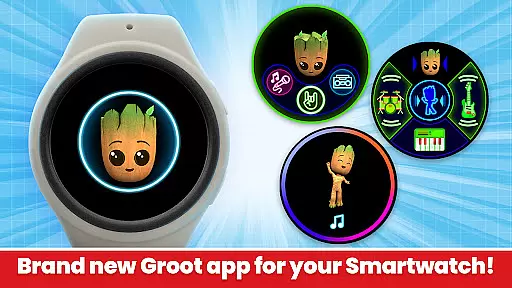
Additional highlights include the COPPA-approved safety standards, absence of third-party ads, and no in-app purchases for subscribers. The newly introduced Wear OS compatibility allows kids to enjoy unique experiences like Groove with Groot on smartwatches, enhancing both fun and convenience.
Companion app integration is essential for providing a seamless experience between mobile devices and wearables. Marvel HQ excels in this area by ensuring that its content is not only accessible on smartphones but also optimized for Wear OS devices.
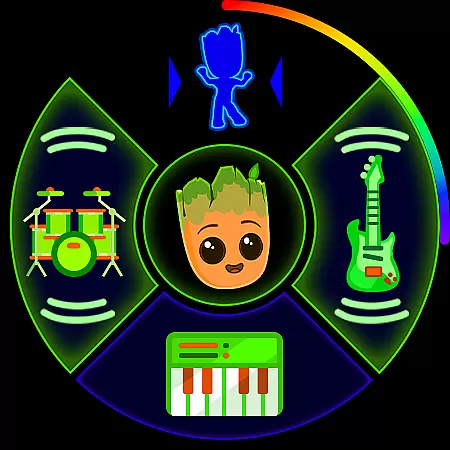
The Marvel HQ app allows users to enjoy features like the Groove with Groot experience directly from their smartwatches. This feature lets you create and mix tunes, which can be initiated independently from the watch interface, demonstrating an effective companion app strategy.
By pairing with animated watch faces and complications, Marvel HQ enhances user engagement without needing to rely on the phone constantly. This independence offers convenience and enriches the overall user experience on wearable technology.
Ensuring compatibility with Wear OS and various devices is crucial for apps targeting the Android ecosystem. Marvel HQ has been designed to work efficiently across different devices, including smartphones and smartwatches running on Wear OS.
This compatibility means that whether kids are at home or on the go, they can access Marvel HQ's rich content library, such as comics, videos, and activities, regardless of the device they use. The adaptability extends the app's utility beyond just entertainment to educational purposes.
Moreover, the FTC Approved COPPA Safe Harbor Certification by Privo assures parents that Marvel HQ maintains high standards of safety and privacy across all compatible devices, making it a trustworthy choice for children's digital consumption.
User-friendly interface
Regular content updates
Enhances cognitive skills
Safe and ad-free
Encourages creativity
Limited free content
Subscription required
No Family Library sharing
Offline mode limited
Age-specific audience

an Analog Watch Face for winter season with freeze winter background for Wear OS
 4.2
4.2
A Wintery Snow Globe on Your Wrist; now celebrating Christmas!
4.2
A watch face that fuses motorsport precision with contemporary smartwatch design
4.1
A modern premium sporty hybrid watch face for Wear OS by Ballozi
4.70
Gym & home workout plans with strength training, exercise tracking, HIIT & more.
4.60
Real-time results, stats, schedules and player profiles for all leagues
4.60
Hybrid watch face for Wear OS with customizable complications by Matteo Dini MD
4.70
A white realistic classic analog watch face with many customization options.
4.40
Track airplanes and follow flights with our real-time flight tracker
4.50
Period, ovulation & pregnancy tracker. Fertility insights & menstrual calendar.
4.90
The Chevron App allows you to pay for fuel from the comfort of your car!
4.80
Be an elegant and classy secret agent, with this carefully detailed watch face
4.70
Bold, Modern Hybrid Watch Face for Wear OS. 10 Colors, Rich Info Display.
4.30
Connect, create, and collaborate with Gmail, part of Google Workspace.
4.10
Viewer for Wyze/Yi/Eufy/Arlo/ONVIF/RTSP/P2P IP cams w/ adv. features & DIY DVR
4.00
Structured watch face with seven complications and modular UI elements
3.90
Stay in touch with your friends and family using LINE!
3.40
Contemporary digital watch face with five complications
4.3
Funny animated watch face for Thanksgiving
4.0


User Reviews