
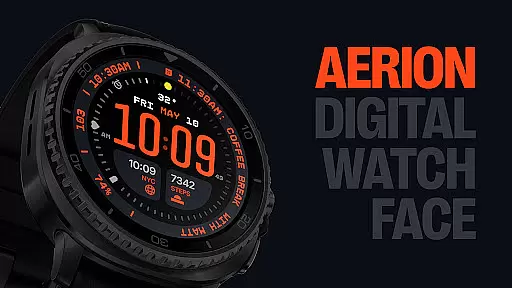
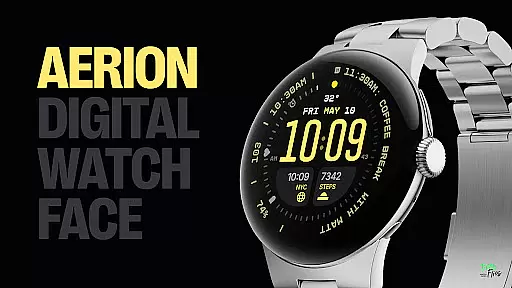
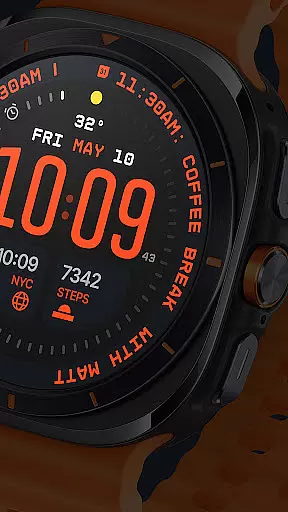
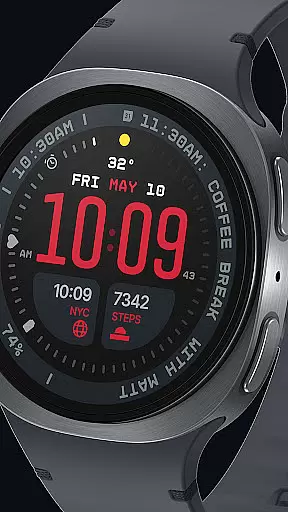
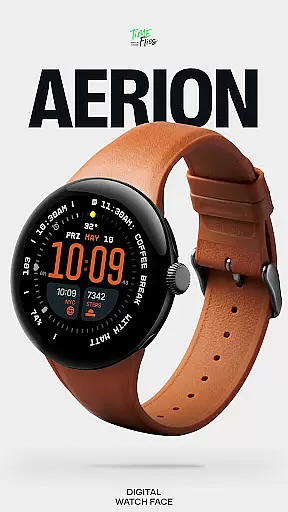
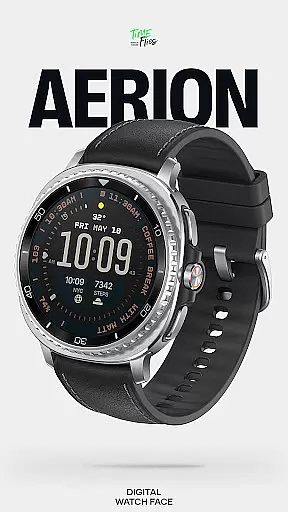
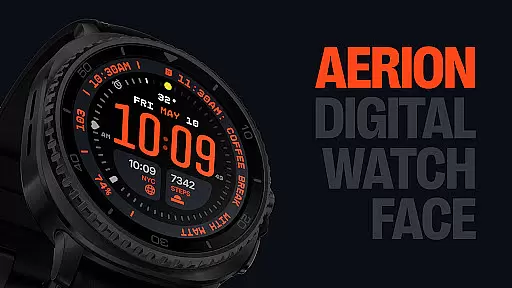
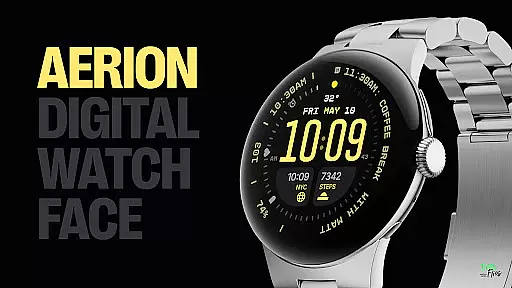
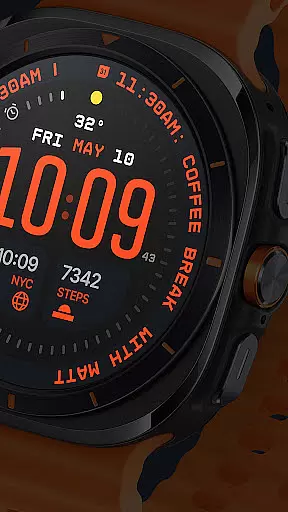
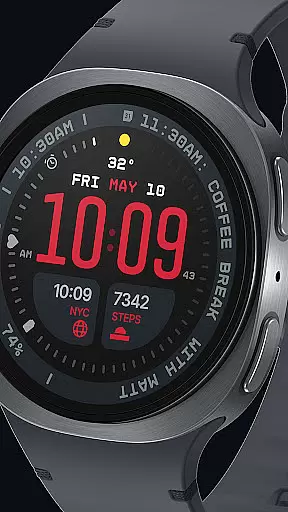
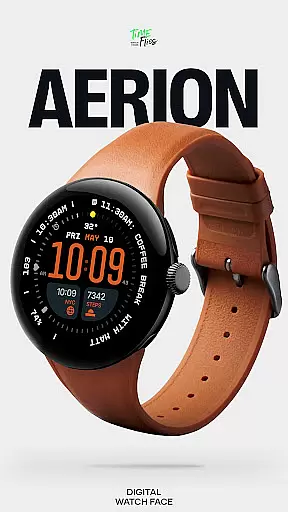
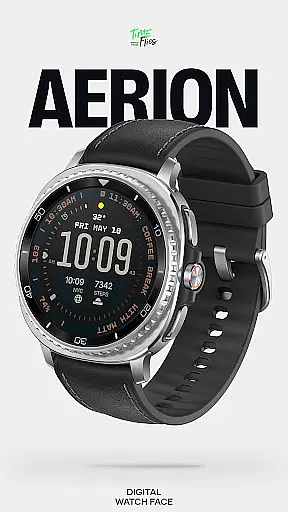
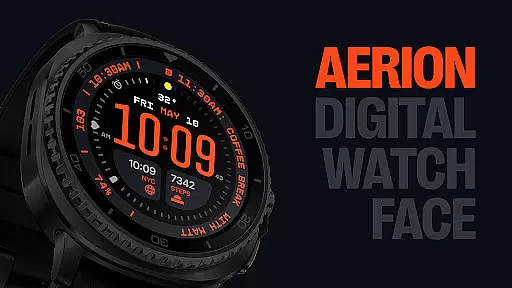
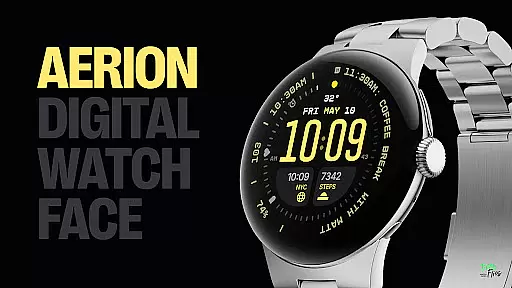
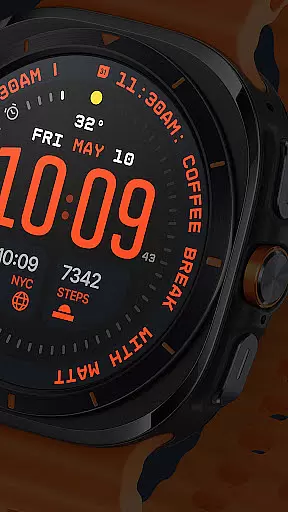
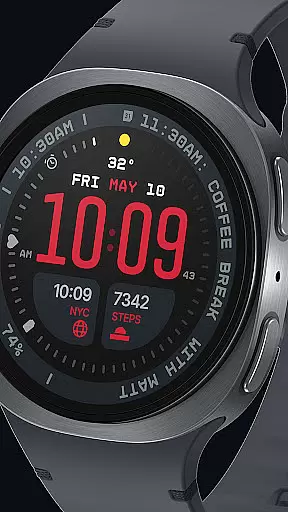
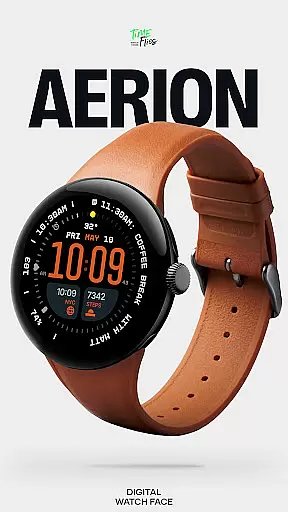
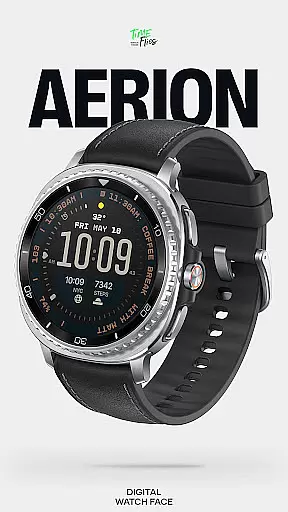
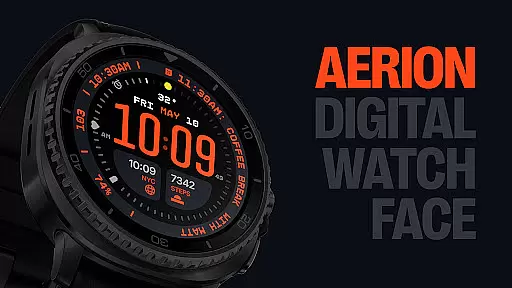
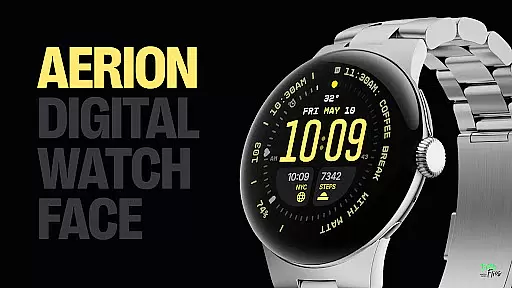
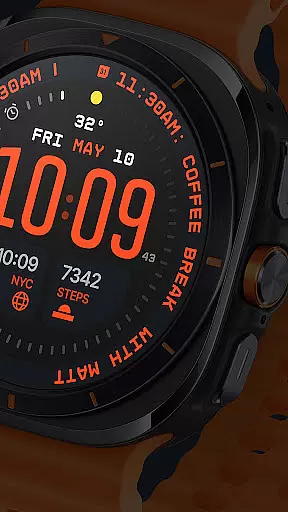
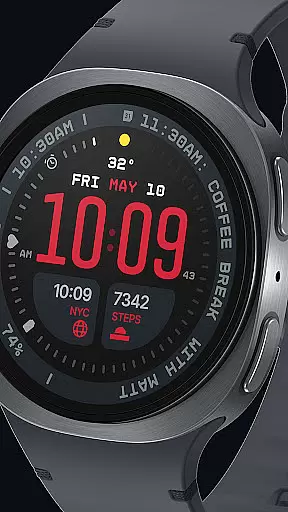
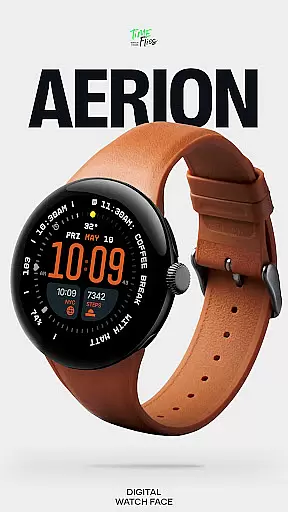
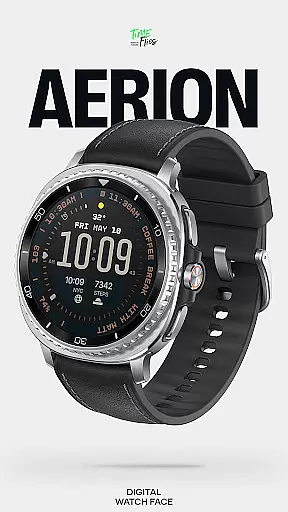
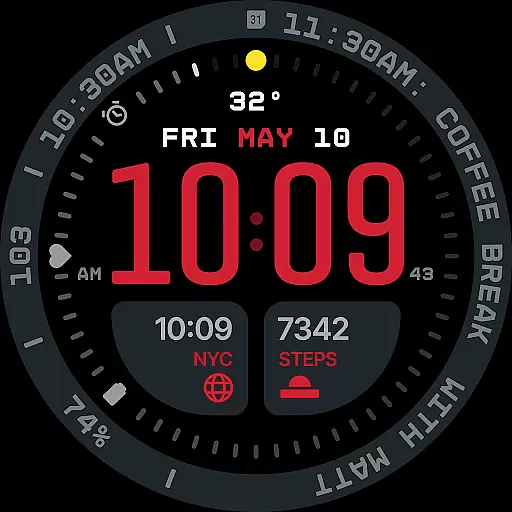
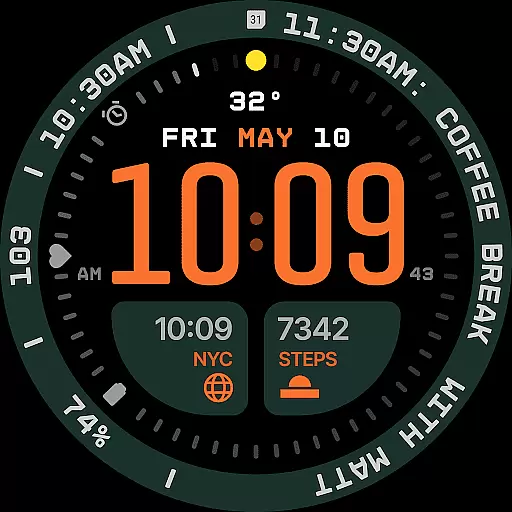
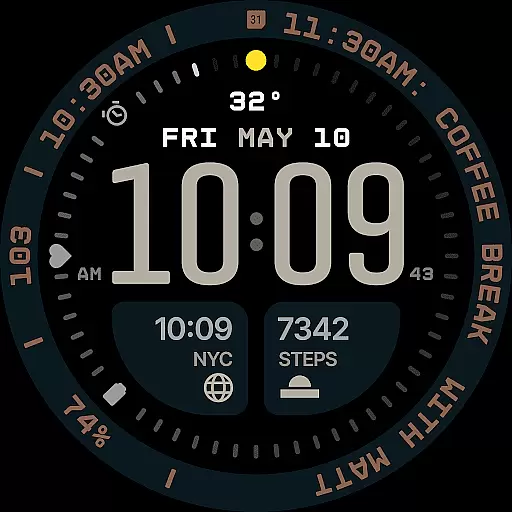
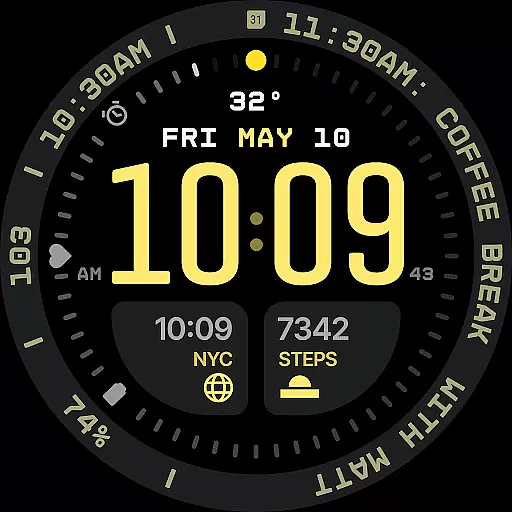
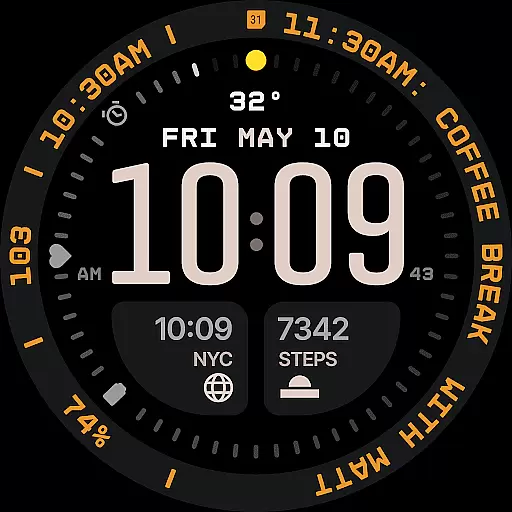
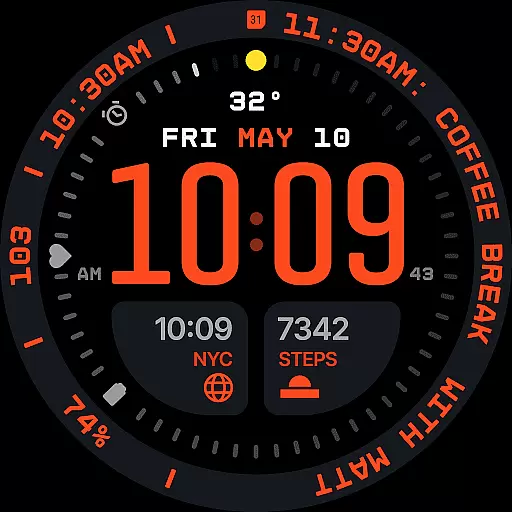
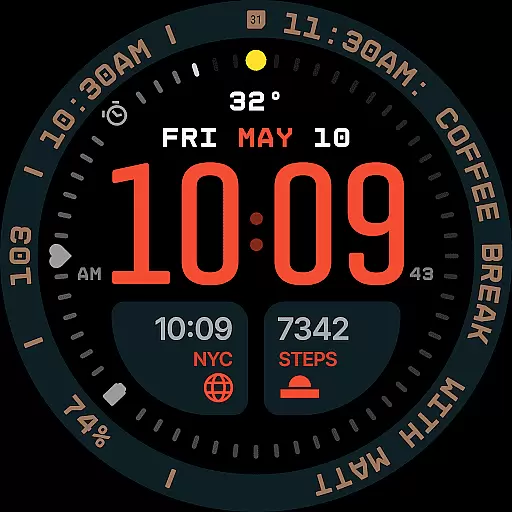
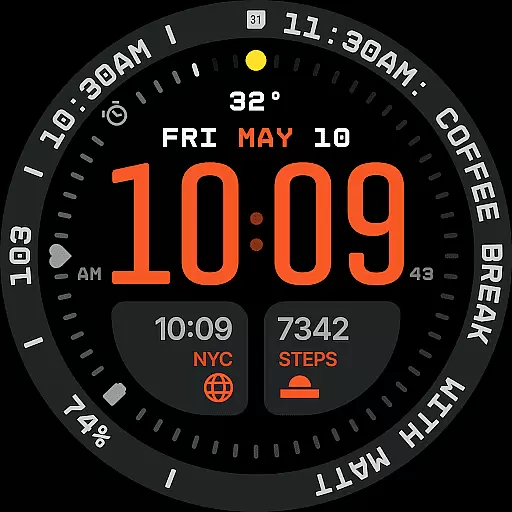
Aerion Digital Watch Face offers a modern approach to digital timekeeping for Wear OS devices. Designed with precision spacing and integrated complication zones, it balances structure and clarity while providing intelligent visual rhythm. The watch face features a weighted font for time display, customizable complications, and optional stylistic elements like a bezel and background layer.
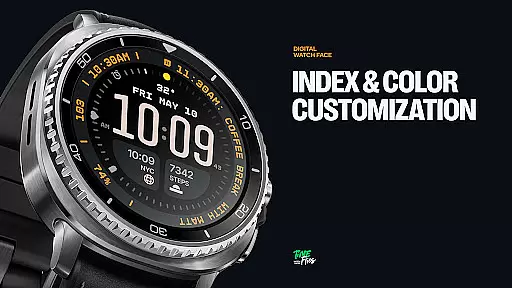
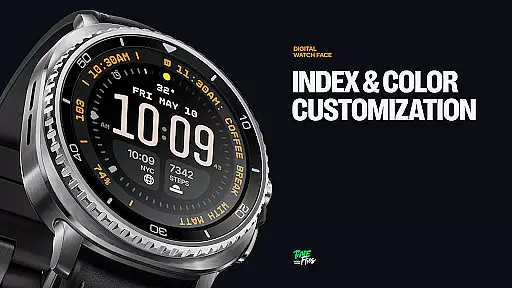
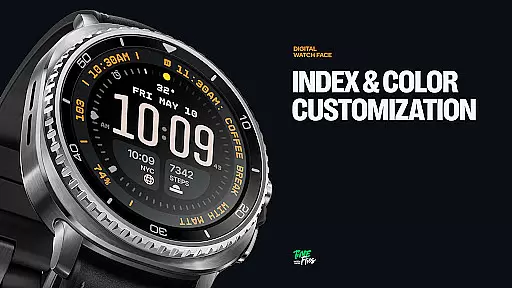
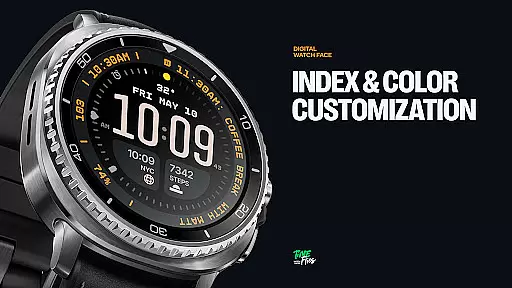
With battery efficiency in mind, Aerion supports four Always-on Display styles, including full and minimal configurations. Its 30 color schemes and customizable options make it a versatile choice for users seeking both readability and personalization. The inclusion of a built-in day and date display ensures practicality without compromising the sleek design.
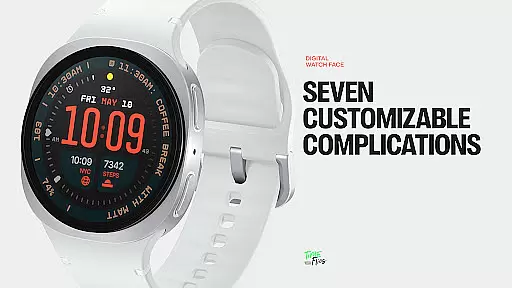
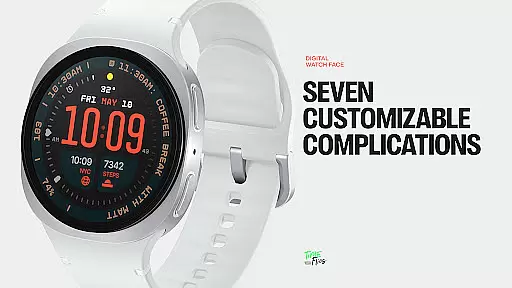
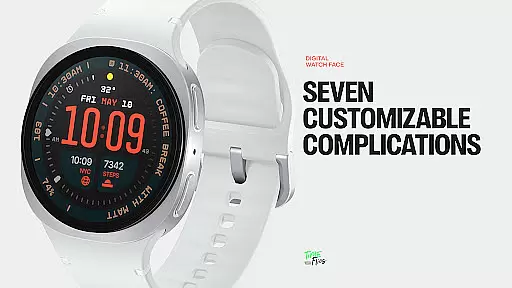
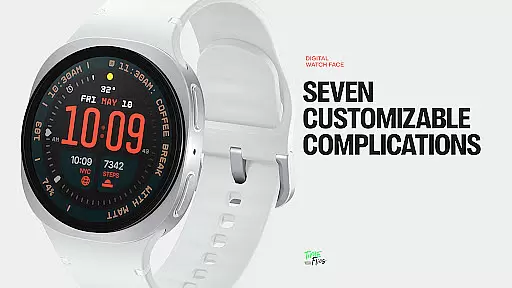
Aerion stands out with its 7 fully customizable complications, offering slots for various data types such as calendar events or voice assistant content. These include two universal slots, one short-text slot above the time, three positioned around the dial, and a long-text slot for contextual information. This flexibility allows users to tailor their watch face to specific needs.
The watch face is optimized for performance using the modern Watch Face File format, ensuring smooth operation and energy-conscious usage. With 30 curated color schemes and optional bezel and background layers, users can personalize their experience while maintaining optimal readability. Four Always-on Display modes further enhance usability by balancing style and power conservation.
Companion app integration is crucial for enhancing the functionality of wearable devices. The Aerion Digital Watch Face offers an optional Android companion app that allows users to conveniently access other watch faces from Time Flies.
This seamless connection between the smartphone and the smartwatch ensures that users can easily switch between different watch faces, adjusting their preferences without hassle. The companion app acts as a control center, providing quick access to additional customization options.
By integrating with the companion app, users benefit from a more versatile and personalized experience. They can manage their digital timekeeping preferences efficiently, ensuring their smartwatch always reflects their style and needs.
The availability of this feature underscores the commitment to user-centric design, making it easier for individuals to enjoy a cohesive ecosystem where their devices work harmoniously together.
Ensuring compatibility with Wear OS and various devices is essential for a seamless user experience. The Aerion Digital Watch Face is engineered specifically for Wear OS, guaranteeing smooth system performance and optimal battery efficiency.
This compatibility means that users can enjoy a wide range of features without worrying about performance lags or excessive battery drain. The watch face supports four Always-on Display styles, including full, dimmed, and minimal configurations, which are designed to conserve power while maintaining style.
With its modern Watch Face File format, Aerion maintains high standards of operation across different devices. This ensures that whether you're using a newer model or an older version of Wear OS, the experience remains consistent and reliable.
Ultimately, this focus on compatibility highlights the dedication to creating a versatile and efficient product, catering to tech-savvy users who demand both functionality and aesthetics in their smartwatch experience.
Highly customizable
Battery efficient
Clean modern aesthetic
Wide color selection
Optimized performance
Limited analog appeal
Requires Wear OS
Companion app needed
Complex setup
Premium cost

"PER27 Galaxy Digital" is a digital Wear OS watch face designed by PERSONA
 4.10
4.10
Current temperature, weather hourly, weather radar by the weather forecast app
4.40
Bold, Modern Hybrid Watch Face for Wear OS. 10 Colors, Rich Info Display.
4.30
Stylish digital watch face for Wear OS devices with customizable features
4.1
Locate your family members by GPS phone location tracker everywhere and anytime
4.30
Get helpful reminders, take progress photos and find answers to your questions.
3.90
Minimalistic design modern digital watch face.
4.5
Simple, helpful messaging by Google
4.60
Control your Samsung Smart TVs, appliances, and SmartThings-compatible devices
4.60
The most customizable hybrid watch face. For Wear OS 5.0, API 34+ and later
4.70
WTW M17 is a premium and luxurious hybrid watch face
4.70
Nutrition, Macro tracker: Food, fitness & healthy diet tracking for weight loss
4.60
Connect to your Bluelink equipped Hyundai vehicle from your smartphone.
4.50
Digital watch face with big numbers and many customization for Wear OS devices
4.40
Premium hybrid watch face with many customizations for Wear OS devices.
4.40
Embrace the festive spirit with our Christmas Countdown watchface for Wear OS
4.10
sleep, alarm, snoring, stress, healing, focus, sound therapy, circadian rhythm
4.10
Authentic military-tactical design with ZULU time! Realistic and functional!
3.80
Funny animated watch face for Thanksgiving
4.1


User Reviews