
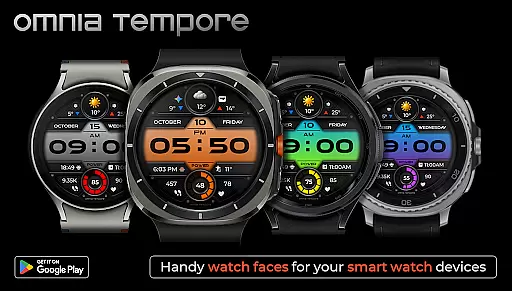
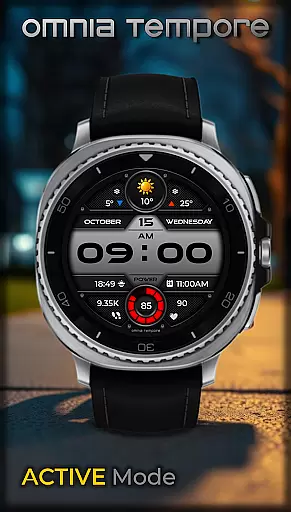
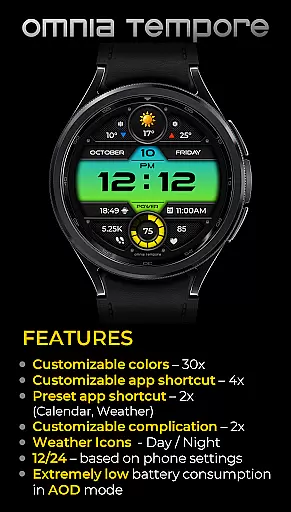
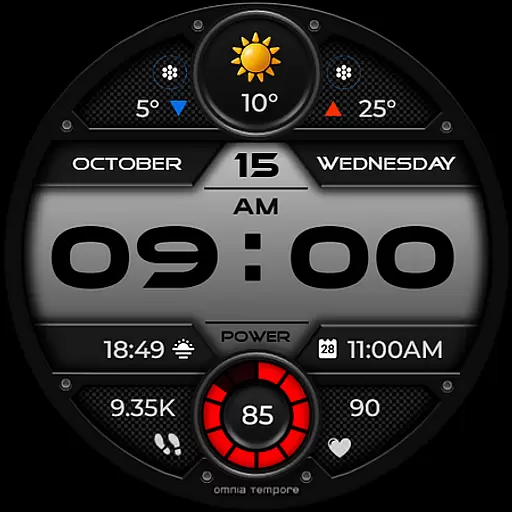
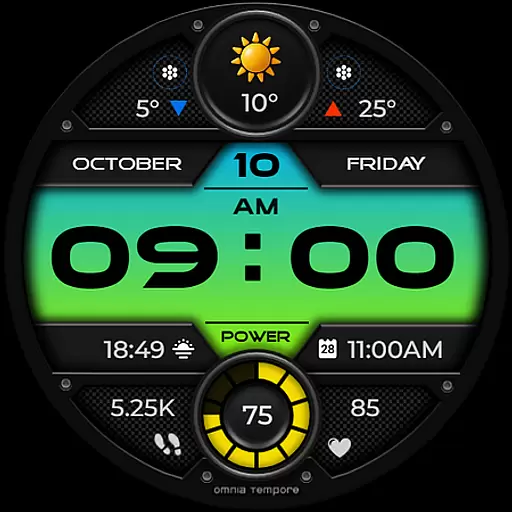
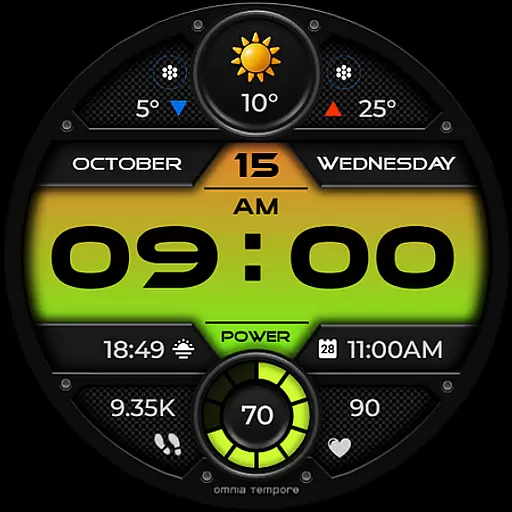
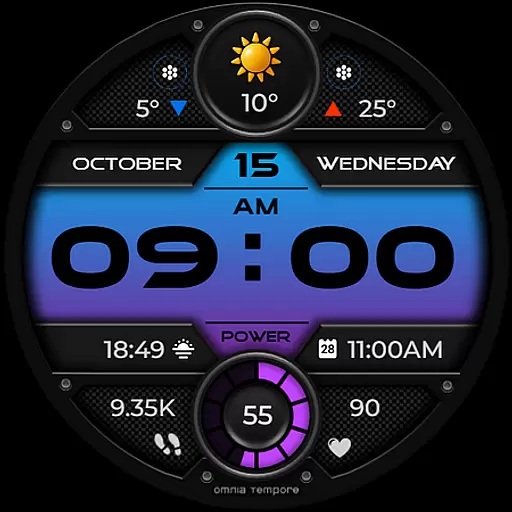
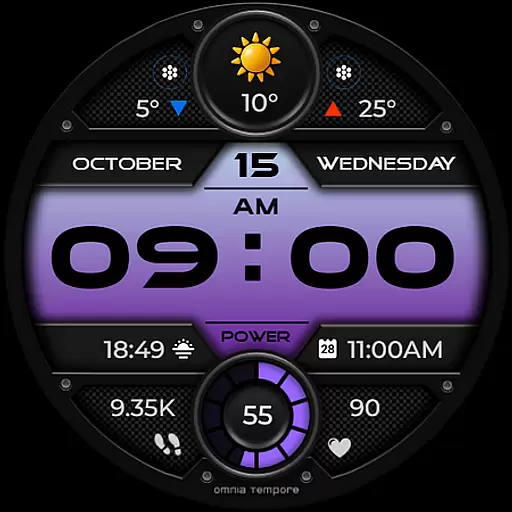
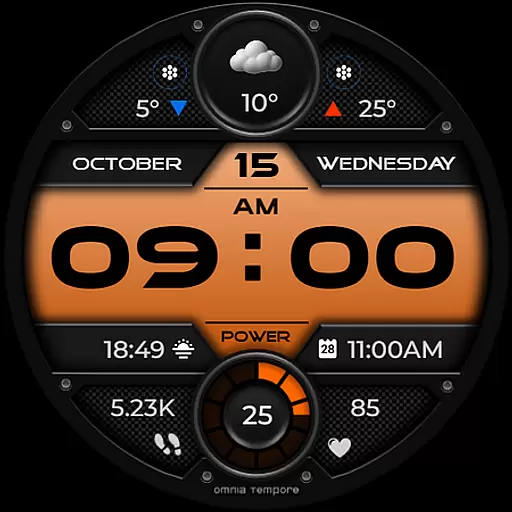
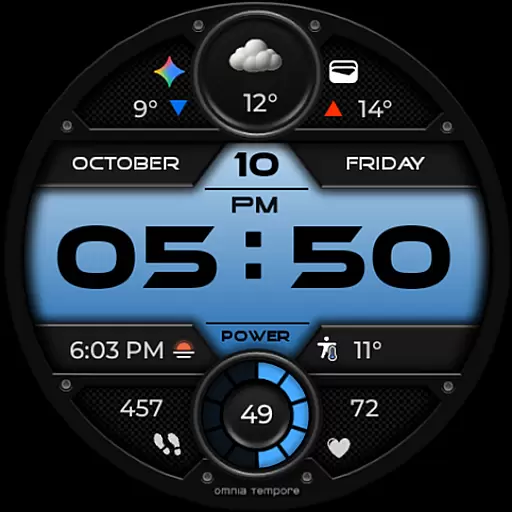
OT is a sophisticated digital watch face designed for Wear OS devices running version 5.0 and above. This application seamlessly blends style with functionality, offering users real-time weather updates, step counting, and heart rate monitoring. The watch face ensures that you remain connected to both your personal well-being and the outside world.
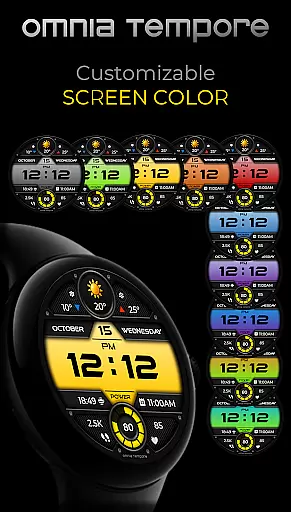
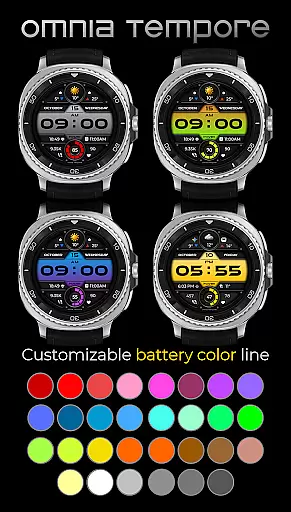
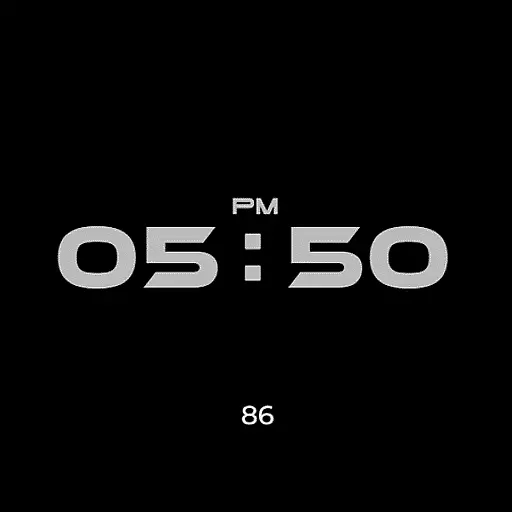
With customizable complications and app shortcuts, OT provides a personalized experience that aligns with individual preferences. Users can choose from ten color versions of the display and thirty color options for battery status indication. Additionally, its low power consumption in Always-On Display (AOD) mode makes it an efficient choice for everyday use.
Whether you're managing a busy work schedule or maintaining an active lifestyle, OT's sleek design combined with smart features offers clarity, control, and confidence on your wrist.
OT stands out with its comprehensive feature set tailored for Wear OS users. It includes real-time weather updates, which are crucial for planning daily activities, alongside health-focused functionalities like step counting and heart rate tracking to support fitness goals.
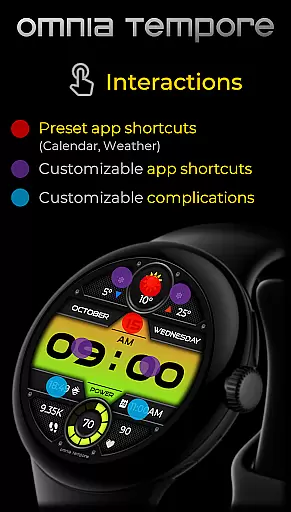
The ability to customize the watch face is one of OT's key strengths. With two customizable complications and six app shortcut slots—two preset (Calendar, Weather) and four user-configurable—it delivers quick access to frequently used applications. Furthermore, the availability of multiple color schemes allows users to tailor their experience aesthetically as well.
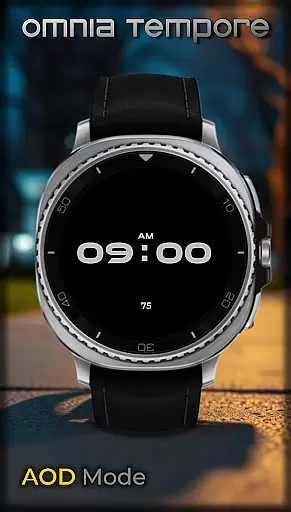
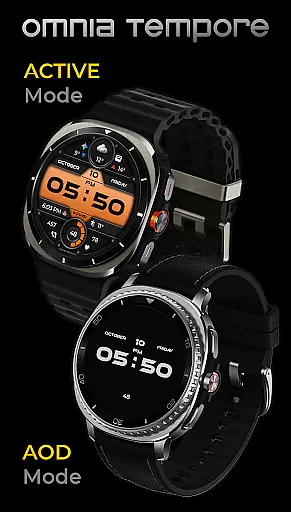
Power efficiency is another highlight; OT operates efficiently even in AOD mode, ensuring extended battery life without compromising on essential information visibility. These thoughtful integrations make OT not just a timepiece but a versatile companion for modern living.
Companion app integration is essential for a seamless wearable experience. The OT watch face demonstrates exceptional connectivity with its companion app, ensuring that all your important information is synchronized across devices.
This Wear OS watch face maintains constant communication with your smartphone, providing real-time weather updates and calendar notifications. The synchronization process is automatic and reliable, eliminating the need for manual updates or adjustments.
Users benefit from having their most critical data always accessible on their wrist. Whether it's receiving instant weather alerts or viewing upcoming appointments, the companion app integration ensures you're always in the loop without needing to reach for your phone.
The integration also allows for easy customization of complications directly from the companion app. This feature enables users to personalize their watch face to display the information that matters most to them, creating a truly tailored wearable experience.
Device compatibility is crucial for ensuring optimal performance across various Wear OS devices. The OT watch face is designed to work seamlessly with Wear OS 5.0 and above, guaranteeing broad compatibility with modern smartwatches.
This compatibility extends beyond just operating system versions. The watch face maintains consistent performance and visual quality regardless of screen size or resolution. From smaller round displays to larger rectangular screens, users can expect crisp graphics and smooth animations.
The application's low power consumption in AOD mode showcases its optimization for different device capabilities. This feature ensures that battery life remains unaffected while still providing essential information at a glance.
With support for multiple color options and customizable elements, the watch face adapts well to various device specifications. Users can enjoy a personalized experience without worrying about compatibility issues, making it an ideal choice for those seeking both style and functionality in their wearable devices.
User-friendly interface
Customizable display options
Health and fitness tracking
Efficient power consumption
Real-time weather updates
Limited to Wear OS
Requires Android 5.0+
Premium features may cost extra
Some settings might be complex
Dependent on phone connectivity

Rose gold watch face with festive lights & customizable features.
 4.60
4.60
Snowflake Rose Gold Watch Face - Digital, modern, & sleek with GYRO effect.
4.10
Let's celebrate Thanksgiving - Wear Os watch face
4.20
Monitor health with the stress test and pulse checker in the heart rate app.
4.60
Professional weather radar and more
3.90
A modern hybrid informative watch face for Wear OS designed by BALLOZI
4.80
Hybrid watch face for Wear OS with customizable complications by Matteo Dini MD
4.70
Daily Weather forecast with 15 weather images for Day & Night plus Big Bold time
4.10
From periods to pregnancy & perimenopause, Flo helps you track it all. Try now.
4.70
To-Do List: daily schedule planner, task organizer, to do reminder app, calendar
4.60
Walking app for weight loss: walk & step tracker, pedometer, indoor treadmill
4.60
A realistic hybrid watch face with many customization options.
4.60
Digital watch face with big numbers and many customization for Wear OS devices
4.40
Your music, your playlists, and more—offline and unlimited.
4.20
Embrace the festive spirit with our Christmas Countdown watchface for Wear OS
4.10
sleep, alarm, snoring, stress, healing, focus, sound therapy, circadian rhythm
4.10
The #1 source of faces for your smartwatch!
4.00
Authentic military-tactical design with ZULU time! Realistic and functional!
3.80
Christmas is near, let's count together the days left until Santa comes
4.5


User Reviews