
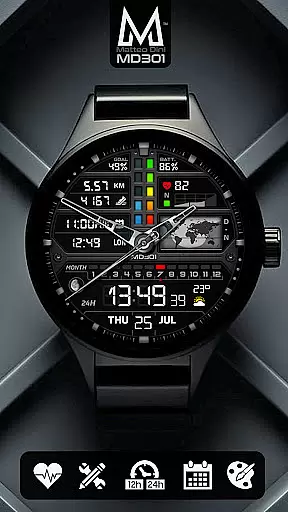
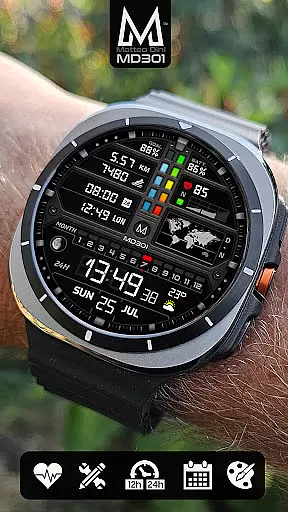
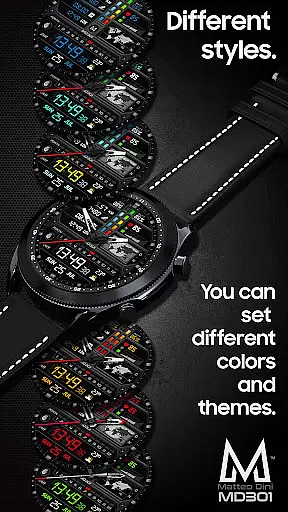
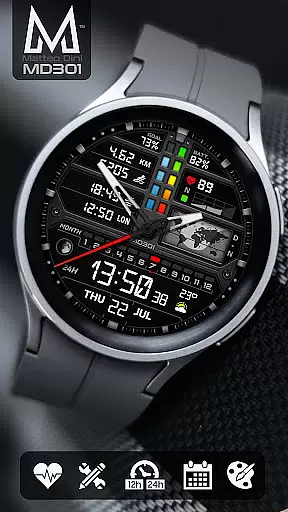
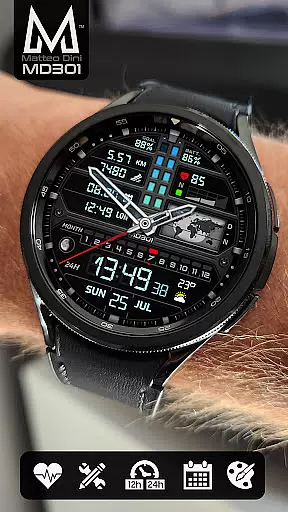
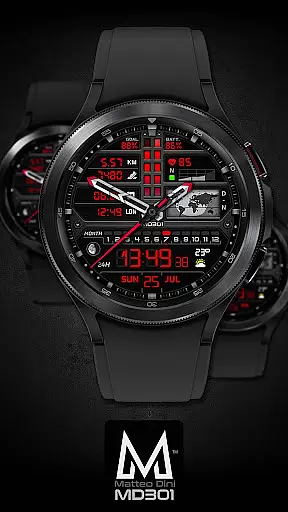
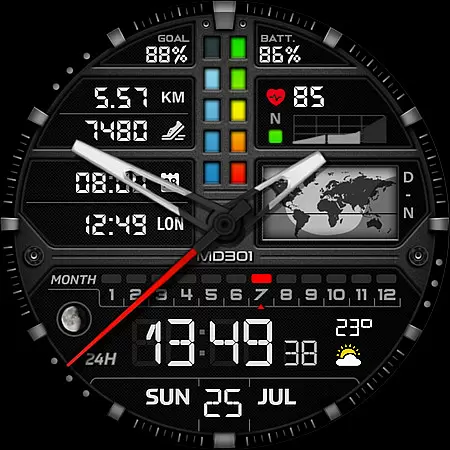
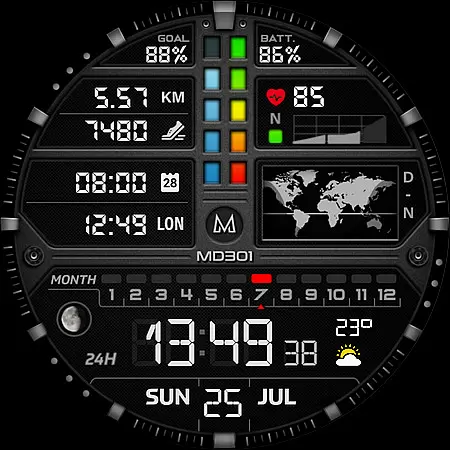
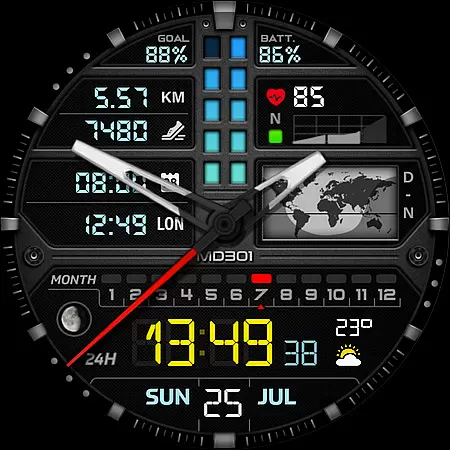
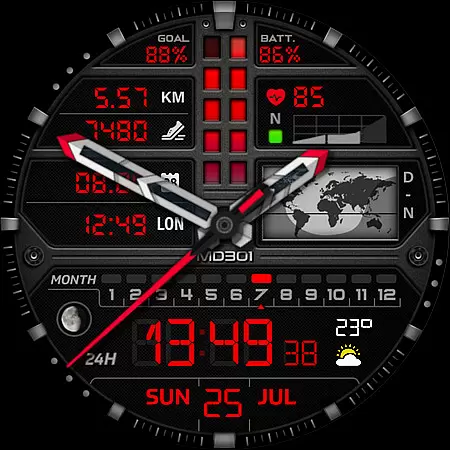
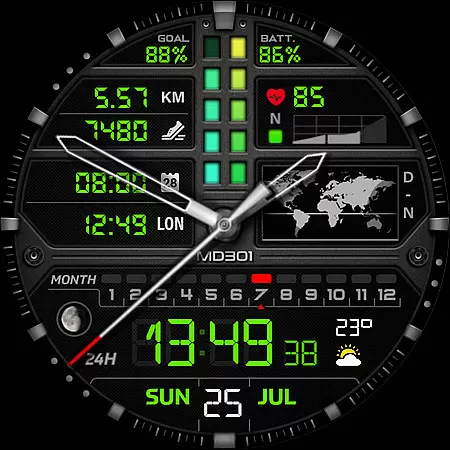
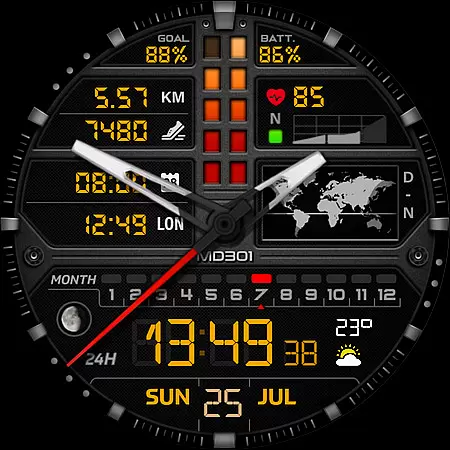
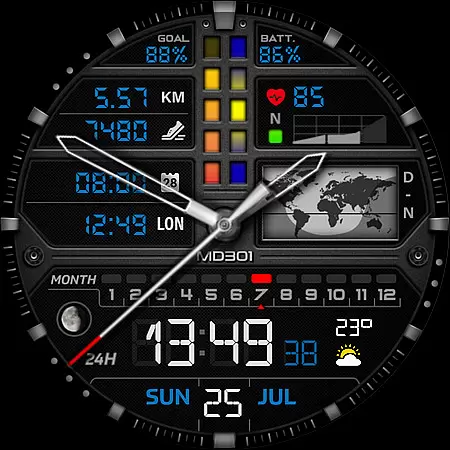
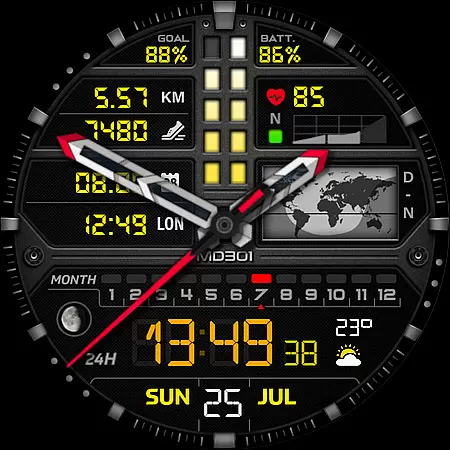
MD301 Hybrid watch face offers a versatile and customizable experience for Wear OS users. This advanced watch face features digital and analog time display, date, moon phase, world map, battery status, heart rate monitor, step counter, and more.
With support for 3 preset app shortcuts, 3 customizable shortcuts, and 4 complications, users can personalize their watch face to suit their needs. The always-on display with changeable colors ensures both functionality and style. Compatible with API Level 33+ devices like Samsung Galaxy Watch 4-8 and Pixel Watch.
The MD301 stands out with its comprehensive feature set tailored for smartwatch enthusiasts. It includes day & night world maps, heart rate intervals, and customizable complications that support weather, distance, and other data.
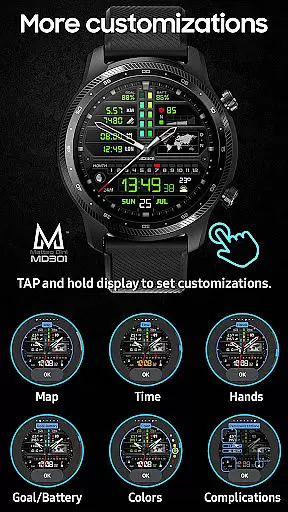
Users can customize the watch face directly on their device by tapping and holding the screen. The customization options allow modification of hands, colors, and displayed data. Note that some features may require additional complications to be installed on the watch.
This level of personalization, combined with the brand's reputation as an award-winning developer, makes MD301 a top choice for those seeking both aesthetics and functionality in a watch face.
For the MD301 Hybrid watch face, seamless companion app integration is crucial for an optimal user experience. This functionality ensures that users can easily customize and manage their watch face settings directly from their smartphone.
The Samsung Wearable app allows users to modify various aspects of the watch face, including complications, shortcuts, and color schemes. However, due to current limitations with complex watch faces, direct on-watch customization is recommended until Samsung addresses these issues.
This direct integration provides users with real-time previews of their changes, making it easier to personalize their watch face to suit individual preferences. The ability to see modifications instantly enhances user satisfaction and engagement with the product.
By maintaining strong companion app integration, MD301 ensures that users can take full advantage of all features, including weather data, step tracking, and heart rate monitoring, creating a comprehensive and personalized wearable experience.
The MD301 Hybrid watch face demonstrates exceptional compatibility across various Wear OS devices. Supporting all Wear OS devices with API Level 33+ (Wear OS 4 and later versions), this watch face works seamlessly with popular models like Samsung Galaxy Watch 4-8, Ultra, and Pixel Watch.
This broad compatibility ensures that users with different Wear OS devices can enjoy consistent performance and feature availability. The watch face maintains its full functionality across supported devices, including digital and analog time display, customizable complications, and health tracking features.
Device-specific optimizations guarantee that the watch face utilizes each device's capabilities effectively. For instance, the Always ON Display feature works perfectly across all compatible devices, maintaining battery efficiency while providing essential information at a glance.
By ensuring wide-ranging compatibility, MD301 maximizes its potential user base while delivering a reliable and feature-rich experience regardless of the specific Wear OS device a user owns.
Highly customizable
Feature-rich design
Always-on display
Wide device compatibility
Trusted brand reputation
Complex setup process
Editor loading issues
Additional complications needed
Limited feature availability
Premium price point

Christmas and New Year - Themed Watchface
 4.3
4.3
Hyperlocal rain alerts by MyRadar using patent-pending technology, radar & more
4.80
Get helpful reminders, take progress photos and find answers to your questions.
3.90
Stay in touch with your friends and family using LINE!
3.40
A realistic hybrid watch face with many customization options.
4.60
Fast and smart typing with Emojis, GIFs, and more
4.50
Fitbit is dedicated to helping people lead healthier, more active lives.
4.10
Control your Samsung Smart TVs, appliances, and SmartThings-compatible devices
4.60
Track airplanes and follow flights with our real-time flight tracker
4.50
The Chevron App allows you to pay for fuel from the comfort of your car!
4.80
WTW M17 is a premium and luxurious hybrid watch face
4.70
Be an elegant and classy secret agent, with this carefully detailed watch face
4.70
"PER27 Galaxy Digital" is a digital Wear OS watch face designed by PERSONA
4.10
Daily Weather forecast with 15 weather images for Day & Night plus Big Bold time
4.10
Viewer for Wyze/Yi/Eufy/Arlo/ONVIF/RTSP/P2P IP cams w/ adv. features & DIY DVR
4.00
Authentic military-tactical design with ZULU time! Realistic and functional!
3.80
Your local weather forecast, storm tracker, radar maps & live weather news
3.40
Simple Analog-Digital Watchface For Wear OS 3.0 and Up Smartwatches
4.1
Sleek, highly customizable watch face inspired by Galaxy Watch Circle Dashboard.
4.3


User Reviews