
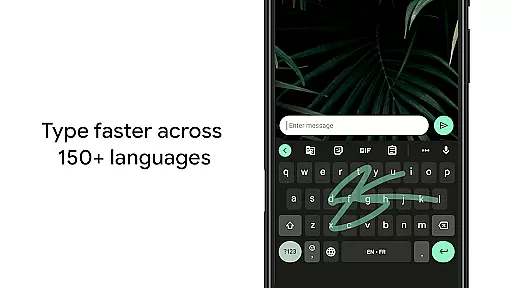
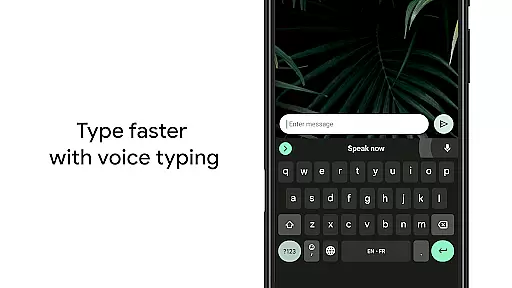
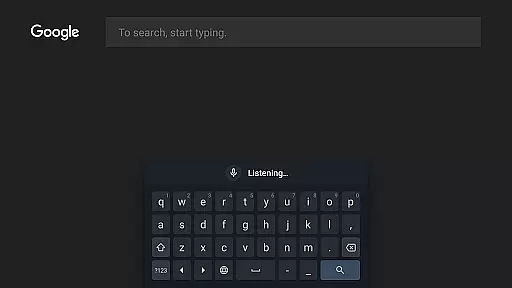
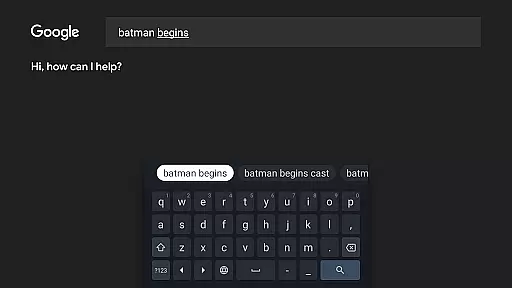
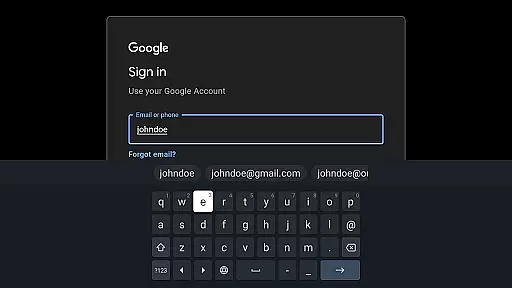
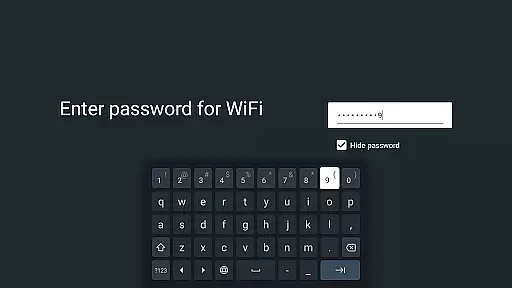
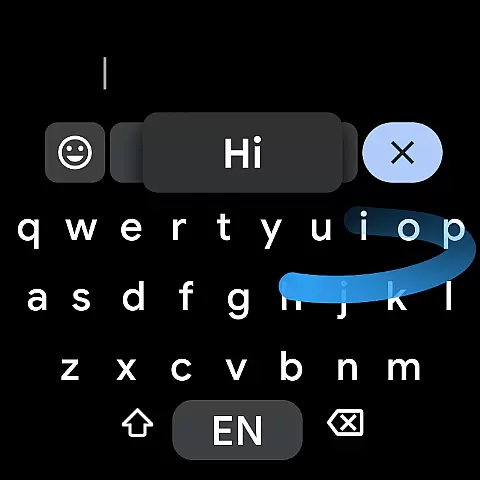
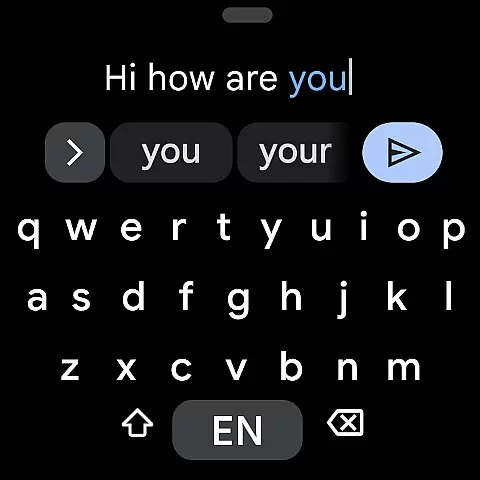
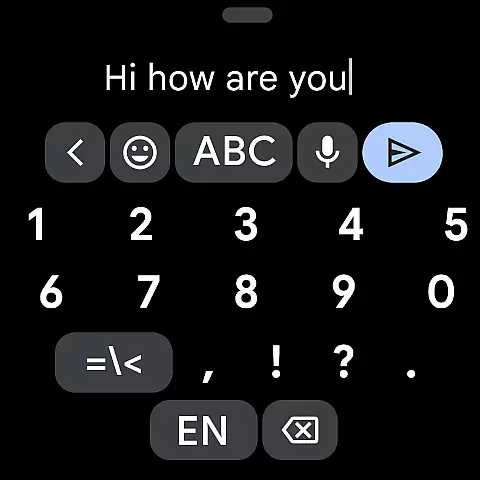
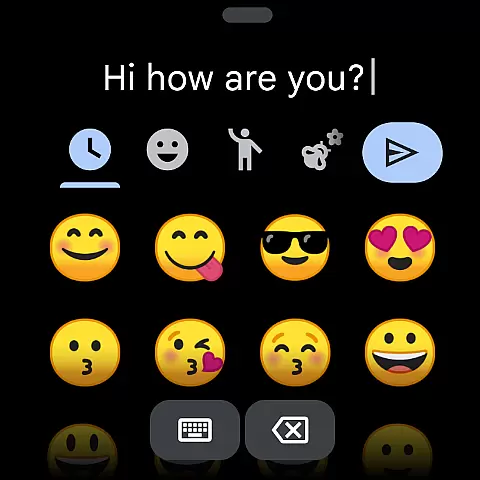
Gboard is a versatile keyboard app designed specifically for Android Wear devices, offering an array of powerful typing features. The application supports Glide Typing, which allows users to type faster by sliding their finger across the keyboard from one letter to another. Additionally, Gboard provides robust voice typing capabilities, enabling users to dictate text easily while on the move.
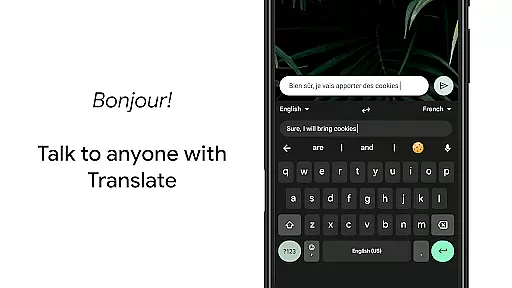
One of the standout features of Gboard is its multilingual typing support, which eliminates the need for manual language switching. The app will autocorrect and suggest words from any of the enabled languages, making it highly convenient for bilingual or multilingual users. Furthermore, Gboard includes Google Translate built directly into the keyboard, allowing real-time translation as you type. This feature significantly enhances communication across different languages, providing immense value to users who frequently interact with international contacts.
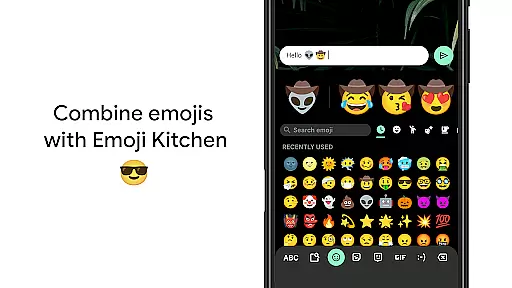
Gboard stands out due to its rich set of features tailored for efficient and user-friendly typing experiences. One notable feature is Handwriting support, which allows users to write in both cursive and printed letters, catering to those who prefer handwriting over traditional typing. Another highlight is the Emoji Search functionality, which helps users quickly find and insert emojis, thus enhancing expressiveness in digital conversations.
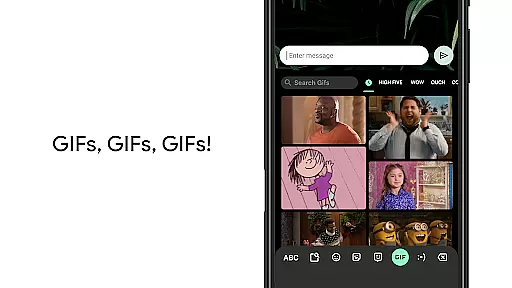
In addition to these, Gboard offers GIF search and sharing capabilities, enabling users to find and send the perfect reaction GIFs effortlessly. For Android Wear users, Gboard brings all the beloved features of the Google Keyboard to their smartwatches, including Glide Typing and Voice Typing. These functionalities ensure that users can enjoy a seamless typing experience even on smaller screens. Moreover, the app supports a wide range of languages, accommodating diverse linguistic needs and preferences.
Companion app integration is essential for wearable devices to function seamlessly with smartphones. Gboard ensures that all the features you love on the Google Keyboard are available on your Wear OS device.
The app provides consistent functionality between mobile and wearable devices, including Glide Typing, Voice Typing, and Emoji Typing. This synchronization allows users to enjoy the same typing experience across different platforms without any compromise in features or performance.
With Gboard's companion app integration, users can access a wide range of languages supported on both mobile and Wear OS versions. This includes popular languages such as English, Spanish, French, and unique options like Chhattisgarhi and Sindhi, ensuring language preferences are maintained.
By offering full compatibility between devices, Gboard enhances user convenience. Whether composing messages on the go with voice typing or using Glide Typing on your watch, the transition between devices is smooth and intuitive, providing a reliable typing solution for every situation.
Device compatibility is crucial for ensuring that applications like Gboard work effectively across various hardware platforms. Gboard is optimized for Wear OS, making it compatible with a wide array of smartwatches.
Gboard supports all Wear OS languages, including Chinese, Korean, and Spanish, among many others. This extensive language support ensures that users worldwide can utilize the keyboard in their preferred language, enhancing accessibility and usability.
In addition to language support, Gboard offers specific features tailored for Wear OS. These include Gesture cursor control, which lets users slide across the space bar to move the cursor, and Gesture delete, allowing quick deletion of multiple words by swiping left from the delete key.
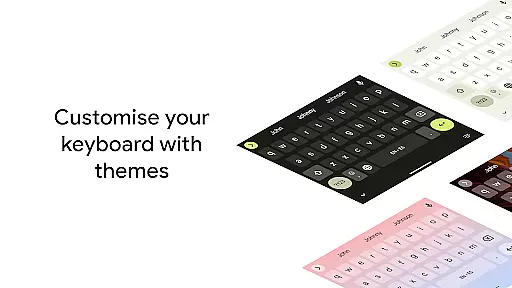
By focusing on Wear OS/device compatibility, Gboard delivers an efficient and user-friendly typing experience. Users benefit from advanced functionalities like one-handed mode for large screen phones and customizable themes, ensuring the keyboard adapts to individual preferences and device specifications.
Fast typing
Voice input
Multilingual
Handwriting
Emoji search
No offline
Heavy size
Ads present
Complex UI
Battery drain

Walking app for weight loss: walk & step tracker, pedometer, indoor treadmill
 4.60
4.60
Stunning modern digital watch face with 7 complications and strong contrast
4.3
Wear Os Watch Face - Animated Snow Effect & Magic Spark - 6 Scenes
4.10
Watch face designed for Thanksgiving Day. 7 Background Styles included.
3.20
Monitor health with the stress test and pulse checker in the heart rate app.
4.60
The #1 source of faces for your smartwatch!
4.00
Bold weather Digital watchface with forecast & optional animated background
4.40
Retro digital watch face with customizable colors and a unique lighting effect
4.60
Track airplanes and follow flights with our real-time flight tracker
4.50
The most customizable minimal watch face. For Wear OS 5.0, API 34+ and later
4.70
Be an elegant and classy secret agent, with this carefully detailed watch face
4.70
Your second brain for organizing your life: to-do, calendar, reminder.
4.70
Simple, helpful messaging by Google
4.60
Deck out your Wear OS Watch face with a beautifully decorated pine wreath!
4.50
A customizable Christmas watch face for Wear OS with a countdown.
4.20
Embrace the festive spirit with our Christmas Countdown watchface for Wear OS
4.10
an Analog Watch Face for winter season with freeze winter background for Wear OS
4.5
Artistic Digital Watchface
4.5
Minimalistic design modern digital watch face.
4.4


User Reviews