
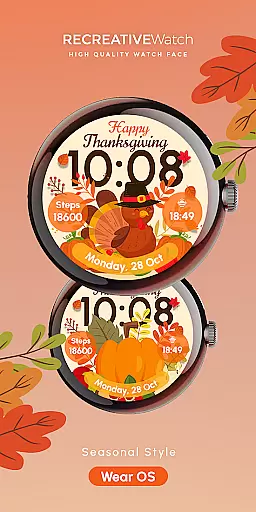




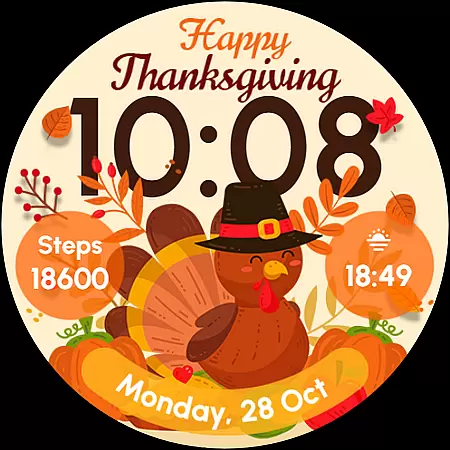
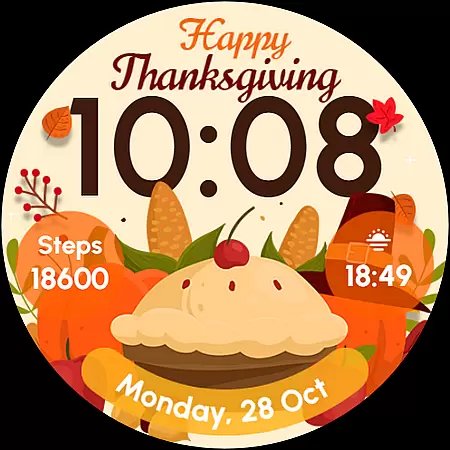
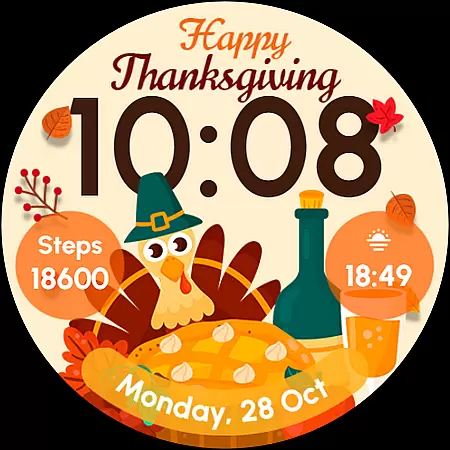
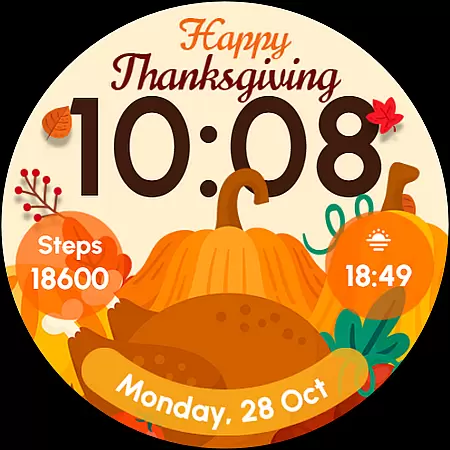
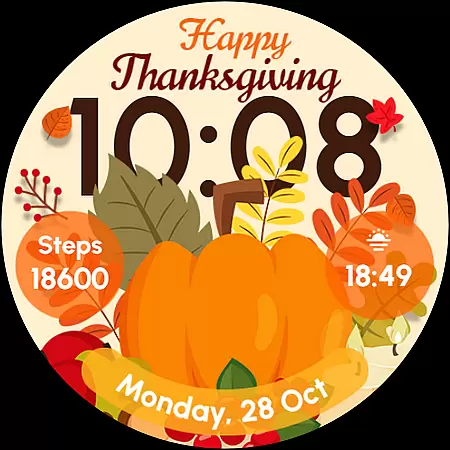
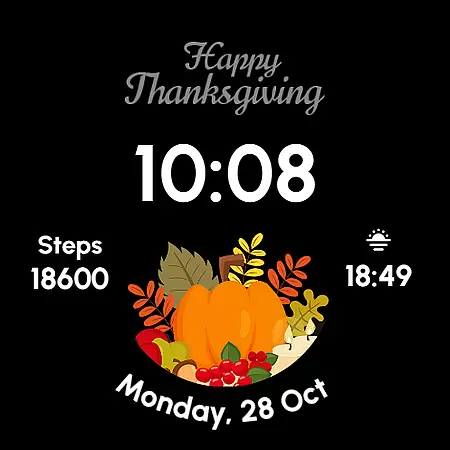
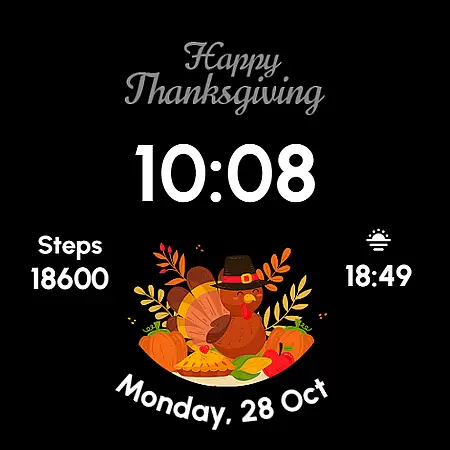
ReS54 is a festive Wear OS watch face designed to bring Thanksgiving spirit to your smartwatch. Featuring a charming turkey design, vibrant pumpkins, and seasonal feast elements, it creates the perfect autumn atmosphere on your wrist. The watch face offers essential timekeeping functions along with practical features like date display, battery indicator, and step counter.
With five customizable styles and always-on display capability, ReS54 combines functionality with personalization. Users can adjust complications to show their preferred data while enjoying the warmth of seasonal design. Compatible with API level 33+ devices including Google Pixel and Galaxy Watch series, this watch face brings both style and utility to your smartwatch experience.
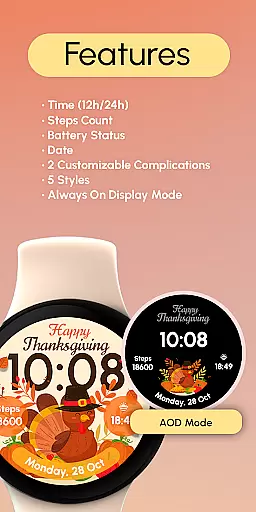
ReS54 offers a comprehensive set of features that enhance both functionality and customization. The digital time display supports both 12-hour and 24-hour formats, accompanied by date and battery indicators. Fitness enthusiasts will appreciate the built-in step counter that helps track daily activity.
Two customizable complications allow users to personalize their watch face with preferred data fields. With five distinct styles to choose from, wearers can match their watch face to their mood or outfit. The always-on display feature ensures time and essential information remain visible at all times, though users concerned about battery life can disable this function for improved performance.
Companion app integration is essential for Wear OS applications as it ensures seamless synchronization between the watch face and a smartphone. This connection allows users to receive notifications, control settings, and access additional features directly from their handheld device.
ReS54 offers an intuitive companion app that simplifies customization and enhances user experience. Through this integration, users can easily adjust the watch face's complications and styles, ensuring their wearable reflects personal preferences and needs.
The benefits of such integration include real-time updates and the ability to modify the watch face on-the-go. Users can change styles or update data sources without missing a beat, keeping their wristwear both functional and fashionable.
This level of connectivity not only elevates the utility of ReS54 but also enriches the overall Wear OS ecosystem, making smartwatches more adaptable to individual lifestyles.
Compatibility with various Wear OS devices and versions is crucial for watch faces like ReS54. It ensures that users with different models and operating system versions can enjoy a consistent and reliable experience.
ReS54 is optimized for API level 33+ Google Pixel, Galaxy Watch 4, 5, 6, and other Wear OS models. This wide compatibility range means that whether you're using a newer Google Pixel Watch or a Samsung Galaxy model, you'll experience smooth performance and accurate display.
Users benefit from knowing their investment in a digital watch face will work across multiple devices they may own now or in the future. The assurance of compatibility enhances confidence in choosing ReS54 as their preferred festive-themed watch face.
By focusing on broad device support, ReS54 demonstrates its commitment to accessibility and quality, allowing more people to celebrate the season with style on their wrists.
Seasonal theme
Customizable
Battery info
Step tracking
Five styles
Limited OS
No analog
Battery use
Few options
Basic func

Highly customizable hybrid watch face for Wear OS, perfect for everyday use.
 4.60
4.60
Christmas watch face. For Wear OS devices.
4.30
Christmas Theme Watch Face for Wear Os
5.00
A watch face that fuses motorsport precision with contemporary smartwatch design
4.5
Watch face designed for Thanksgiving Day. 7 Background Styles included.
3.20
Watch face for Wear OS.
4.20
The most customizable minimal watch face. For Wear OS 5.0, API 34+ and later
4.70
Connect to your Bluelink equipped Hyundai vehicle from your smartphone.
4.50
Animated video-game inspired “secret agent” simulation, right on your wrist!
4.20
Be an elegant and classy secret agent, with this carefully detailed watch face
4.70
A realistic hybrid watch face with many customization options.
4.60
Stylish, Energizing and Modern Watch Face crafted by Dominus Mathias.
4.50
Fast and smart typing with Emojis, GIFs, and more
4.50
Premium hybrid watch face with many customizations for Wear OS devices.
4.40
The ultimate destination for kids ages 3-8 to explore the Marvel Universe!
4.30
Animated Watch Face and Customizable with 24 Backgrounds. Perfect for Christmas!
3.90
Christmas and New Year - Themed Watchface
4.1
an Analog Watch Face for winter season with freeze winter background for Wear OS
4.1
Stunning modern digital watch face with 7 complications and strong contrast
4.3


User Reviews