
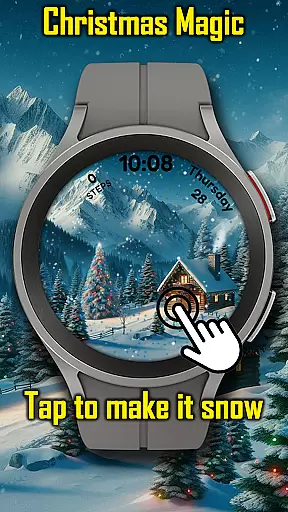
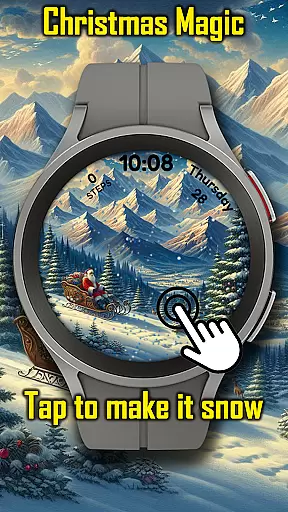
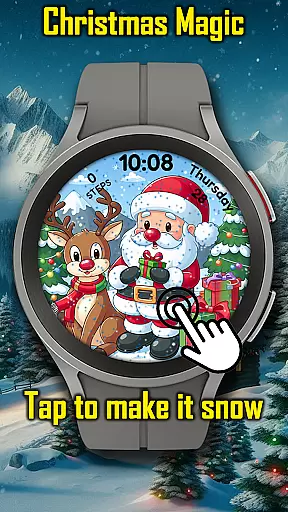
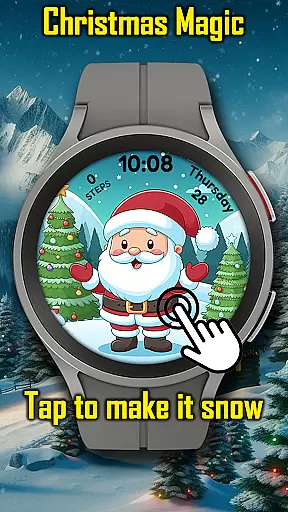
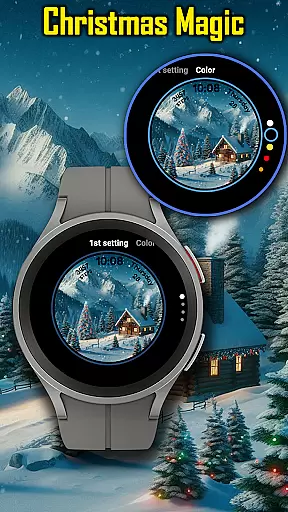
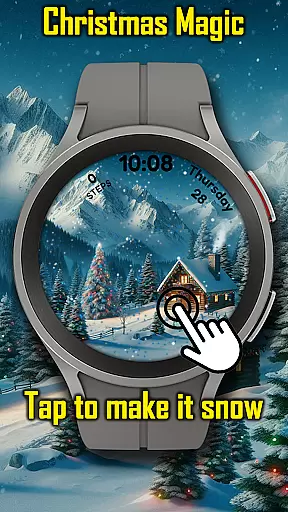
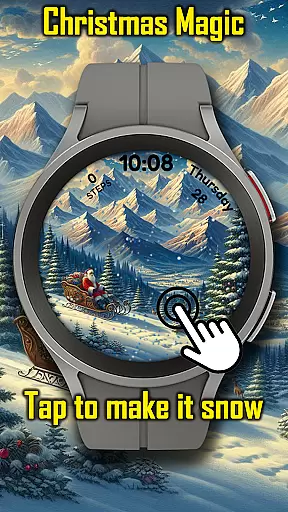
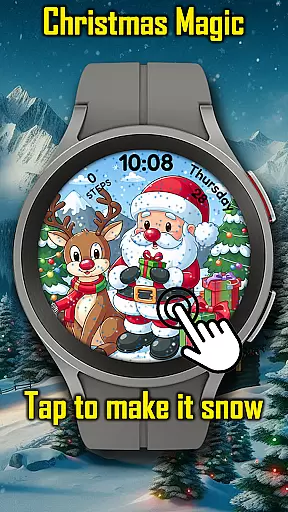
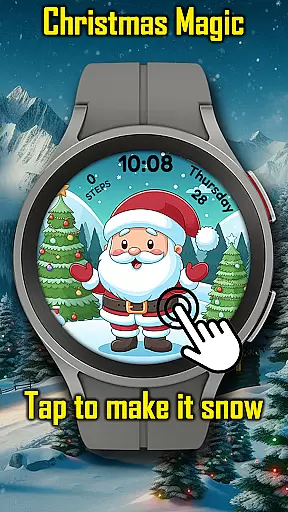
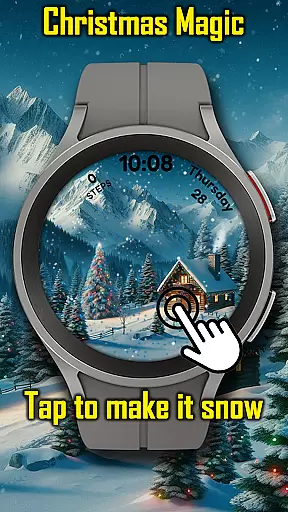
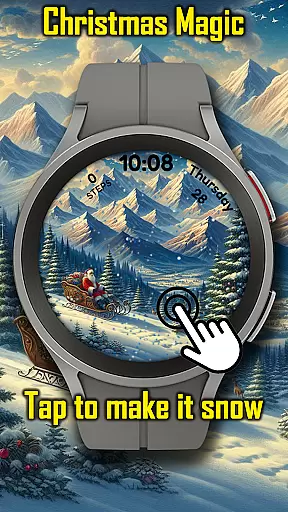
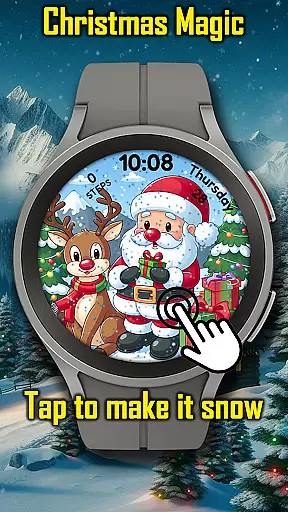
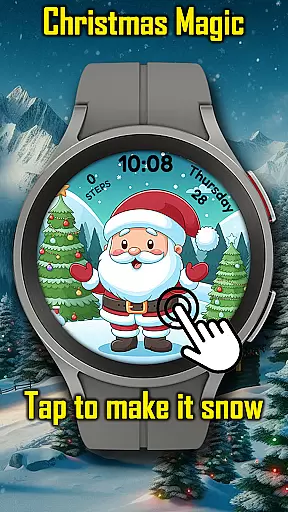

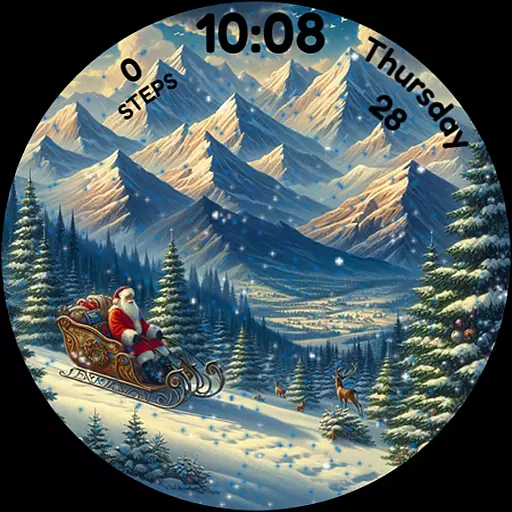
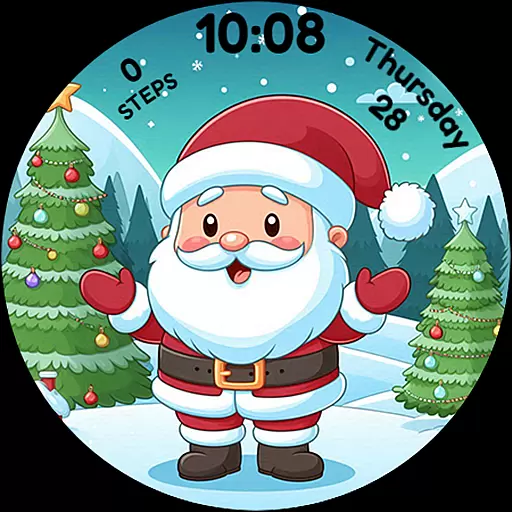
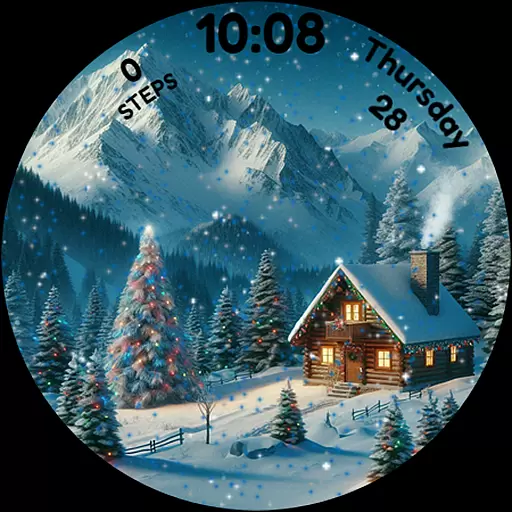
Christmas Magic is a festive watch face designed specifically for Wear OS devices. This application transforms your smartwatch into a delightful holiday display, featuring iconic Christmas elements such as Santa Claus, Christmas trees, and a snowy mountain backdrop.
The watch face offers an animated Christmas scene with interactive snowfall effects that users can trigger by tapping the screen. With customizable colors and an always-on-display (AOD) mode, it provides both functionality and festivity, making it perfect for holiday enthusiasts who wish to carry the Christmas spirit on their wrists.
Christmas Magic brings a unique blend of holiday cheer and technology to your Wear OS device. The standout feature is its animated Christmas scenes, complete with a charming snowfall effect that users can activate simply by tapping the screen.
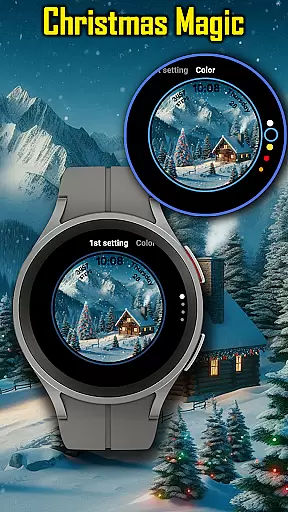
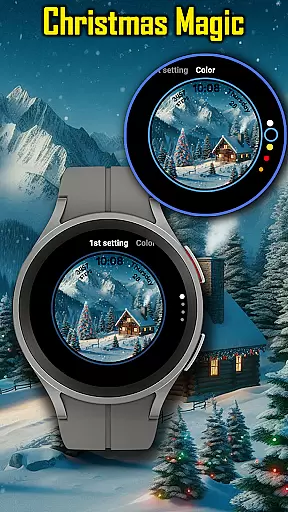
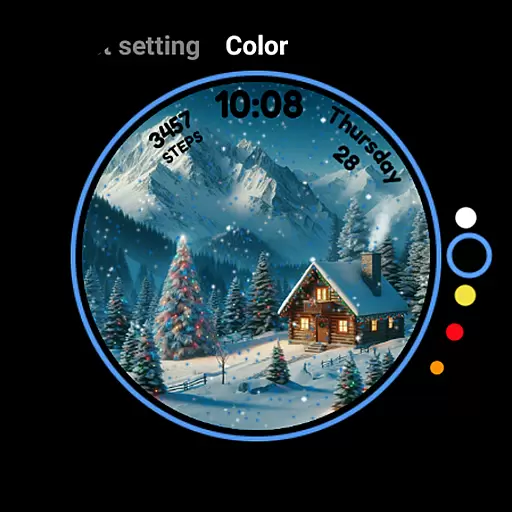
Beyond its eye-catching animations, the app allows for personalization through customizable color options, ensuring that each user can tailor the watch face to match their individual style. Additionally, the AOD mode ensures that even when the watch is in low-power mode, the holiday spirit continues uninterrupted, offering both utility and aesthetics to the wearer.
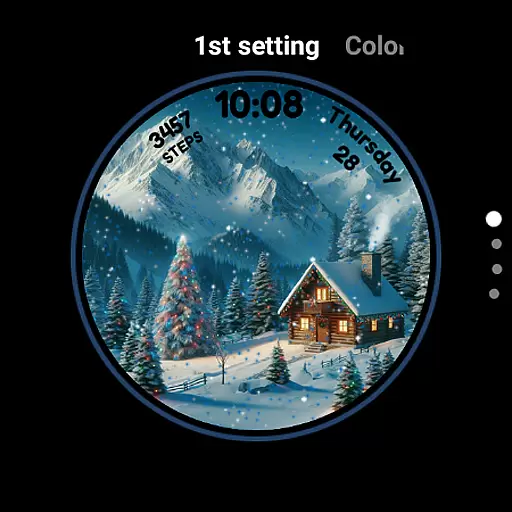
For Android Wear applications like Christmas Magic, seamless companion app integration is crucial for enhancing the user experience. This watch face connects with its paired mobile application to provide users with a cohesive ecosystem that allows them to customize and control their festive display directly from their smartphone.
The integration enables users to unlock additional features such as animated scenes and snowfall effects at a touch. By accessing these settings through the companion app, users can easily tailor the appearance of their watch face to match their holiday style without needing to interact directly with the small interface on their smartwatch.
Furthermore, this synchronization ensures that any changes made in the companion app are instantly reflected on the wearable device, maintaining consistency across devices. Users benefit from real-time updates and notifications, ensuring they never miss a moment of holiday cheer right on their wrist.
Compatibility with various Wear OS devices is an essential aspect of the Christmas Magic Watch Face. It is designed to work seamlessly across different smartwatches running on Wear OS, providing a consistent and joyful holiday experience regardless of the device model.
This compatibility extends to supporting various screen sizes and resolutions, ensuring that the delightful design featuring Santa Claus, Christmas trees, and snowy mountains looks crisp and vibrant on every supported device. The adaptive design maintains the integrity of the animation and graphical elements, delivering an enchanting visual effect tailored for each unique display.
In addition to visual compatibility, functional aspects such as AOD mode are optimized for performance across devices. This ensures that battery consumption is managed efficiently while still offering users the full range of features that make this watch face magical during the festive season.
Festive design
Interactive features
Customizable colors
AOD support
Holiday-themed
Limited year-round appeal
Potential battery drain
Fewer features outside holidays
Requires Wear OS
Simple customization

Walking app for weight loss: walk & step tracker, pedometer, indoor treadmill
 4.60
4.60
an Analog Watch Face for winter season with freeze winter background for Wear OS
4.2
Simple Analog-Digital Watchface For Wear OS 3.0 and Up Smartwatches
4.0
A modern premium sporty hybrid watch face for Wear OS by Ballozi
4.70
Professional weather radar and more
3.90
Hybrid Vibrant Health Watch Face for Wear OS
4.0
Animated video-game inspired “secret agent” simulation, right on your wrist!
4.20
Fast and smart typing with Emojis, GIFs, and more
4.50
Fitbit is dedicated to helping people lead healthier, more active lives.
4.10
Christmas - Festive - Christmas Village - Winter - Christmas lights
5.00
Kia Access makes getting your vehicle information easier than ever
4.60
Monitor health with the stress test and pulse checker in the heart rate app.
4.60
A customizable Christmas watch face for Wear OS with a countdown.
4.20
Daily Weather forecast with 15 weather images for Day & Night plus Big Bold time
4.10
Connect, create, and collaborate with Gmail, part of Google Workspace.
4.10
Structured watch face with seven complications and modular UI elements
3.90
Wear Os Watch Face - Animated Snow - Sesonal for Christmas & Winter
4.5
Analog watch face with 8 complications and expedition styling
4.1
Minimalistic design modern digital watch face.
4.3


User Reviews