
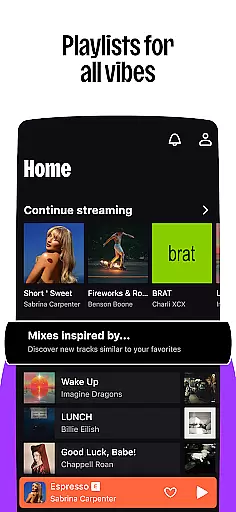

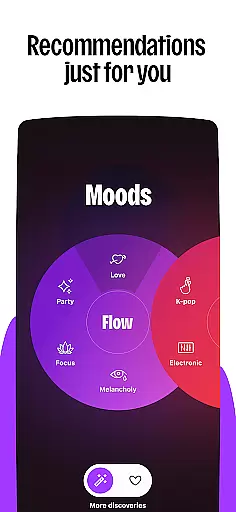
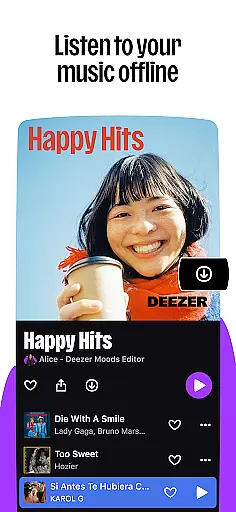

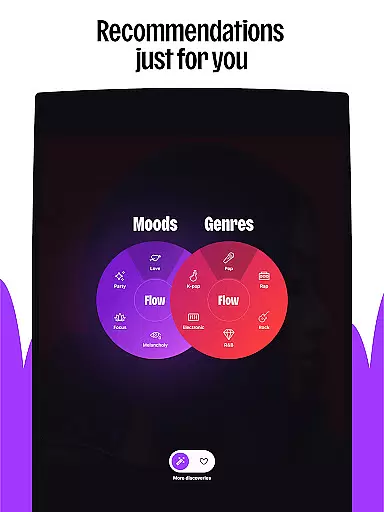
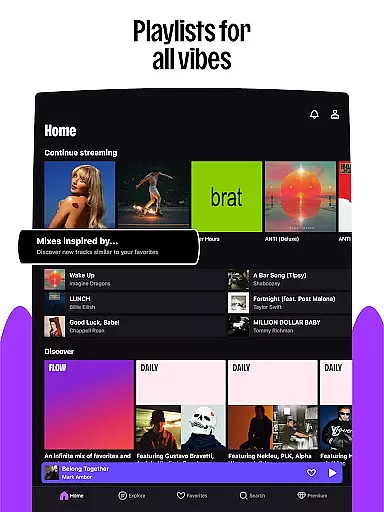

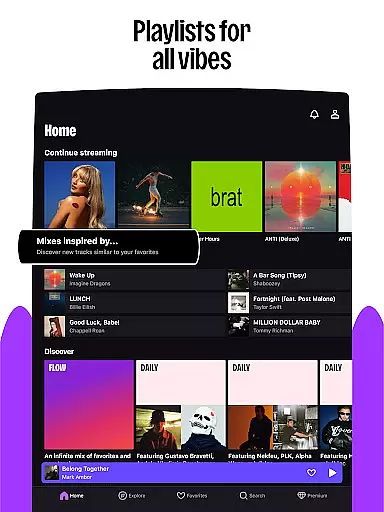


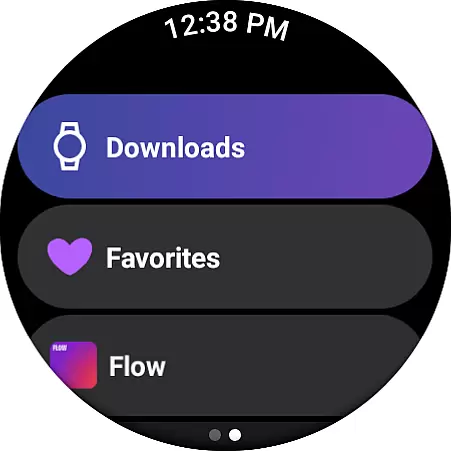
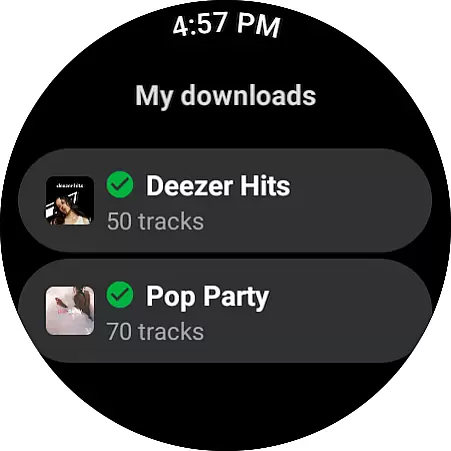
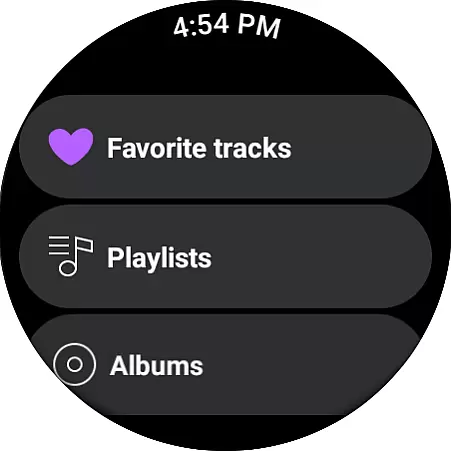
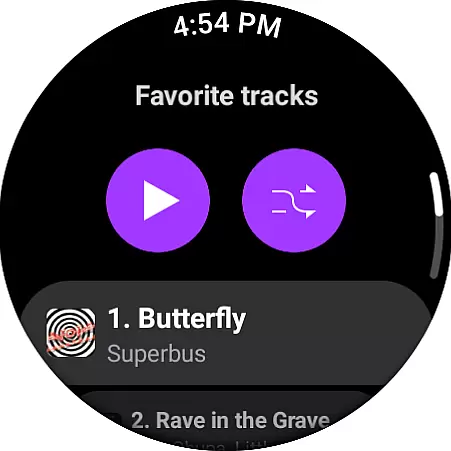
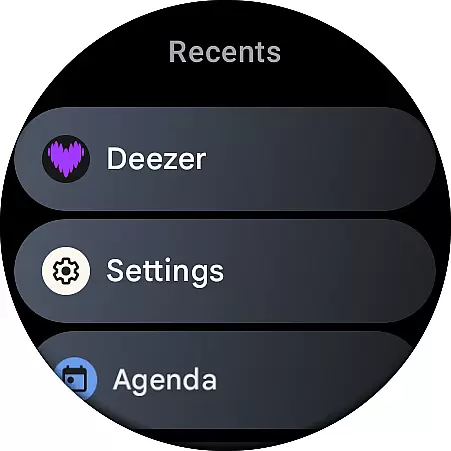
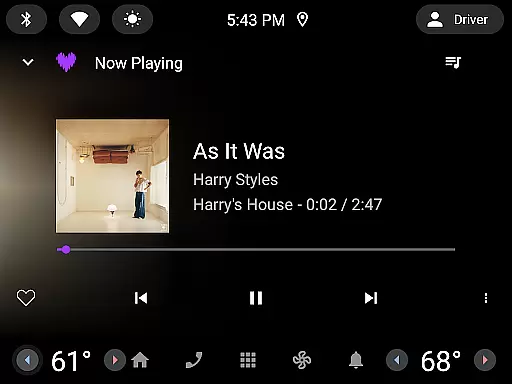
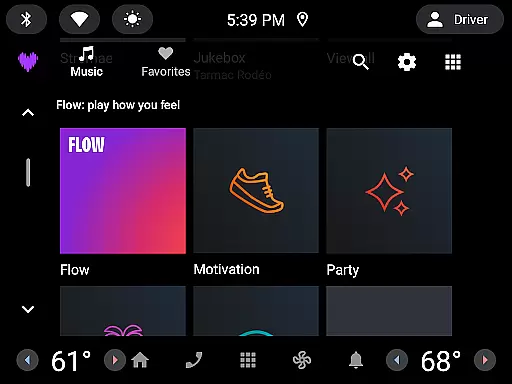
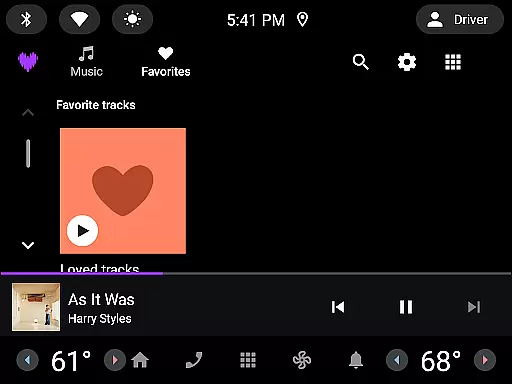
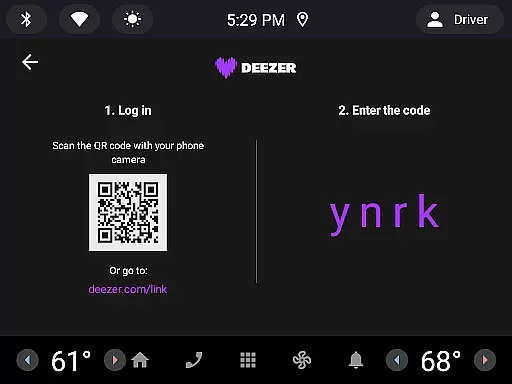

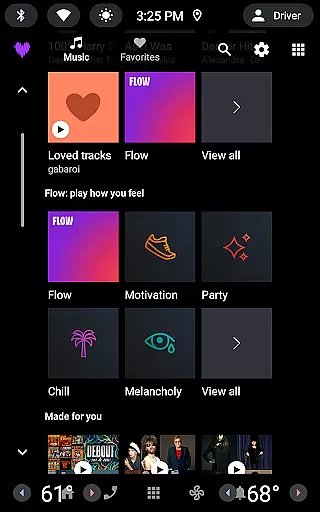
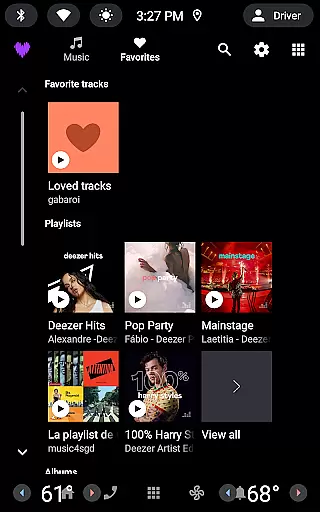

Deezer is a comprehensive music streaming platform designed for Android Wear users, offering a personalized listening experience. The app provides an extensive music catalog with features like Flow, which creates an infinite mix of your favorite tracks and new discoveries. It also includes curated playlists for every mood and genre, ensuring you always have the perfect soundtrack for any occasion.
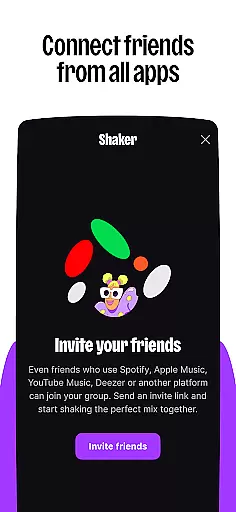
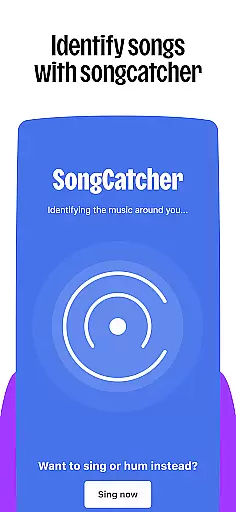
Beyond music, Deezer supports podcasts and audiobooks, making it a versatile entertainment companion. With interactive features such as Shaker for collaborative playlists and SongCatcher for identifying songs, Deezer enhances user engagement. Available on various devices including smart speakers and wearables, Deezer ensures you can enjoy high-quality audio wherever you go.
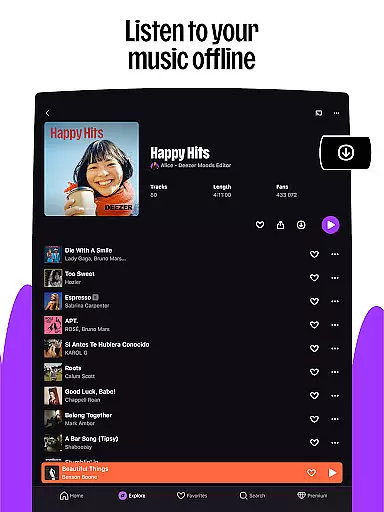
The app offers multiple subscription plans, from individual Premium accounts to family packages, catering to different user needs. Whether you're commuting, working out, or relaxing at home, Deezer's ad-free listening and offline mode provide uninterrupted enjoyment. Its compatibility with Android Wear makes it an ideal choice for users seeking a seamless music experience on their smart devices.
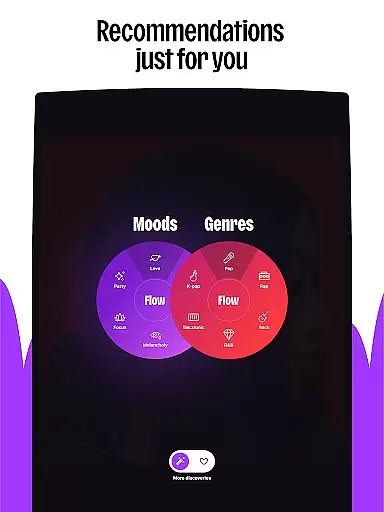
Deezer stands out with its rich feature set tailored for music enthusiasts. The app's Flow feature uses advanced algorithms to create a personalized mix that evolves with your listening habits. This ensures you're constantly discovering new music that aligns with your tastes while enjoying your favorite tracks.
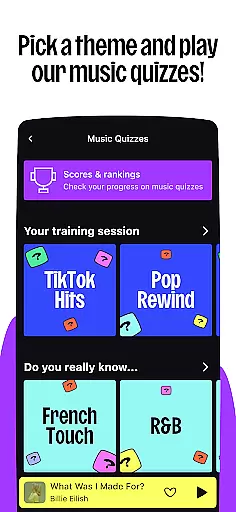
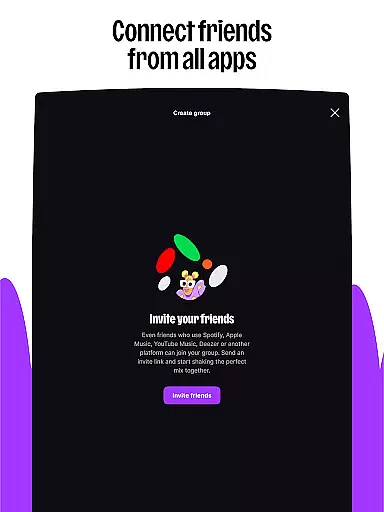
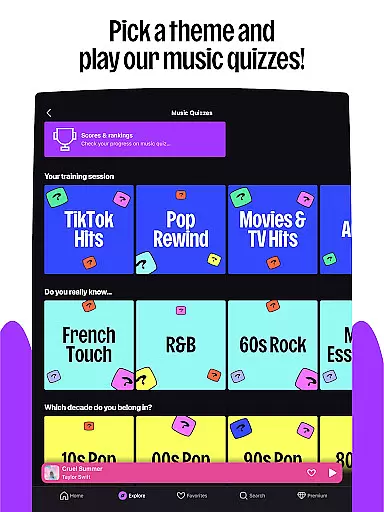
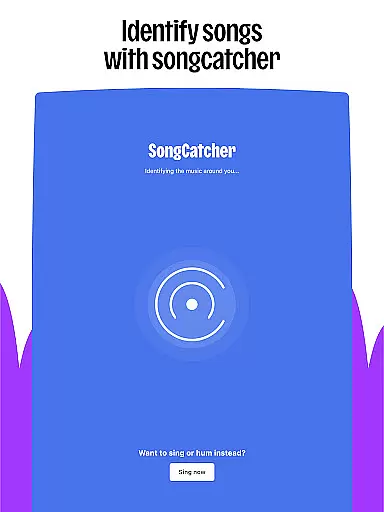
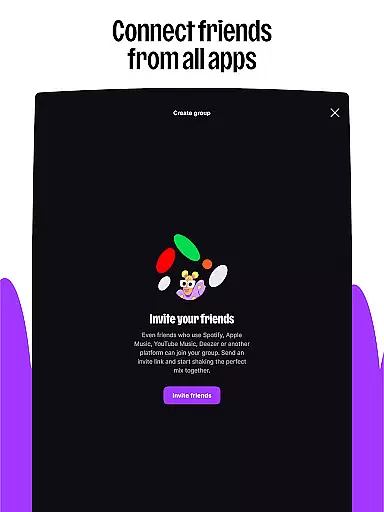
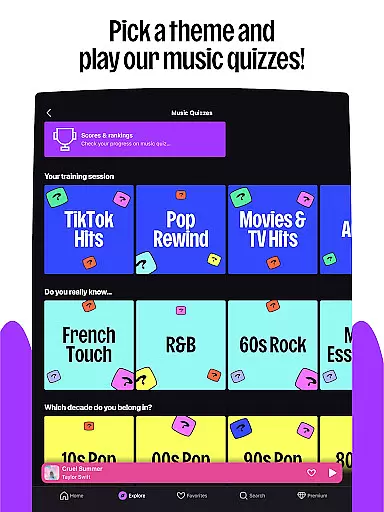
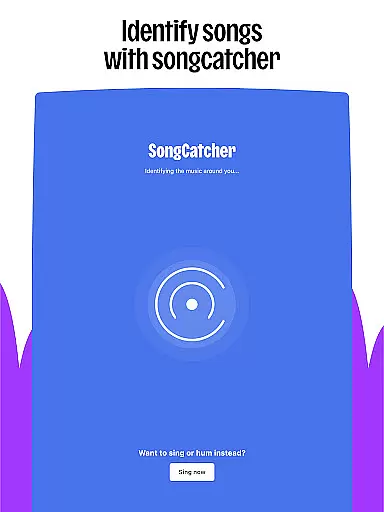
Interactive elements like Shaker and Music Quiz make music discovery fun and social. Shaker allows you to blend playlists with friends, while Music Quiz challenges your music knowledge. Additionally, SongCatcher helps identify songs playing around you, even if you hum them. These features foster a more engaging and community-driven music experience.
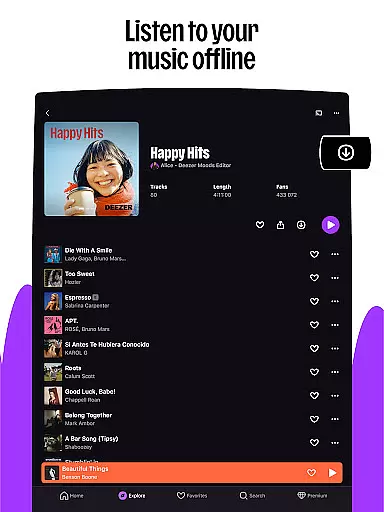
Customization options abound in Deezer, letting you tailor your homepage, organize favorites, and design custom playlist covers. You can also access lyrics with translations, enhancing your understanding and appreciation of songs. With support for HiFi audio quality and offline listening, Deezer delivers premium sound whether you're online or not, solidifying its position as a top-tier music streaming service.
Companion app integration is essential for wearable devices as it ensures seamless synchronization between the main application and its wearable counterpart. For Deezer, this means users can enjoy a consistent music experience across their smartphones and wearable devices like Galaxy Watch, Fitbit, or other Wear OS gadgets.
The Deezer Android Wear app allows users to access their favorite playlists, Flow, and curated content directly from their wrists. This integration enables full control over music playback, including play, pause, skip, and even offline mode functionality, all optimized for wearable interfaces.
Users benefit from real-time updates, ensuring that any changes made on the smartphone app, such as adding songs to playlists or downloading tracks, are instantly reflected on the wearable device. This creates a unified ecosystem where music is always accessible, regardless of the device in hand.
By prioritizing companion app integration, Deezer enhances user convenience and accessibility, allowing music lovers to enjoy their personalized listening experiences anytime, anywhere, without interruption.
Wear OS and device compatibility ensure that applications like Deezer function optimally across various smartwatches and wearable devices. This compatibility is crucial for delivering a smooth and responsive user experience tailored to different hardware specifications.
Deezer's Android Wear app supports a wide range of devices, including popular models like Galaxy Watch, Fitbit, and other Wear OS-enabled gadgets. The app is designed to leverage each device's unique features, such as touchscreens, physical buttons, and voice commands, providing users with intuitive controls for managing their music.
This broad compatibility allows Deezer to reach a larger audience, accommodating diverse user preferences and device ecosystems. Whether commuting, exercising, or relaxing at home, users can enjoy high-fidelity audio streaming and interactive features without worrying about device limitations.
Ultimately, Deezer's commitment to Wear OS and device compatibility underscores its dedication to delivering an inclusive and versatile music experience, empowering users to Live the Music on their terms.
Personalized music flow
Extensive audio library
Interactive social features
High-fidelity sound quality
Cross-device compatibility
Limited free version
Occasional connectivity issues
Regional content restrictions
Subscription cost
Learning curve for new users

Christmas watch face. For Wear OS devices.
 4.30
4.30
Contemporary digital watch face with five complications
4.4
Wear Os Watch Face - Animated Snow Effect & Magic Spark - 6 Scenes
4.10
Stylish digital watch face for Wear OS devices with customizable features
4.2
Nutrition, Macro tracker: Food, fitness & healthy diet tracking for weight loss
4.60
Real-time results, stats, schedules and player profiles for all leagues
4.60
The most customizable hybrid watch face. For Wear OS 5.0, API 34+ and later
4.70
A digital watch face that celebrates Christmas.
4.00
Toyota app currently supports 2010 or newer vehicles (2018 or newer for Hawaii).
4.50
Christmas - Festive - Christmas Village - Winter - Christmas lights
5.00
Easy Voice Recorder is your everyday companion to record important moments.
4.70
Monitor health with the stress test and pulse checker in the heart rate app.
4.60
Simple, helpful messaging by Google
4.60
Connect to your Bluelink equipped Hyundai vehicle from your smartphone.
4.50
Fast and smart typing with Emojis, GIFs, and more
4.50
A customizable Christmas watch face for Wear OS with a countdown.
4.20
Animated video-game inspired “secret agent” simulation, right on your wrist!
4.20
Professional weather radar and more
3.90
Wear Os Watch Face - Animated Snow - Sesonal for Christmas & Winter
4.3


User Reviews