
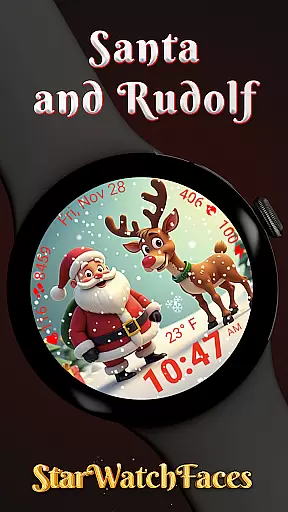
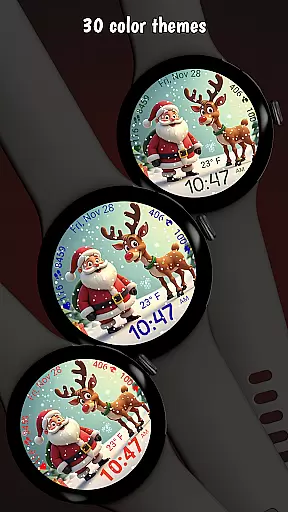
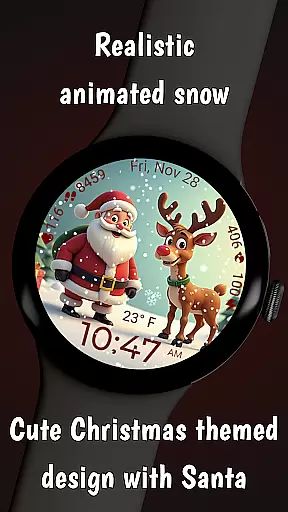
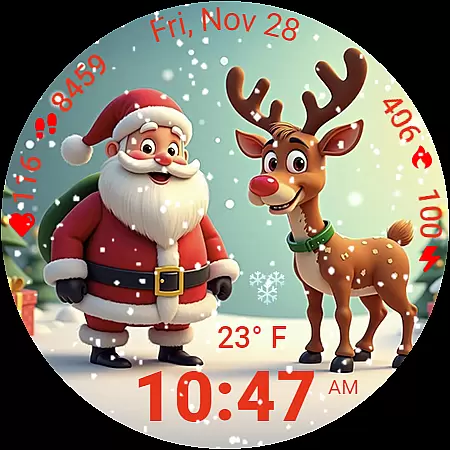
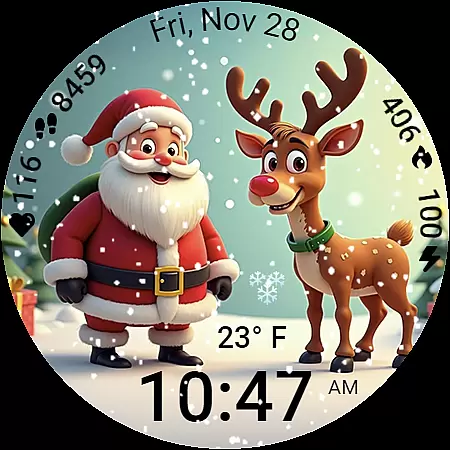
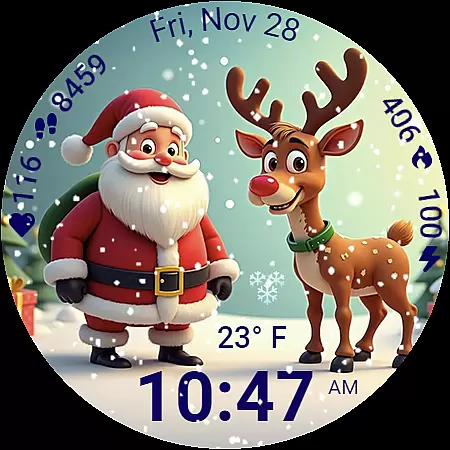
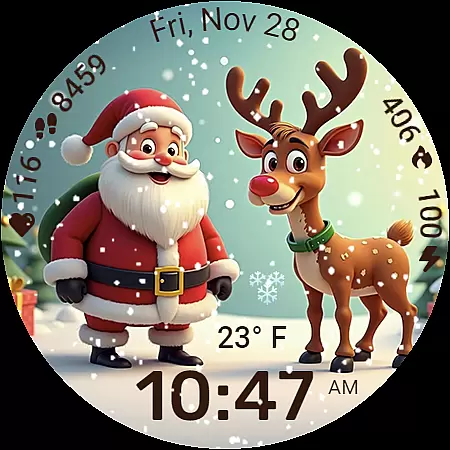
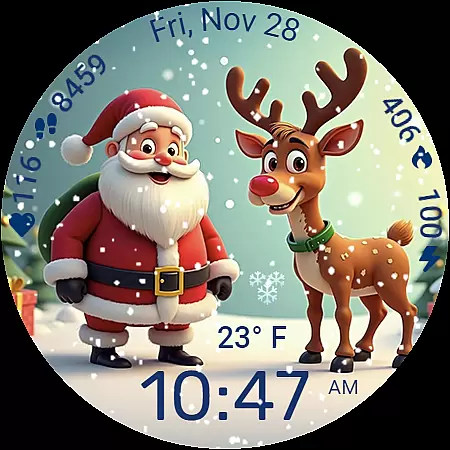
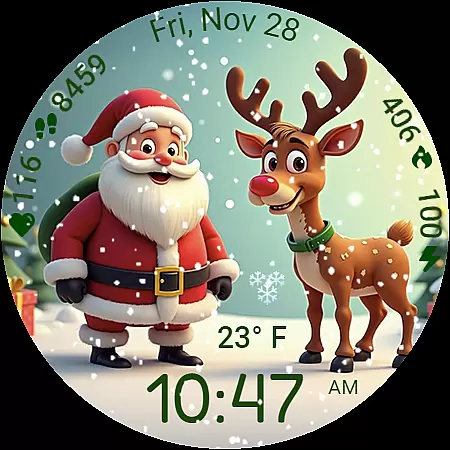
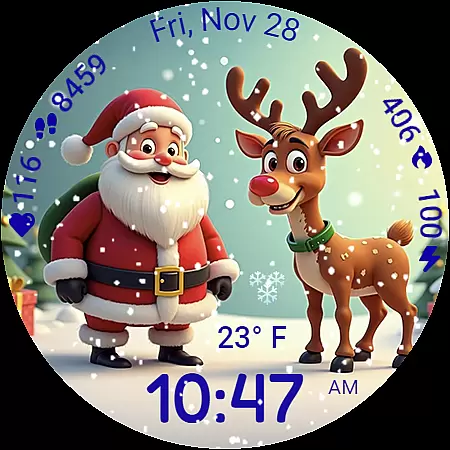
Santa and Rudolf Christmas WF is a premium Wear OS watchface that brings festive charm to your Galaxy Watch. Featuring delightful animations, customizable options, and essential health data, it offers both style and functionality.
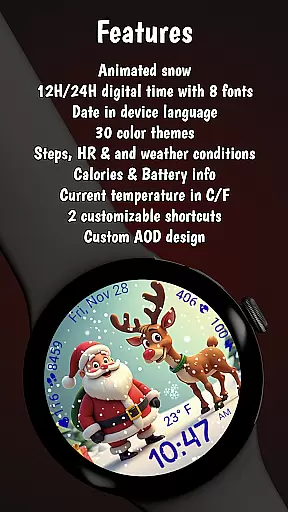
With animated snow effects, 8 time fonts, and 30 color themes, users can personalize their watch while enjoying features like step tracking, heart rate monitoring, and weather updates. Optimized for battery efficiency, this watchface ensures long-lasting performance throughout the holiday season.
This watchface stands out with its unique combination of holiday spirit and smartwatch functionality. The high-quality illustration of Santa and Rudolf, paired with smooth animated snowfall, creates an immersive Christmas atmosphere on your wrist.
Users can choose from 8 unique time fonts and 30 color themes for deep customization. The layout includes essential health indicators such as calories burned, steps taken, heart rate, and even live weather conditions. Optimized for performance, the watchface maintains visual quality while minimizing battery consumption.
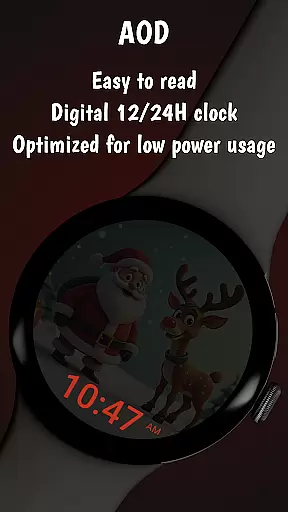
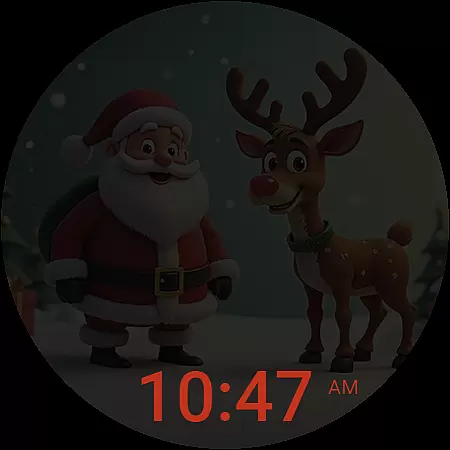
The Always On Display feature ensures important information remains visible without draining battery life. Compatible with Galaxy Watches running Wear OS 5 or newer, it provides a seamless experience for holiday enthusiasts looking to upgrade their smartwatch display.
Companion app integration is essential for a seamless wearable experience. The Santa and Rudolf Christmas watchface excels in this area by offering deep connectivity with its dedicated companion app.
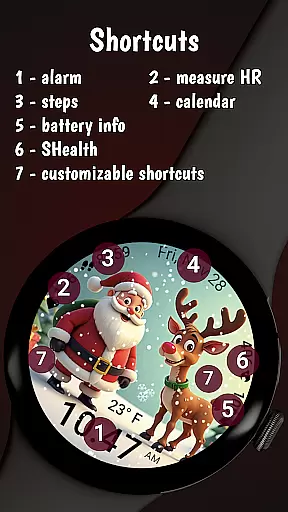
Through the companion app, users can access an extensive customization suite. This includes eight unique time fonts and thirty beautifully crafted color themes, allowing for personalized modifications that suit individual preferences. The app also enables users to set up two customizable shortcuts, providing instant access to frequently used applications.
The integration extends beyond aesthetics. Users can fine-tune health and activity data displays, such as calories burned, step counts, and heart rate monitoring. These practical features ensure users maintain optimal functionality while enjoying their festive watchface.
This robust companion app ecosystem creates a unified experience between the smartphone and wearable device, enhancing both usability and enjoyment during the holiday season.
Device compatibility is crucial for ensuring consistent performance across different platforms. The Santa and Rudolf Christmas watchface is specifically optimized for Galaxy Watches running Wear OS 5 or newer, guaranteeing reliable functionality.
This watchface takes full advantage of Samsung's advanced features while maintaining stability. Users can enjoy smooth animations, accurate health tracking, and efficient battery management without worrying about technical issues.
Although primarily designed for Samsung devices, the application maintains basic functionality on other Wear OS platforms. However, some advanced features like weather updates and shortcut functionality might be limited on non-Samsung devices.
The development team has implemented rigorous testing protocols to ensure maximum compatibility. This dedication to quality assurance provides users with peace of mind, knowing their festive watchface will perform optimally throughout the holiday season.
High-quality festive design
Extensive customization options
Smooth animated effects
Comprehensive health tracking
Battery-efficient performance
Limited compatibility
Some features locked
Premium price point
Requires companion app
Weather may not work on all devices

Highly customizable hybrid watch face for Wear OS, perfect for everyday use.
 4.60
4.60
Analog watch face with 8 complications and expedition styling
4.2
Deck out your Wear OS Watch face with a beautifully decorated pine wreath!
4.50
Beautiful, colorful and practical watch face. For Wear OS devices.
5.00
Hyperlocal rain alerts by MyRadar using patent-pending technology, radar & more
4.80
The ultimate destination for kids ages 3-8 to explore the Marvel Universe!
4.30
Real-time weather radar with temperatures, warnings, hurricanes, and widgets
4.80
A digital watch face that celebrates Christmas.
4.00
Start and succeed with PAP
4.10
Period, ovulation & pregnancy tracker. Fertility insights & menstrual calendar.
4.90
Gym Log & Workout Tracker | Fitness Journal, Training & Weight Lifting Planner
4.90
A modern premium sporty hybrid watch face for Wear OS by Ballozi
4.70
Your second brain for organizing your life: to-do, calendar, reminder.
4.70
Rose gold watch face with festive lights & customizable features.
4.60
Embrace the holiday spirit with this magical animated watch face!
4.40
Bold, Modern Hybrid Watch Face for Wear OS. 10 Colors, Rich Info Display.
4.30
Calming & relaxing sounds for sleeping and stress relief. Stay focused all day!
4.20
Wear Os Watch Face - Animated Snow Effect & Christmas Lights
4.0
Funny animated watch face for Thanksgiving
4.5


User Reviews