
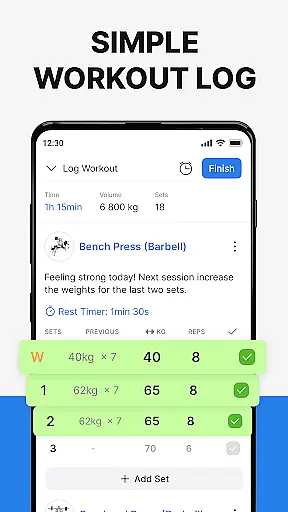
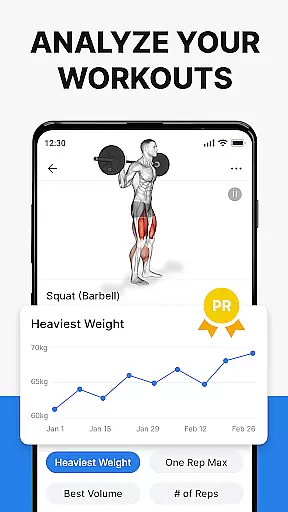
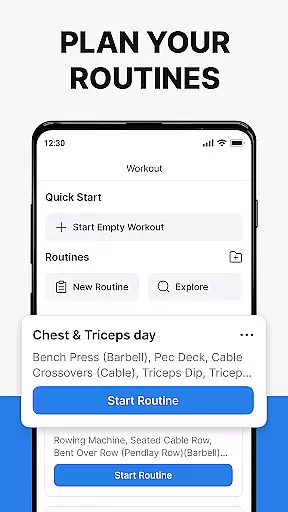
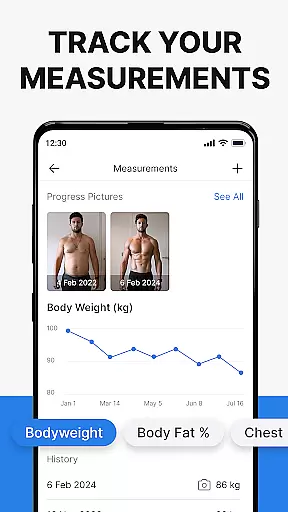
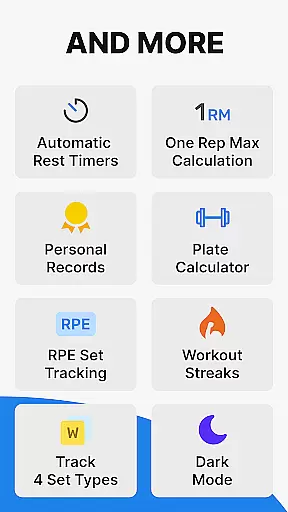
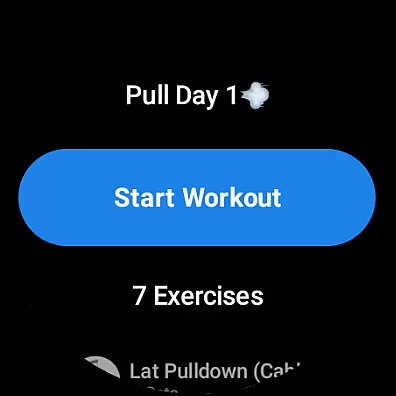
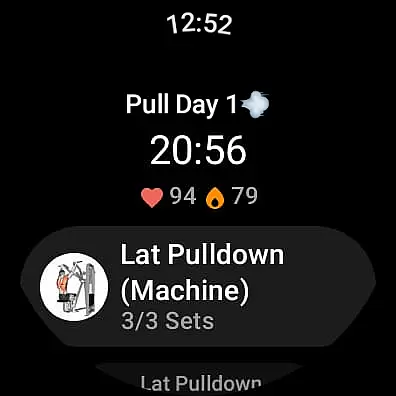
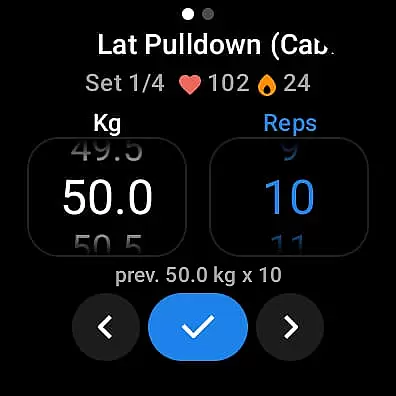
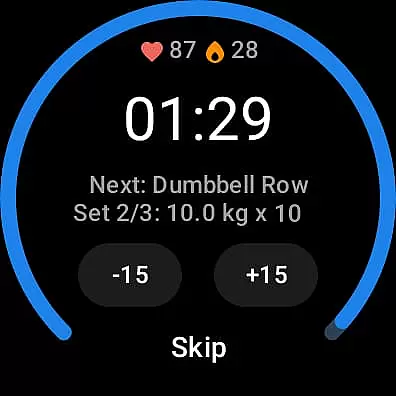
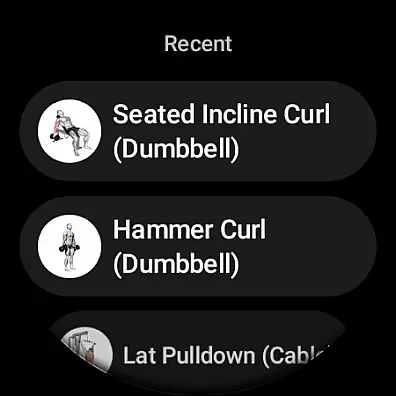
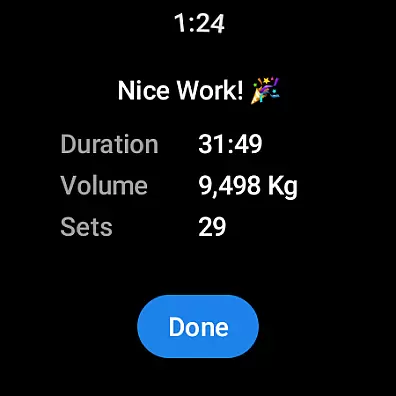
Hevy - Gym Log Workout Tracker is a comprehensive fitness application designed specifically for Android Wear users. This app allows you to log your workouts with an intuitive interface, plan routines, and track progress over time using detailed analytics and statistics. With features like muscle group graphs, one rep max calculation, and full-screen progression charts, Hevy provides all the tools necessary for effective strength training.
The app also integrates with Wear OS watches, enabling users to track their workouts on the go, access routines directly from their watch, and monitor heart rate during exercise sessions. Whether you're focusing on weightlifting, bodybuilding, or calisthenics, Hevy supports various training types and helps maintain proper form with instructional videos for over 200 exercises.
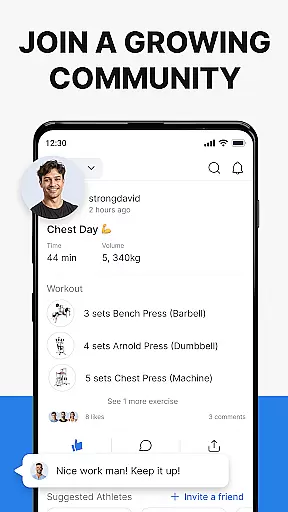
By joining the Hevy community, users can follow friends' progress, copy their routines, and stay motivated through social interaction. The combination of advanced tracking features, seamless wearable integration, and a supportive user community makes Hevy an essential tool for anyone looking to enhance their fitness journey.
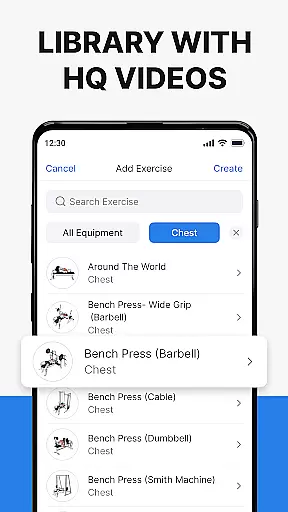
Hevy offers a rich set of features tailored for fitness enthusiasts who use Android Wear devices. One standout feature is its advanced routine planner, which lets you design and log custom workout routines while marking sets as warmups, drop sets, or supersets. Additionally, the app provides hundreds of high-quality exercise videos that help ensure correct form, making it easier to perform exercises like Bench Press, Squat, and Deadlift safely.
For those who prefer tracking their activities via smartwatches, Hevy's Wear OS integration is invaluable. It allows live syncing between the watch and phone, automatic saving of workouts when reconnected, and even includes helpful timers for duration-based exercises. Users can also keep tabs on their heart rate directly from their wrist, enhancing overall workout efficiency.
Another significant aspect of Hevy is its robust analytical capabilities. The app generates beautiful graphs showing volume, best weight, and total reps, giving users insights into their performance trends. Moreover, by following other athletes within the community, users can draw inspiration from peers' workouts and continuously improve their own routines. These features collectively make Hevy a powerful ally in achieving personal fitness goals.
Companion app integration is essential for users who want a seamless experience between their mobile devices and wearable technology. Hevy - Gym Log Workout Tracker offers robust companion app features specifically designed for Android Wear devices.
The application allows you to easily track your workouts on your Wear OS Watch, ensuring that all your fitness data is synchronized in real-time with your phone. This means you can start a workout on your watch and have the confidence that all your sets, reps, and performance metrics will be accurately recorded and available for review on your main device.
Hevy takes this integration further by enabling the use of your pre-planned routines directly on your Wear OS Watch. This feature ensures that your carefully planned gym sessions are always at hand, providing convenience and continuity in your training regimen.
Additionally, the live sync functionality guarantees that any changes made during your workout on the watch are immediately reflected on your phone. This synchronization includes vital stats like heart rate monitoring and timers for duration exercises, offering a comprehensive view of your performance across devices.
Device compatibility is crucial for ensuring that applications deliver consistent performance across different platforms. Hevy - Gym Log Workout Tracker excels in Wear OS/device compatibility, making it an ideal choice for users invested in the Android ecosystem.
Hevy supports a wide range of Wear OS devices, allowing users to utilize its full suite of features without worrying about hardware limitations. Whether you're using a smartwatch from a major manufacturer or a lesser-known brand, Hevy's optimized performance ensures that you can track your workouts effortlessly.
Beyond basic compatibility, Hevy leverages the unique capabilities of Wear OS devices to enhance user experience. Features such as heart rate tracking during workouts and intuitive set marking options like Warmup, Normal, Drop sets, or Failure are seamlessly integrated into the app's interface on your watch.
Moreover, Hevy's Wear OS Tile provides quick access to the app, streamlining the process of starting and managing your workouts. This thoughtful design consideration highlights Hevy's commitment to delivering a cohesive and efficient user experience across all compatible devices.
User-friendly interface
Comprehensive analytics
Extensive exercise library
Active community support
Seamless Wear OS integration
Limited third-party integrations
No built-in nutrition tracker
Premium features require subscription
Occasional syncing issues
Interface may feel overwhelming

Beautiful artistic animated digital watch face, with a customizable layout!
 4.40
4.40
Digital, flexibly customizable watch face. For Wear OS 5.0, API 34+ and later.
5.00
Period, ovulation & pregnancy tracker. Fertility insights & menstrual calendar.
4.90
Reliable phone calls with spam protection, caller ID and more helpful features
4.40
Bold weather Digital watchface with forecast & optional animated background
4.40
The most customizable hybrid watch face. For Wear OS 5.0, API 34+ and later
4.70
Retro digital watch face with customizable colors and a unique lighting effect
4.60
Simple, helpful messaging by Google
4.60
Spam call blocker and caller ID for automatic call protection!
4.40
Hyperlocal rain alerts by MyRadar using patent-pending technology, radar & more
4.80
The most customizable minimal watch face. For Wear OS 5.0, API 34+ and later
4.70
Gym & home workout plans with strength training, exercise tracking, HIIT & more.
4.60
Embrace the holiday spirit with this magical animated watch face!
4.40
Digital watch face. For Wear OS devices.
4.40
Find EV charging stations
4.30
Animated video-game inspired “secret agent” simulation, right on your wrist!
4.20
Get helpful reminders, take progress photos and find answers to your questions.
3.90
Simple Analog-Digital Watchface For Wear OS 3.0 and Up Smartwatches
4.3
Hybrid Vibrant Health Watch Face for Wear OS
4.1


User Reviews