
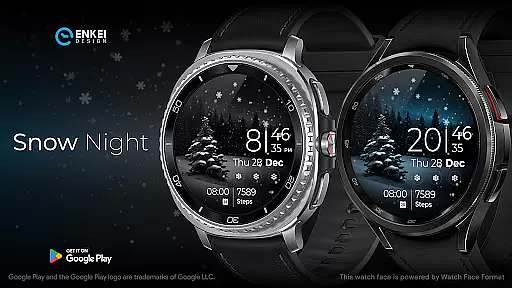
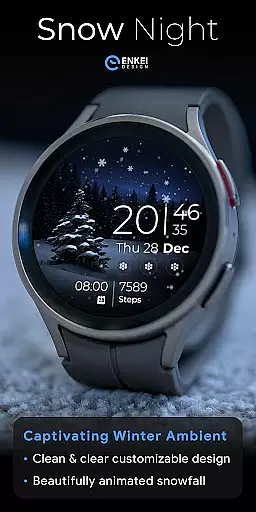
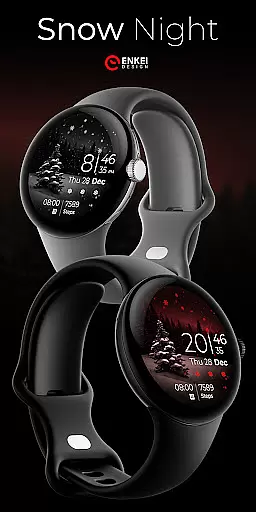
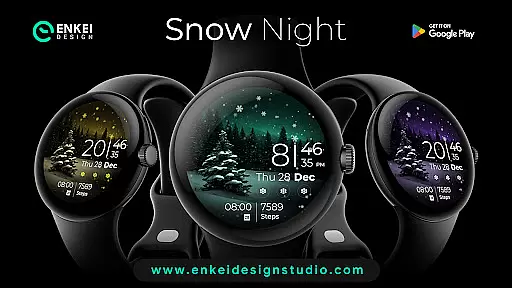
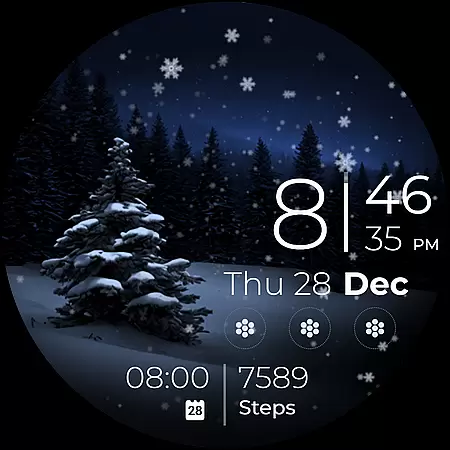
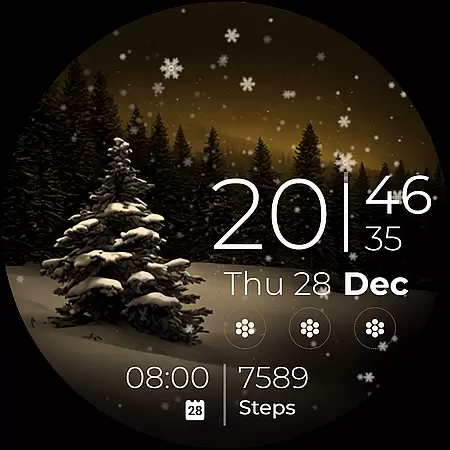
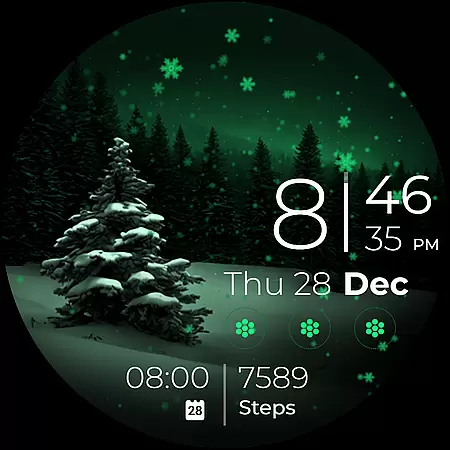
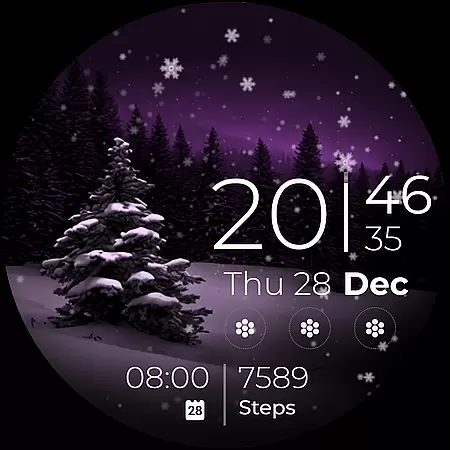
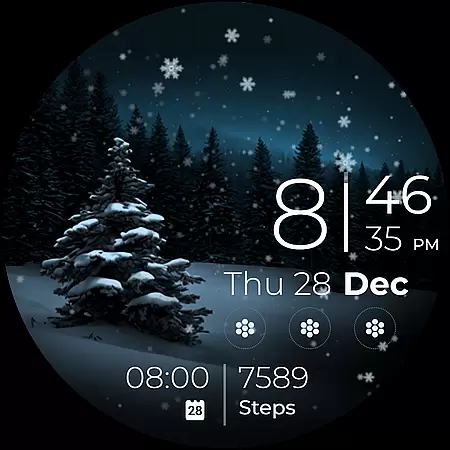
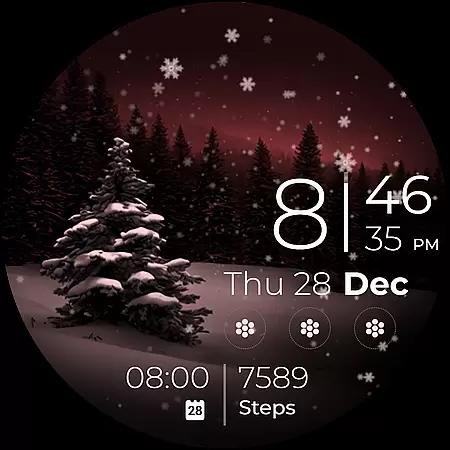
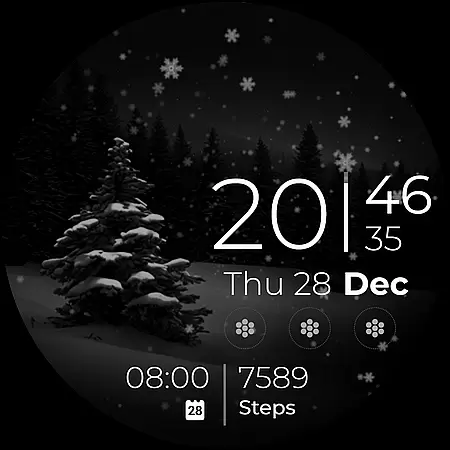
Snow Night is a captivating artistic watch face designed for Wear OS devices, offering a relaxing winter-themed experience. Featuring ambient snowfall animation and customizable options, it provides both aesthetic appeal and functional utility.
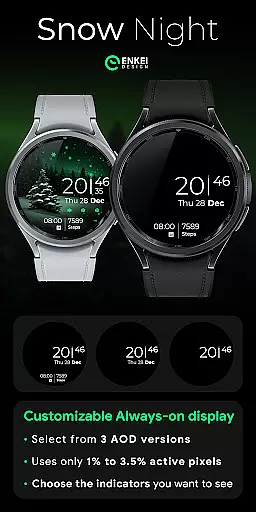
The watch face includes clear digital clock indicators, battery percentage display, and various shortcuts. Users can personalize colors, Always-On Display (AOD) styles, and complications to create their ideal layout. Compatible with Wear OS 5.0 and newer, this app enhances both style and usability.
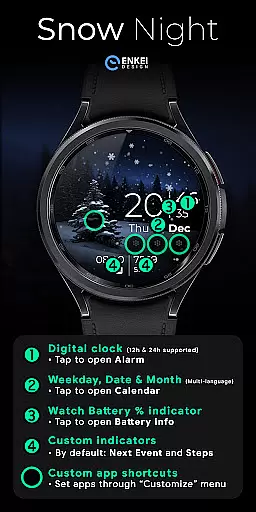
Snow Night offers an impressive range of features that make it stand out among watch faces. The digital clock supports both 12h and 24h formats, while the tap-to-open functionality allows quick access to essential apps like Alarm, Calendar, and Battery Info.
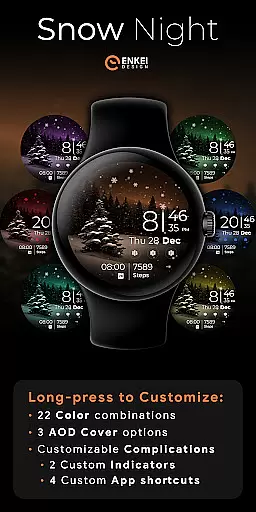
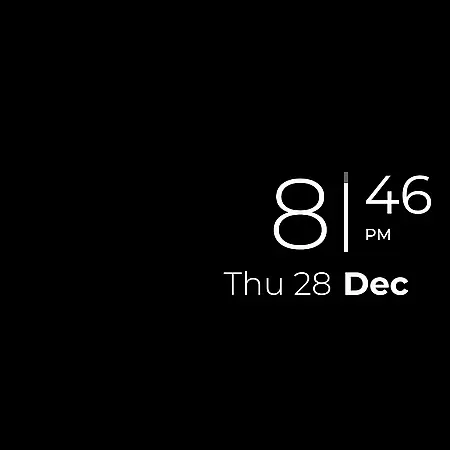
With four customizable app shortcuts and two short-text indicators, users can tailor their watch face to display next events, step counts, or other preferred information. The long-press customize menu provides 22 color combinations and three AOD cover options, ensuring a personalized experience.
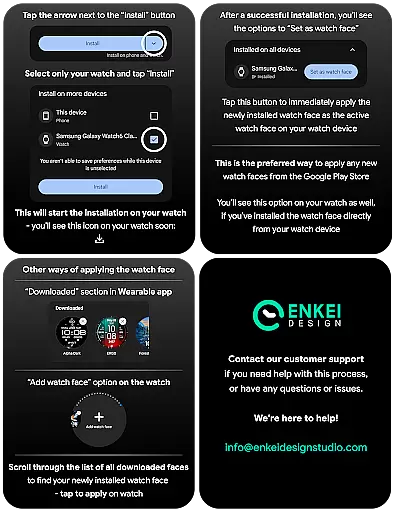
Companion app integration is essential for Android Wear applications like Snow Night. This feature ensures seamless synchronization between the watch face and its companion app on your mobile device. The companion app serves as a bridge, allowing users to easily install and manage the watch face directly from their phone.
Snow Night's companion app simplifies the installation process by directing users to install the watch face directly onto their wearable device. This eliminates the need for manual searching and downloading on the watch itself. Additionally, the companion app may provide access to advanced customization options that are not available directly on the wearable interface.
The integration also enables automatic updates and notifications, ensuring that users always have the latest version with all recent improvements and bug fixes. This real-time synchronization enhances user experience by maintaining consistency across devices.
By offering this robust companion app integration, Snow Night ensures that users can effortlessly enjoy its full range of features while maintaining optimal performance and reliability on their Wear OS devices.
Wear OS and device compatibility are crucial factors for any Android Wear application, including Snow Night. This watch face is specifically designed to work optimally on devices running Wear OS 5.0 and newer versions (API 34+). Ensuring compatibility with these operating systems guarantees that users will experience the full range of features without encountering technical issues.
Snow Night takes advantage of the expanded customization options and useful features offered by the Watch Face Format, which is supported on Wear OS 5.0 and above. This includes enhanced ambient modes, improved battery efficiency, and better integration with system functionalities. Users can expect clear and bright indicators, customizable colors, AOD styles, and complications that work seamlessly within their device's ecosystem.
Device compatibility extends beyond just the operating system. Snow Night is optimized to utilize minimal active pixels (just 2% - 4%) while providing an engaging visual experience through its winter-themed animations and detailed design elements. This optimization ensures smooth performance across various hardware configurations.
By focusing on comprehensive Wear OS and device compatibility, Snow Night delivers a reliable and visually stunning watch face that enhances the overall smartwatch experience for users who demand both functionality and aesthetics in their wearable technology.
Visually appealing design
Highly customizable options
User-friendly interface
Quick access to essential apps
Compatible with latest Wear OS
Limited to Wear OS 5.0+
May consume more battery
Complex for beginners
Fewer features in AOD mode
Premium customization locked

Deck out your Wear OS Watch face with a beautifully decorated pine wreath!
 4.50
4.50
Watch face designed for Thanksgiving Day. 7 Background Styles included.
3.20
Be an elegant and classy secret agent, with this carefully detailed watch face
4.70
Watch face for Wear OS.
4.20
3 Complications. All shadow on/off. 30 Themes color palette...
4.2
Hybrid Vibrant Health Watch Face for Wear OS
4.5
Your music, your playlists, and more—offline and unlimited.
4.20
Your local weather forecast, storm tracker, radar maps & live weather news
3.40
Want to take charge of your health? Let Google Fit help you reach your goals.
3.50
Christmas Theme Watch Face for Wear Os
5.00
Digital, flexibly customizable watch face. For Wear OS 5.0, API 34+ and later.
5.00
A realistic hybrid watch face with many customization options.
4.60
Connect to your Bluelink equipped Hyundai vehicle from your smartphone.
4.50
Animated video-game inspired “secret agent” simulation, right on your wrist!
4.20
Snowflake Rose Gold Watch Face - Digital, modern, & sleek with GYRO effect.
4.10
Wear Os Watch Face - Animated Snow Effect & Magic Spark - 6 Scenes
4.10
Get helpful reminders, take progress photos and find answers to your questions.
3.90
Christmas is near, let's count together the days left until Santa comes
4.1
Analog watch face with 8 complications and expedition styling
4.2


User Reviews