
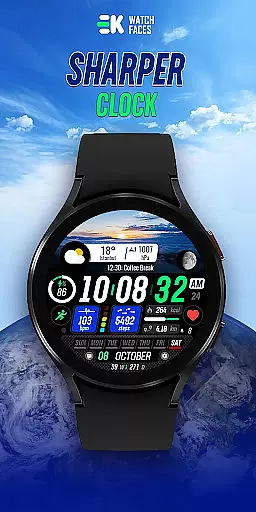
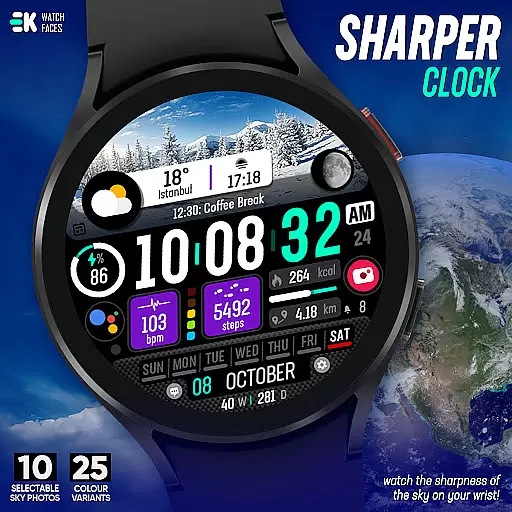
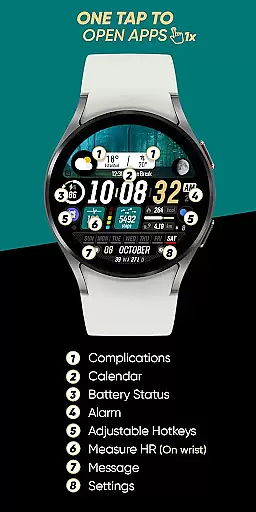
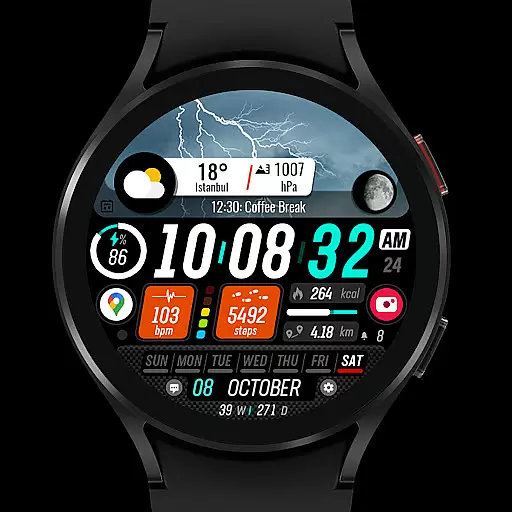
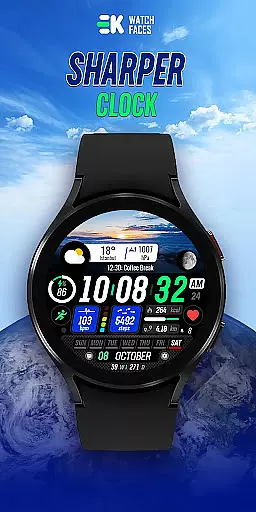
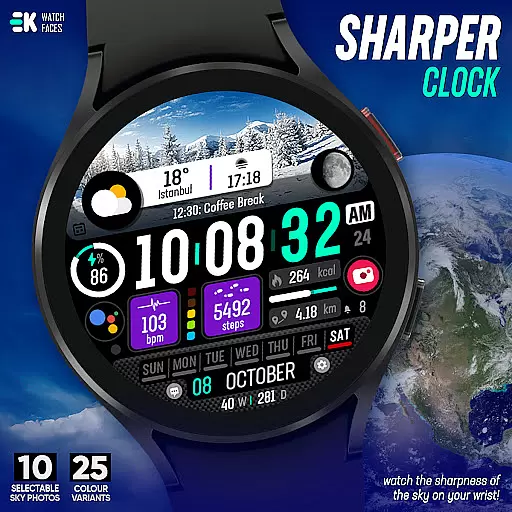
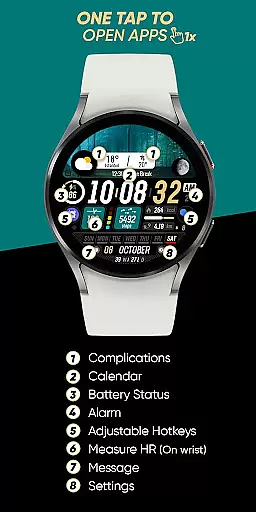
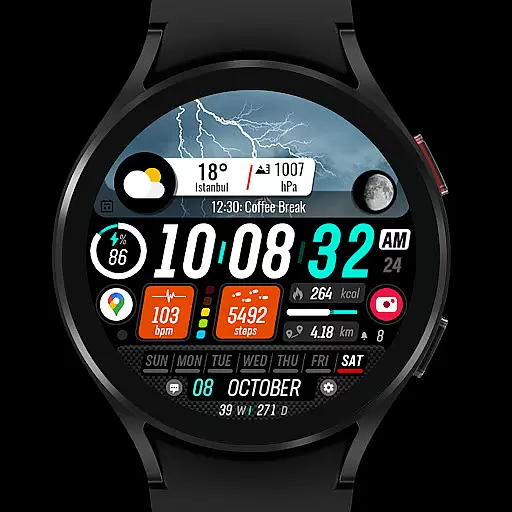
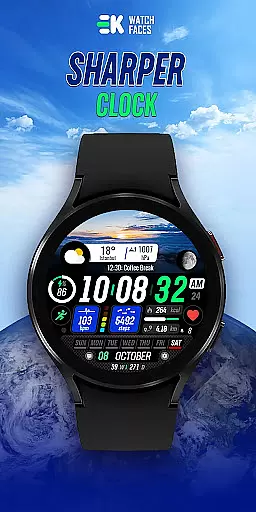
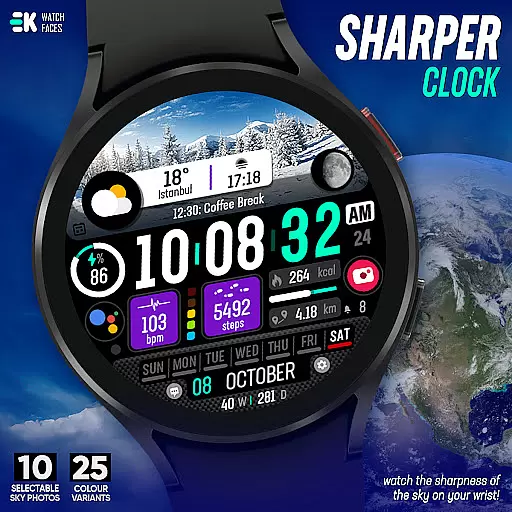
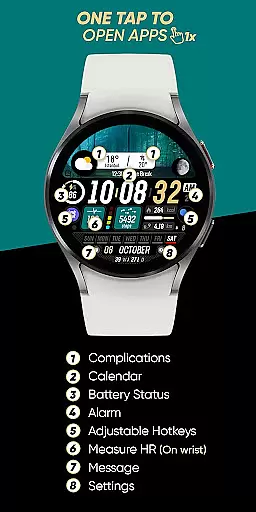
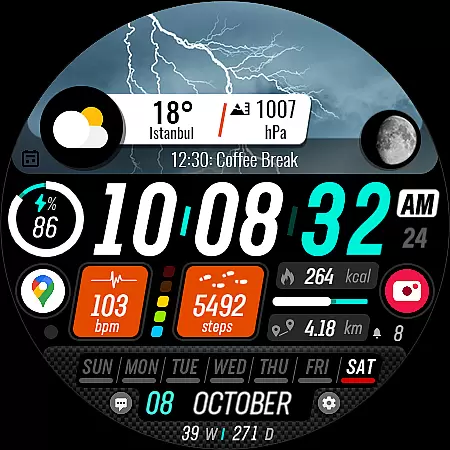
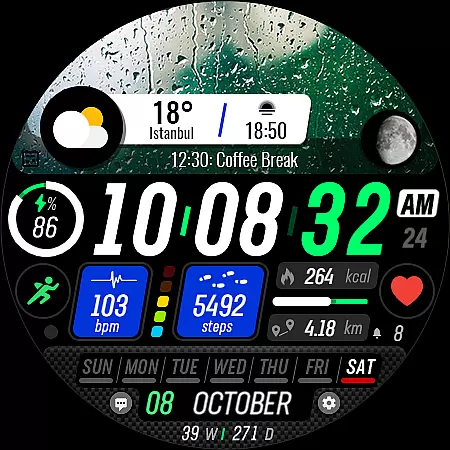
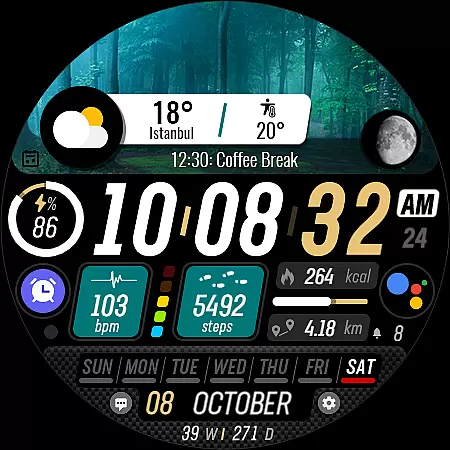
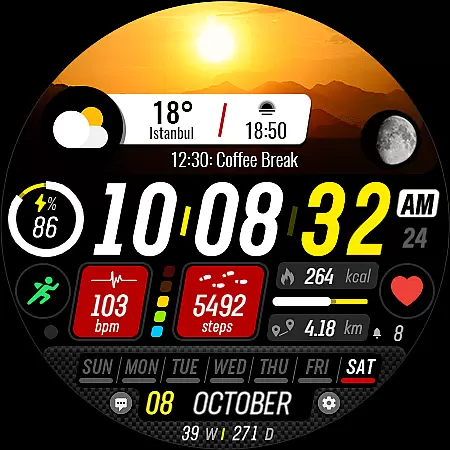
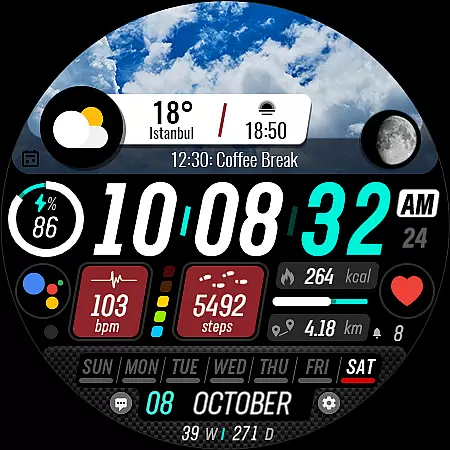
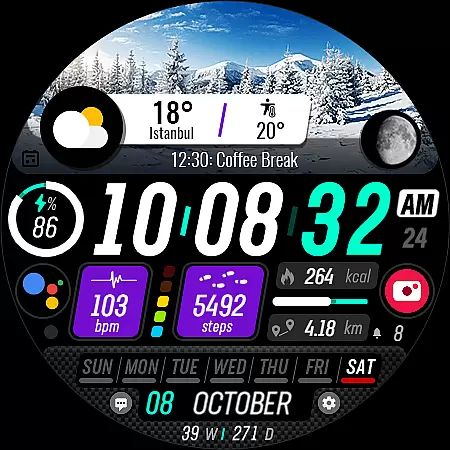
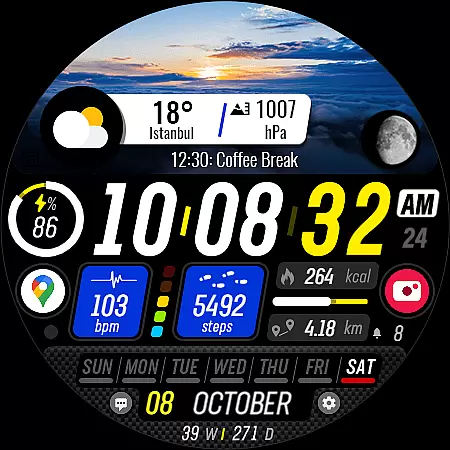
Sharper Clock is a premium watch face designed exclusively for Wear OS devices, offering users a unique way to experience timekeeping on their smartwatches. With compatibility limited to API 33 and above, this app ensures optimal performance on newer Wear OS devices.
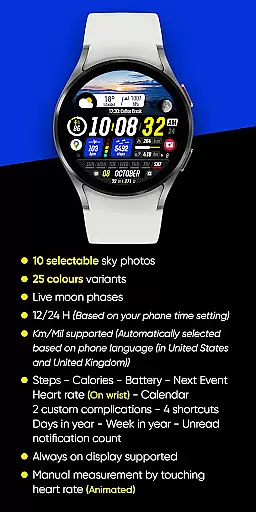
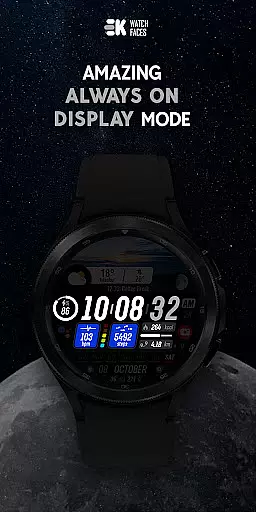
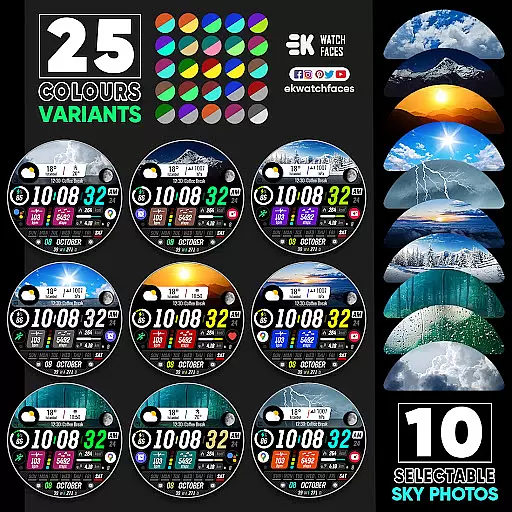
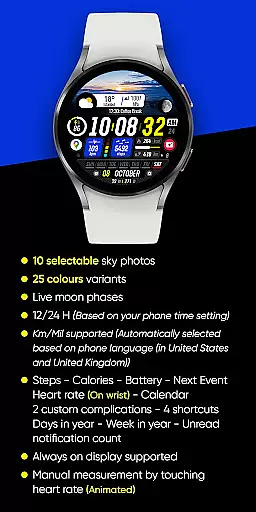
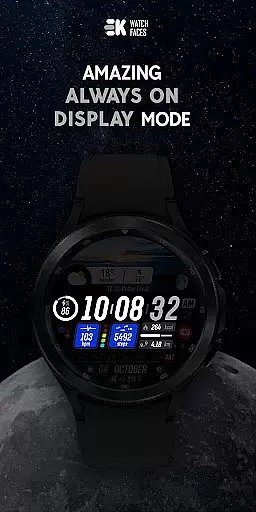
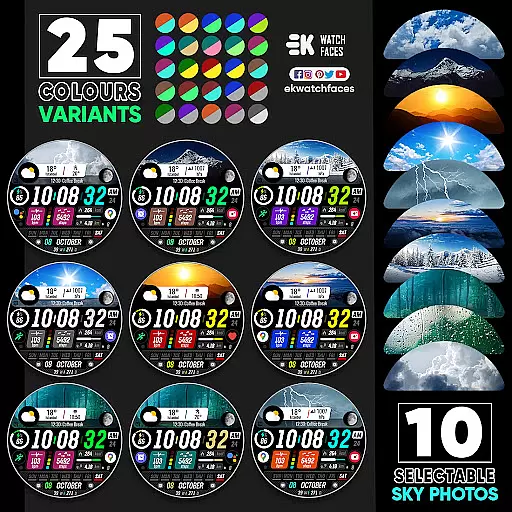
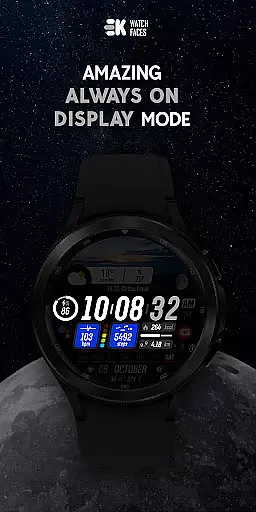
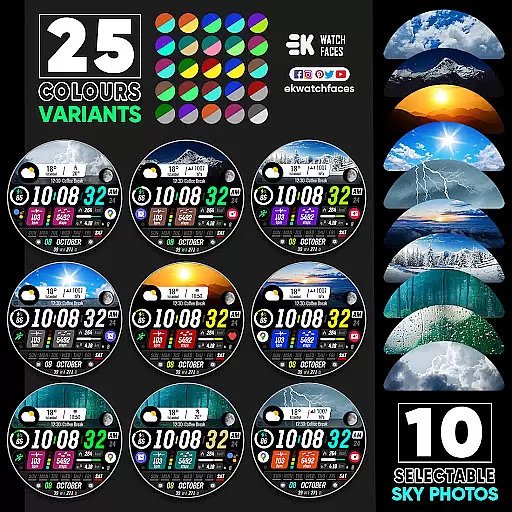
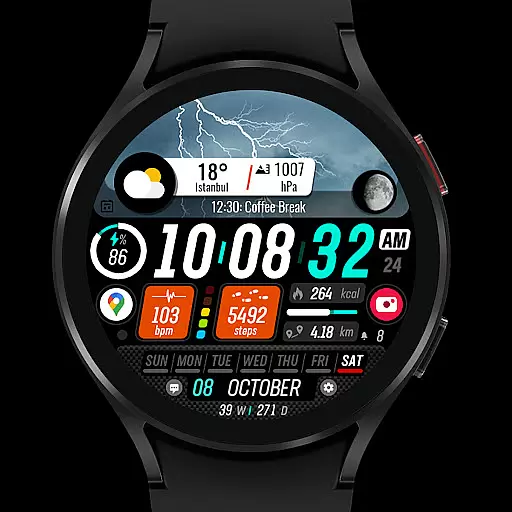
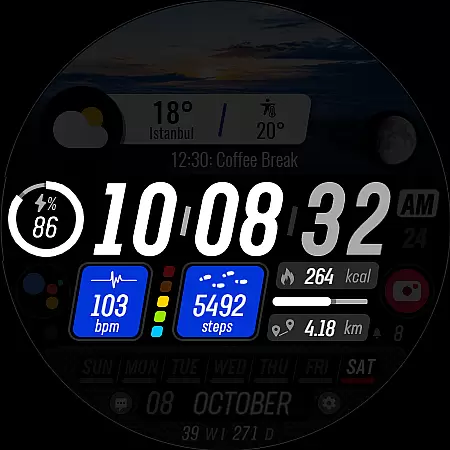
The watch face stands out with its customizable features, including 10 selectable sky photos, 25 color variants, and live moon phases. It also displays essential information such as steps, calories burned, battery status, next event, heart rate, and more. The always-on display functionality provides continuous access to key details without needing to wake the device.
Whether you're an athlete tracking fitness metrics or a professional managing a busy schedule, Sharper Clock offers a visually appealing and highly functional interface that enhances your daily routine.
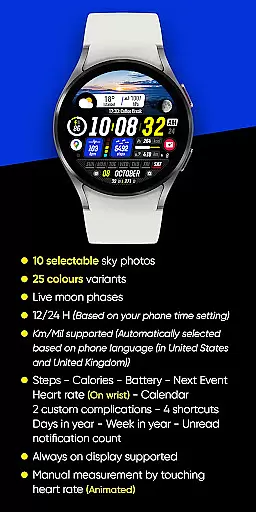
Sharper Clock boasts an impressive array of features tailored to enhance the Wear OS experience. The app includes 10 stunning sky photos and 25 color variants, allowing users to personalize their watch faces according to their preferences. Additionally, the live moon phase feature adds a dynamic element to the display.
Functionality extends beyond aesthetics with support for both 12/24-hour formats based on phone settings, automatic selection of Km/Mil units based on phone language, and integration with health metrics like steps, calories, heart rate, and battery status. Users can also view their next event, calendar, and unread notification count directly on their watch face.
For uninterrupted convenience, the always-on display feature ensures that vital information remains accessible at all times. To fully utilize these capabilities, users should manually enable permissions for sensors and complication data.
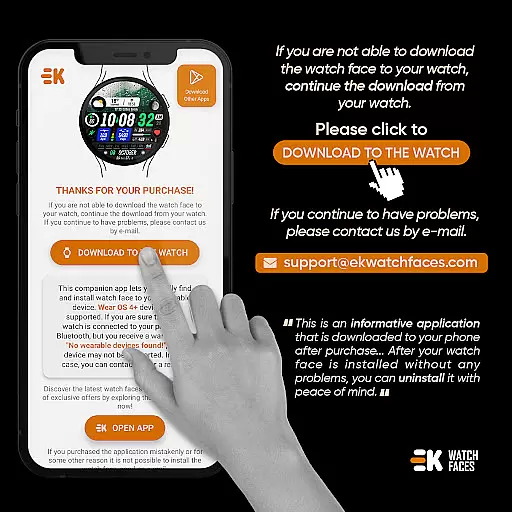
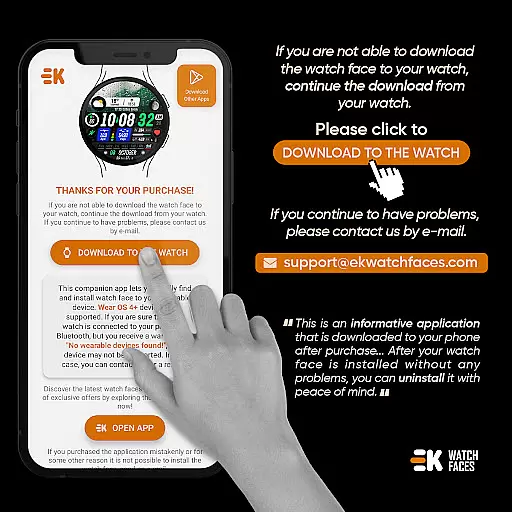
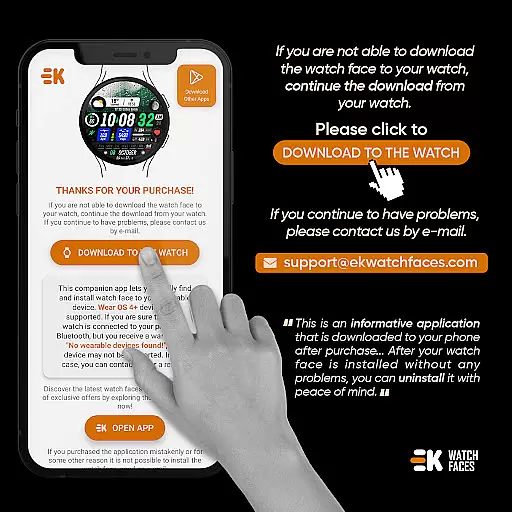
Companion app integration is essential for a seamless experience between wearable devices and smartphones. Sharper Clock - Watch Face ensures this by providing a dedicated phone app that simplifies the installation process on your Wear OS device.
The phone app acts as a bridge, allowing users to easily download and install the watch face directly onto their smartwatch. By tapping on the 'DOWNLOAD TO THE WATCH' option within the phone app, users can follow straightforward instructions to complete the setup.
This companion app not only facilitates easy installation but also helps in organizing and locating watch faces on your Wear OS device. This makes it convenient for users to switch between different watch faces and manage their preferences effortlessly.
By streamlining the installation and management process, Sharper Clock enhances user satisfaction and ensures that you can enjoy its full range of features without unnecessary hassle.
Compatibility with Wear OS and various devices is crucial for ensuring that users can enjoy the full functionality of an application like Sharper Clock - Watch Face. This app supports Wear OS devices running API 33+, which covers the latest versions and ensures optimal performance.
Sharper Clock offers extensive compatibility, supporting both 12-hour and 24-hour time formats based on your phone's settings. It automatically adjusts units such as Km/Mil according to the phoneu2019s language settings, making it versatile for users worldwide.
In addition to basic timekeeping, the app provides advanced features including live moon phases, health metrics like steps and heart rate, and even calendar events. These are all designed to work seamlessly across supported devices, enhancing the overall utility of your smartwatch.
Ensuring broad device compatibility and offering rich functionalities, Sharper Clock - Watch Face delivers a comprehensive and engaging user experience tailored to modern wearable technology.
Highly customizable
Live moon phases
Always-on display
Health metric integration
Dynamic complications
Limited to Wear OS
API 33+ required
Potential payment issues
Installation complexity
No iOS support

Highly customizable hybrid watch face for Wear OS, perfect for everyday use.
 4.60
4.60
Precision analog watch face with 7 complications and style options
4.0
Deck out your Wear OS Watch face with a beautifully decorated pine wreath!
4.50
Let's celebrate Thanksgiving - Wear Os watch face
4.20
Find EV charging stations
4.30
Stay in touch with your friends and family using LINE!
3.40
Professional weather radar and more
3.90
Viewer for Wyze/Yi/Eufy/Arlo/ONVIF/RTSP/P2P IP cams w/ adv. features & DIY DVR
4.00
Your music, your playlists, and more—offline and unlimited.
4.20
Gym Log & Workout Tracker | Fitness Journal, Training & Weight Lifting Planner
4.90
Real-time weather radar with temperatures, warnings, hurricanes, and widgets
4.80
Diet tracker for weight loss - track calories, food and macros. Simple and easy!
4.70
WTW M17 is a premium and luxurious hybrid watch face
4.70
The most customizable hybrid watch face. For Wear OS 5.0, API 34+ and later
4.70
Embrace the holiday spirit with this magical animated watch face!
4.40
Beautiful artistic animated digital watch face, with a customizable layout!
4.40
Embrace the festive spirit with our Christmas Countdown watchface for Wear OS
4.10
Wear Os Watch Face - Animated Snow - Sesonal for Christmas & Winter
4.5
A Wintery Snow Globe on Your Wrist; now celebrating Christmas!
4.0


User Reviews