
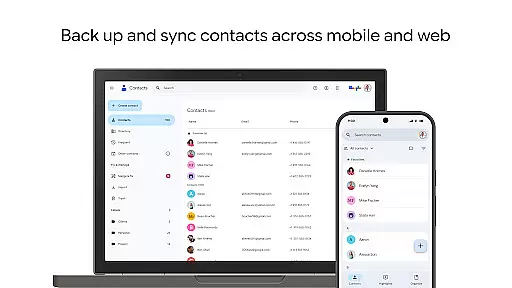
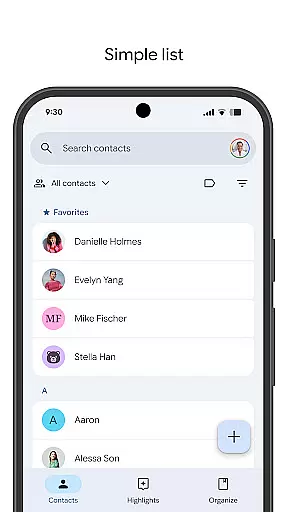
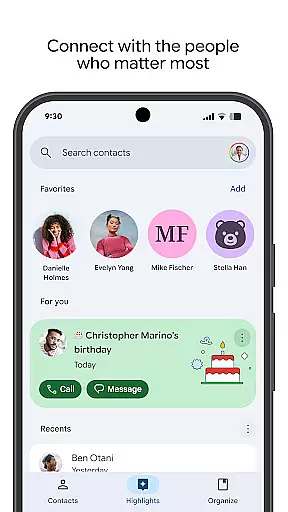
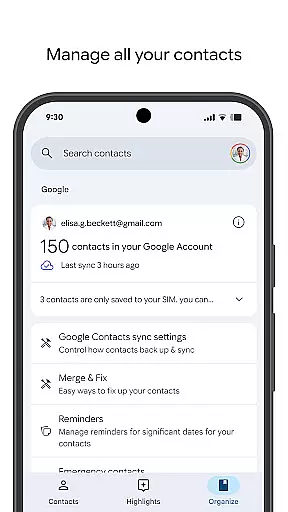
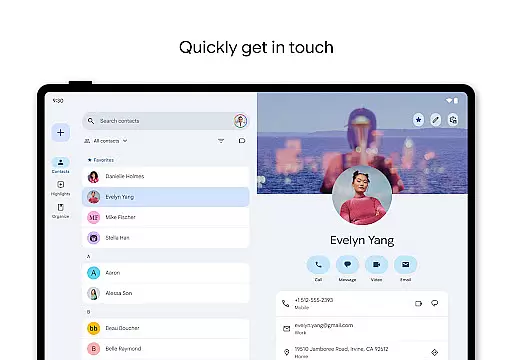
Contacts is a comprehensive contact management application designed specifically for Android users. The app allows you to back up and sync your contacts across all your devices by linking them to your Google Account. This ensures that your contact information is safely stored and can be accessed from any device where you're signed in, including when you switch to a new phone. Additionally, the app offers a recovery feature for contacts deleted within the last 30 days.
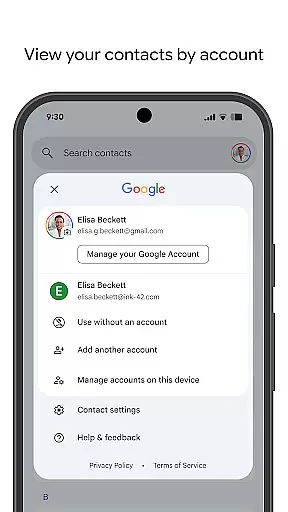
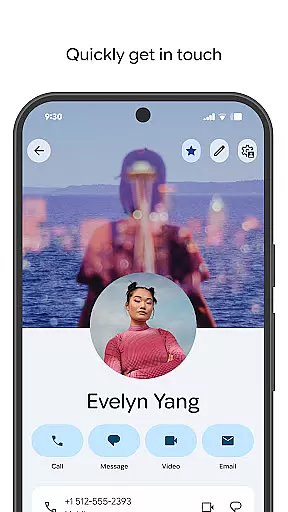
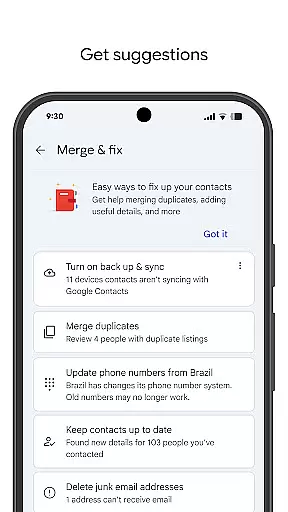
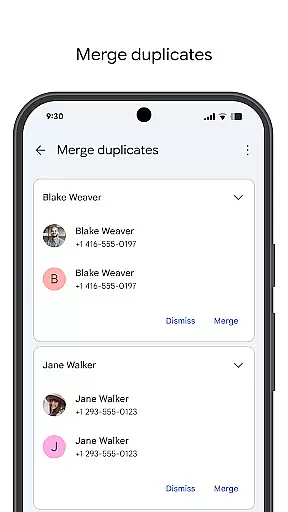
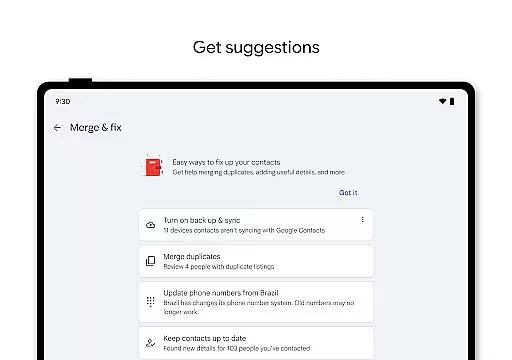
Beyond simple storage, Contacts helps you keep your contact list organized and current. You can view contacts by specific accounts, such as work or personal, and easily add or edit detailed information like phone numbers, emails, and photos. The app also provides tools to merge duplicate entries and enrich contact details, ensuring your list remains clean and useful.
Moreover, Contacts facilitates staying connected with those who matter most. It highlights important dates such as birthdays and anniversaries, allowing you to set reminders so you never miss a special occasion. With easy access to recently added or viewed contacts, managing your social and professional relationships has never been easier.
Contacts stands out due to its robust set of features tailored for efficient contact management. One of its primary capabilities is seamless backup and synchronization across multiple devices via integration with your Google Account. This means whether you're at home, in the office, or on the go, your contacts are always up-to-date and accessible.
The app excels in organization and maintenance of your contact list. It allows categorization by account type, making it simpler to manage different aspects of your life separately. Editing contact details is straightforward, supporting updates to phone numbers, email addresses, and profile pictures. Advanced functionalities include merging duplicates and enhancing contact information, which collectively contribute to maintaining an accurate and clutter-free directory.
Furthermore, Contacts enhances interpersonal connections through thoughtful features like birthday and anniversary reminders. These notifications ensure you stay engaged with your close network by remembering significant dates. The app also includes quick access options for recent contacts, streamlining frequent interactions and making communication more efficient.
Companion app integration is essential for ensuring seamless functionality between your mobile devices and wearable technology. The Contacts app offers robust companion app features specifically designed for Wear OS, allowing users to maintain consistent contact information across all devices.
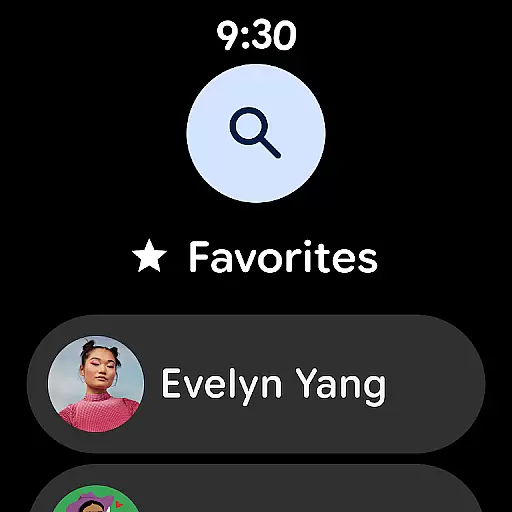
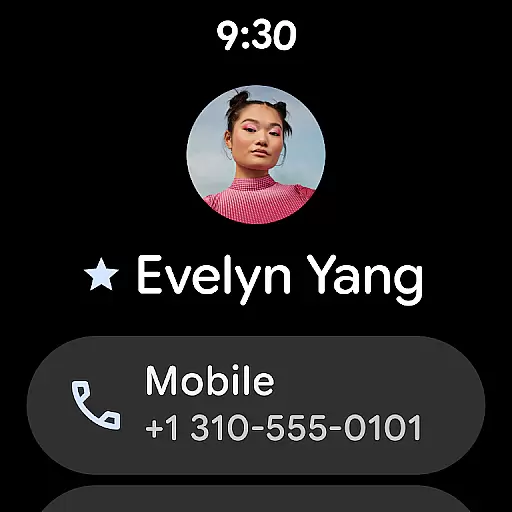
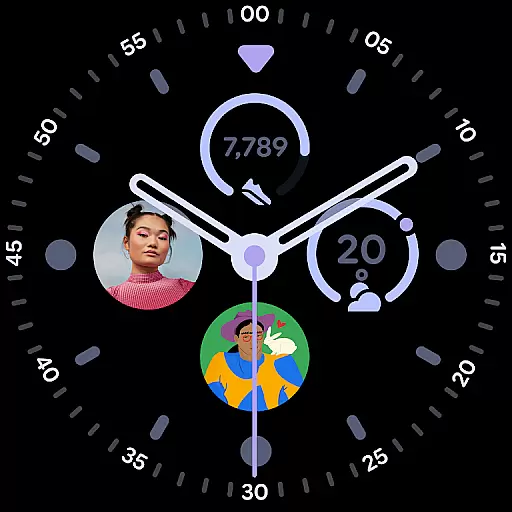
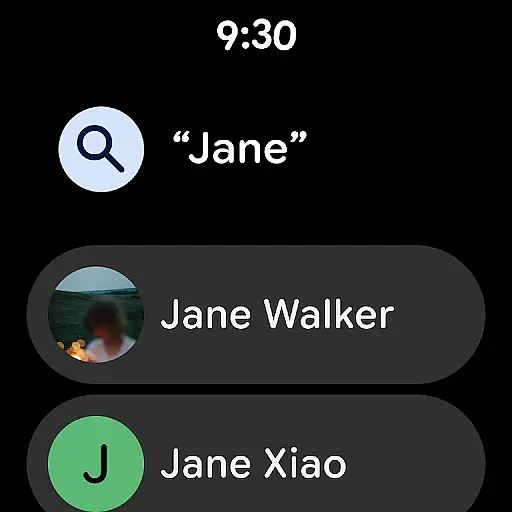
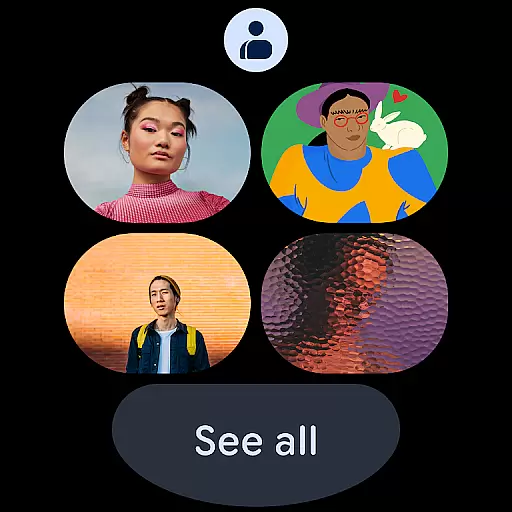
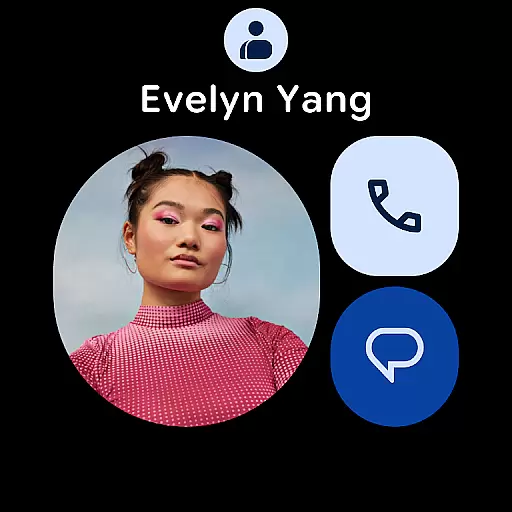
This integration enables users to access their favorite contacts directly from their Wear OS device through dedicated contact tiles. These tiles provide quick access to frequently contacted individuals, streamlining communication without the need to pull out a phone. Additionally, individual contact tiles offer detailed information at a glance, enhancing user convenience.
The synchronization process ensures that any updates made on one device are immediately reflected on others. This means whether you add new contacts, edit existing details, or recover deleted entries from Trash within the last 30 days, all changes will be mirrored across your smartphone and Wear OS devices. Such comprehensive integration significantly boosts productivity and keeps users connected with minimal effort.
Ensuring compatibility with Wear OS and various devices is crucial for maximizing the utility of applications like Contacts. This app supports extensive integration with Wear OS, providing users with versatile tools such as favorite contacts tiles, individual contact tiles, and contact complications tailored for smartwatches.
By leveraging these features, users can enjoy an uninterrupted experience when managing their contacts on-the-go. Favorite contacts tiles allow quick dialing or messaging, while individual contact tiles display vital information such as phone numbers and email addresses right on the watch face. Contact complications further enhance accessibility by integrating contact data into watch faces for instant access.
Moreover, this high level of compatibility extends beyond just Wear OS; it encompasses a wide range of Android devices. Whether signing in from a tablet, smartphone, or another connected device, users can effortlessly access and manage their contacts. This broad compatibility ensures that no matter which device you choose, your contact management remains efficient, reliable, and user-friendly.
User-friendly interface
Seamless cross-device sync
Comprehensive contact management
Automatic backup functionality
Smart suggestions for updates
Limited offline functionality
Requires Google Account
Occasional sync delays
No standalone desktop version
Privacy concerns with cloud storage

Wear Os Watch Face - Animated Snow Effect & Christmas Lights
 4.4
4.4
Animated Watch Face and Customizable with 24 Backgrounds. Perfect for Christmas!
3.90
Elegant animated Christmas tree with multiple customization options
4.20
Contemporary digital watch face with five complications
4.4
Stunning modern digital watch face with 7 complications and strong contrast
4.0
Digital watch face with big numbers and many customization for Wear OS devices
4.40
The #1 source of faces for your smartwatch!
4.00
Minimalistic design modern digital watch face.
4.4
Fitbit is dedicated to helping people lead healthier, more active lives.
4.10
Christmas Theme Watch Face for Wear Os
5.00
Christmas - Festive - Christmas Village - Winter - Christmas lights
5.00
Digital watch face. For Wear OS devices.
4.40
Bold weather Digital watchface with forecast & optional animated background
4.40
Watch face for Wear OS.
4.20
Let's celebrate Thanksgiving - Wear Os watch face
4.20
Snowflake Rose Gold Watch Face - Digital, modern, & sleek with GYRO effect.
4.10
sleep, alarm, snoring, stress, healing, focus, sound therapy, circadian rhythm
4.10
Professional weather radar and more
3.90
Wear Os Watch Face - Animated Snow - Sesonal for Christmas & Winter
4.3


User Reviews