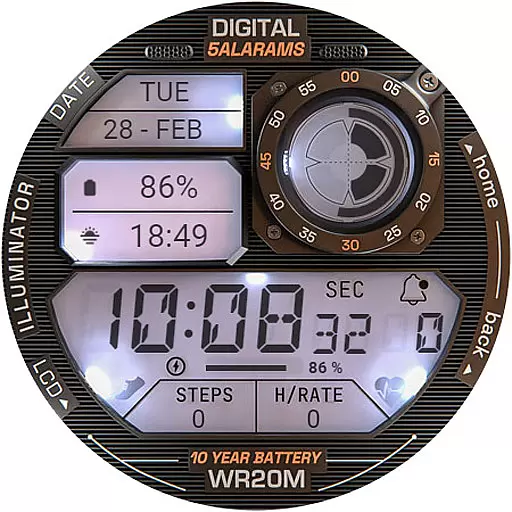
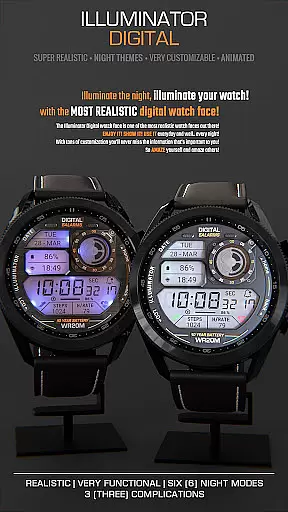
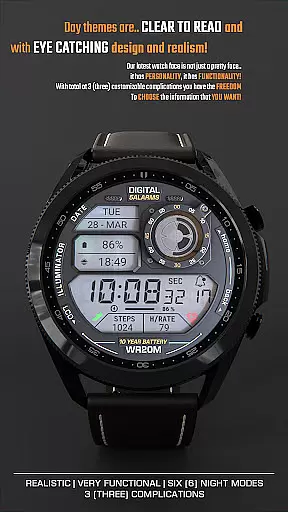
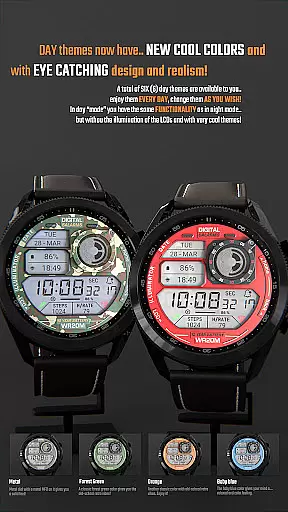
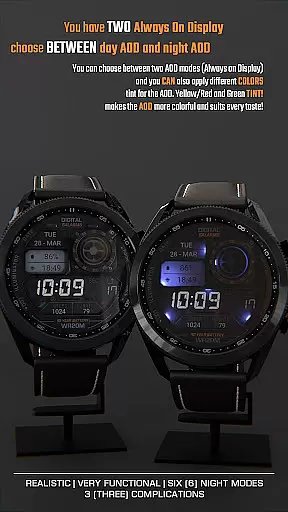
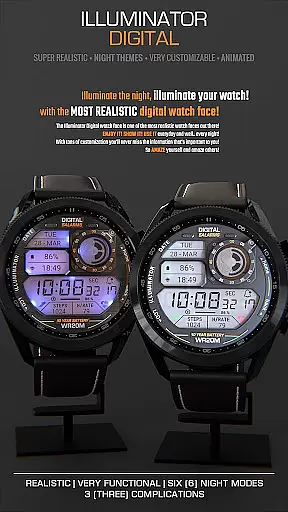
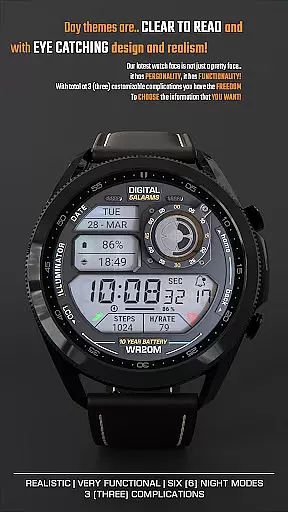
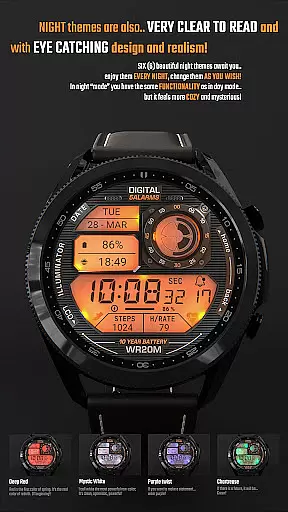
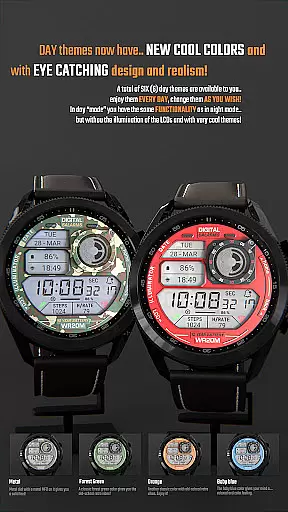
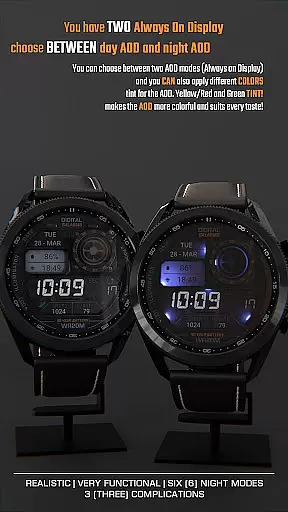
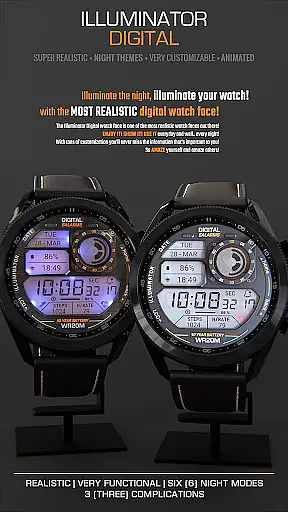
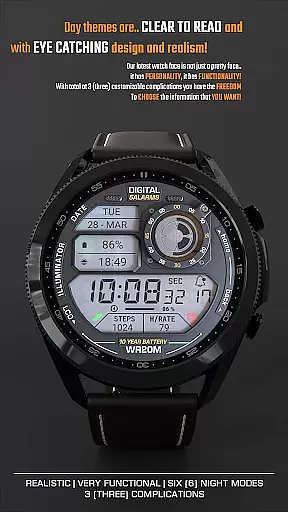
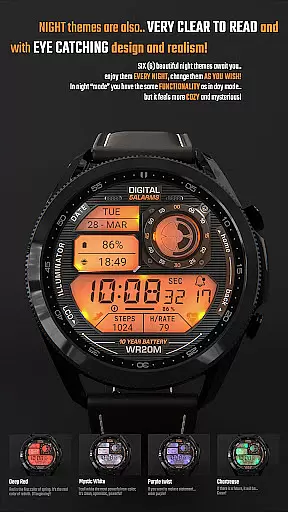
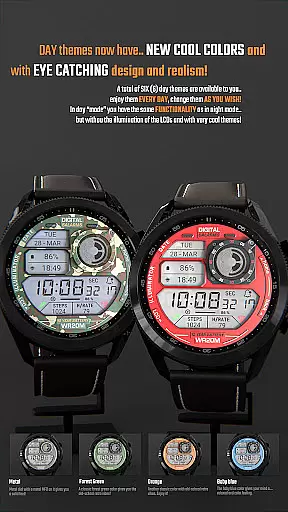
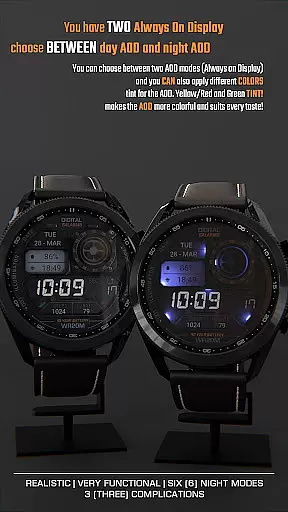
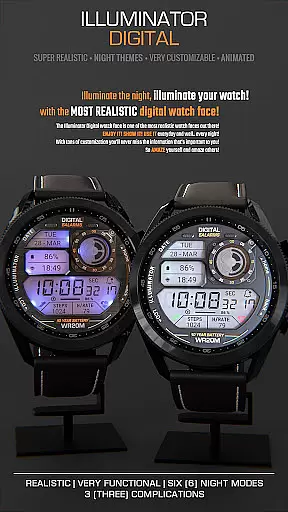
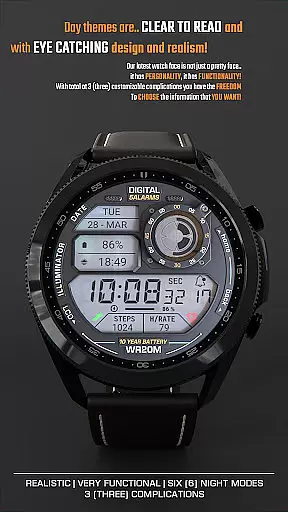
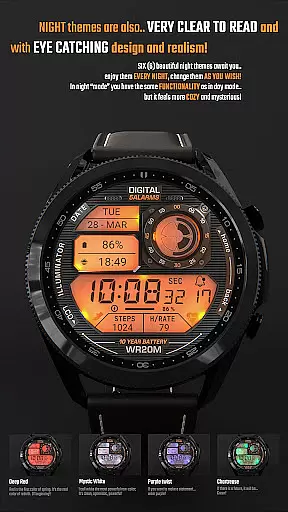
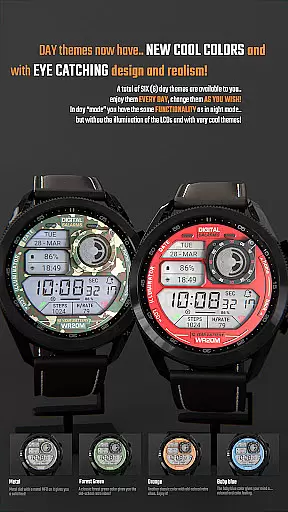
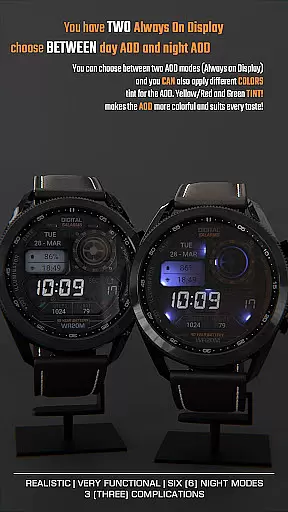
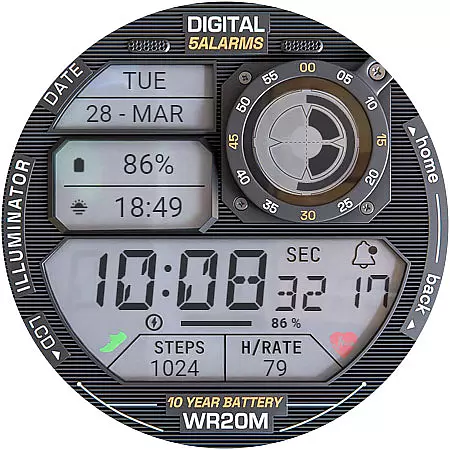
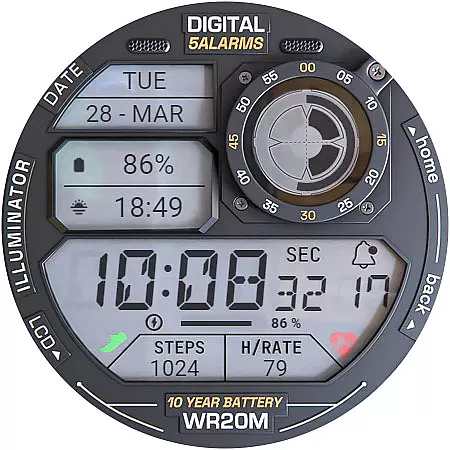
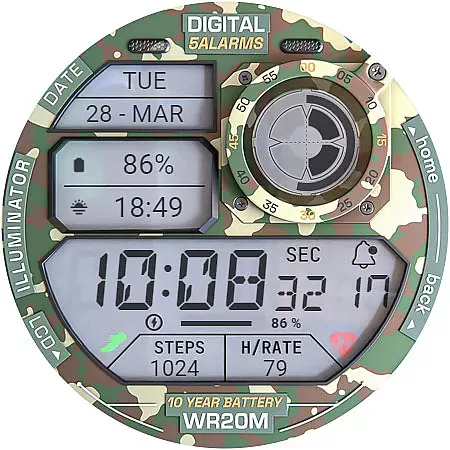
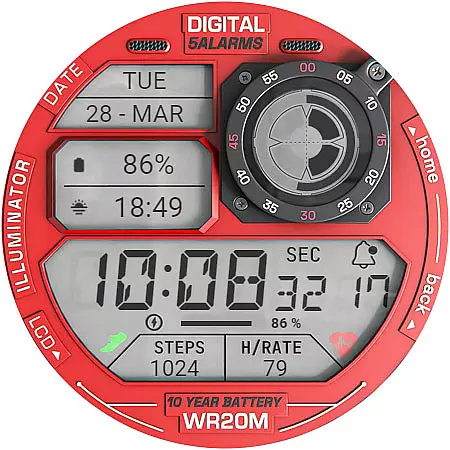
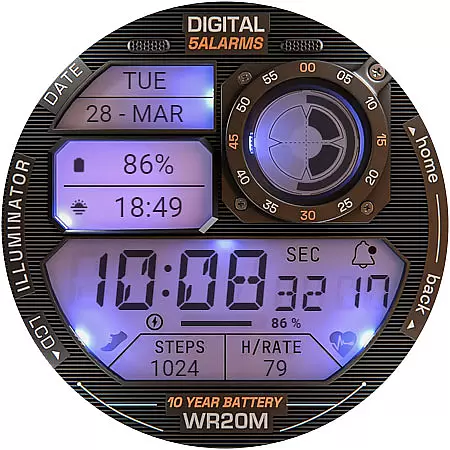
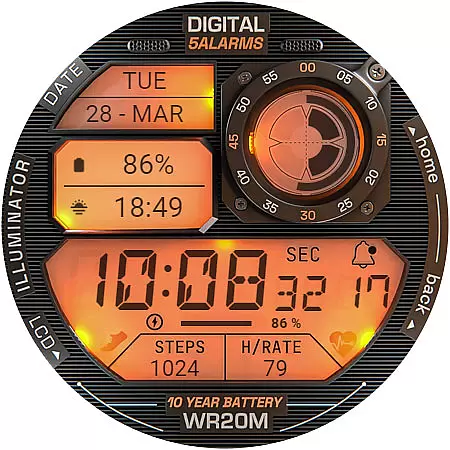
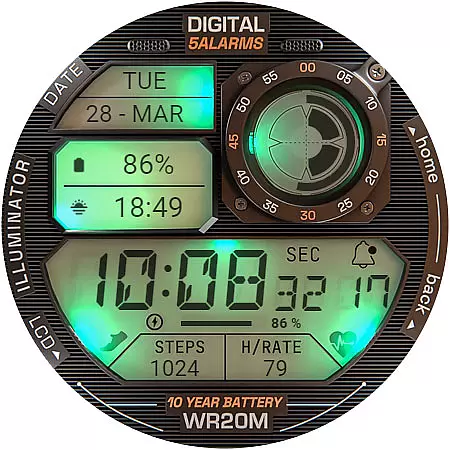
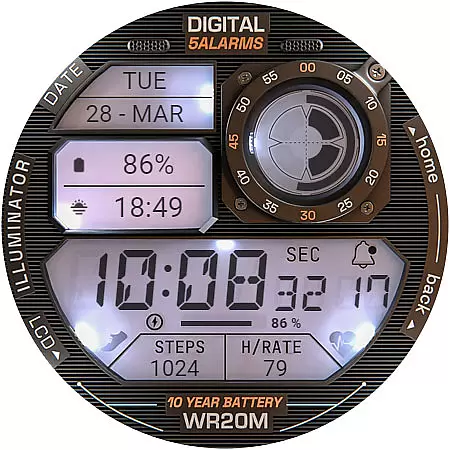
ILLUMINATOR Digital Watch Face offers a retro-inspired digital display for Wear OS devices, featuring realistic animations and customizable complications. With its unique design elements like auto 12h/24h mode switching, night modes, and animated transitions, it provides users with both aesthetic appeal and functional utility.
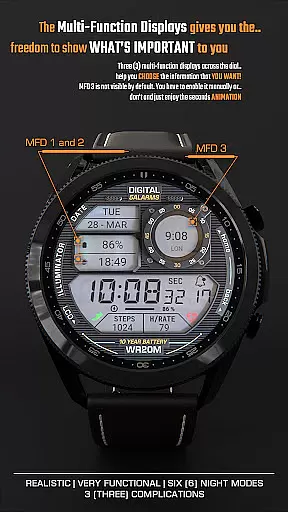
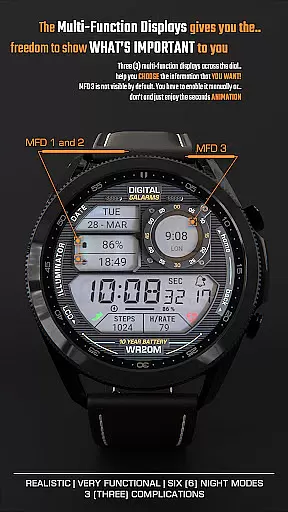
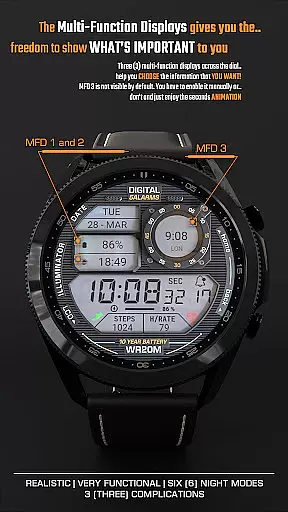
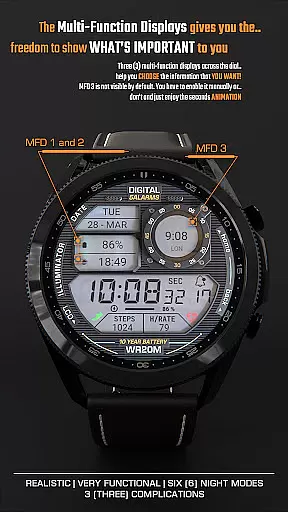
The watch face includes three customizable complications (MFDs), battery indicator, notifications counter, and time/date display. Its standout feature is the custom Always-On Display that allows choosing between day and night modes. The heart rate monitoring functionality adds to its practicality, making it a comprehensive smartwatch companion.
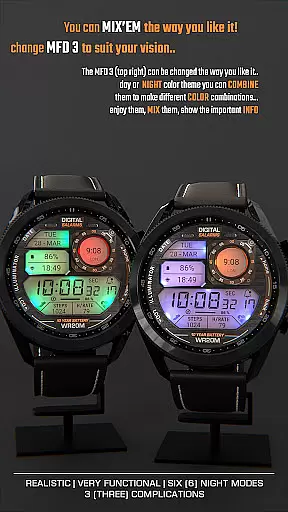
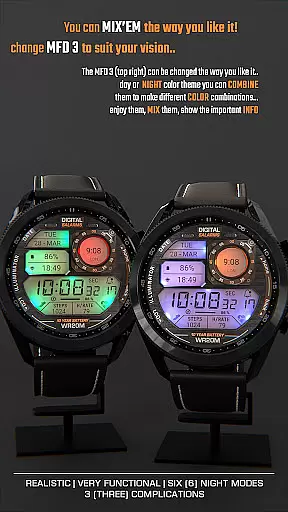
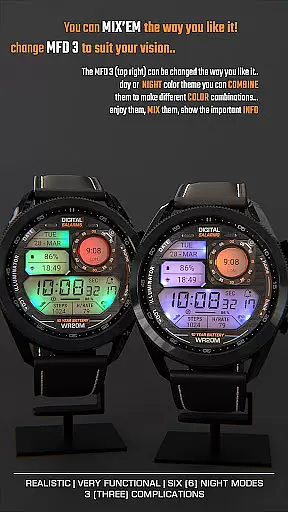
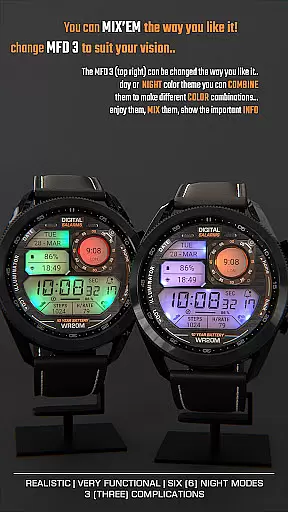
This digital watch face stands out with its highly realistic design and smooth animations. The three customizable MFDs (multi-function displays) let users personalize their watch face with preferred information such as weather, steps, or calendar events. The automatic 12h/24h mode ensures universal usability across different regions.
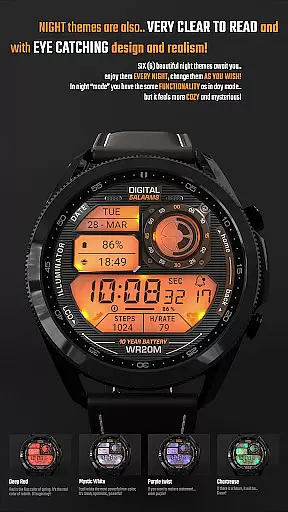
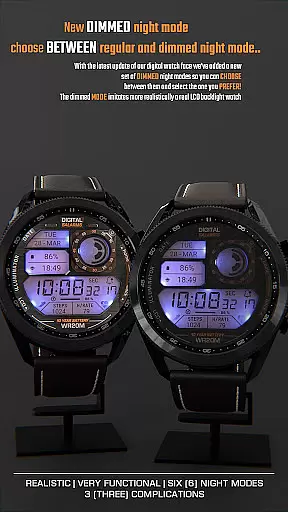
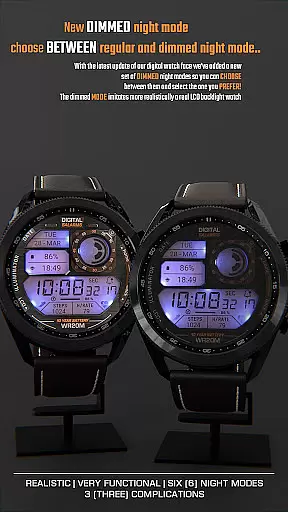
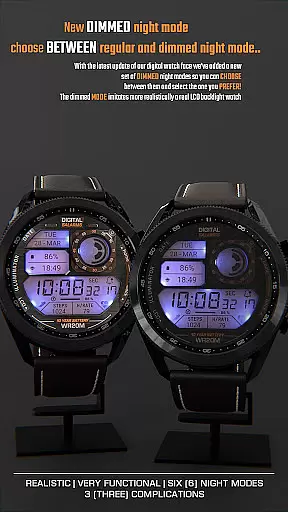
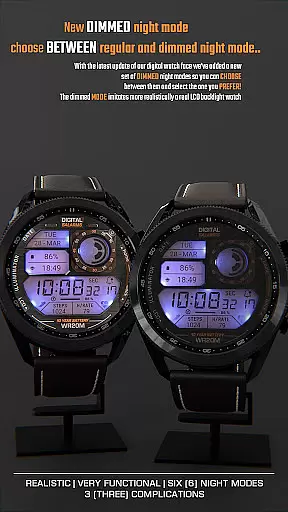
Additional notable features include beautiful night modes that adjust screen brightness for low-light conditions, battery indicator for power management, and notification counter for staying updated. The custom Always-On Display (AOD) allows users to choose between different display modes, while the animated transitions create a premium user experience.
ILLUMINATOR Digital Watch face offers seamless companion app integration, enhancing the user experience by simplifying the installation and customization process. The companion app serves as a bridge between your smartphone and Wear OS device, ensuring that setup is intuitive and efficient.
Through the companion app, users can easily access and install the watch face, customize settings such as hands color with a simple long press on the watch screen, and manage custom complications. This streamlined approach eliminates common issues faced during traditional installation methods, making it easier for users to enjoy the full functionality of their digital watch face without hassle.
The value of this integration lies in its ability to synchronize preferences across devices, providing real-time updates and ensuring that any purchased content is accurately reflected on both phone and watch interfaces. Users can trust that once they've made a purchase or adjustment via the companion app, those changes will be reliably mirrored on their wearable device.
Ensuring broad compatibility with various Wear OS devices, ILLUMINATOR Digital Watch face supports an extensive range of smartwatches, allowing users to enjoy its realistic design and animated features without concern for device limitations. This wide-reaching compatibility underscores the versatility of the watch face, making it accessible to a diverse audience of tech enthusiasts and casual users alike.
The application automatically adapts to different screen sizes and resolutions, maintaining visual fidelity and performance standards across devices. Whether you're using a newer model or an older version of Wear OS, the watch face delivers consistent quality, including 3 custom complications, night modes, battery indicators, and more.
By prioritizing Wear OS/device compatibility, ILLUMINATOR Digital Watch face guarantees that all users can take advantage of its advanced features like auto 12h/24h mode switching, heart rate monitoring, and beautiful animations. This commitment to inclusivity ensures that everyone can experience the retro-like style and modern functionality this digital watch face has to offer.
Realistic animations
Customizable MFDs
Night mode support
Always-On Display options
Heart rate monitoring
Complication setup required
Limited free features
Installation complexity
Battery consumption
Premium cost
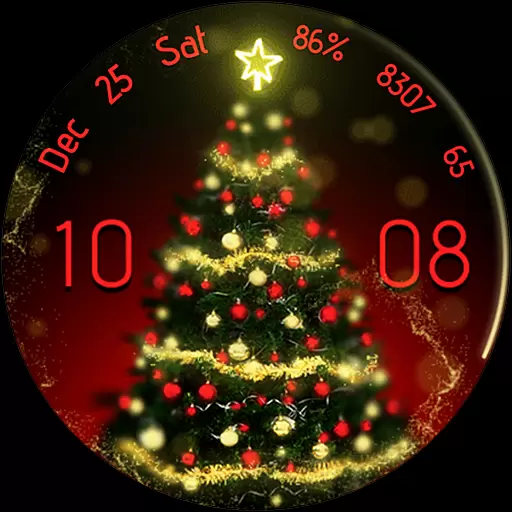
Embrace the holiday spirit with this magical animated watch face!
 4.40
4.40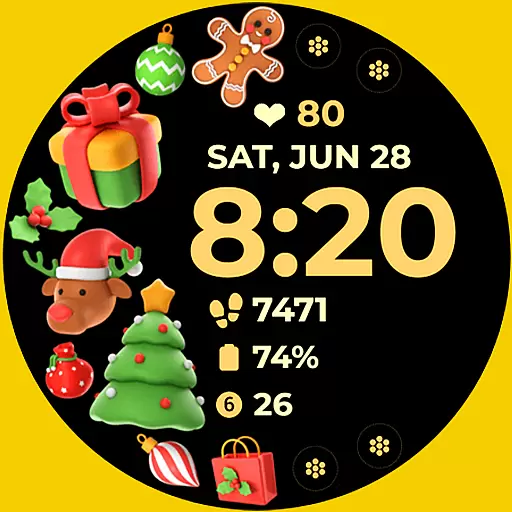
Christmas and New Year - Themed Watchface
4.3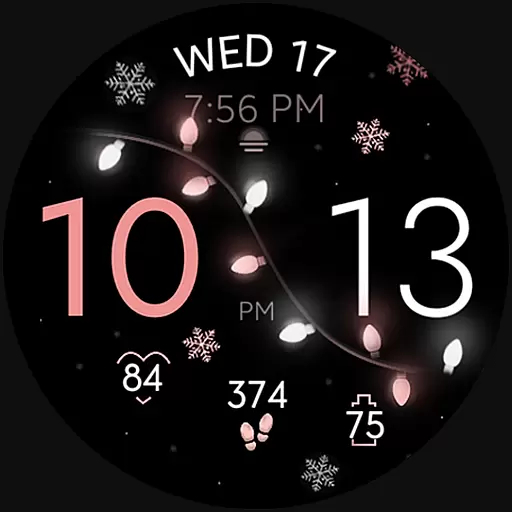
Rose gold watch face with festive lights & customizable features.
4.60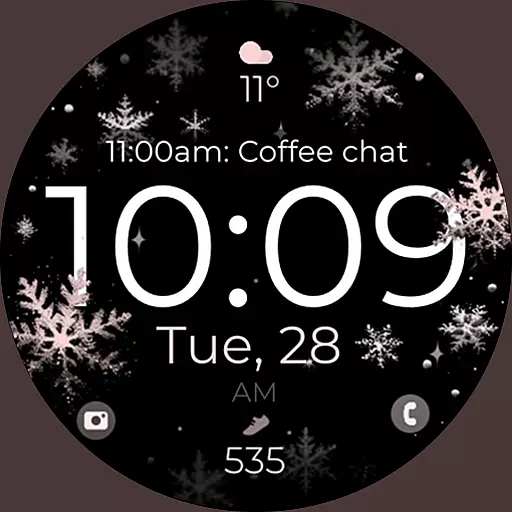
Snowflake Rose Gold Watch Face - Digital, modern, & sleek with GYRO effect.
4.10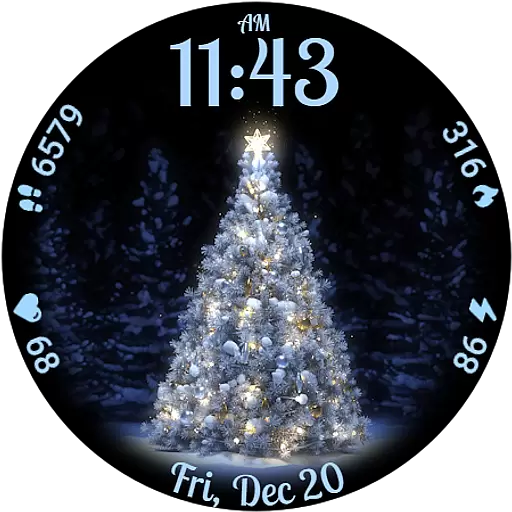
Elegant animated Christmas tree with multiple customization options
4.20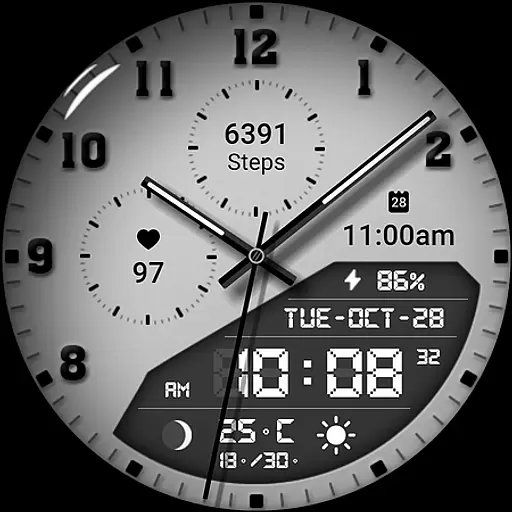
3 Complications. All shadow on/off. 30 Themes color palette...
4.0
Nutrition, Macro tracker: Food, fitness & healthy diet tracking for weight loss
4.60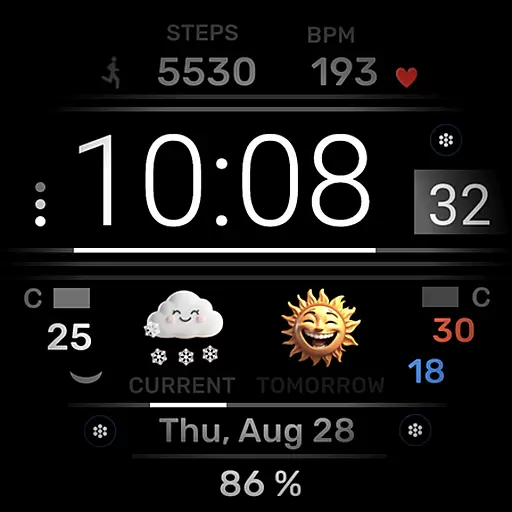
Minimalistic design modern digital watch face.
4.0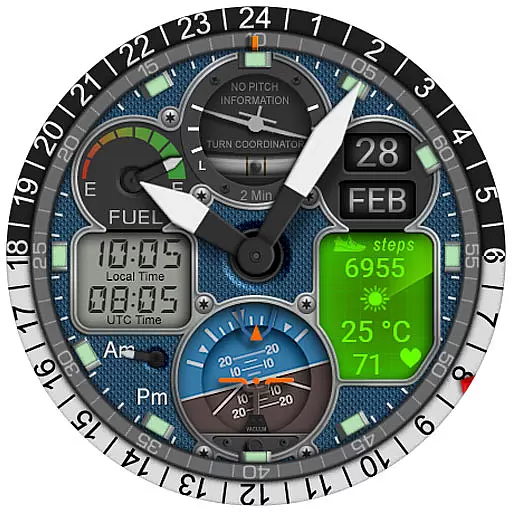
Hyper-Realistic Airplane Dashboard Watch Face With 10 Skins and Custom AOD
4.00
Your second brain for organizing your life: to-do, calendar, reminder.
4.70
Kia Access makes getting your vehicle information easier than ever
4.60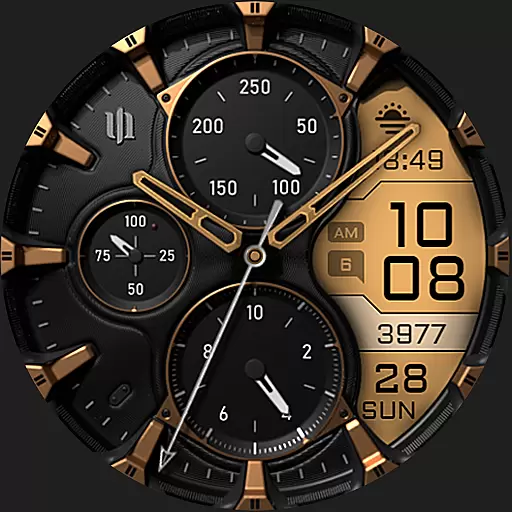
A realistic hybrid watch face with many customization options.
4.60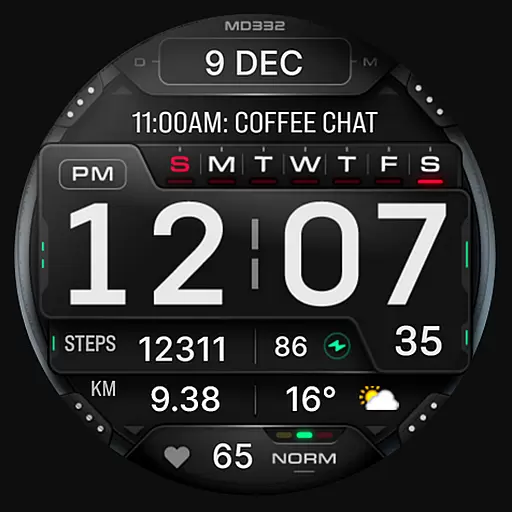
Digital watch face with big numbers and many customization for Wear OS devices
4.40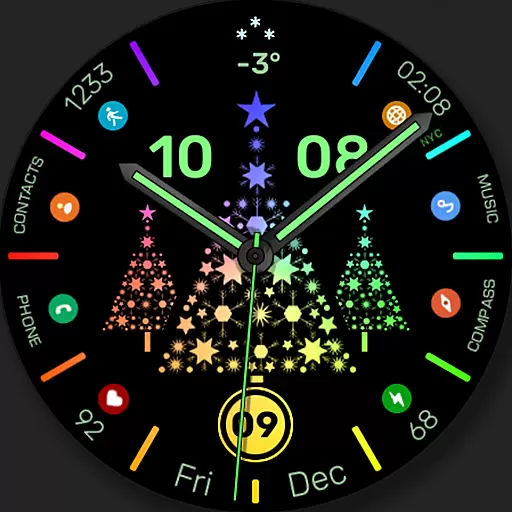
Christmas watch face. For Wear OS devices.
4.30
Find EV charging stations
4.30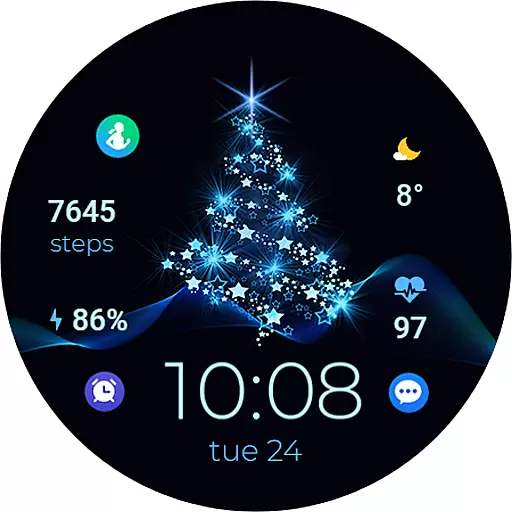
A digital watch face that celebrates Christmas.
4.00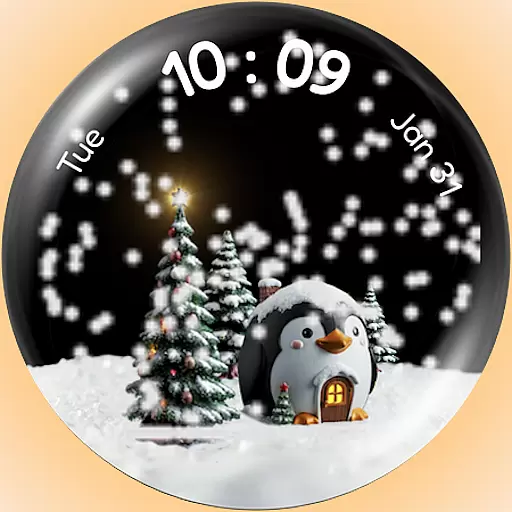
A Wintery Snow Globe on Your Wrist; now celebrating Christmas!
4.1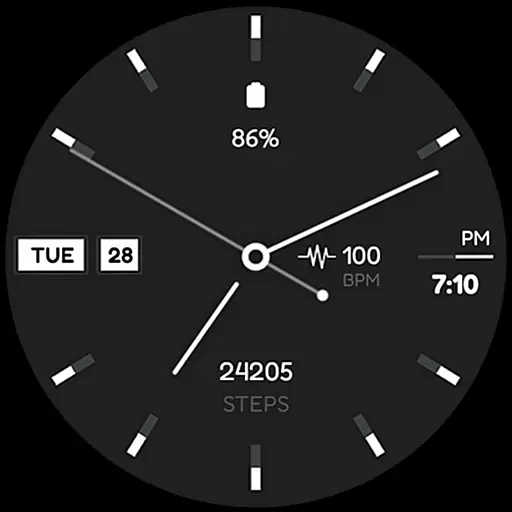
Simple Analog-Digital Watchface For Wear OS 3.0 and Up Smartwatches
4.3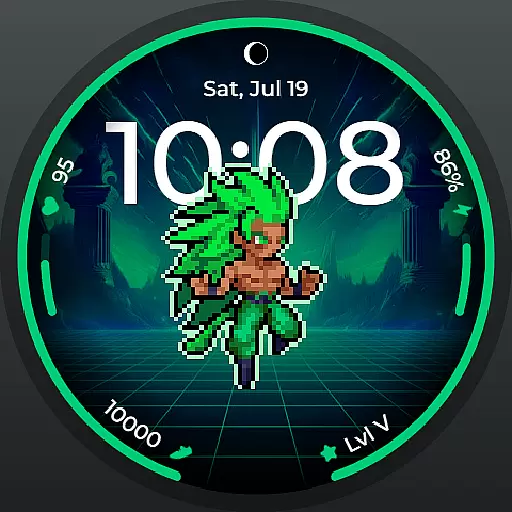
Fitness interactive virtual pet super fighter boy watch face
4.5


User Reviews