
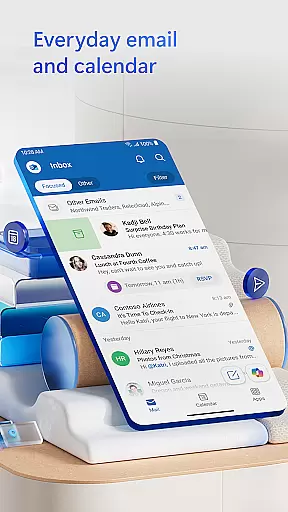
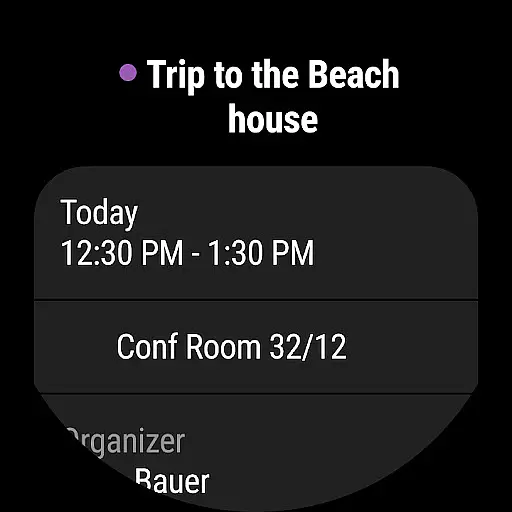
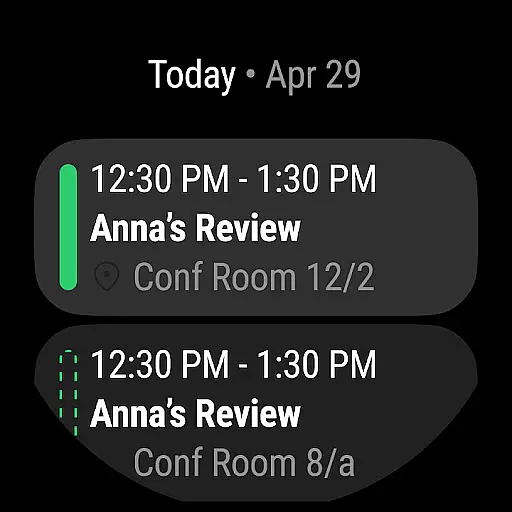
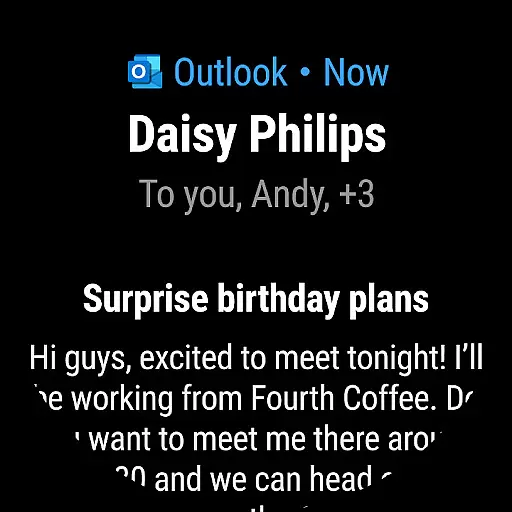
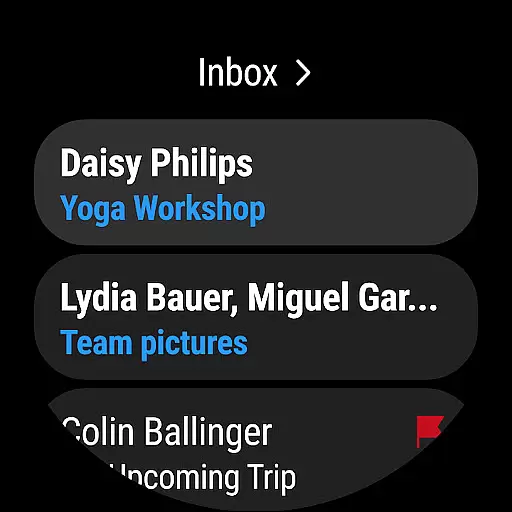
Microsoft Outlook is a comprehensive productivity app designed specifically for Android Wear users. This secure email and calendar application allows you to efficiently manage your emails, files, and schedule all from your wrist. Whether you're handling work emails, school communications, or personal accounts, Outlook keeps you organized and productive.
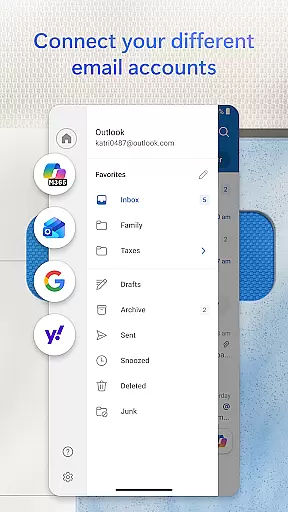
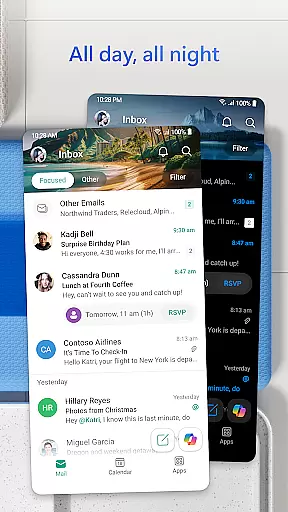
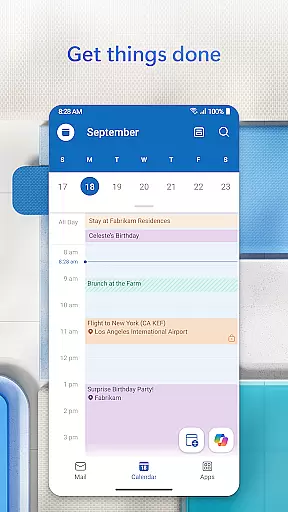
The app intelligently organizes your inbox using Focused and Other filters, ensuring you can quickly identify important messages. You can view multiple calendars simultaneously, making it easier to coordinate your busy schedule on the go. With support for various account types including Microsoft Exchange, Gmail, Yahoo Mail, and iCloud, Outlook offers unparalleled flexibility for staying connected.
Outlook's value extends beyond basic email management. The app provides professional-grade writing tools, seamless integration with Microsoft 365 applications, and advanced security features that protect against phishing and spam. These capabilities make it an essential tool for anyone who needs to manage their digital life efficiently while on the move.
Microsoft Outlook stands out with its robust feature set tailored for Android Wear devices. The app's intelligent inbox organization automatically categorizes emails into Focused and Other tabs, helping you prioritize important communications. Its multi-calendar view enables you to manage different schedules side by side, whether for work, personal, or school commitments.
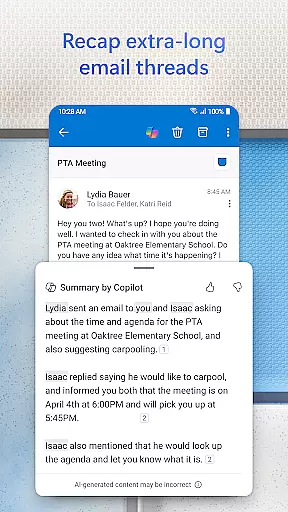
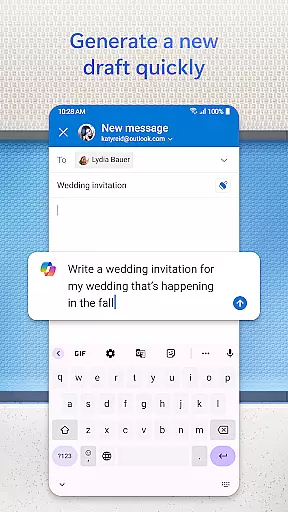
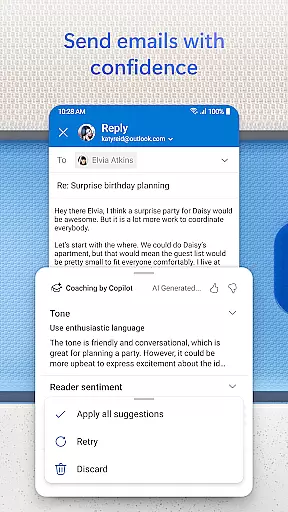
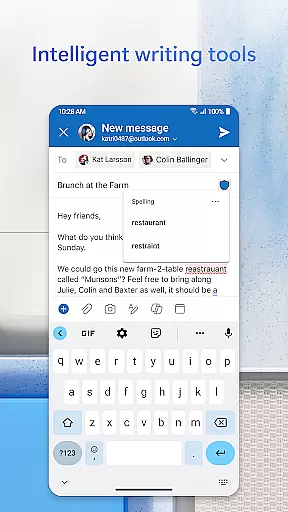
Productivity is enhanced through several innovative features. The built-in intelligent editing tools provide real-time typing suggestions and grammar assistance, ensuring your emails maintain a professional quality. You can easily attach documents from OneDrive or your device's gallery directly from your inbox. The app also supports opening and editing Word, Excel, and PowerPoint files without leaving your email client.
Security is a top priority in Outlook's design. The app employs enterprise-grade protection against viruses, phishing attempts, and spam. For sensitive communications, users can encrypt emails to prevent unauthorized forwarding (requires Microsoft 365 subscription). Additionally, the app integrates seamlessly with popular video conferencing platforms like Teams, Skype, and Zoom, making remote meetings more accessible than ever.
Companion app integration is essential for users who want a seamless experience between their mobile devices and wearable technology. Microsoft Outlook offers a robust companion app designed specifically for Wear OS, ensuring that you stay connected and organized no matter where you are.
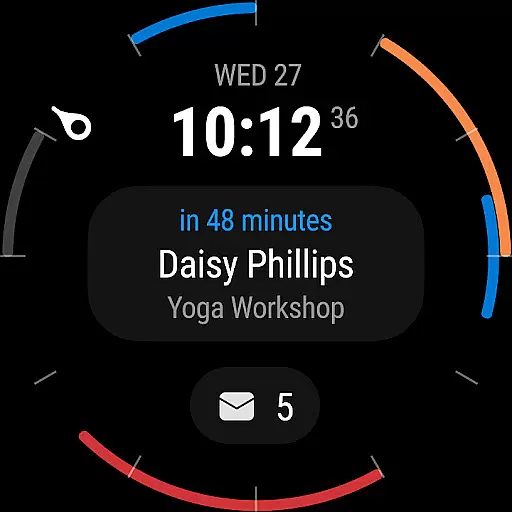
The Outlook companion app provides quick access to your most important emails and calendar events directly from your smartwatch. This means you can glance at your wrist to see meeting reminders, new email notifications, and even RSVP to invites without needing to pull out your phone. The convenience of having this information readily available on your wearable device enhances productivity and keeps you informed on the go.
Furthermore, the integration ensures real-time synchronization between your mobile device and smartwatch. Any action taken on your wearable, such as dismissing a notification or marking an email as read, is instantly reflected on your phone and vice versa. This cohesive ecosystem allows for efficient multitasking and ensures that you never miss an important update.
Overall, the companion app integration provided by Microsoft Outlook exemplifies how modern technology can simplify our lives by keeping us connected across multiple devices effortlessly.
Device compatibility is crucial when selecting an application for your wearable technology. Microsoft Outlook excels in this area by offering extensive support for Wear OS, making it a versatile choice for users with different types of smartwatches.
Outlook's compatibility with Wear OS ensures that users can enjoy a wide range of features tailored specifically for their smartwatches. Whether you need to check your schedule, receive email alerts, or manage your contacts, the app provides a user-friendly interface optimized for smaller screens. This adaptability makes it easy to interact with your data without the need to carry your phone around constantly.
In addition to supporting various Wear OS devices, Microsoft Outlook also integrates smoothly with other platforms like Microsoft Exchange, Gmail, and iCloud. This cross-platform functionality ensures that regardless of your primary email provider, you can rely on Outlook to keep everything synchronized and accessible from your wrist.
By prioritizing Wear OS and device compatibility, Microsoft Outlook delivers a consistent and reliable experience across multiple devices, empowering users to manage their busy lives efficiently and effectively.
User-friendly interface
Multi-account support
Advanced security features
Intelligent email filtering
Seamless calendar integration
Limited free features
Occasional sync issues
Subscription required for full functionality
Complex settings for beginners
Battery consumption concerns

Wear Os Watch Face - Animated Snow Effect & Christmas Lights
 4.4
4.4
Christmas is near, let's count together the days left until Santa comes
4.4
Artistic Digital Watchface
4.0
The most customizable minimal watch face. For Wear OS 5.0, API 34+ and later
4.70
Authentic military-tactical design with ZULU time! Realistic and functional!
3.80
sleep, alarm, snoring, stress, healing, focus, sound therapy, circadian rhythm
4.10
Period, ovulation & pregnancy tracker. Fertility insights & menstrual calendar.
4.90
Funny animated watch face for Thanksgiving
4.4
Premium hybrid watch face with many customizations for Wear OS devices.
4.40
Digital, flexibly customizable watch face. For Wear OS 5.0, API 34+ and later.
5.00
Ideal for surviving in the wasteland left after nuclear fallout
4.50
Digital watch face. For Wear OS devices.
4.40
Reliable phone calls with spam protection, caller ID and more helpful features
4.40
A white realistic classic analog watch face with many customization options.
4.40
Christmas watch face. For Wear OS devices.
4.30
The ultimate destination for kids ages 3-8 to explore the Marvel Universe!
4.30
Daily Weather forecast with 15 weather images for Day & Night plus Big Bold time
4.10
Christmas and New Year - Themed Watchface
4.4
Hybrid Vibrant Health Watch Face for Wear OS
4.3


User Reviews