
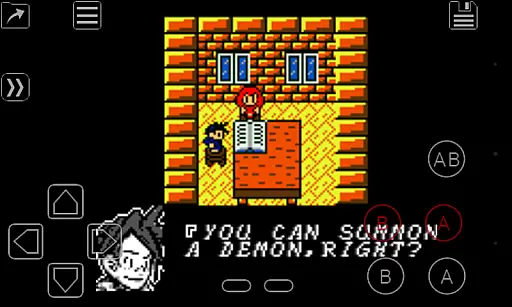
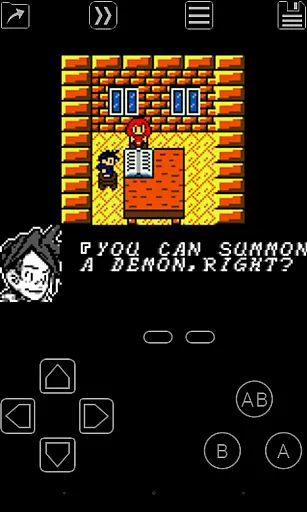
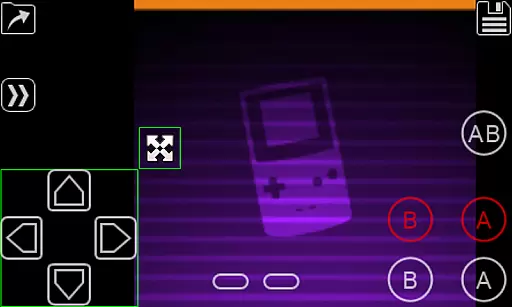
My OldBoy! - GBC Emulator is a top-tier emulator designed for running Game Boy and Game Boy Color games on Android devices. It offers accurate emulation of nearly every aspect of the original hardware, ensuring an authentic gaming experience. The app supports special features like link cable, rumble, and tilt sensor functionalities, enhancing gameplay through modern device capabilities.
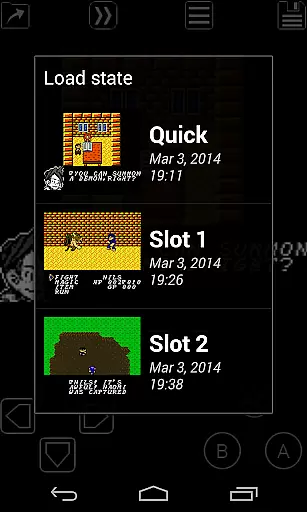
With its advanced save state system, users can save their progress at any point and return instantly, while fast-forward functionality allows skipping to desired game sections. My OldBoy! stands out with its super-fast emulation powered by ARM assembly code, achieving 60 FPS even on low-end devices. This makes it versatile across a broad range of Android phones and tablets, bringing classic gaming to the palm of your hand.
My OldBoy! boasts a comprehensive set of features that cater to both casual and hardcore retro gamers. The emulator supports a wide array of unique functionalities including link cable emulation over Bluetooth or Wi-Fi, allowing multiplayer experiences across devices. Additionally, it leverages Android's hardware sensors for tilt sensor and rumble emulation, providing immersive gameplay.
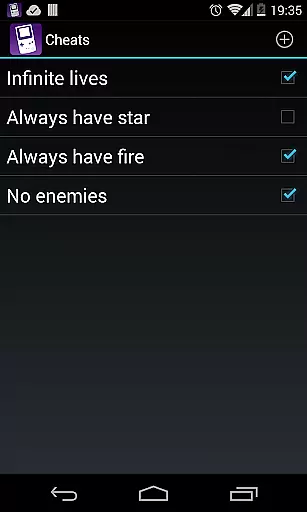
The app also includes advanced customization options such as custom palettes to colorize GB games, cheat code support, and IPS/UPS ROM patching. With OpenGL rendering and GLSL shaders, users can apply cool video filters, while the powerful screen layout editor lets them customize control positions and sizes. External controller support and seamless Android integration further enhance its appeal, making it a versatile choice for Game Boy enthusiasts.
Arcade authenticity is crucial for users seeking a genuine retro gaming experience. My OldBoy! delivers this by accurately emulating the original Game Boy and Game Boy Color hardware, ensuring that classic games run as they were intended.
The emulator supports special features like link cable, rumble, and tilt sensor, which were integral parts of the arcade experience. These authentic touches allow users to relive the excitement of connecting with friends or feeling the thrill of interactive gameplay elements.
With options such as custom palettes, users can inject new life into their favorite GB games while maintaining the nostalgic value. This balance between innovation and tradition enhances the overall appeal for enthusiasts who appreciate both the old and the new.
Control responsiveness defines how well an arcade emulator can translate user inputs into in-game actions. My OldBoy! excels in this area by providing fast emulation through ARM assembly code, ensuring smooth gameplay even on low-end devices.
The emulator offers various control schemes including on-screen keypads and external controller support. This flexibility allows players to choose their preferred method of interaction, enhancing comfort and performance during extended play sessions.
Additionally, advanced features like fast-forward and slow down enable gamers to tailor the pace of their gaming experience. Such precise control over game speed showcases the app's commitment to delivering responsive and customizable controls.
Fast emulation speed
Wide game compatibility
Battery-efficient performance
Advanced customization options
Multiplayer support via link cable
No included games
Requires manual ROM sourcing
Complex setup for beginners
Limited to Game Boy/Color
Occasional minor bugs

GBA Emulator
 4.40
4.40
Dig yourself a way to gold, diamonds and success with this addictive mining game
3.90
Play retro games with ease – NES, SNES, PSX, PSP & more supported
4.0
Flip the bottle! Do tricks and don't let the bottle fall!
4.50
Nostalgia.GBA Pro is a high quality GBA emulator.
4.40
M64Pro FZX Classic Emulator for Android
4.0
A fluid, action-packed arcade space shootout!
4.1
NEOGEO's masterpiece game is now available in the app!
4.10
Addictive basketball game with challenging one-touch controls
4.50
This is an emulator for a certain 64 bit console with online cloud backup.
4.80
Jump and fly your way through danger in this rythm-based action platformer!
4.70
Local offline 2 3 4 player multiplayer minigames - race, tanks, football
4.60
Play fun multiplayer games with friends on one device! Two, Three, Four players!
4.60
Payback 2 includes everything from tank battles to high speed helicopter races!
4.50
Fruit is waiting to be sliced, ninja. Play the hit mobile game !
4.50
Challenge your friends across the world to see who can jump the farthest!
4.50
The only Sega Saturn emulator for Android
4.40
Running game: dance in a twerk battle and become the twerk hero in our fun race!
4.30
John GBC is GB/GBC emulator. This emulator is easy to use.
3.80


User Reviews