
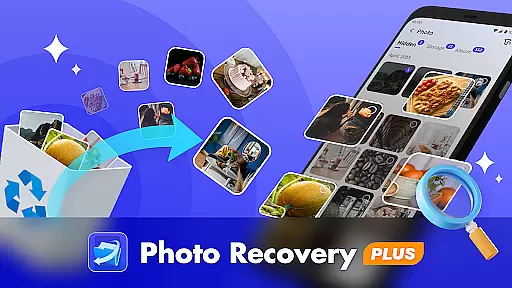
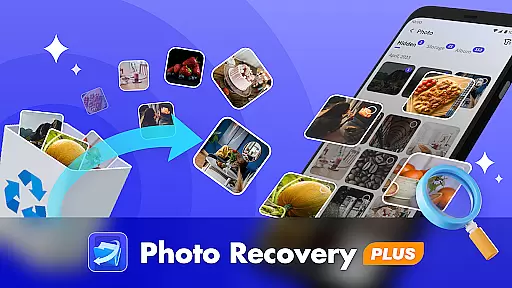
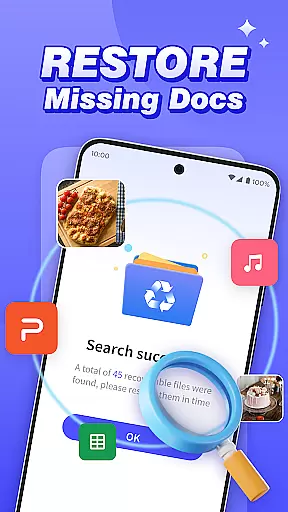
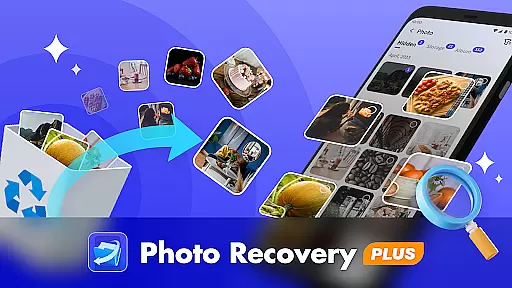
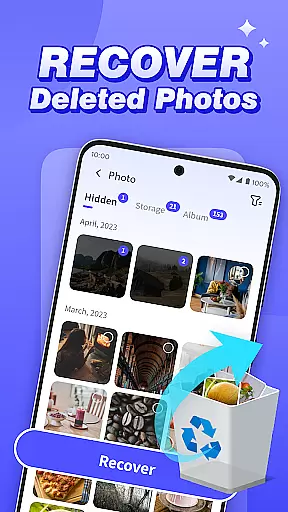
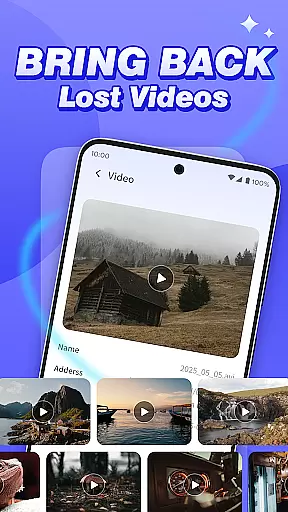
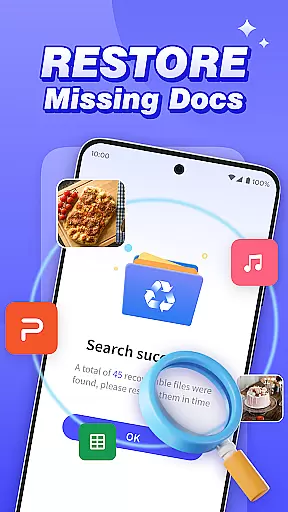
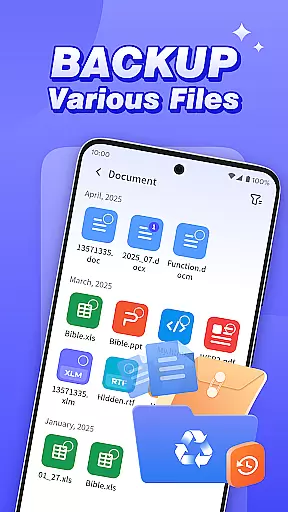
Photo Recovery Plus is a comprehensive data recovery tool designed specifically for Android users. This app focuses on recovering lost photos, videos, audio files, and documents while also providing reliable backup solutions. With its user-friendly interface, it allows even non-technical users to easily restore precious memories or important files that may have been accidentally deleted.
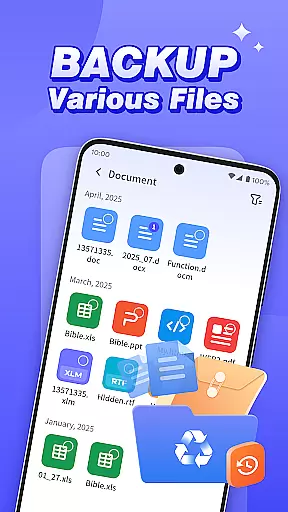
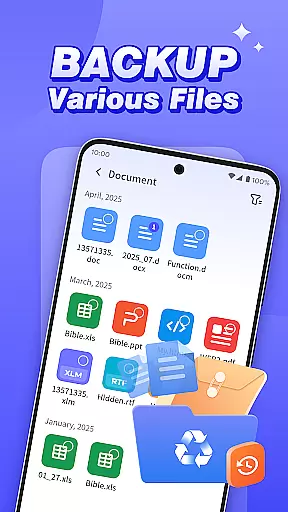
The app offers multiple recovery options including folder recovery, photo recovery, file recovery, and file backup. Whether you're dealing with sudden device failure or accidental deletion, Photo Recovery Plus ensures your data remains safe by creating backups and restoring lost content. Its ability to scan and recover files locally on the device guarantees privacy and security, making it an essential tool for safeguarding your digital life.
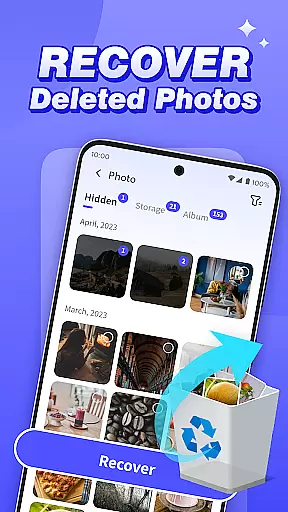
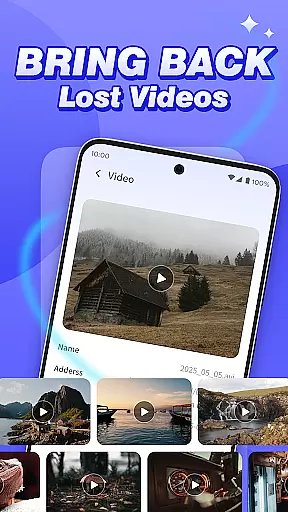
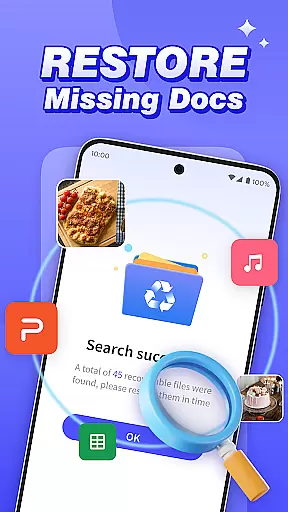
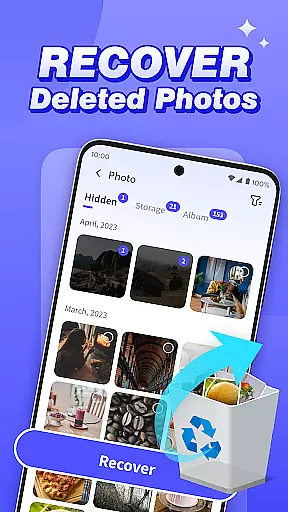
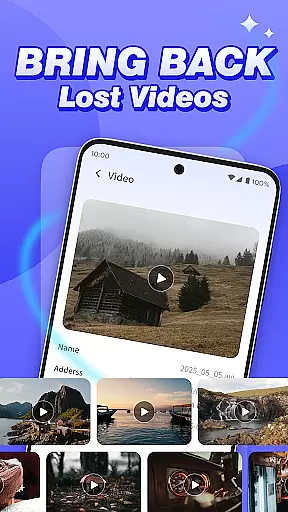
Photo Recovery Plus stands out with its diverse set of features tailored to meet various data recovery needs. The app's photo recovery function helps users retrieve deleted images without requiring any technical expertise. Similarly, its video, audio, and document recovery feature performs a thorough scan of the device's storage, accurately restoring lost multimedia and important files directly to the phone.
Another key feature is folder recovery, which allows users to search for deleted folders and filter recoverable content by file type. Additionally, the app provides a robust backup solution to prevent future data loss due to device malfunction or unintended deletion. All operations are performed locally, ensuring no personal data is uploaded or disclosed, thus maintaining user privacy and data security.
At the heart of Photo Recovery Plus lies its ability to accurately and effectively recover lost data. This tool is engineered with advanced scanning algorithms that meticulously comb through your device's storage to locate deleted files, including photos, videos, audio, and documents.
The app employs a multi-layered recovery process that ensures high precision in retrieving lost content. Whether it's recovering cherished memories from deleted photos or restoring critical document files, the application maintains an impressive degree of accuracy.
Users benefit from the straightforward and efficient recovery workflow. With simple navigation and clear instructions, even those without technical expertise can successfully restore their valuable data. The app's effectiveness is further enhanced by its capability to filter recoverable content by file type, making the retrieval process both targeted and swift.
Ultimately, Photo Recovery Plus delivers tangible value by providing users with peace of mind, knowing they have a reliable solution for recovering accidentally deleted or lost files. Its commitment to local processing ensures user privacy and data security during the recovery process.
A standout feature of Photo Recovery Plus is its intuitive and user-friendly interface. Designed with simplicity in mind, the app offers a clean layout and logical navigation paths that make data recovery accessible to users of all technical backgrounds.
Each core functionalityu2014be it photo recovery, file backup, or folder restorationu2014is easily accessible from the main dashboard. Clear icons and concise descriptions guide users through the recovery process, eliminating guesswork and potential confusion.
The app minimizes the learning curve by employing familiar design patterns and interactive elements. Users can initiate scans, preview recoverable files, and execute restoration tasks with just a few taps, ensuring a seamless experience from start to finish.
This focus on interface simplicity not only enhances usability but also boosts overall user satisfaction. By removing unnecessary complexity, Photo Recovery Plus empowers users to quickly address data loss situations with confidence and ease.
User-friendly interface
Comprehensive recovery options
Local data processing
Reliable backup solutions
Privacy-focused design
Recovery success varies
No factory reset recovery
Limited by device model
Storage status dependent
Premium features locked

 4.50
4.50
Complete kernel toolbox with features to manage and tweak your rooted device
4.30
Safely recover deleted photos, videos, and files with a single easy tap.
3.70
Canon PRINT is a companion app for your Canon printer.
4.60
Enjoy smooth gameplay with Game Booster
4.90
VESC Tool can monitor and configure VESC-compatible devices over BLE and Wifi
4.20
Planner and Tracker for Stardew Valley
4.60
Connect wirelessly to your computer to watch movies, browse the web, play games
5.00
Protect your device with antivirus, storage cleanup, and system monitoring
4.70
Easily install aab(Android App Bundle) files on your Android device with our app
4.80
Unit and currency converter with easy and simple UI.
4.80
Button mapper, mouse toggle, sleep timer and a lot of another features
4.50
Just swipe the edge to do something!
4.40
Clean up large files and similar photos, fast and easy to use
4.40
Screen Mirroring with sound for Samsung TV, LG TV, Sony TV, Smart TV and Browser
4.20
An open-source APK explorer for Android!
4.10
Create your own live wallpaper or check out thousands already made presets
3.90
Save any video in HD - paste the link, download fast and watch offline.
4.5
Download any file easily and quickly with Downloader
4.3
Honest Scratch app review—is it actually good for teaching kids to code? Real user insights on features, limitations, and learning outcomes.



User Reviews