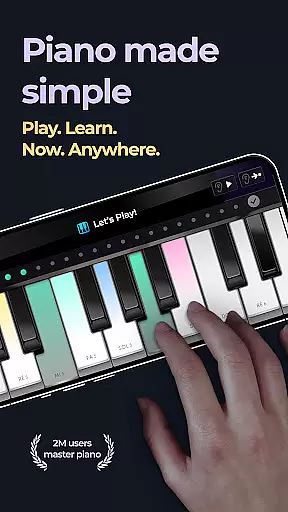
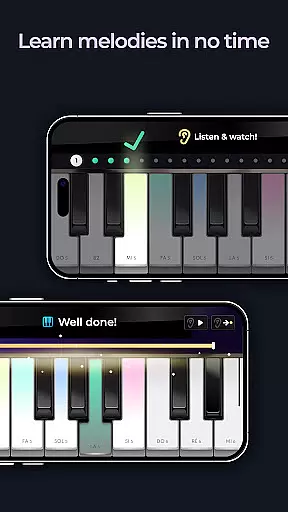
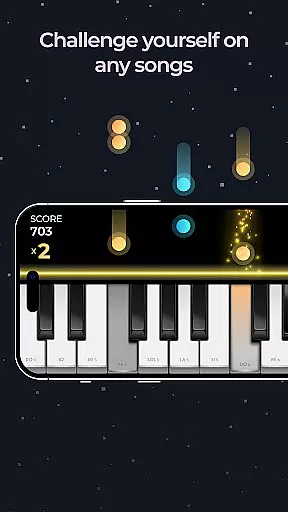
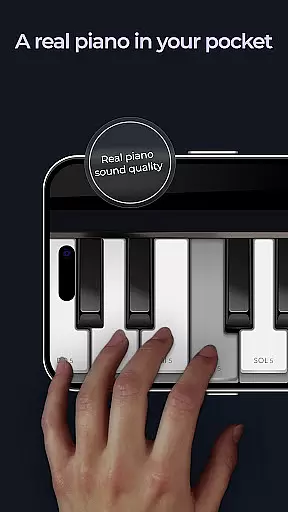
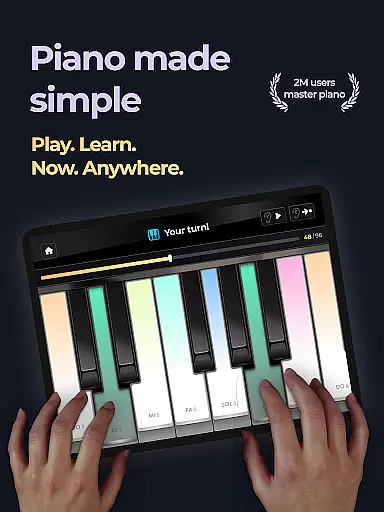
Piano is a feature-rich music application designed for both aspiring and experienced pianists. The app provides an ultra-realistic piano simulation experience, allowing users to play thousands of classic piano tracks with HD-quality sound. Its intuitive interface makes it easy to learn chords and music notes, even for beginners.
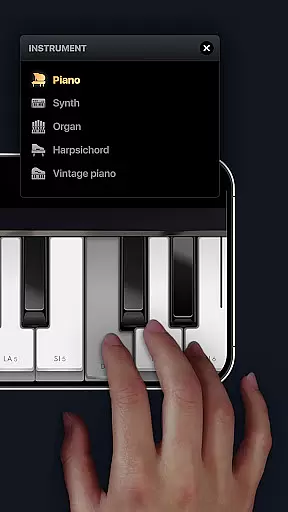
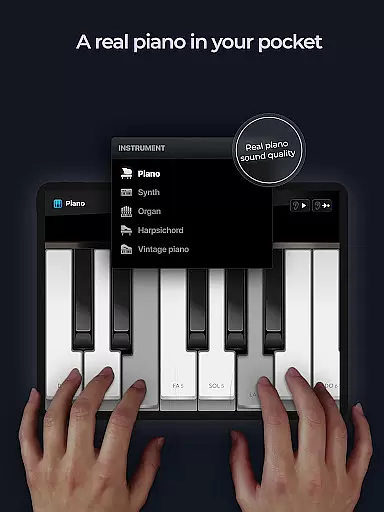
One of the standout features is its versatility in offering multiple keyboard options, including Grand Piano, Vintage Piano, Electric Piano, Church Organ, and Harpsichord. Users can also compose their own music using free play mode or follow structured lessons created by professional musicians. With immersive concert mode, you can feel like part of an entire orchestra while playing your favorite songs.
The Piano app stands out with its comprehensive set of features tailored for music enthusiasts. It includes five different types of virtual keyboards, each simulating a unique musical instrument. This diversity allows users to explore various sounds and styles, from classical pieces to modern compositions.
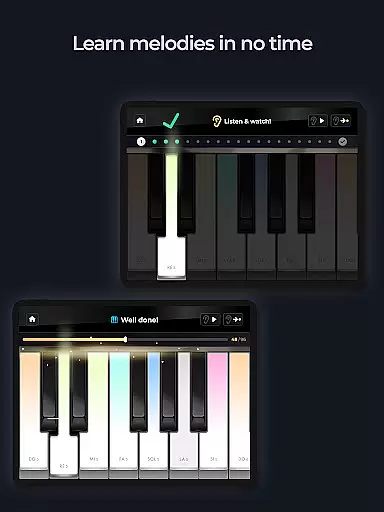
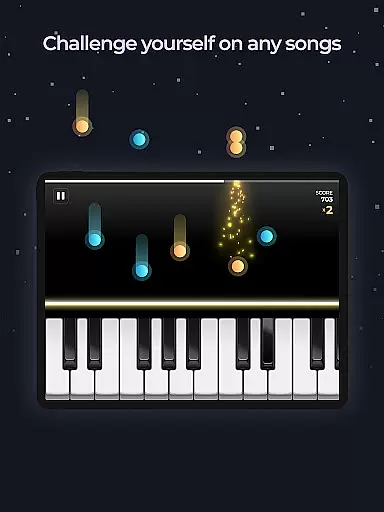
In addition to its realistic sound quality, the app offers engaging music games that make learning fun and interactive. Users can challenge themselves with hundreds of lessons designed to improve their skills progressively. The app's support for pedal functionality and scrollable keyboards further enhances the authenticity of the playing experience, making it as close to playing on a real piano as possible.
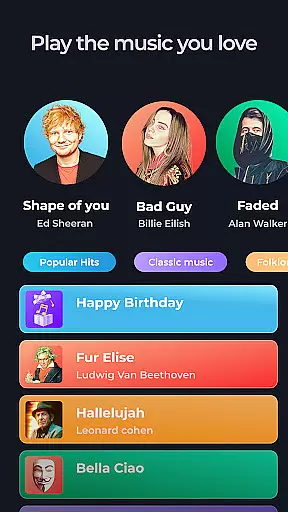
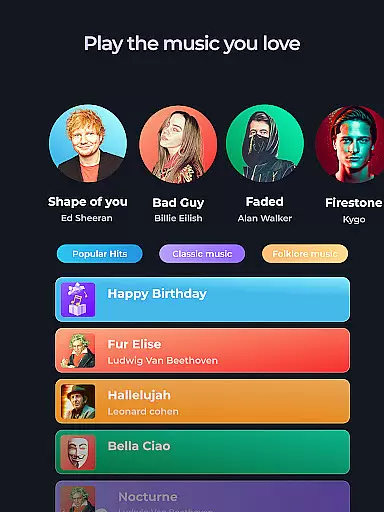
When it comes to music applications, the size and authenticity of the music library are crucial factors that determine the overall user experience. The Piano app offers an extensive collection of thousands of piano classics, ensuring users have access to a wide range of musical pieces without worrying about copyright issues.
The app provides five different piano keyboards and musical instruments, including Grand Piano, Vintage Piano, Electric Piano, Church Organ, and Harpsichord. This variety not only enriches the user's experience but also ensures that each piece of music is played with the highest level of authenticity and quality.
Users can enjoy famous songs and classic tracks, all legally available for practice and performance. This vast library allows both beginners and experienced pianists to explore various genres and styles, enhancing their skills while enjoying their favorite tunes.
By offering a rich and diverse music library, the Piano app ensures that users can immerse themselves in an authentic musical journey, making it an ideal choice for anyone looking to learn and master the art of piano playing.
Audio quality is a significant aspect of any music application, especially one designed for learning and playing musical instruments like the piano. The Piano app excels in providing high-definition music sound, which is essential for an immersive and realistic experience.
With its ultra-realistic piano keyboard, the app simulates the sound of a real piano, capturing every nuance and detail. This attention to audio quality ensures that users can hear every note clearly, which is vital for learning and mastering complex pieces.
In addition to high-definition sound, the app offers various audio settings that allow users to customize their listening experience. Whether practicing alone or performing in concert mode, users can adjust the audio settings to suit their preferences and environment.
Overall, the superior audio quality options provided by the Piano app enhance the learning process and make playing the piano a delightful and engaging experience. Users can be confident that they are receiving the best possible sound quality, making their musical journey both enjoyable and educational.
User-friendly interface
High-quality sound
Multiple keyboard options
Engaging music games
Professional lessons
Limited free content
Occasional ads
Heavy app size
Requires internet
Complex for beginners

Taal player that lets you sing any Indian & Western song with Tabla & Tanpura
 4.60
4.60
Remove ads permanently from Music Visualizer
4.0
Background pads for your band
3.80
JBL PartyBox APP works with 110/310/710/120/320/520/Encore/Encore 2/Encore Ess 2
4.80
Powerful beat maker & DJ mixer to remix tracks, make music, & perform DJ mix
3.70
Brian Eno and Peter Chilvers’ acclaimed music app Bloom, radically reinvented.
4.80
The alternative folder based music player.
4.20
Recording studio w/ 10k beats, pro vocal FX and a network of 20M rappers & fans!
4.60
Turn Every Moment into Music
3.60
Music, News & Sports Radio Tuner App. Tune in Live FM & AM Radio Stations.
4.80
Make songs with AI! Any genre, custom lyric, song generator for music creation!
4.80
Listen to live FM radio stations, sports, music and news on global radios online
4.70
Listen radio AM / FM Stations. Live AM / FM Radio App Station. Radio Com.
4.70
Super Sound Editor, Song Maker & Mixer, Vocal Remover, Voice Recorder & Changer!
4.60
The original SP-1200 experience on your iPad
4.20
VB-AUDIO Software / VBAN-Receptor allows listening to any VBAN Streams
4.10
Versatile MP3 recorder with auto-backup to Dropbox and Google Drive
4.10
The only true audiophile music player with Hi-Fi audio rendering and DSP engine
3.90
Control your MIDI USB or Bluetooth devices in app and avoid some trampling
3.30


User Reviews