
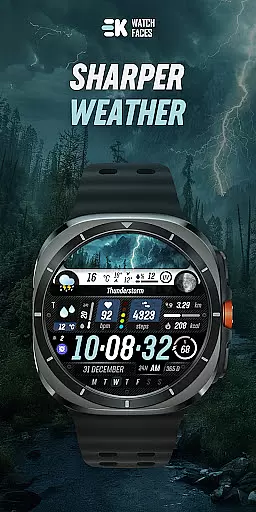
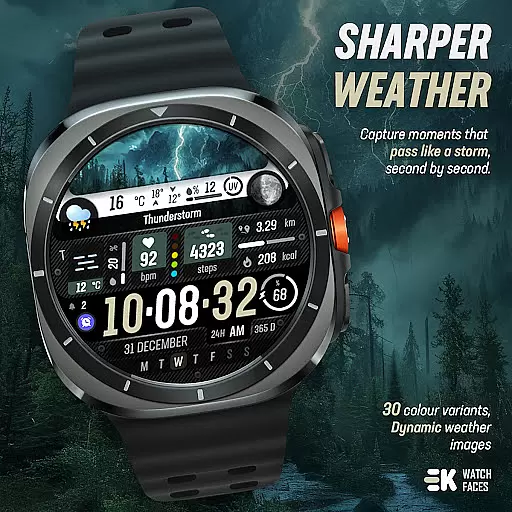
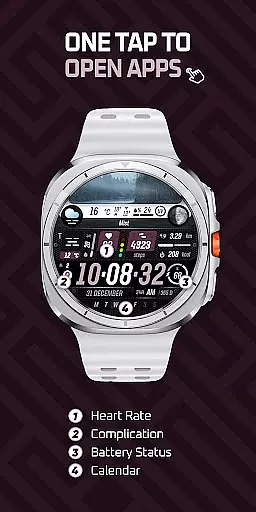
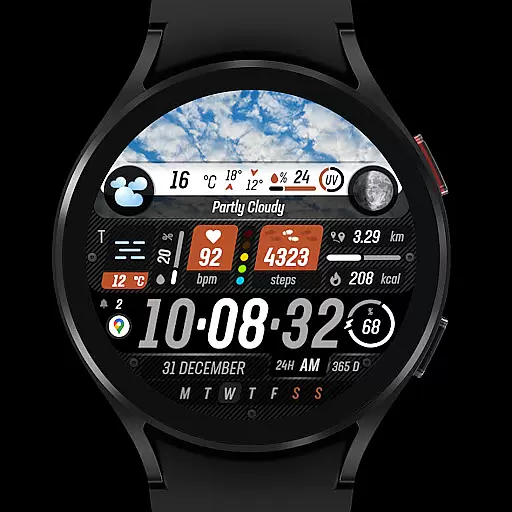
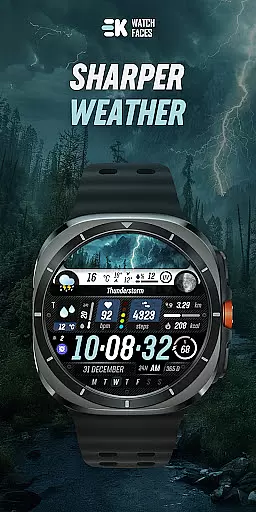
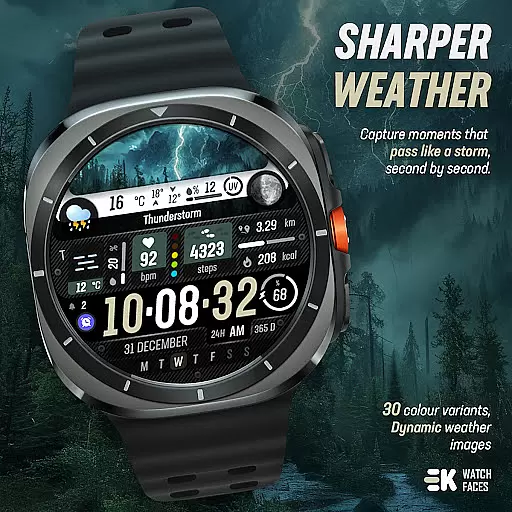
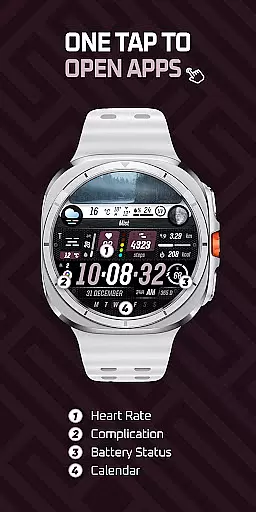
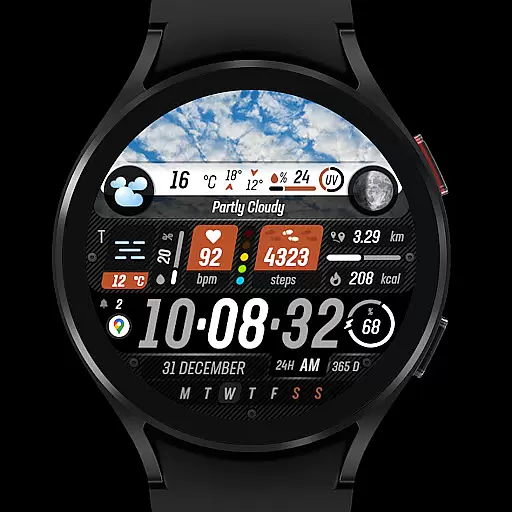
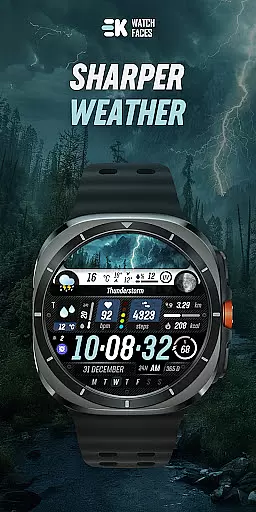
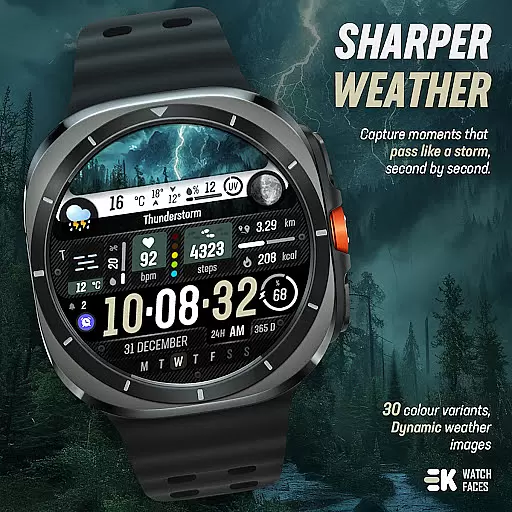
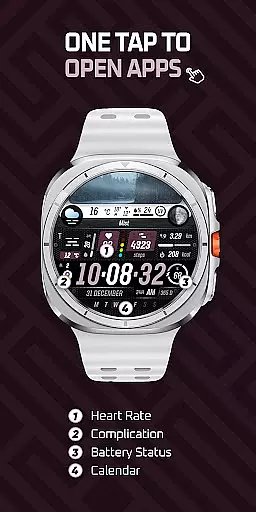
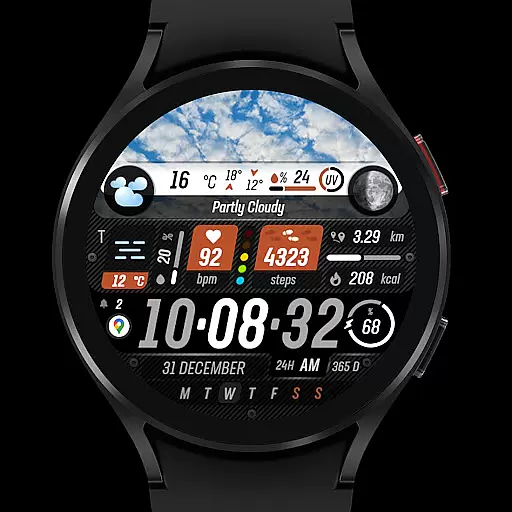
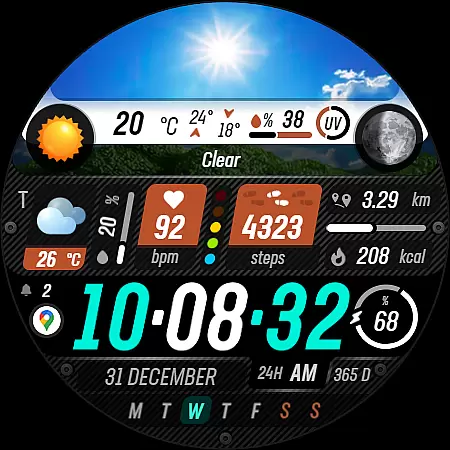
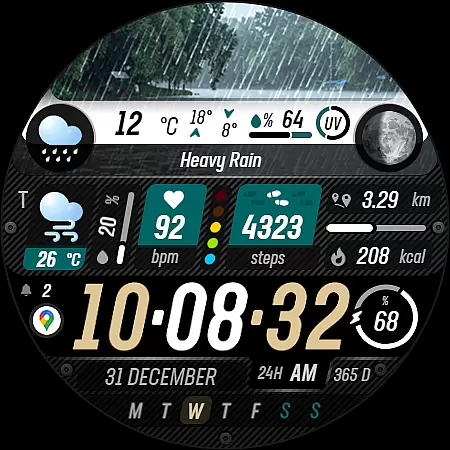
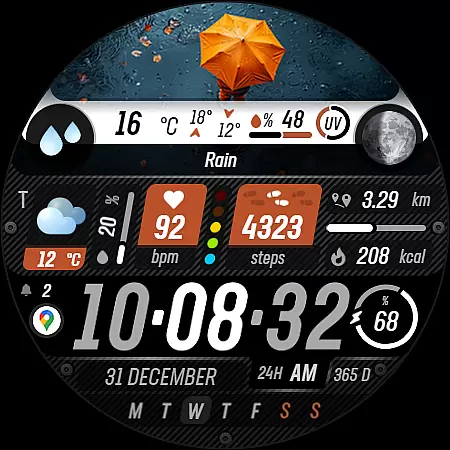
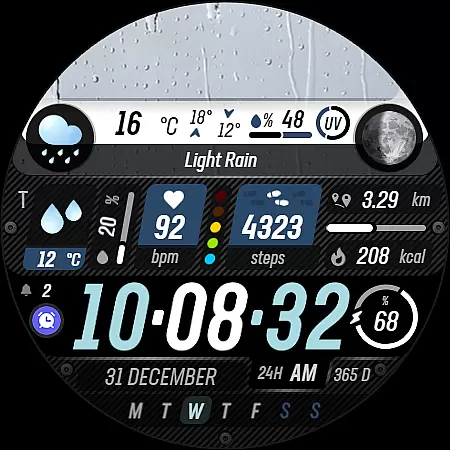
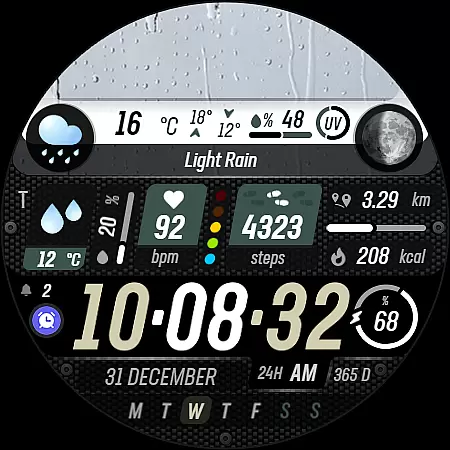
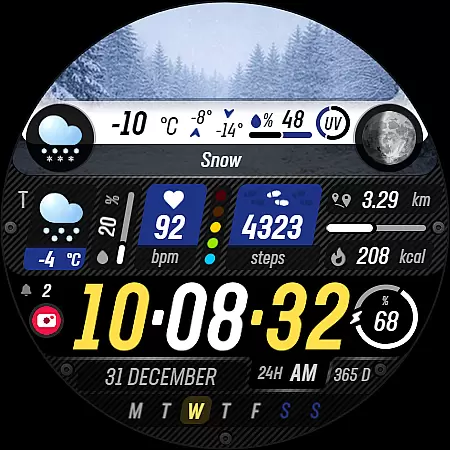
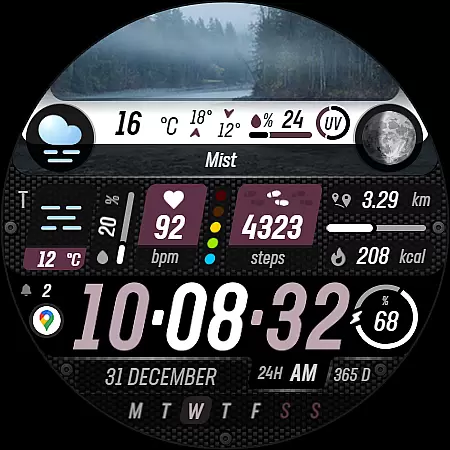
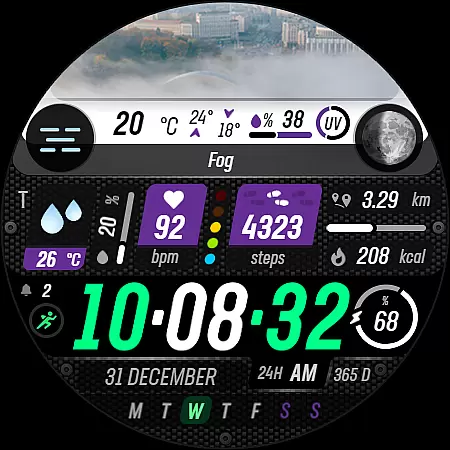
Sharper Weather is a feature-rich watch face designed exclusively for Wear OS devices. This application transforms your smartwatch into a personalized weather station, providing real-time updates on weather conditions with high and low temperatures, chance of precipitation, and UV index indicators. The design includes animated icons, multiple color options, and day-night variations to ensure both functionality and personalization.
In addition to weather details, the app offers health and fitness tracking features such as steps, distance, calories burned, heart rate monitoring, and more. Users can also customize their experience with adjustable shortcuts, calendar integration, and live moon phases. With support for Always-On Display and automatic unit adjustments based on phone language settings, Sharper Weather ensures seamless usability across different regions and preferences.
This app is ideal for users who want an aesthetically pleasing yet highly functional watch face that keeps them informed about weather changes while tracking essential daily metrics like activity levels and notifications.
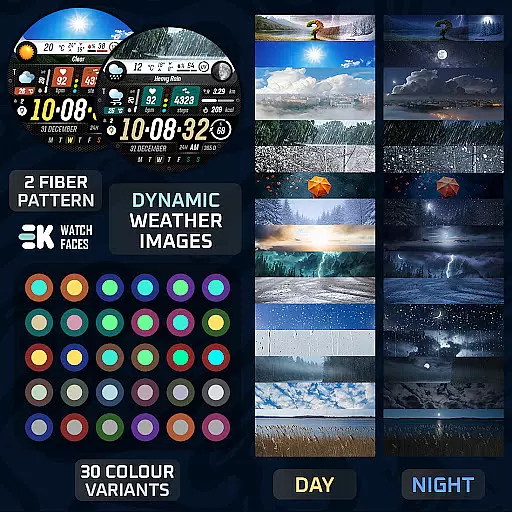
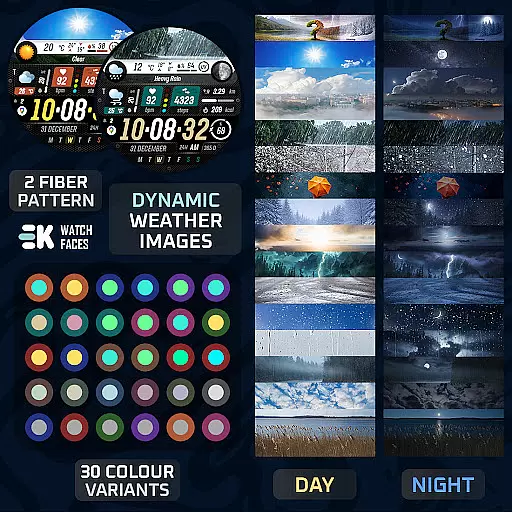
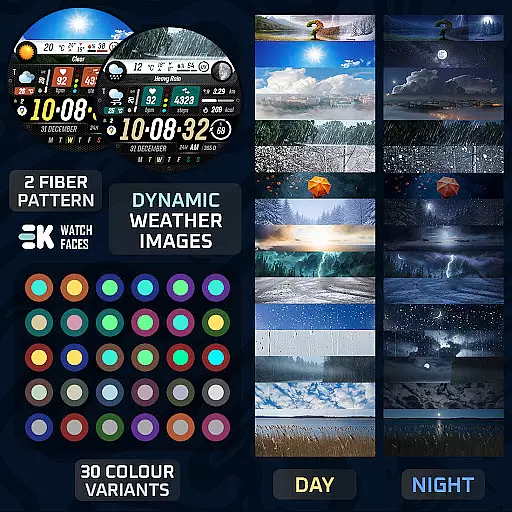
Sharper Weather stands out due to its comprehensive set of features tailored specifically for Wear OS users. One of its key highlights is the dynamic weather display, which shows images corresponding to current weather conditions, including separate visuals for day and night. It provides detailed information such as high-low temperature ranges, precipitation chances, and UV index indicators, ensuring you're prepared for any weather scenario.
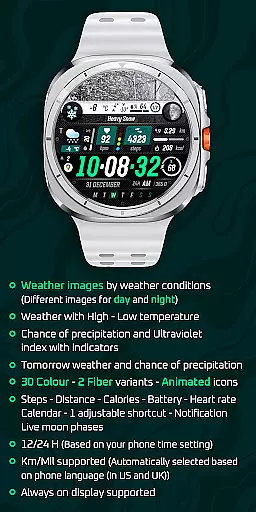
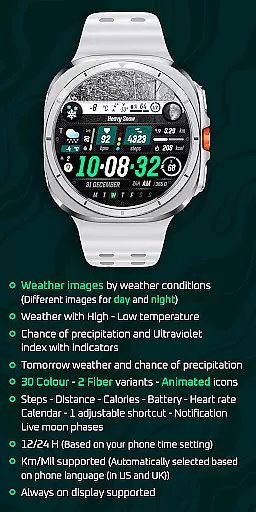
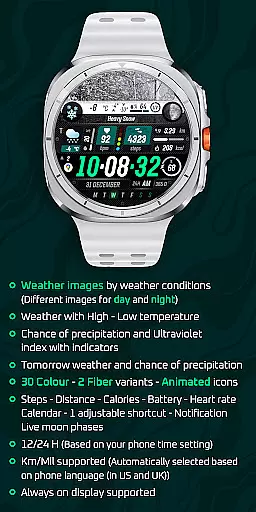
Beyond weather, this app integrates advanced health tracking functionalities. You can monitor steps taken, distance traveled, calories burned, heart rate, and even battery status directly from your watch face. Additional features include customizable shortcuts, calendar events, and live moon phases, making it versatile enough to suit various user needs. The inclusion of 30 color variants and two fiber options allows for extensive personalization.
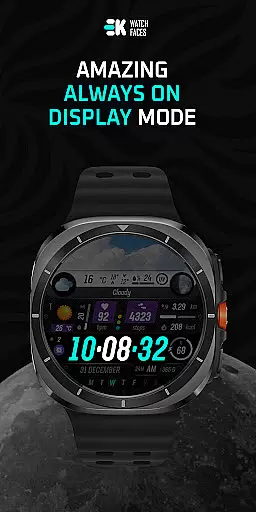
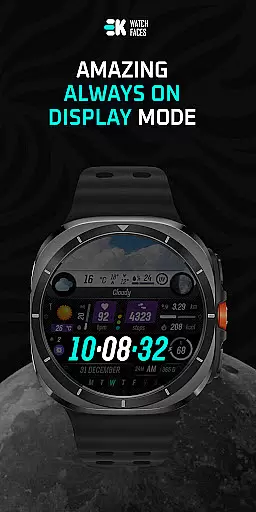
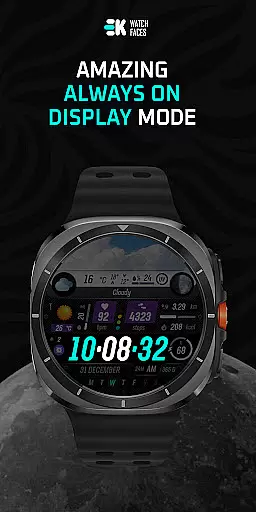
Another notable aspect is its compatibility with Always-On Display technology, ensuring continuous access to vital information without needing to wake the device. Furthermore, the app automatically adjusts units (km/miles) based on your phone's language settings, enhancing convenience for international users.
Sharper Weather offers an extensive range of customization options that allow users to tailor their Wear OS experience according to their preferences. With 30 color choices and 2 fiber variants, the watch face can be personalized to match individual style or mood.
In addition to aesthetic personalization, the app provides animated icons and supports both 12 and 24-hour time formats based on the user's phone settings. Users can also choose between kilometers or miles for distance measurement, which is automatically selected based on phone language settings in certain regions.
The inclusion of adjustable shortcuts and various display features such as weather images by conditions, high-low temperature readings, chance of precipitation, ultraviolet index indicators, tomorrow's forecast, steps taken, calories burned, battery status, heart rate, calendar events, live moon phases ensures a highly customized experience tailored to each user's lifestyle needs.
This level of customization empowers users with not only a unique visual interface but also practical functionalities that cater to their daily activities and health tracking requirements.
Theme compatibility is crucial for ensuring a seamless integration with the overall design aesthetics of any smartwatch. Sharper Weather - Watch Face has been meticulously crafted to ensure it blends perfectly with the Wear OS ecosystem while maintaining its distinctive appeal.
By supporting always-on display functionality, this watch face remains visually accessible at all times without compromising battery lifeu2014a key consideration for theme developers working within the constraints of wearable technology.
Moreover, the application respects system-wide themes and adapts accordingly, providing consistency across different interfaces while still offering its rich feature set. This includes dynamic elements like weather updates and fitness tracking metrics displayed through intuitive visuals that are both informative and pleasing to look at.
Such thoughtful design guarantees that no matter what other applications or watch faces might be installed alongside Sharper Weather, they will coexist harmoniously, enhancing rather than disrupting the useru2019s digital environment.
User-friendly interface
Dynamic weather updates
Health tracking integration
Customizable design options
Always-On Display support
Limited to Wear OS
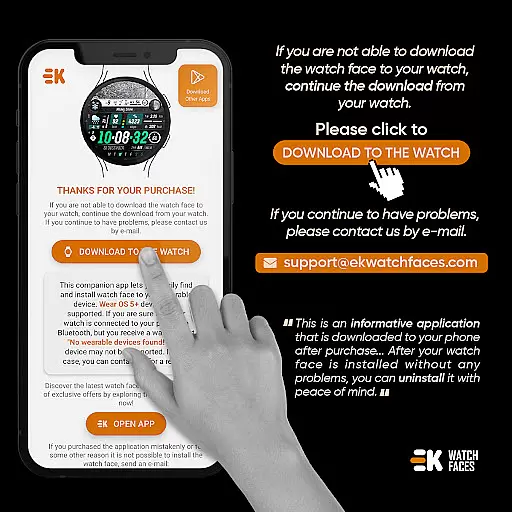
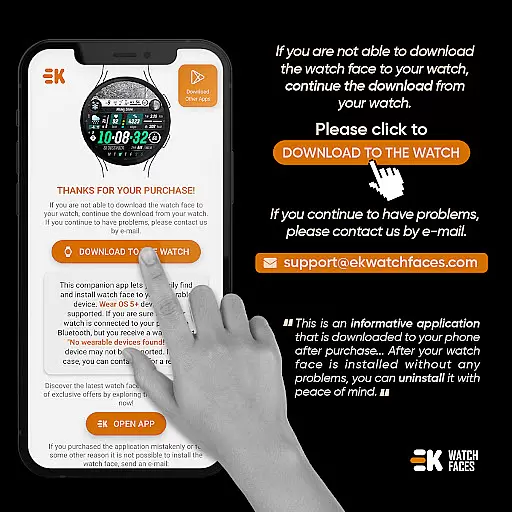
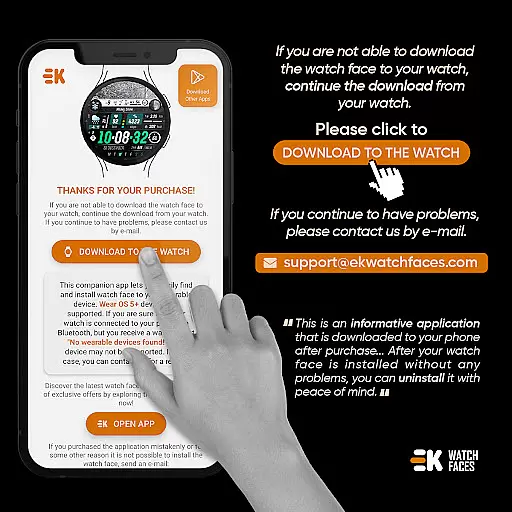
Installation complexity
Potential payment issues
Requires manual permissions
No iOS compatibility

Classic analogue watch face. For wear os devices.
 4.60
4.60
Only for Wear OS devices!
4.90
Winter's Journey: digital watch face for Galaxy Watch & Wear OS
4.80
Aesthetic Widgets, HD Wallpapers, Themes in Mico Widget for Home and Lock Screen
4.50 4.50
4.50
Color phone with cool effects for call screen, flash alert & ringtones music
4.50
300+ widgets inspired by Material You and Material 3 expressive design.
4.60
Install amazing sticker packs: endless styles, always cool.
4.70
Transform your phone with stylish zipper lock themes and 4D live wallpaper
4.10
Wallpaper HD 4K Live - Thousands of high-quality Anime backgrounds for you.
4.80
Enjoy a variety of amazing live wallpapers and colorful EDGE lighting borders!
4.80
Glass style colourful icons with a One UI look and feel
4.60
A retro cartoon style watch face and a punch right in the face of the copyright
4.60
Turn text & photos into stunning AI videos, art, and creative visual stories.
4.50
200+ Material Inspired Widgets
4.50
Fingerprint Lock Screen & Live Animations with 4K Wallpapers as Live Wallpaper
4.40
More than 3000+ themes and 9000+ wallpapers for everybody!
4.10
Realistic animated snow on your wrist, with 10 images landscapes to choose from
4.00
HappyLighting is a Bluetooth lamp control software.
3.40
Wallpaper Engine Android review—PC sync setup, crash issues, sound reactive limitations, and whether this free companion app is actually good.



User Reviews