
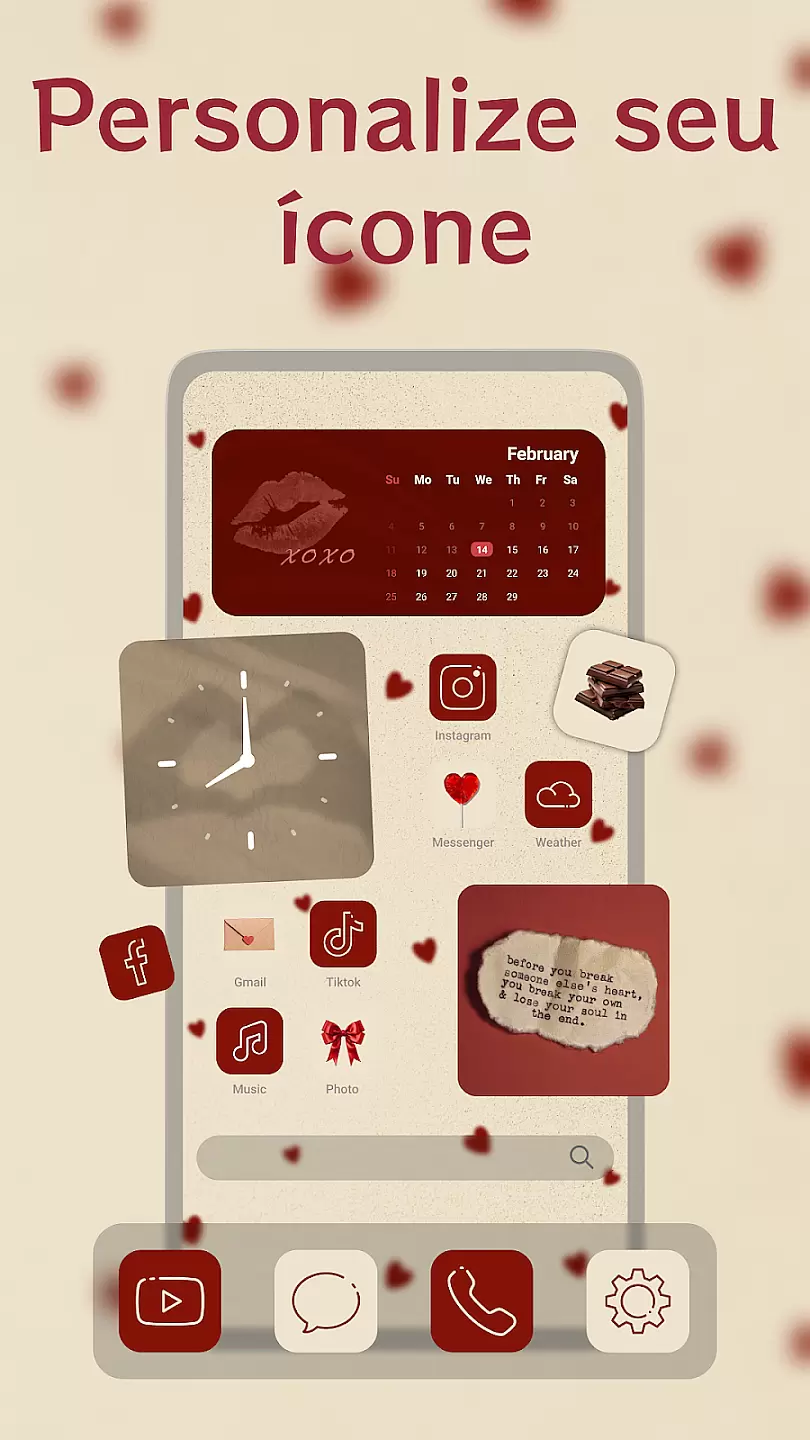
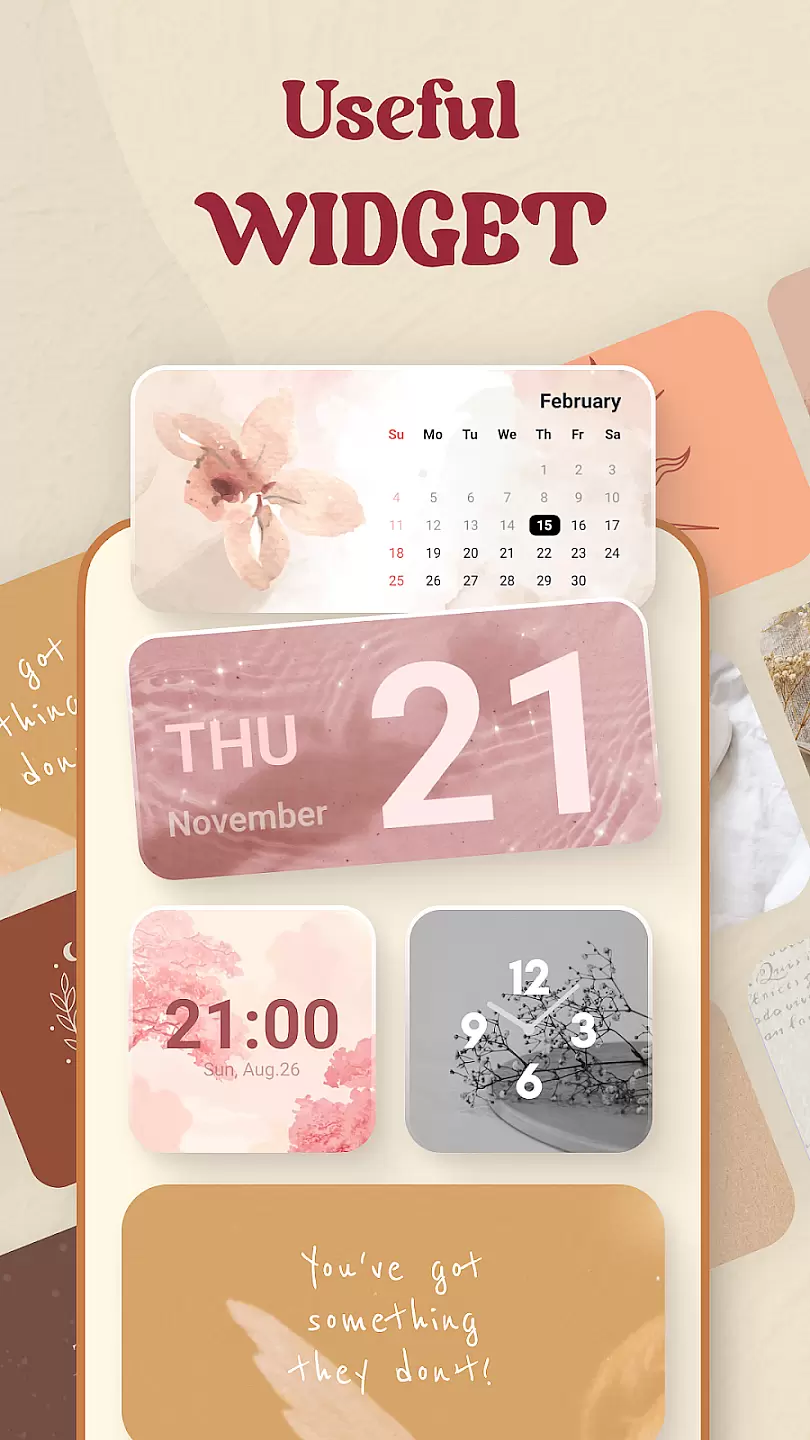
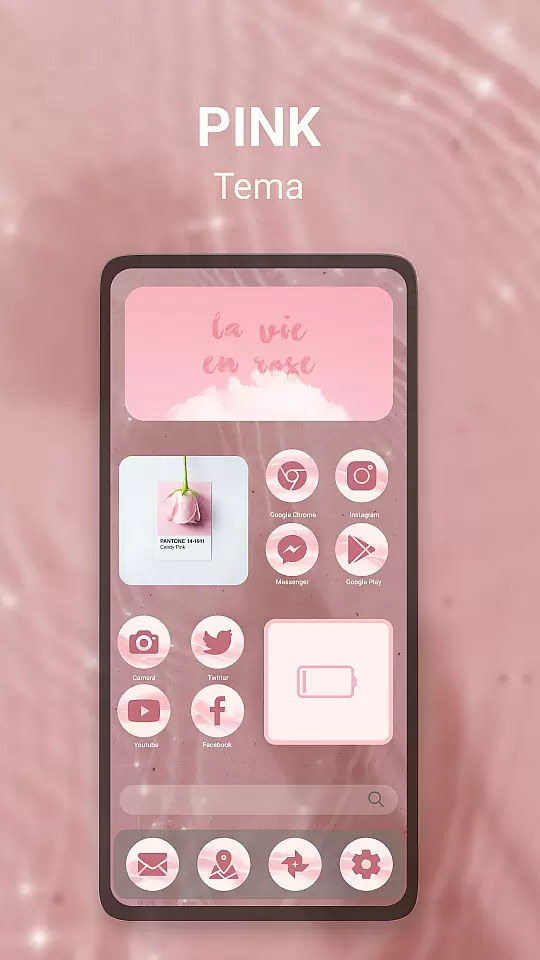
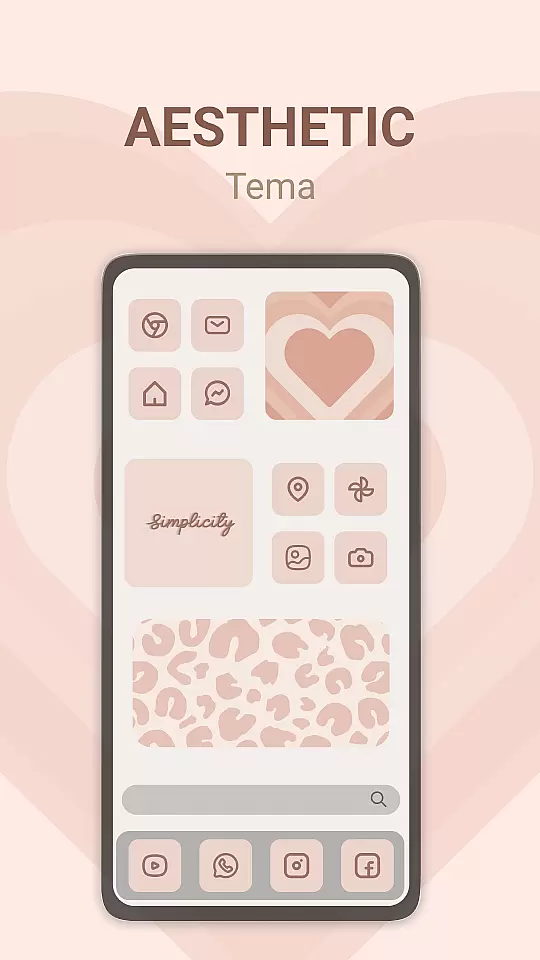
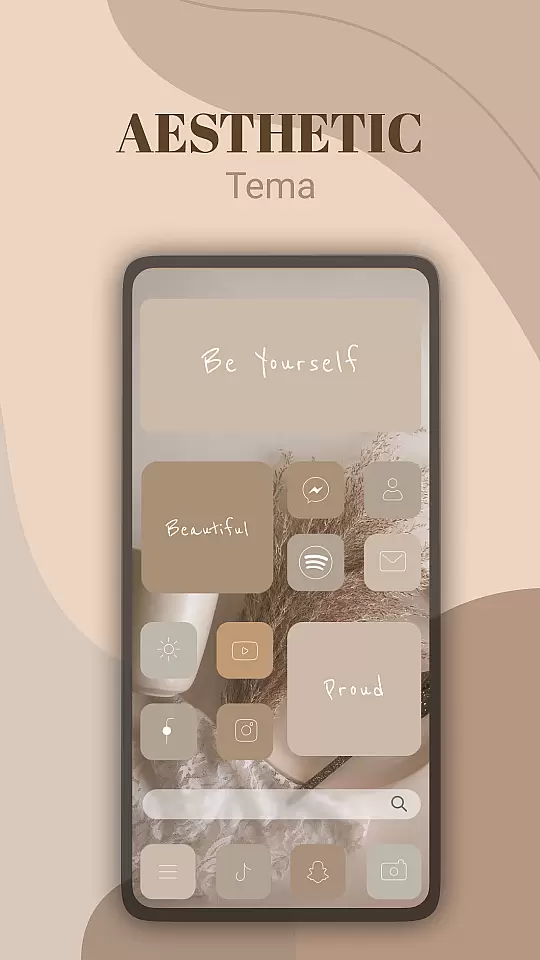
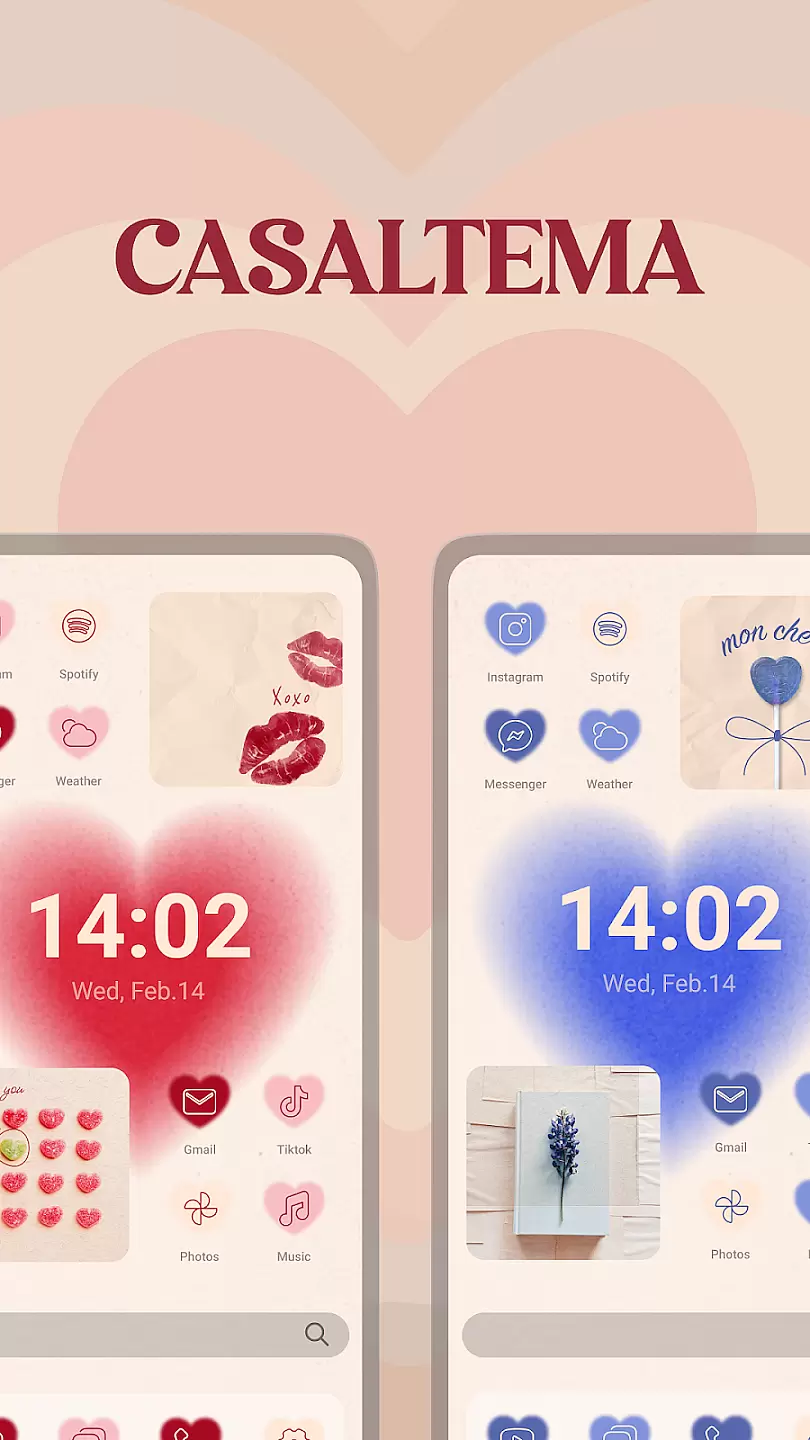
Theme, Widget & Icon Changer is a versatile personalization app that allows users to customize their smartphone experience. With an extensive library of themes, widgets, and icon packs, the app caters to those looking to break away from the monotony of default interfaces. Users can easily apply new themes to transform their device's appearance or select individual icons for a more personalized touch.
The app also offers functional widgets that provide quick access to frequently used features, enhancing both aesthetics and usability. Whether you're looking to refresh your phone's look or optimize its functionality, this app provides all the tools necessary to create a unique mobile environment tailored to your preferences.
One of the standout features of Theme, Widget & Icon Changer is its vast collection of customization options. The app includes thousands of themes with various color schemes and designs, ensuring there's something for every taste. Additionally, it offers a wide array of icon packs that allow users to change individual app icons, providing granular control over the device's visual identity.
Beyond aesthetics, the app includes practical widgets that improve device interaction. These widgets offer quick access to essential functions like weather updates, calendar events, and system settings. Moreover, the intuitive interface makes it easy for anyone to personalize their device without any technical expertise, making it accessible to a broad audience.
Customization options variety refers to the range of choices available for users to personalize their device's appearance and functionality. This is particularly important in personalization apps, where users expect diverse options to express their unique style.
Theme, Widget & Icon changer offers an extensive library of themes, widgets, and icons that cater to different tastes and preferences. Users can choose from various categories such as minimalist, retro, vibrant, and more, ensuring there's something for everyone. The app also allows customization of individual elements, giving users granular control over their deviceu2019s look.
The benefit of having a wide variety of customization options is that it enhances user satisfaction by allowing them to tailor their devices exactly how they want. Whether you prefer a sleek modern design or something more playful and colorful, this app provides the tools necessary to make your device truly yours.
Ultimately, Theme, Widget & Icon changer empowers users with the freedom to create a personalized digital environment that reflects their personality and mood. With regular updates and new content additions, the app ensures that users always have fresh options to explore.
Theme compatibility is crucial for ensuring that the visual elements applied to a device work seamlessly across different screens and functionalities. It involves designing themes that maintain consistency and do not disrupt the user experience.
Theme, Widget & Icon changer excels in theme compatibility by providing designs that are optimized for various devices and operating systems. Each theme undergoes rigorous testing to ensure it integrates smoothly without causing any display issues or functional disruptions. This attention to detail guarantees a cohesive look and feel throughout the device.
Users benefit from theme compatibility as it ensures a hassle-free customization process. They can apply themes confidently, knowing that all elements will display correctly and function as intended. This reliability enhances the overall user experience, making customization enjoyable rather than frustrating.
By prioritizing theme compatibility, Theme, Widget & Icon changer sets itself apart as a reliable choice for users seeking high-quality personalization options. The appu2019s commitment to delivering visually appealing and technically sound themes makes it a standout option in the personalization category.
User-friendly interface
Extensive theme library
Variety of icon packs
Functional widgets included
Frequent updates
Some features require payment
Occasional performance issues
Limited compatibility
Ads present in free version
Advanced options need subscription

Themes - Widget & Wallpaper: Customize home screen, icon changer w unique themes
 4.30
4.30
Personalize your phone with stunning HD and 4K wallpapers!
4.70
Want to make your phone more special than ever?
4.60 4.50
4.50
Organize and manage your photos and videos effortlessly with Photo Gallery
4.20
Your home screen, just the way you like it.
4.30
Transform your phone with stunning video wallpapers and a unique, personal touch
3.80
Magic fluids wallpaper 4D: Relax with stunning fluid simulation wallpaper app
4.20
Fast SMS & group chat - use GIFs and emojis from your home screen launcher.
4.50
Only for Wear OS devices!
4.90
Enjoy a variety of amazing live wallpapers and colorful EDGE lighting borders!
4.80
A minimalist productivity launcher. One-hand-friendly. Zero ads.
4.70
Embrace the Night. Unleash the power of darkness with Raven Dark Icon Pack
4.60
Choose your keyboard with RGB colors effect, themes, fonts, emojis.
4.60
Ultra realistic gold analog watch face with lots of customization options.
4.50
Aesthetic Widgets, HD Wallpapers, Themes in Mico Widget for Home and Lock Screen
4.50
Transfer your live wallpapers from Windows to Android using Wallpaper Engine!
4.00 3.50
3.50
Modern Glass Icon Pack with glossy icons, clean minimal theme & aesthetic style
4.1
Wallpaper Engine Android review—PC sync setup, crash issues, sound reactive limitations, and whether this free companion app is actually good.



User Reviews