
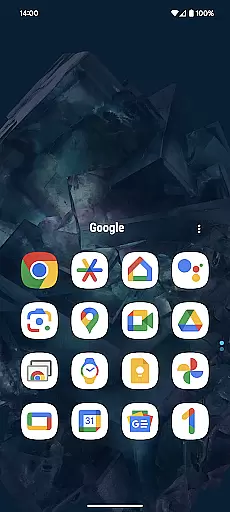
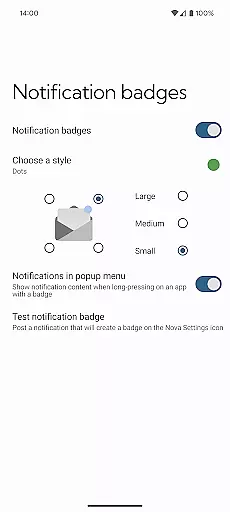
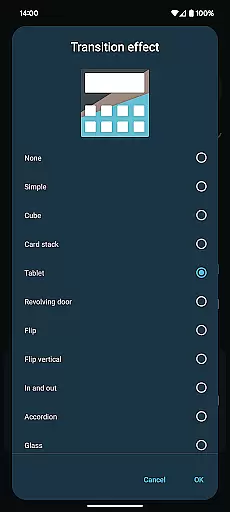
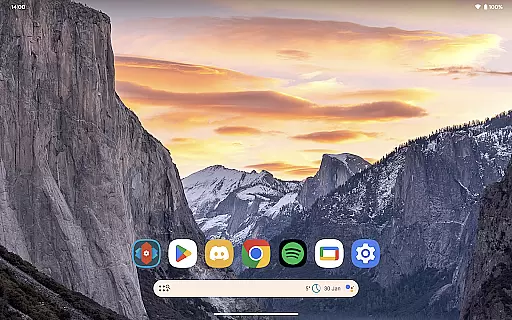
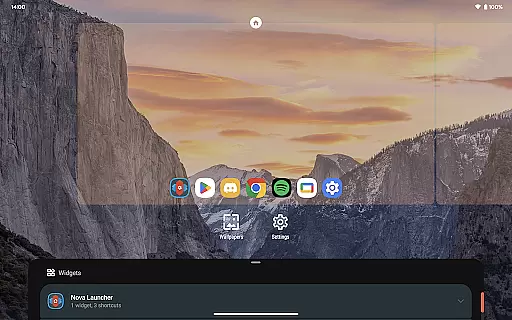
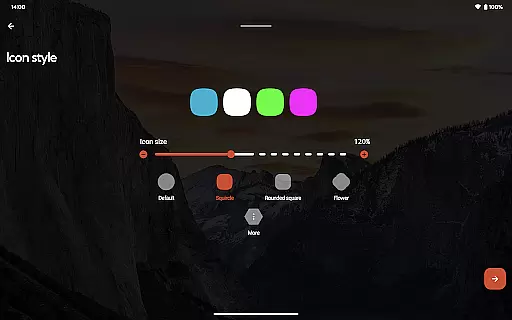
Nova Launcher Prime is a premium upgrade that unlocks advanced customization features for the Nova Launcher application. Designed for Android users who seek greater control over their device's interface, this app offers enhanced functionality through intuitive gestures and organizational tools.
Key features include customizable app drawer groups, icon swipe gestures, and the ability to hide apps without uninstalling them. These capabilities make it an ideal solution for power users who want to optimize their home screen for maximum productivity and personalization.
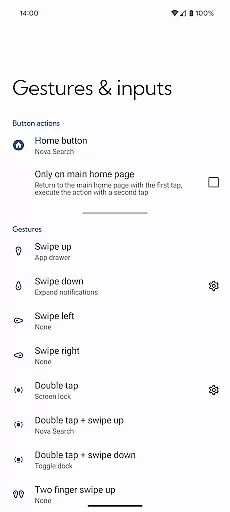
The app provides a comprehensive set of features that significantly enhance the Android home screen experience. Its gesture system allows users to execute commands through simple actions like swiping or pinching on the home screen.
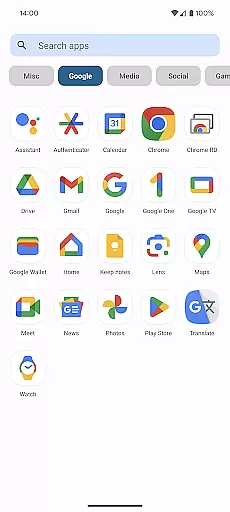
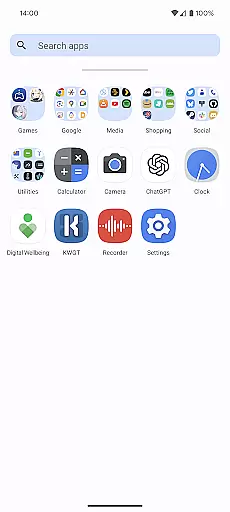
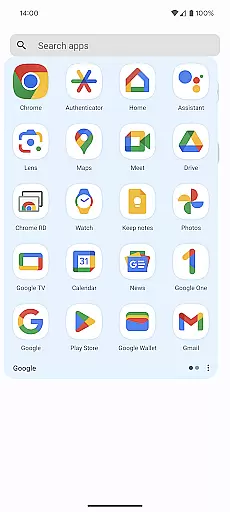
One of the standout features is the app drawer customization, where users can create personalized tabs and folders. The ability to hide apps adds another layer of privacy management, while custom icon swipe gestures enable quick access to frequently used functions without cluttering the interface.
Customization is at the heart of Nova Launcher Prime, offering users a wide array of options to personalize their Android experience. The app allows for gestures on the home screen, such as swipes and pinches, which can be tailored to execute specific commands, enhancing user interaction.
In addition to gesture controls, Nova Launcher Prime provides the ability to create custom tabs or folders within the app drawer. This feature not only helps in organizing apps to fit personal workflows but also contributes to an ultra-organized feel that many power users crave.
For those looking to maintain a clutter-free home screen, the option to hide apps without uninstalling them is invaluable. Users can tuck away seldom-used applications while still having access to them when needed, ensuring that only the most relevant apps are visible.
Furthermore, with custom icon swipe gestures, productivity is boosted by allowing users to execute actions directly from their home screen icons. Swiping up or down can reveal additional functionality, keeping the home screen clean and efficient. These customization options collectively ensure that each user's device truly becomes their own.
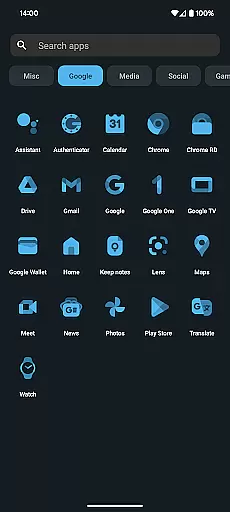
Nova Launcher Prime excels in theme compatibility, providing users with the tools necessary to achieve visual consistency across their devices. With support for various icon packs, including popular ones like OneYou Icon Pack by PashaPuma Design, users can completely transform the look and feel of their home screens.
The app ensures that themes applied are not just superficial overlays but comprehensive design changes that affect every aspect of the user interface. From app icons to folder backgrounds, Nova Launcher Prime maintains a cohesive aesthetic that aligns with user preferences.
Moreover, the flexibility extends beyond static themes; dynamic themes that adapt based on time of day or other triggers can be implemented. This level of customization means users aren't limited to a single look and can enjoy varied aesthetics throughout their day.
By unlocking these features within the free Nova Launcher app, Nova Launcher Prime guarantees that whether you prefer minimalist designs or vibrant, colorful interfaces, your device can reflect your unique style while maintaining optimal usability.
Highly customizable
Intuitive gesture controls
Effective app hiding feature
Enhanced productivity tools
Regular feature updates
Requires separate app installation
Some features may overwhelm beginners
Premium price point
Limited to Android platform
Occasional compatibility issues

Vertically oriented rectangular icons
 4.70
4.70
Themes - Widget & Wallpaper: Customize home screen, icon changer w unique themes
4.30
Unique Android Launcher
4.60
Add cute Shimeji pets to screen, interact with them and relax with cute motions
4.60 4.50
4.50
HappyLighting is a Bluetooth lamp control software.
3.40
Adorable pets roam and play right on your phone screen!
3.30
200+ Material Inspired Widgets
4.50
Create stunning widgets with Widget 2026: Aesthetic Widgets for Android!
4.60
Sparkle your screen with Glitter Wallpapers For Girls and Cute Backgrounds!
4.80
Nothing Icon pack with more than 3750+ highly crafted icons.
4.70
Stunningly Different look with Line Icons and Neon Colors
4.60
A retro cartoon style watch face and a punch right in the face of the copyright
4.60
Stylish Pink Cute Hippo keyboard with 10000+ customized keyboard themes!
4.60
Beautiful realistic hybrid watch face with numerous customization options.
4.50
AI-powered Copilot. Personalized keyboard with gifs, stickers & themes
4.40
Transform your phone with stunning video wallpapers and a unique, personal touch
3.80
Emoji Maker app - Design custom emojis and effortlessly blend them with Mixer
3.80
Interactive Miniature Painting Catalogue
3.30
Wallpaper Engine Android review—PC sync setup, crash issues, sound reactive limitations, and whether this free companion app is actually good.



User Reviews