


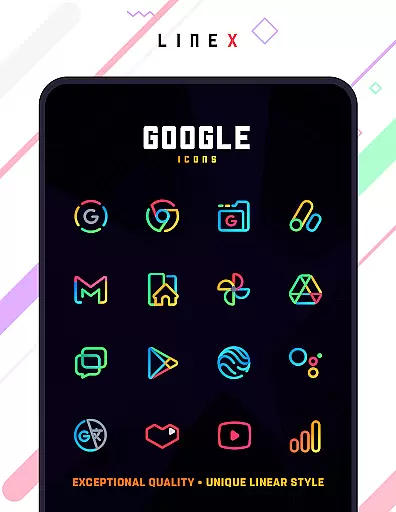
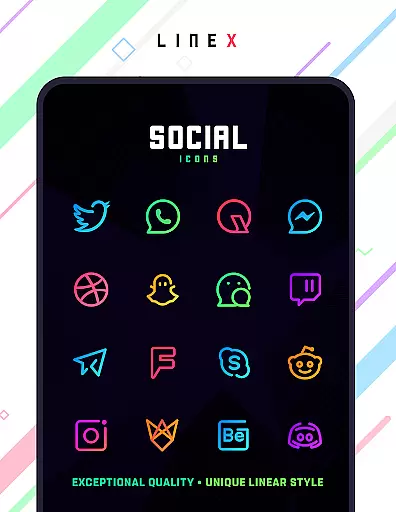
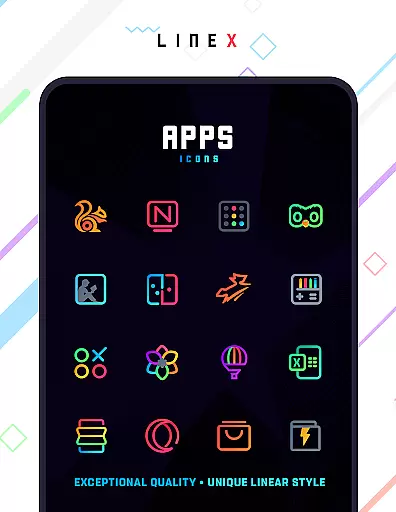
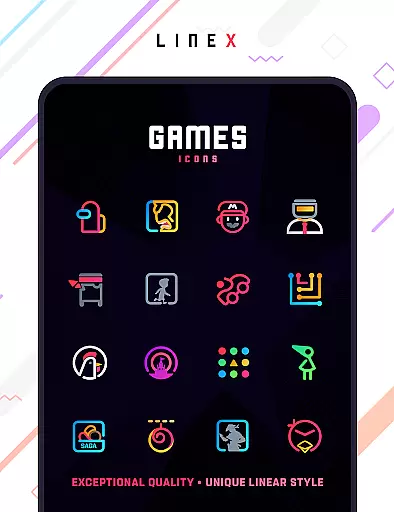
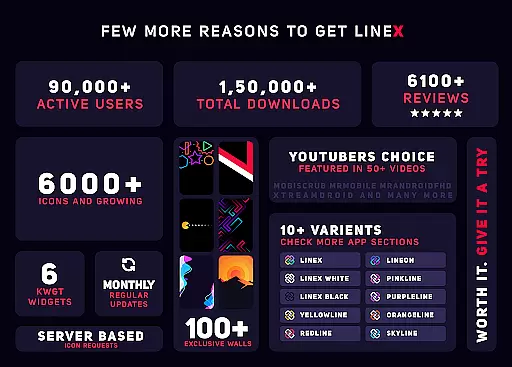
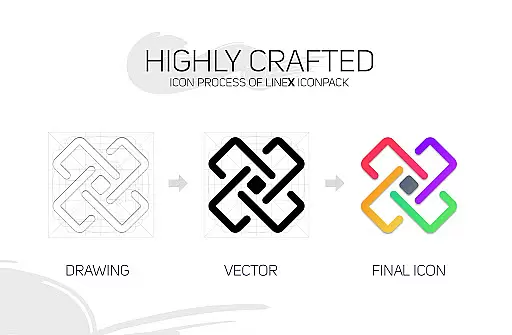
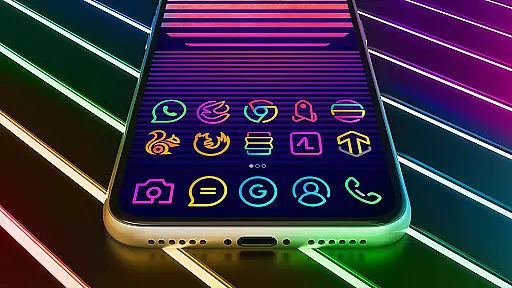
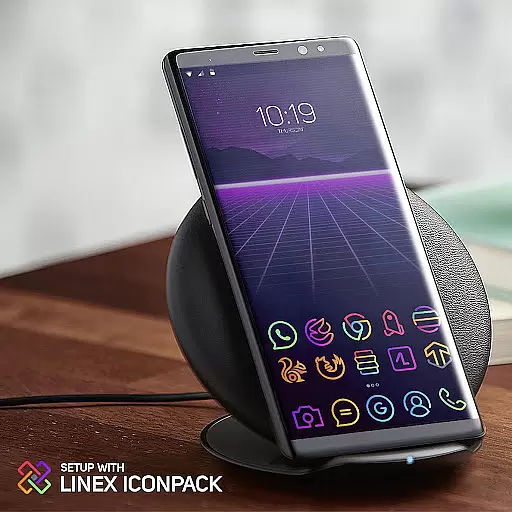
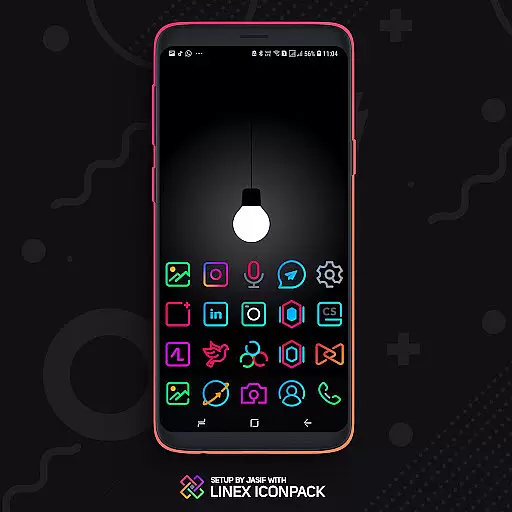
LineX Icon Pack is a premium icon pack designed for users who appreciate minimalist design with a linear theme. Featuring over 6000 high-quality icons, this pack offers one of the most comprehensive collections available in the market today. Each icon is crafted with precision, ensuring top-notch quality and consistency across all visuals.
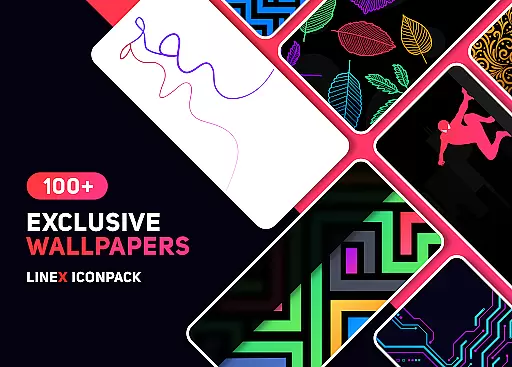
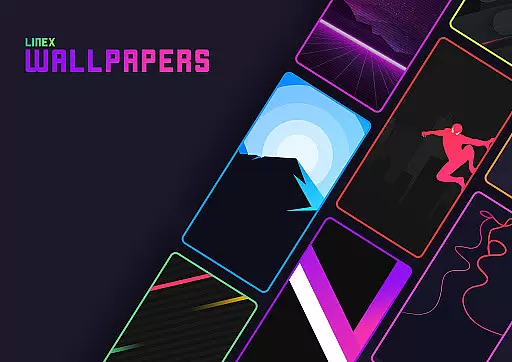
In addition to its vast icon library, LineX includes a perfect masking system for unthemed icons, multiple alternative icons, and an impressive collection of wallpapers. Compatible with numerous launchers, this icon pack allows users to customize their device's appearance extensively. Whether you're using Nova, Apex, or other popular launchers, LineX ensures your home screen looks sleek and modern.
The average user checks their phone over 50 times a day, and LineX Icon Pack makes each interaction visually pleasing. With frequent updates that add new icons and features like dynamic calendars, material dashboard, and custom folder icons, LineX keeps your device looking fresh and stylish. This icon pack is ideal for those seeking a cohesive and personalized aesthetic on their mobile devices.
LineX Icon Pack stands out due to its extensive range of features tailored for customization enthusiasts. The pack boasts over 6000 icons, each designed with a linear theme that provides a clean and modern look. These icons are complemented by a robust masking system, which ensures even unthemed icons blend seamlessly into your home screen's design.
One of the key highlights of LineX is its frequent updates, which not only add new icons but also introduce innovative functionalities. Users can enjoy features such as icon preview and search, dynamic calendar support, and category-based organization. Additionally, the pack offers custom app drawer icons and easy icon request options, allowing users to tailor their experience further.
For optimal use, it's recommended to pair LineX with the Nova Launcher, where settings like icon normalization can be adjusted for the best visual results. Whether you prefer small or large icons, LineX provides flexibility in resizing to suit your preferences. Overall, these features make LineX Icon Pack a versatile tool for personalizing your device's interface with ease and style.
LineX Icon Pack offers an extensive range of customization options, making it a versatile choice for personalizing your device's interface. With over 6000 icons, this pack provides one of the largest selections available, ensuring that users can find the perfect icon for any app or purpose.
The pack doesn't stop at static icons; it also includes dynamic calendars and custom folder icons, allowing users to enjoy a fresh look every day. Additionally, the inclusion of alternative icons and category-based icons means that users have the freedom to tailor their home screens precisely to their liking.
For those who value aesthetics, LineX Icon Pack features a beautiful masking system for unthemed icons, maintaining a cohesive look across all apps. This attention to detail ensures that even lesser-known apps can blend seamlessly with popular ones, enhancing the overall visual experience.
Moreover, the pack supports various launchers, giving users the flexibility to choose their preferred launcher without sacrificing the ability to apply their chosen icons. Whether you're using Nova, Apex, or another supported launcher, LineX Icon Pack integrates smoothly, offering a consistent and high-quality customization experience.
Theme compatibility is a crucial aspect of LineX Icon Pack, ensuring that users can seamlessly integrate the icons into their existing setups. Designed with a linear theme, the pack boasts top-notch quality icons that are compatible with a wide array of launchers, including popular choices like Nova, Apex, and ADW Launcher.
The pack's material dashboard serves as a central hub for managing and applying the icons, streamlining the process for users. Regardless of the launcher in use, the dashboard provides easy access to features such as icon preview and search, simplifying the task of finding and applying the desired icons.
In cases where a launcher isn't directly supported, LineX Icon Pack still offers solutions. Users can apply the icons through their launcheru2019s theme settings, maintaining the pack's commitment to compatibility and user convenience. This adaptability extends the pack's utility, ensuring that more users can enjoy its benefits.
Furthermore, LineX Icon Pack is regularly updated, adding new icons and enhancing compatibility with emerging launchers. This dedication to ongoing support and improvement underscores the pack's reliability, providing users with peace of mind that their investment will continue to deliver value and maintain compatibility over time.
Extensive icon library
Frequent updates
Perfect masking system
Customizable options
Wide launcher compatibility
Paid icon pack
No Google Now support
Some launchers unsupported
Requires third-party launcher
Initial setup needed

3D, live, and moving wallpapers & themes in 4K and HD for your device.
 4.50
4.50
Fingerprint Lock Screen & Live Animations with 4K Wallpapers as Live Wallpaper
4.40
Nothing Icon pack with more than 3750+ highly crafted icons.
4.70
Stylish Pink Cute Hippo keyboard with 10000+ customized keyboard themes!
4.60
Your go to Weather App & Home Screen. Get your weather at a swipe of a finger!
3.80
Crystal-clear, square icon provides a sleek and sophisticated visual upgrade
4.00
300+ Beautifully crafted widgets inspired by OneUI.
4.60
350+ widgets with a premium glass-style finish, perfect for home & lock screens.
4.70
Customize phone with anime themes, 3D icons, aesthetic widgets & wallpapers
4.80
Dark icon pack based on One 8
4.80
Embrace the Night. Unleash the power of darkness with Raven Dark Icon Pack
4.60
300+ widgets inspired by Material You and Material 3 expressive design.
4.60
Ultra realistic gold analog watch face with lots of customization options.
4.50
Yandex Browser — stylish and secure, with voice search and data compression
4.40
A light in the dark, a unique style and an andless cutomization!
4.30
App Icon Changer & Shortcut Creator. Customize your icons without any watermarks
4.30
Your home screen, just the way you like it.
4.30
More than 3000+ themes and 9000+ wallpapers for everybody!
4.10
Realistic animated snow on your wrist, with 10 images landscapes to choose from
4.00
Wallpaper Engine Android review—PC sync setup, crash issues, sound reactive limitations, and whether this free companion app is actually good.



User Reviews