
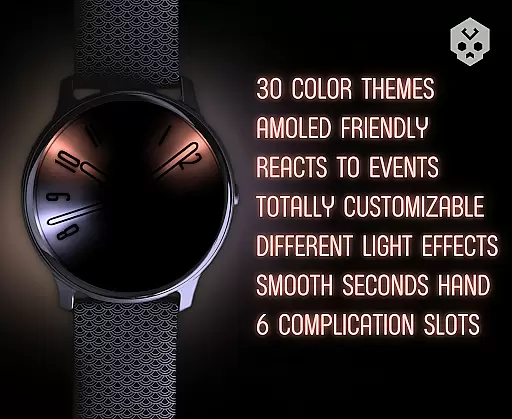
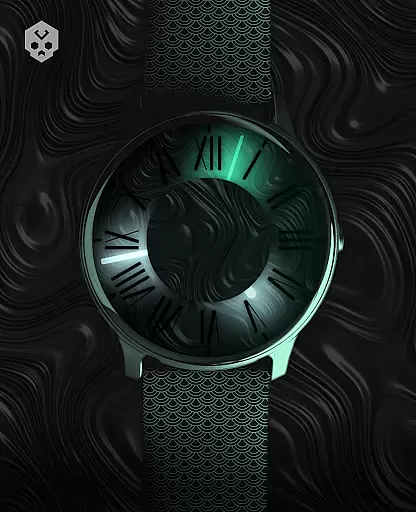
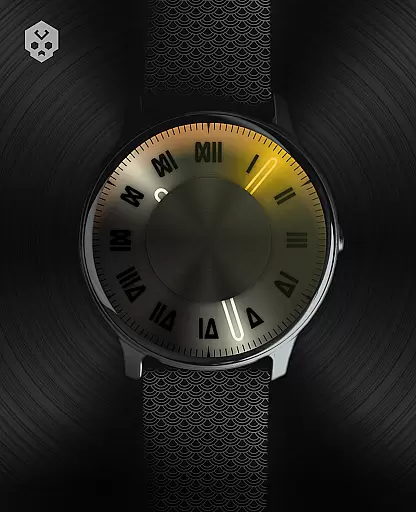

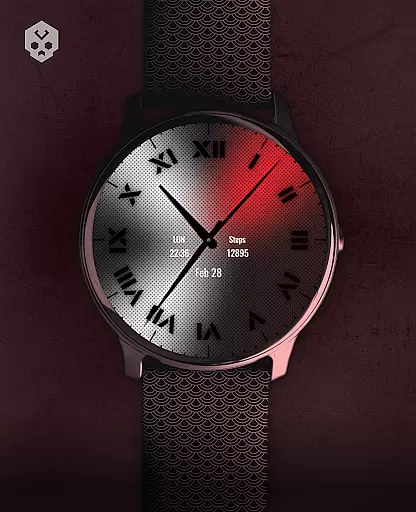
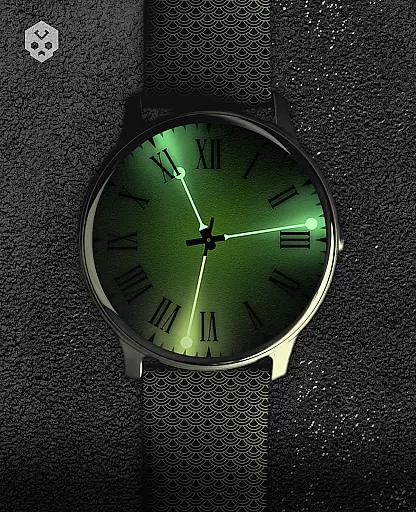
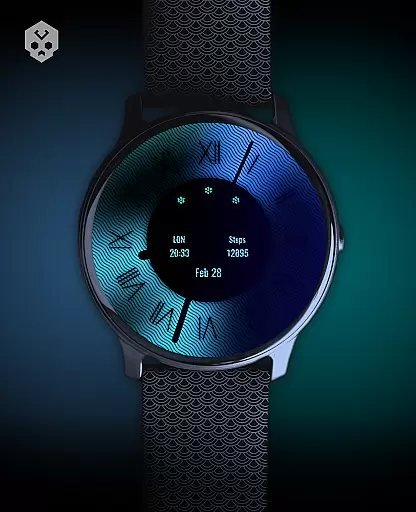
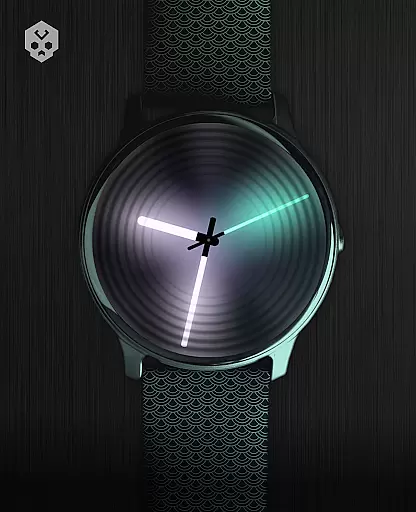
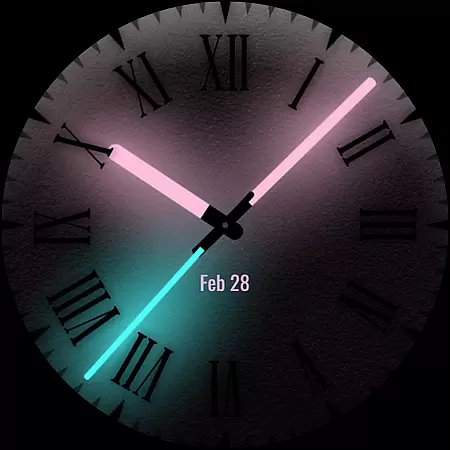
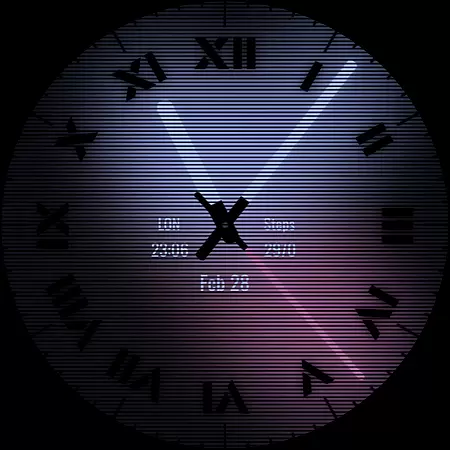
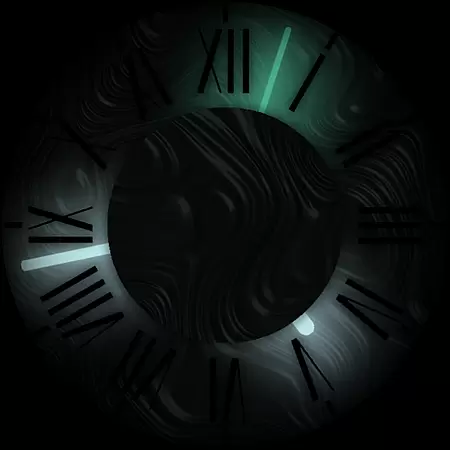

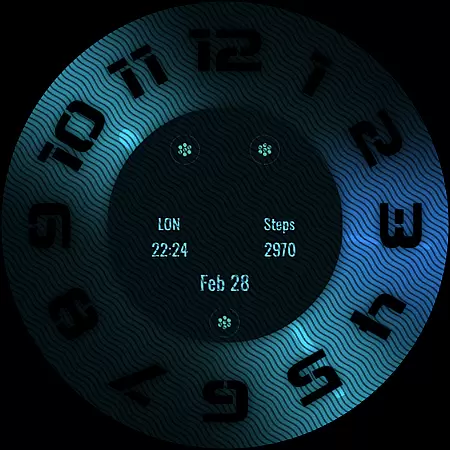
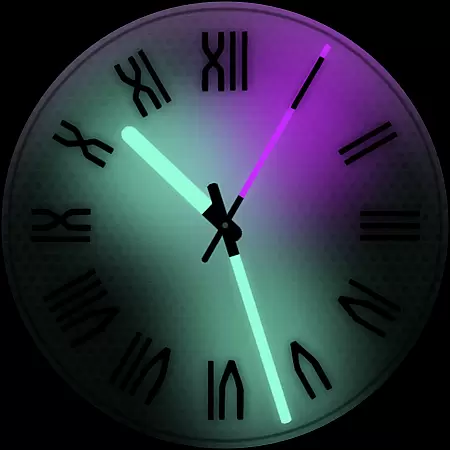
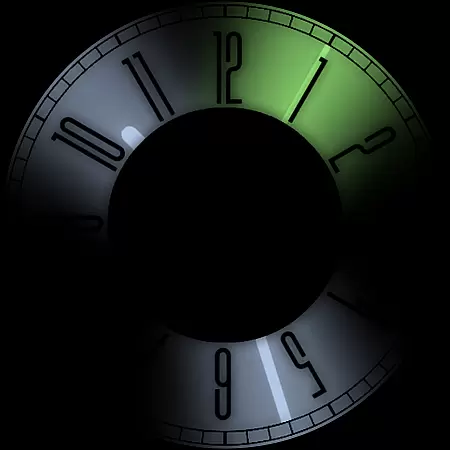
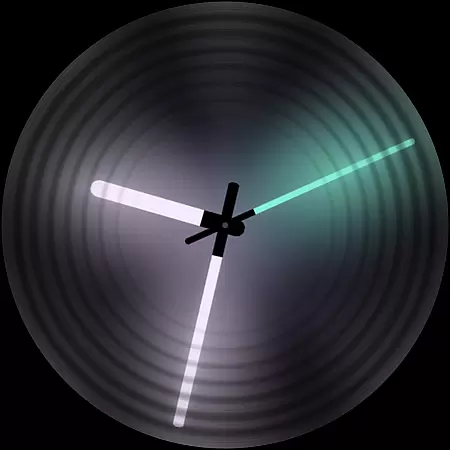
Dark Metal Saber Watch Face is a highly customizable Wear OS watch face designed for style and functionality. This native standalone app works on various smartwatches including Samsung, Mobvoi Ticwatch, Fossil, Oppo, and newer Xiaomi models.
The watch face features 30 color schemes, customizable clock hands, indices, decorators, overlays, backlighting, logos, backgrounds, and reacts to low battery, notifications, and charging. With five different complication sizes and an easy-to-use companion app, it offers users extensive personalization options while maintaining a unique design aesthetic.
This watch face stands out with its impressive array of customization options. Users can choose from 30 color schemes and modify almost every visual element including clock hands, index markers, decorators, and even the background overlay.
Practical features include reactive elements that respond to low battery, notifications, and charging status. The watch face also supports five customizable complications in varying sizes, allowing for personalized information display. An intuitive companion app facilitates easy installation and management, making setup straightforward even for less tech-savvy users.
Customization is at the heart of Dark Metal Saber Watch Face, offering users an extensive range of personalization options to suit their unique style. With 30 color schemes available, users can select the perfect look that resonates with their personal aesthetic preferences.
Beyond color schemes, the watch face provides numerous other customization features. Users have the freedom to adjust clock hands, choose from various index styles, decorators, and even modify the darkness setting to create a personalized timepiece that stands out on their smartwatch display.
The level of detail extends to customizing overlays, backlight effects, logos, and backgrounds, ensuring that every element of the watch face aligns with the user's vision. This vast array of choices empowers users to craft a stylish and individualized watch face that truly reflects their personality.
Dark Metal Saber Watch Face ensures seamless integration across a multitude of Wear OS devices, making it a versatile choice for smartwatch enthusiasts. As a standalone Wear OS application, it boasts compatibility with popular brands such as Samsung, Mobvoi Ticwatch, Fossil, Oppo, and the latest Xiaomi models.
This wide-reaching compatibility means that regardless of the smartwatch brand, users can enjoy a consistent and high-quality experience. The meticulous design guarantees that all visual elements are displayed correctly, maintaining the integrity of the theme across different devices.
Moreover, the easy-to-use companion app simplifies the installation process while also being uninstallable post-setup. This flexibility allows users to manage their device storage efficiently without compromising access to the beautifully crafted watch face they've chosen to complement their digital lifestyle.
Highly customizable
Wide device compatibility
Unique design aesthetic
Responsive features
Companion app included
Premium price point
Wear OS only
Complex for beginners
Limited free options
Account sync required

Classic analogue watch face. For wear os devices.
 4.60
4.60
Transform your phone with Launcher iOS 26 - Smooth & elegant iOS experience
4.50
Add cute Shimeji pets to screen, interact with them and relax with cute motions
4.60
Wallpaper HD 4K Live - Thousands of high-quality Anime backgrounds for you.
4.80
Unique Fonts, typefaces and stylish text. Fonts for Instagram, Whatsapp & others
4.20
Launcher OS™ Pro without ads help make your phone simple and pretty
4.30
Enjoy a variety of amazing live wallpapers and colorful EDGE lighting borders!
4.80
Amazing letter fonts in your messages and social statuses
4.70
Transform your phone with stylish zipper lock themes and 4D live wallpaper
4.10
Beautiful realistic hybrid watch face with numerous customization options.
4.50 4.50
4.50
Color phone with cool effects for call screen, flash alert & ringtones music
4.50
Yandex Browser — stylish and secure, with voice search and data compression
4.40
Romantic Kiss Stickers App. Start romantic messaging now!
4.30
App Icon Changer & Shortcut Creator. Customize your icons without any watermarks
4.30
Organize and manage your photos and videos effortlessly with Photo Gallery
4.20
Design your screen with unique, vibrant clocks
3.80
Your go to Weather App & Home Screen. Get your weather at a swipe of a finger!
3.80
Capture moments that pass like a storm, second by second.
4.0
Wallpaper Engine Android review—PC sync setup, crash issues, sound reactive limitations, and whether this free companion app is actually good.



User Reviews