
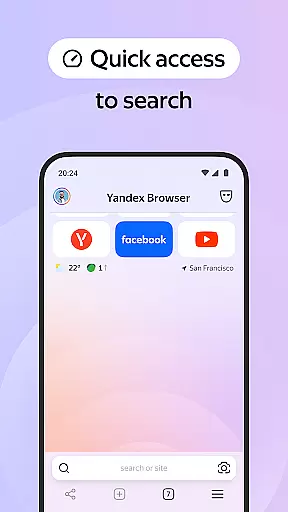
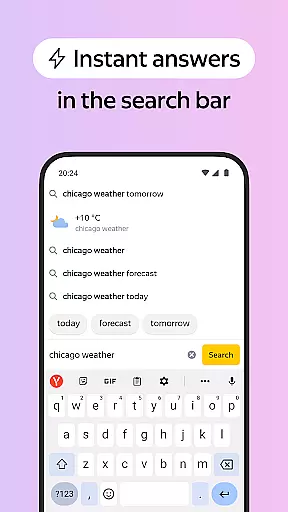


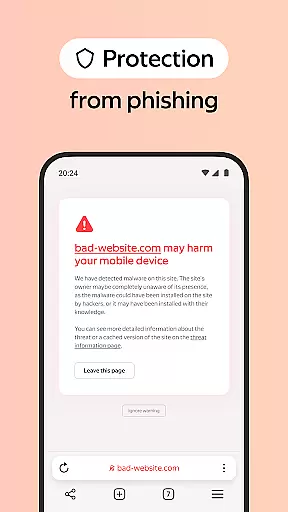
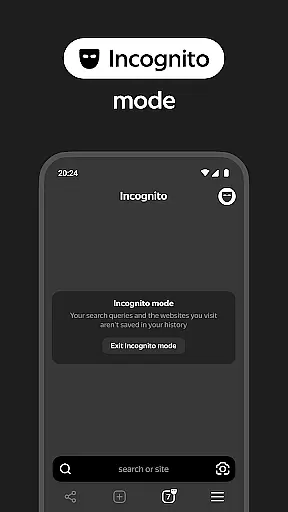
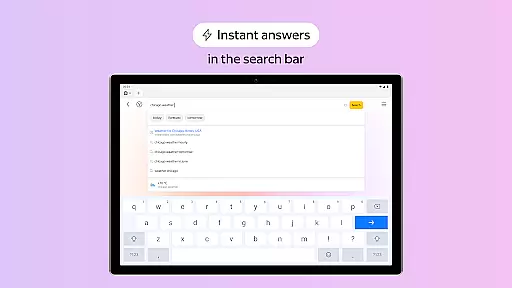
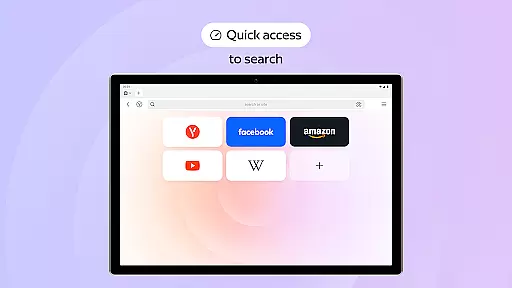
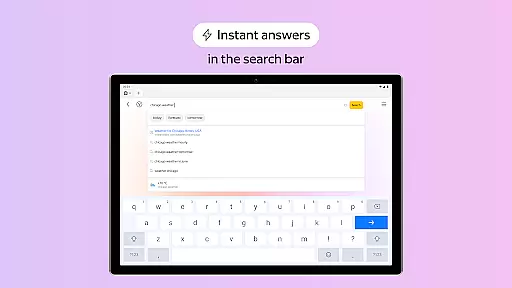
Yandex Browser with Protect is a stylish and secure mobile browser that offers advanced features for an optimal browsing experience. It includes voice search functionality, data compression for faster loading, and an active security system called Protect that safeguards users' personal data on public Wi-Fi networks. The browser also provides tools like Reader Mode to declutter web pages and Incognito Mode for private browsing sessions.
This application is particularly useful for users who prioritize both style and security in their browsing activities. With its customizable interface and ability to sync bookmarks across devices through a Yandex account, it caters to those who want a personalized yet protected online experience. Whether you're accessing sensitive information over public networks or simply looking to streamline your browsing sessions, Yandex Browser ensures a safer and more efficient internet journey.
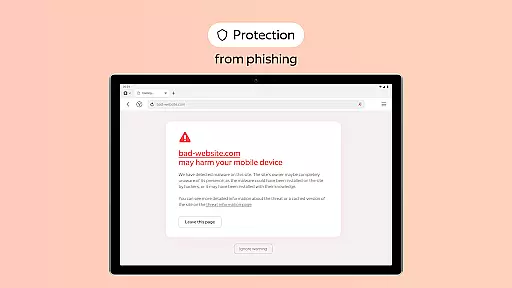
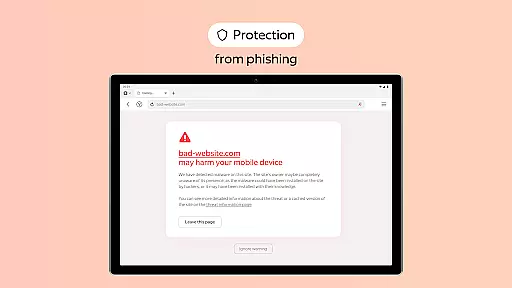
Yandex Browser stands out with its comprehensive feature set designed to enhance user convenience and safety. One of its key features is the integration of third-party blocking apps for ad-free browsing, which significantly improves page load times and reduces distractions. Additionally, the Protect security system actively shields users from harmful or fraudulent websites, making it ideal for use on unsecured Wi-Fi connections.
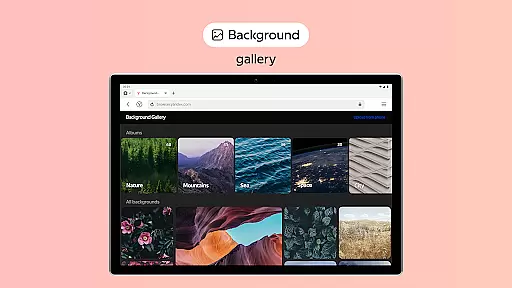
The browser's Reader Mode allows users to focus solely on content by hiding unnecessary interface elements such as ads and menus. For privacy-conscious individuals, the Incognito Mode ensures that no trace of browsing activity—such as passwords, search queries, or history—is retained. Furthermore, extensive customization options are available through a diverse wallpaper library, enabling users to tailor the look and feel of their browser to match their personal style.
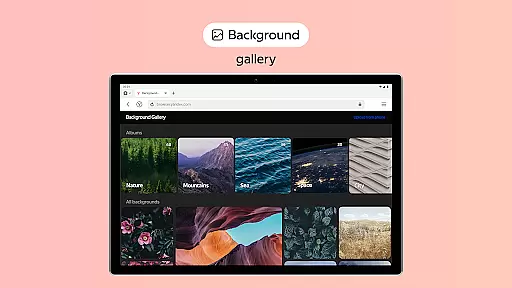
Customization is a key feature in any modern browser, and Yandex Browser excels in this area by offering users a wide range of personalization options. The browser provides an extensive wallpaper library where users can choose backgrounds that suit their style or mood. This feature allows for aesthetic adjustments, making the browsing experience more enjoyable and tailored to individual preferences.
In addition to visual customization, Yandex Browser also supports functional personalization. Users can integrate third-party blocking apps to get rid of annoying ads on websites. This flexibility ensures that each user can create a browsing environment that aligns with their specific needs and tastes, enhancing both usability and comfort.
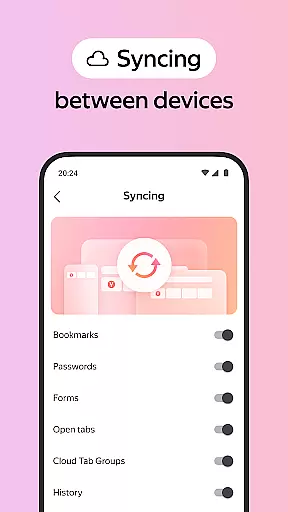
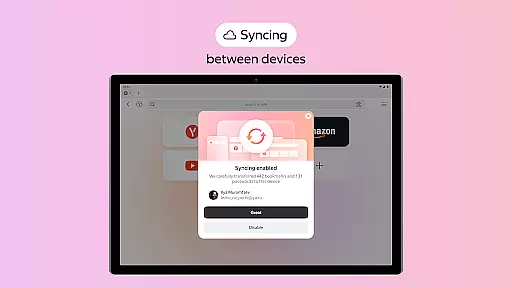
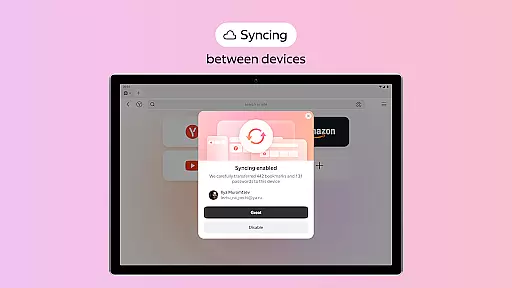
The ability to customize extends to data management as well. By allowing users to sync their data via a Yandex account, the browser enables seamless access to bookmarks and favorite websites across multiple devices. This cross-device synchronization ensures that users have a consistent and personalized browsing experience, regardless of the device they are using.
Theme compatibility is crucial for ensuring a cohesive and visually appealing browsing experience. Yandex Browser addresses this by providing a high degree of theme compatibility, allowing users to apply various themes without compromising the browser's functionality or visual integrity. This ensures that users can personalize their interface while maintaining optimal performance and usability.
Yandex Browser's active security system, Protect, works seamlessly with all themes, ensuring that users' personal data remains secure even when using public Wi-Fi networks. This integration of security features with customizable themes highlights the browser's commitment to both aesthetics and safety, offering users peace of mind while they browse.
Moreover, the browser's Reader Mode is designed to work harmoniously with any chosen theme. By hiding unrelated interface elements and focusing on relevant text and images, Reader Mode enhances content readability without being affected by the selected theme. This thoughtful design ensures that users can enjoy a clutter-free reading experience, regardless of how they've customized their browser's appearance.
Advanced security features
Customizable interface
Voice search functionality
Data compression technology
Cross-device syncing
Limited third-party extensions
Higher memory usage
Occasional slow performance
Privacy concerns with Yandex account
Ads in default settings

Customizable Glass widgets. Over 360+ stunning widgets and more!
 4.70
4.70
Realistic animated snow on your wrist, with 10 images landscapes to choose from
4.00
Shimeji adds cute animated characters to your screen, lively and fun.
4.70
More than 3000+ themes and 9000+ wallpapers for everybody!
4.10
Aesthetic Widgets, HD Wallpapers, Themes in Mico Widget for Home and Lock Screen
4.50 4.50
4.50
Struggling to find apps? Use this app to locate and open any app on your phone!
2.20
Emoji Maker app - Design custom emojis and effortlessly blend them with Mixer
3.80
Custom ringtones songs, music ringtones for Android phones
4.60
Stunningly Different look with Line Icons and Neon Colors
4.60
Classic analogue watch face. For wear os devices.
4.60
Try creating your own keyboard with "Keyboard theme for android" app now!
4.50
Color phone with cool effects for call screen, flash alert & ringtones music
4.50
Art & Emoji Keyboard with Cool Fonts, Cute Themes and Custom Designs.
4.40
Design your screen with unique, vibrant clocks
3.80
Adaptive Dot Style IconPack with Light & Dark Theme.
3.70
Customize glowing edges, wallpapers, and caller screen with EdgeAura.
3.50 3.50
3.50
Prank your friends with realistic broken screen and cracked HD effects!
4.2
Wallpaper Engine Android review—PC sync setup, crash issues, sound reactive limitations, and whether this free companion app is actually good.



User Reviews