
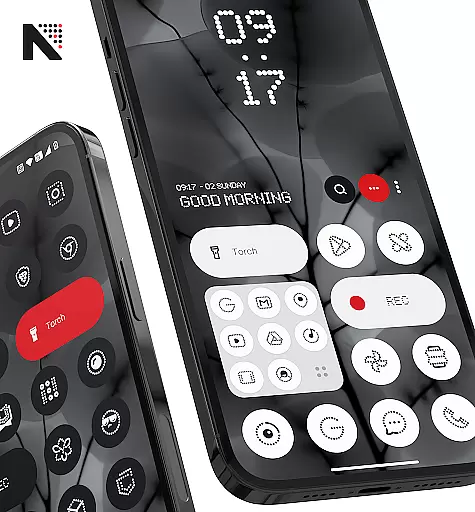
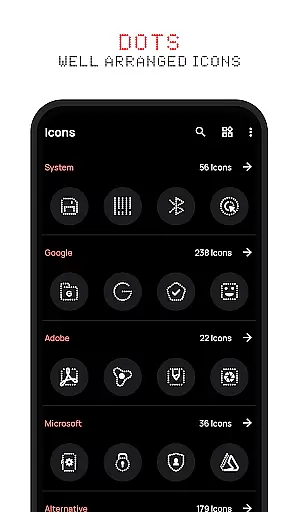
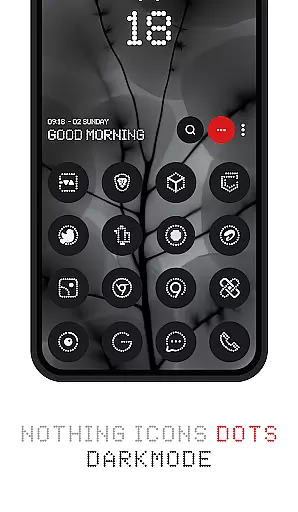
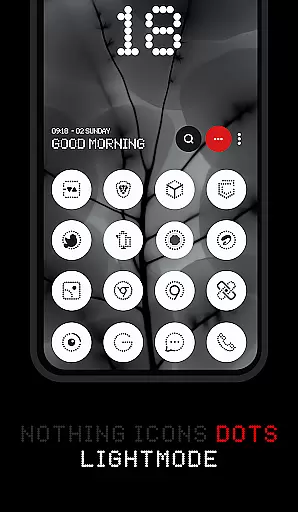
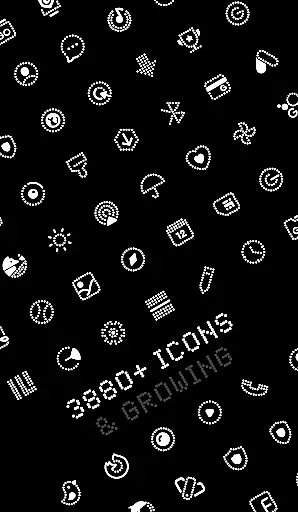
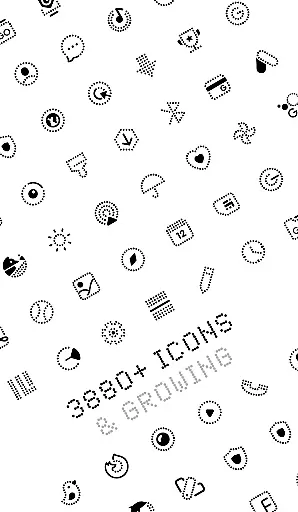
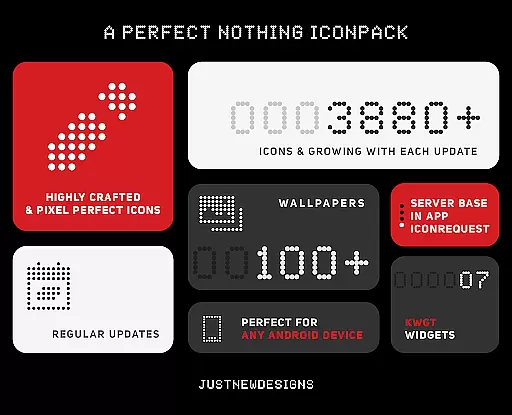
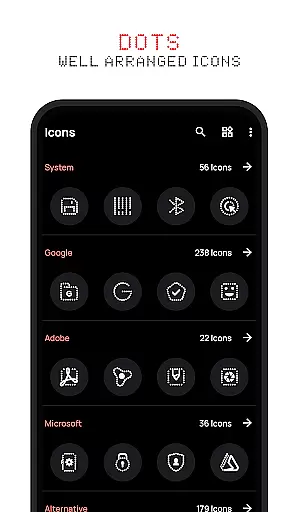
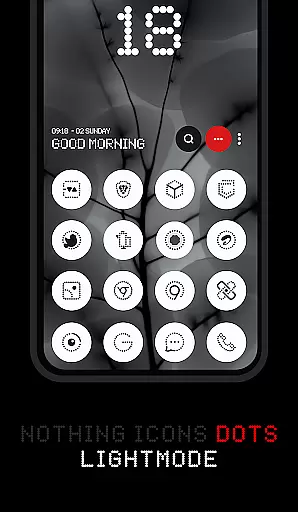
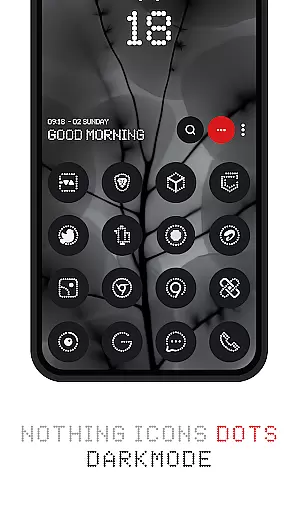
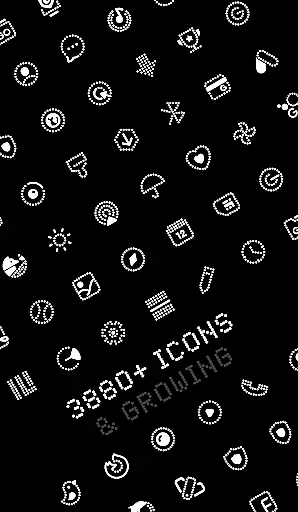
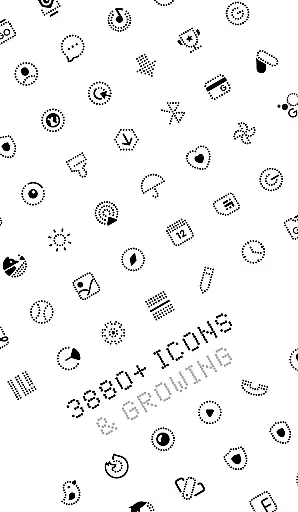
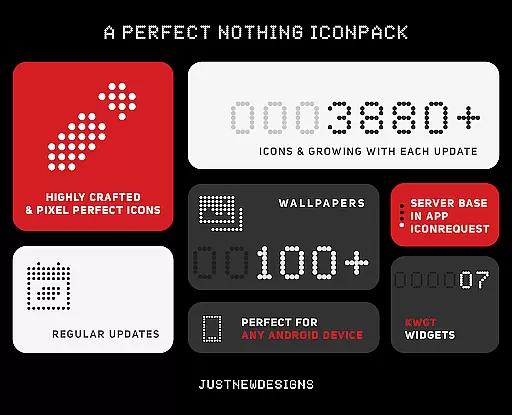
Dots : Adaptive Icon pack is a premium icon pack that delivers beautifully designed icons in combination with Dots Theme and White Color, inspired by the Nothing Brand. The app offers over 3000 themed icons that adapt to your device's theme, changing colors based on whether you're using a dark or light mode.
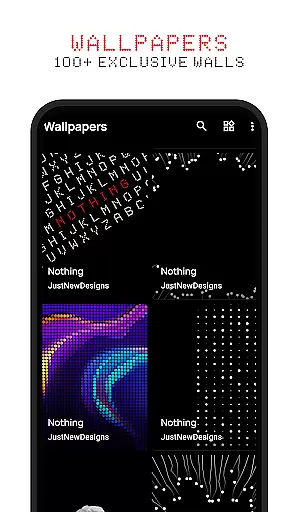
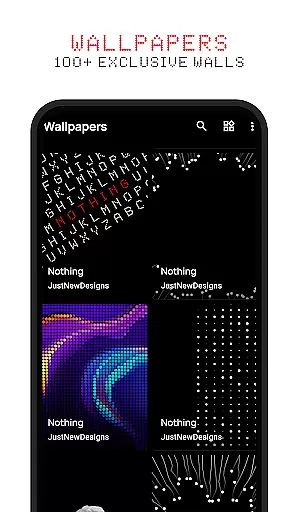
With support for adaptive icon shapes, the design of each icon adjusts depending on your launcher settings. Additionally, the pack includes 100+ custom wallpapers that perfectly match the icons. This makes it an ideal choice for users who appreciate dark-themed aesthetics and AMOLED displays.
The key feature of Dots : Adaptive Icon pack is its extensive collection of over 3000 themed icons, which are meticulously crafted to blend seamlessly with your device's interface. These icons dynamically change their appearance based on your device's current theme, ensuring a consistent look regardless of whether you're using dark or light mode.
Another standout feature is the adaptive icon shape functionality. Depending on the launcher you use, the shape of the icons can be customized to suit your preferences. Furthermore, the pack includes 100+ matching wallpapers, providing a cohesive aesthetic across your entire home screen.
Customization is at the heart of Dots : Adaptive Icon pack, offering users a versatile experience in personalizing their device's appearance. With over 3000 themed icons, this icon pack provides an extensive selection to suit various user preferences and app aesthetics.
The adaptive nature of these icons allows them to seamlessly adjust their shape according to different launchers that support icon shape theming. This flexibility ensures that your home screen maintains a cohesive look regardless of the launcher you choose to use.
In addition to the vast array of icons, users can also enjoy more than 100 matching wallpapers included with the pack. These custom-created wallpapers complement the minimalist design inspired by Nothing Brand and enhance the overall visual harmony of your device.
Dots : Adaptive Icon pack excels in theme compatibility, ensuring that its icons' colors dynamically change based on the deviceu2019s selected theme. Whether you prefer a dark or light interface, the icons will adapt accordingly for a consistent and polished appearance.
This level of integration extends beyond just color schemes; it encompasses an entire ecosystem where icons work harmoniously with both system themes and third-party launchers. The result is an uninterrupted user experience across all facets of your deviceu2019s UI.
For enthusiasts who value aesthetic uniformity, this icon pack guarantees satisfaction through its thoughtful design considerations. Should any issues arise, users are backed by a 100% refund guarantee, underscoring confidence in Dotsu2019 ability to deliver unparalleled theme compatibility.
Extensive icon library
Adaptive color themes
Customizable icon shapes
Matching wallpapers included
AMOLED-friendly design
Limited to compatible launchers
No live icon updates
Requires manual updates
Premium price point
Theme-specific design

Vertically oriented rectangular icons
 4.70
4.70
Wear Os Watch Face - Seasonal - Animated Snow Effect - 9 Animals
4.20
Make your phone look simple & luxury, like iDevice
4.60
Add cute Shimeji pets to screen, interact with them and relax with cute motions
4.60
App Icon Changer & Shortcut Creator. Customize your icons without any watermarks
4.30 4.10
4.10
Organize and manage your photos and videos effortlessly with Photo Gallery
4.20
200+ Material Inspired Widgets
4.50
Enjoy a variety of amazing live wallpapers and colorful EDGE lighting borders!
4.80
One 8 icons glass color version
4.80
A Colorful and Minimal icon pack in an Outline Style - Over 13,600 icons!
4.70
Customize your home screen with stunning themes, blur, widgets & icons.
4.60
Stylish Pink Cute Hippo keyboard with 10000+ customized keyboard themes!
4.60
Ultra realistic gold analog watch face with lots of customization options.
4.50
AI-powered Copilot. Personalized keyboard with gifs, stickers & themes
4.40
Transform your device in a game console
4.40
Romantic Kiss Stickers App. Start romantic messaging now!
4.30
Transfer your live wallpapers from Windows to Android using Wallpaper Engine!
4.00
Ultimate widget creator. Design custom widgets for a truly unique home screen!
3.90
Wallpaper Engine Android review—PC sync setup, crash issues, sound reactive limitations, and whether this free companion app is actually good.



User Reviews