
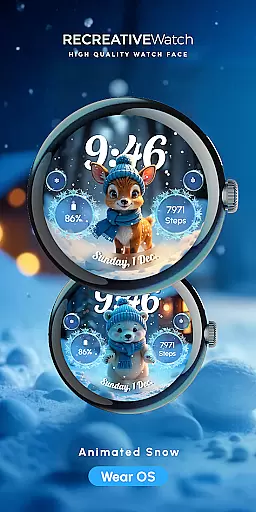
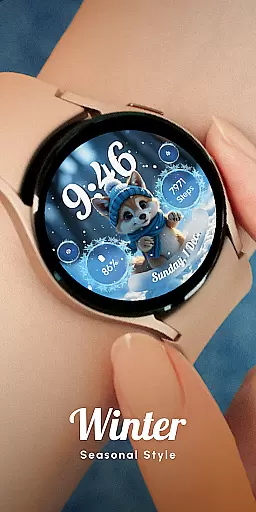
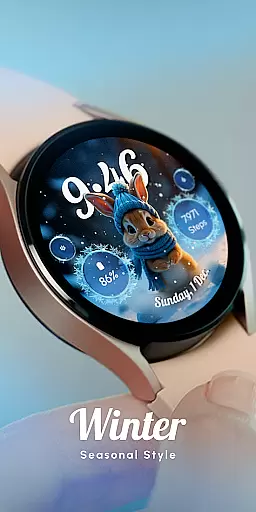
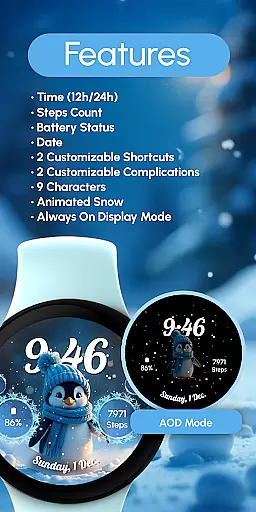
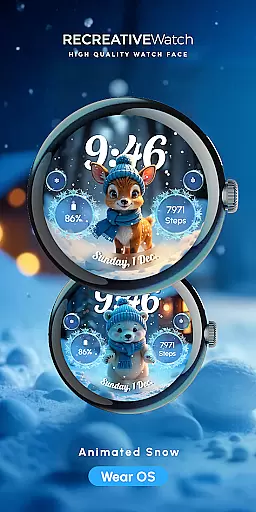
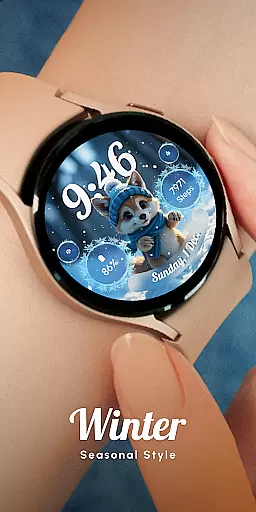
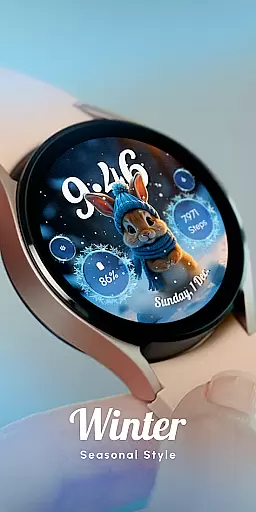
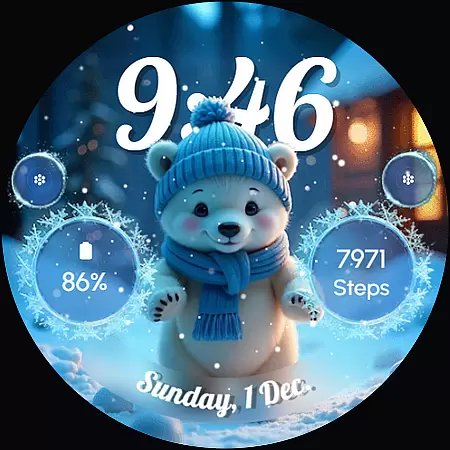
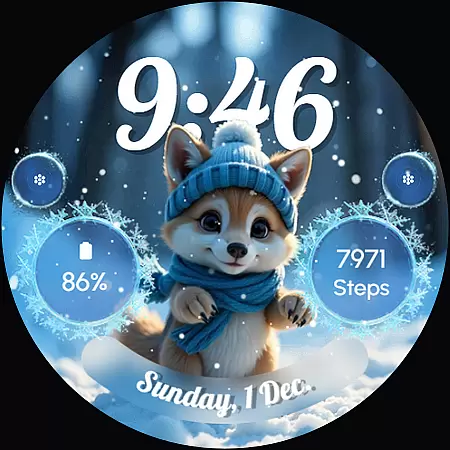
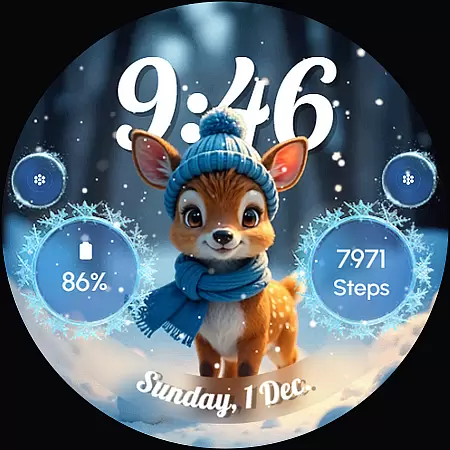
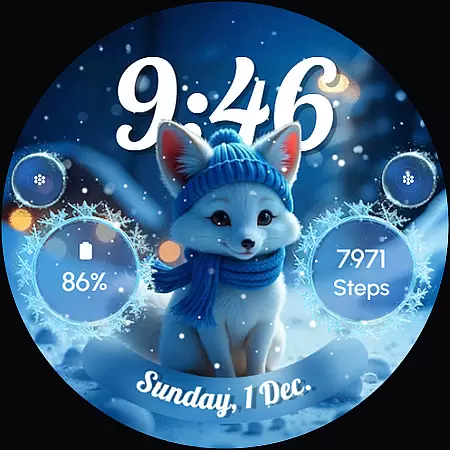
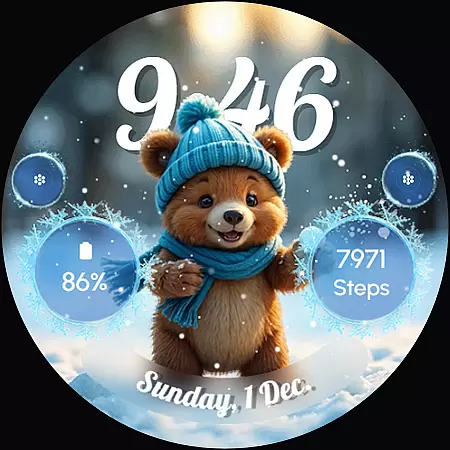
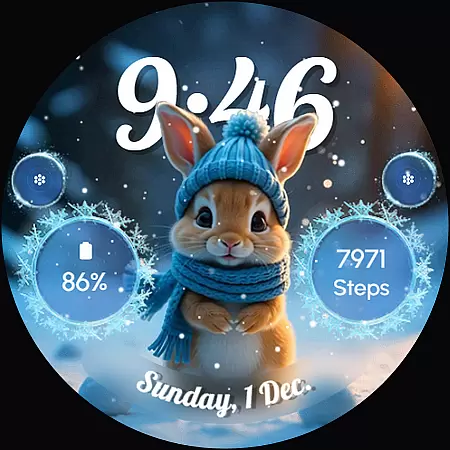
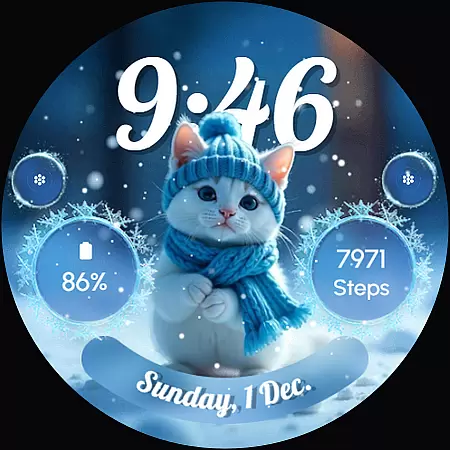
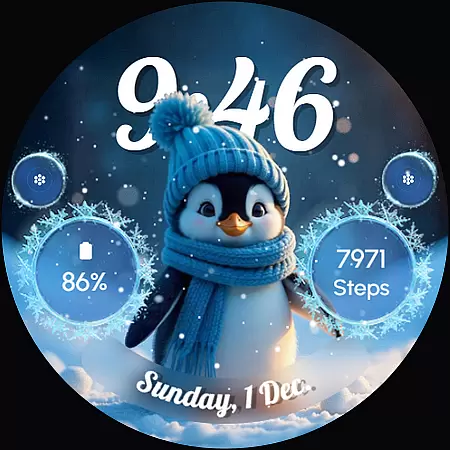
ReS58 - Winter Cute Animals is a charming watch face that brings the magic of winter to your wrist. Featuring adorable animals such as a polar bear, puppy, baby reindeer, fox, kitten, and penguin, this watch face creates a delightful frozen scene. It's perfect for the winter season and Christmas, adding warmth and personality to your smartwatch display.
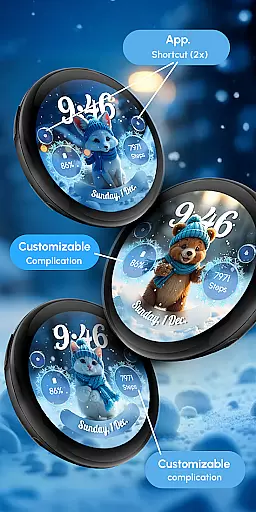
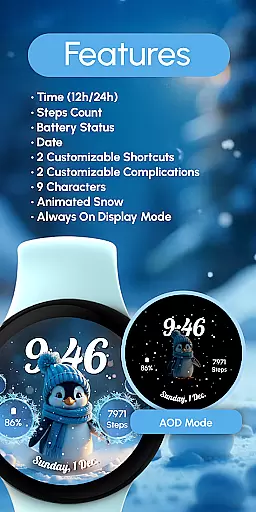
The watch face offers essential features including 12/24hr digital time, date, battery status, and step count. With two customizable complications and shortcuts, users can tailor their experience. The animated snow effect and always-on display enhance the visual appeal while maintaining functionality.
This application is compatible with API level 33+ devices, including Google Pixel and Galaxy Watch series. Whether you want to track daily activities or simply enjoy a festive design, ReS58 provides both utility and charm, making it an ideal choice for personalizing your wearable device.
ReS58 - Winter Cute Animals stands out with its unique combination of aesthetics and functionality. The watch face showcases nine different animal characters in a winter setting, complete with animated snowfall. This creates an engaging and dynamic visual experience on your smartwatch.
Functionality-wise, the app includes essential features like 12/24hr digital time display, date, battery indicator, and step counter. Users can further customize their experience through two complications and shortcuts, allowing integration of preferred data fields. The always-on display ensures that these delightful visuals are accessible at a glance without needing to wake the device.
For optimal battery performance, users can disable the always-on display mode. The customization process is straightforward: simply touch and hold the display, then tap on the 'Customize' option to modify settings. With compatibility across multiple Wear OS models, this watch face delivers both style and practicality, enhancing your smartwatch's appearance and usability.
Customization is at the heart of ReS58 - Winter Cute Animals, offering users a delightful way to personalize their smartwatch faces. This feature allows you to tailor your watch face with adorable winter-themed animals and various display elements, ensuring that your wearable tech truly reflects your personal style.
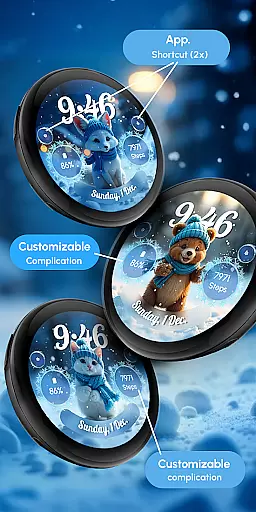
The process is straightforward and user-friendly. By simply touching and holding the display, you can access the customization mode. Here, you have the freedom to modify two complications and two shortcuts, allowing for a personalized experience that caters to your specific needs and preferences.
With nine unique characters to choose from, including a polar bear, puppy, baby reindeer, fox, kitten, and penguin, users can enjoy a whimsical touch to their daily routine. The animated snow adds an extra layer of charm, making this watch face not just a time-telling device but also a source of joy and warmth during the cold winter months.
This level of customization ensures that each user's watch face is as unique as they are, providing both aesthetic pleasure and functional utility. Whether it's for the festive Christmas season or just to bring some cheer to a chilly day, the ability to customize every detail makes ReS58 - Winter Cute Animals a standout choice in personalization.
ReS58 - Winter Cute Animals excels in theme compatibility, ensuring that its charming design works seamlessly across a wide range of devices. This compatibility extends to API level 33+ Google Pixel, Galaxy Watch 4, 5, 6, 7, and other Wear OS models, making it accessible to a broad audience of smartwatch users.
The watch face supports essential features like 12/24hr digital time, date, battery status, and step count, all while maintaining visual consistency across different devices. This ensures that no matter which compatible device you own, you'll enjoy the same high-quality experience without any compromise on functionality or aesthetics.
For those concerned about battery performance, the watch face offers practical advice. Disabling the 'Always ON Display' mode can significantly enhance battery life, demonstrating the developer's commitment to providing a balanced mix of beauty and efficiency.
Moreover, the inclusion of customizable complications and shortcuts means that users can adapt the watch face to suit their individual needs without worrying about compatibility issues. This thoughtful design approach ensures that whether you're checking the time or tracking your fitness goals, ReS58 - Winter Cute Animals delivers a cohesive and engaging user experience across all supported platforms.
Cute winter theme
Animated snow effect
Customizable complications
Compatible with Wear OS
Always-on display option
Battery usage concern
Limited to Wear OS
No automatic apply
Seasonal appeal only
Customization steps

Beautiful realistic hybrid watch face with numerous customization options.
 4.50
4.50
Prank your friends with realistic broken screen and cracked HD effects!
4.2
Run multiple accounts of the same app on a single device
4.10 4.50
4.50
HappyLighting is a Bluetooth lamp control software.
3.40
Yandex Browser — stylish and secure, with voice search and data compression
4.40
300+ Stunning and well-designed widgets inspired by NOTHING.
4.70
Handcrafted pixel art icons, widgets & wallpapers
4.60
Enjoy a variety of amazing live wallpapers and colorful EDGE lighting borders!
4.80
Sparkle your screen with Glitter Wallpapers For Girls and Cute Backgrounds!
4.80
Dark icon pack based on One 8
4.80
Personalize your phone with stunning HD and 4K wallpapers!
4.70
Nothing Icon pack with more than 3750+ highly crafted icons.
4.70
Glass style colourful icons with a One UI look and feel
4.60
Choose your keyboard with RGB colors effect, themes, fonts, emojis.
4.60
Transform your device in a game console
4.40
Customizable flower power digital watch face for Wear OS watches.
4.00
Transform your phone with stunning video wallpapers and a unique, personal touch
3.80
Capture moments that pass like a storm, second by second.
4.5
Wallpaper Engine Android review—PC sync setup, crash issues, sound reactive limitations, and whether this free companion app is actually good.



User Reviews