
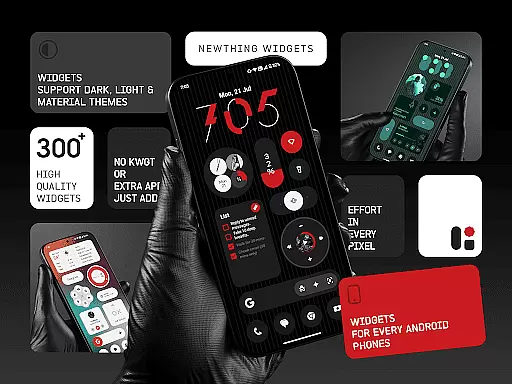
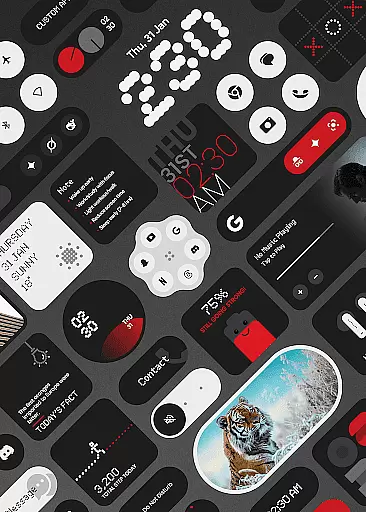
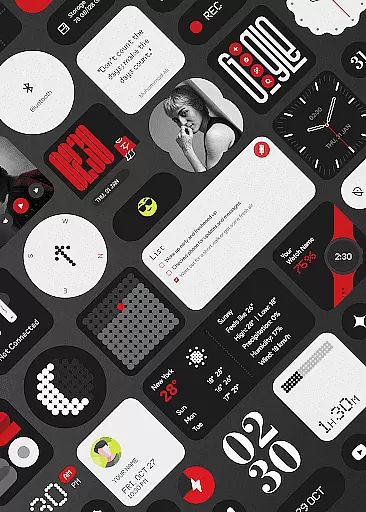
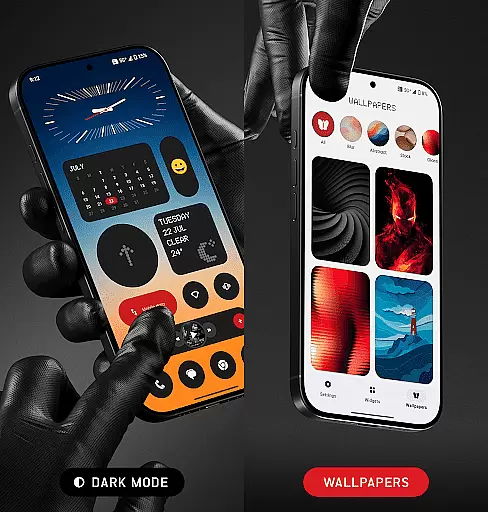
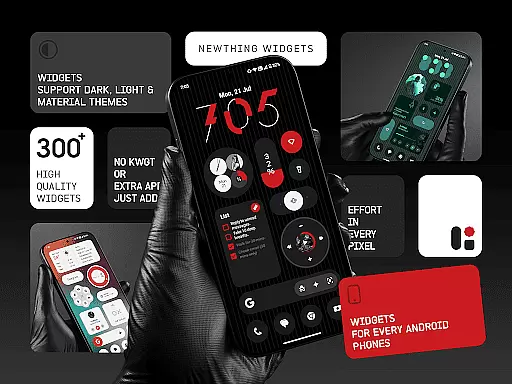
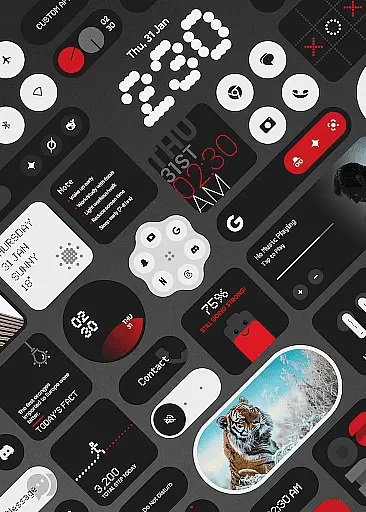
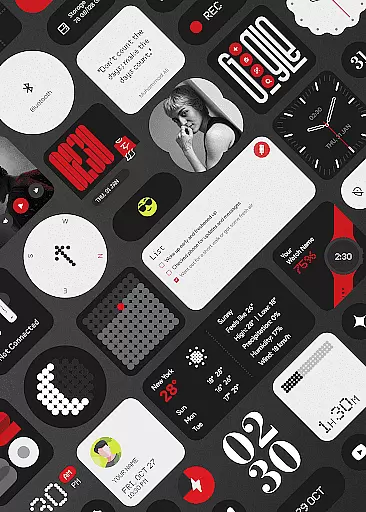
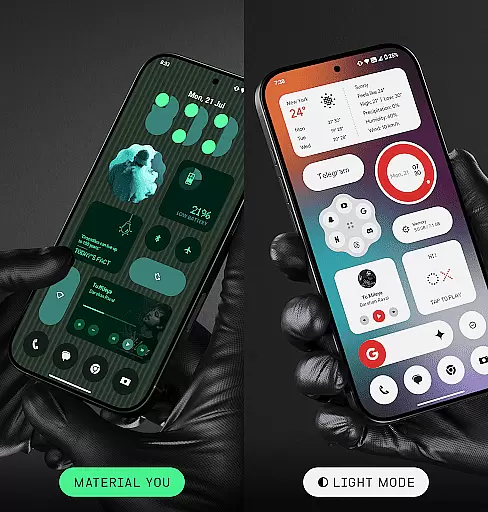
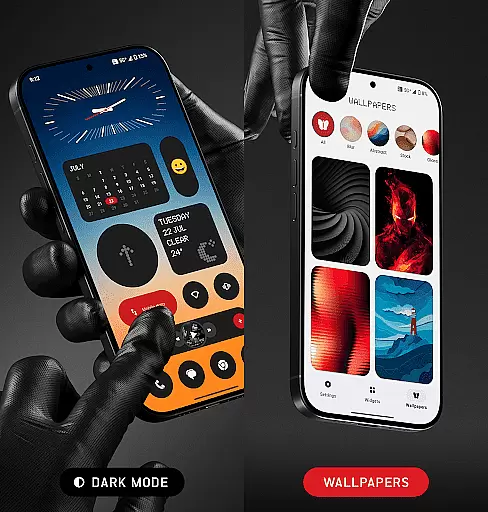
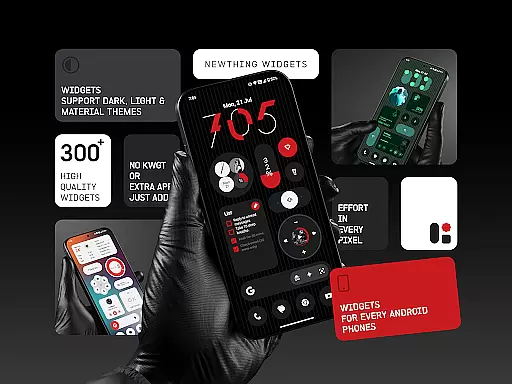
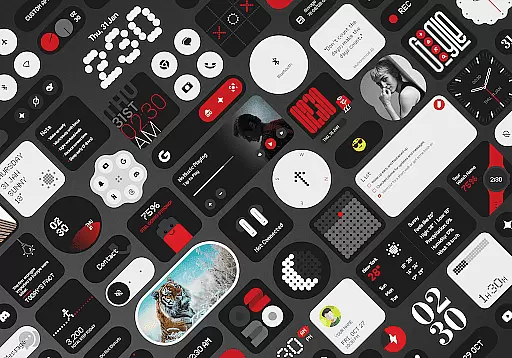
NewThing Widgets Pro is a premium Android application designed to enhance your home screen with over 300 beautifully crafted widgets. These widgets cover a wide range of functionalities including clocks, weather updates, games, quick settings, photos, compass, pedometer, watch faces, quotes & facts, Google integrations, contacts, earbuds status, battery indicators, location services, and search tools.
The app stands out with its seamless integration of Material You design, ensuring that all widgets adapt perfectly to your device's theme. The widgets are optimized for performance and battery efficiency, providing users with both aesthetic appeal and practical utility without compromising device performance.
Whether you're looking to customize your home screen with functional tools or simply want to add a touch of personal style, NewThing Widgets Pro offers the perfect solution. Its intuitive customization options and regular updates make it an essential tool for Android users seeking a personalized and efficient mobile experience.
NewThing Widgets Pro boasts an impressive array of features that cater to various user needs. One of its standout characteristics is the ability to function independently without requiring additional apps like KWGT. This makes installation and usage straightforward, allowing users to start customizing their home screens immediately after installation.
The app includes over 300 stunning widgets, each designed with minimalistic elegance and high functionality in mind. These widgets support dark mode, light mode, and Material You, ensuring they blend seamlessly with any Android device's appearance settings. Users can enjoy real-time updates on weather, photo rotations, screen time stats, calendar events, and more, thanks to the app's use of exact alarms and foreground services.
Regular updates ensure that the widget library continues to grow, offering users new ways to personalize their devices. Additionally, the app provides theme-matching wallpapers and battery-friendly performance optimization, making it not only versatile but also considerate of device resources. With its focus on smart, functional design, NewThing Widgets Pro delivers an unmatched level of customization and convenience.
Customization is at the heart of NewThing Widgets Pro, offering users an extensive array of options to tailor their home screens. With over 300 widgets available, including clocks, weather, games, and more, the app ensures that every user finds something that resonates with their personal style.
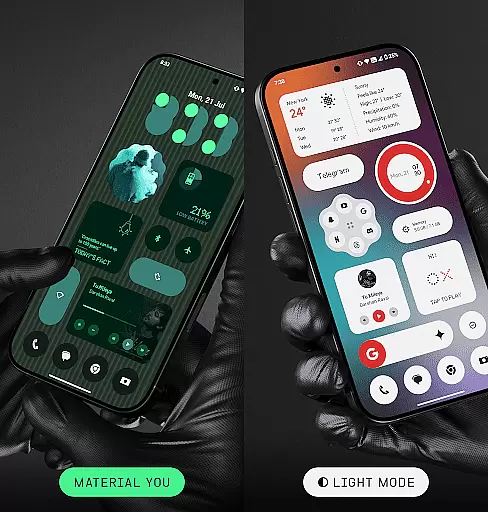
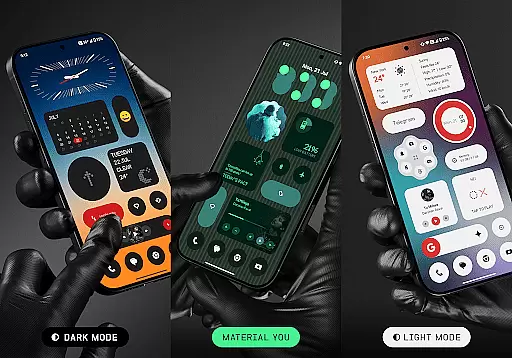
The app supports dark mode, light mode, and Material You mode, allowing seamless integration with the user's device theme. This flexibility in appearance settings guarantees that widgets not only serve functional purposes but also enhance the aesthetic appeal of the home screen.
NewThing Widgets Pro stands out by providing theme-matching wallpapers and customizable widgets that adapt easily to user preferences. Whether it's adjusting a clock widget to match your wallpaper or setting up a weather widget that updates in real-time, the level of personalization is designed to cater to both efficiency and style.
By focusing on user-centric design, NewThing Widgets Pro transforms the home screen into a personalized dashboard. The ability to customize without needing additional apps like KWGT makes this process straightforward and enjoyable, ensuring that each user can craft a unique and functional digital space.
Theme compatibility is a crucial feature of NewThing Widgets Pro, enabling widgets to blend seamlessly with the overall design language of Android devices. By supporting dark mode, light mode, and Material You, the app ensures that widgets are not just functional tools but also visually cohesive elements of the user interface.
Material You support is particularly noteworthy, as it allows widgets to instantly match the user's chosen system theme. This dynamic theming capability means that whether you prefer a vibrant or subdued color palette, your widgets will always look like they belong, enhancing the visual harmony of your device.
In addition to aesthetic alignment, NewThing Widgets Pro offers practical benefits through its theme-matching wallpapers. These wallpapers complement the widgets, creating a unified look that extends across the entire home screen. Such attention to detail elevates the user experience from merely functional to genuinely delightful.
Ultimately, the emphasis on theme compatibility underscores NewThing Widgets Pro's commitment to delivering a polished and professional product. Users benefit from an intuitive customization process that respects their design choices while maintaining optimal performance and battery efficiency.
User-friendly interface
Extensive widget variety
Optimized performance
Regular feature updates
Material You support
Premium version required
Foreground service needed
Limited iOS compatibility
Exact alarm permission
Refund policy restrictions

Wear Os Watch Face - Seasonal - Animated Snow Effect - 9 Animals
 4.20
4.20
Realistic animated snow on your wrist, with 10 images landscapes to choose from
4.00
Sparkle your screen with Glitter Wallpapers For Girls and Cute Backgrounds!
4.80
Try creating your own keyboard with "Keyboard theme for android" app now!
4.50
Customize your home screen with stunning themes, blur, widgets & icons.
4.60
Custom edge gestures for volume control, brightness, apps, and shortcuts.
4.2
HappyLighting is a Bluetooth lamp control software.
3.40
Handcrafted pixel art icons, widgets & wallpapers
4.60
Fast SMS & group chat - use GIFs and emojis from your home screen launcher.
4.50
Dark icon pack based on One 8
4.80
A minimalist productivity launcher. One-hand-friendly. Zero ads.
4.70
Make your phone look simple & luxury, like iDevice
4.60
Ultimate Gallery Lock App - Hide Pictures, Videos and Lock Apps Instantly!
4.60
Choose your keyboard with RGB colors effect, themes, fonts, emojis.
4.60
Ultra realistic gold analog watch face with lots of customization options.
4.50
Customizable screen pets that play, climb, and keep you company.
4.50 4.50
4.50
Fingerprint Lock Screen & Live Animations with 4K Wallpapers as Live Wallpaper
4.40
⭐ OneUI inspired Fluffy Icon Pack – Soft. Stylish. Standout. ⭐
4.0
Wallpaper Engine Android review—PC sync setup, crash issues, sound reactive limitations, and whether this free companion app is actually good.



User Reviews