
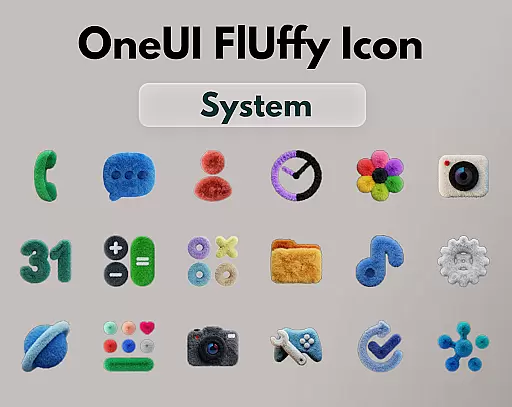
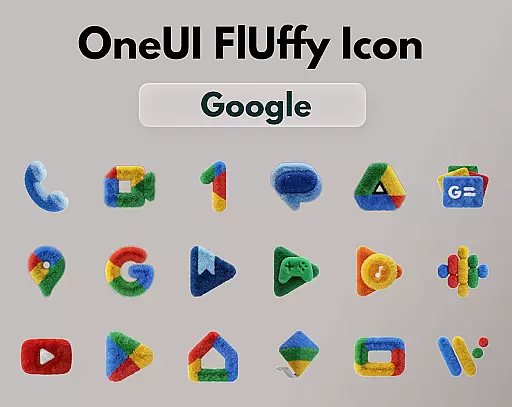
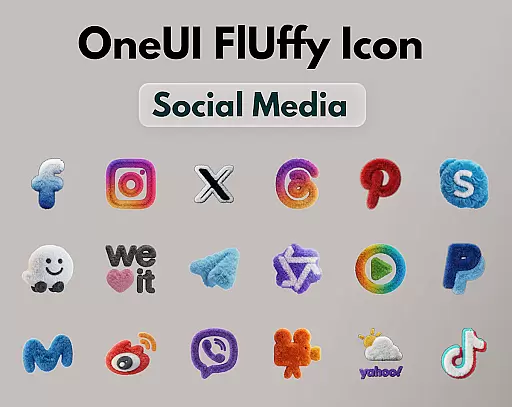
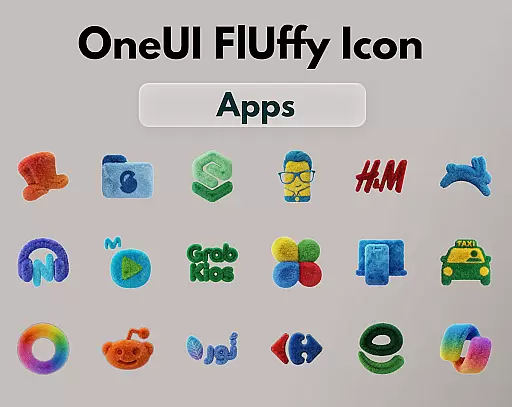
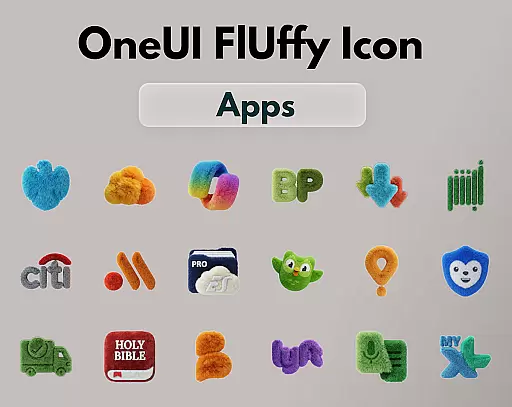
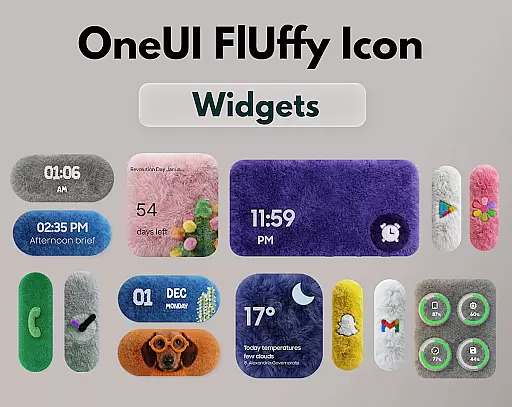
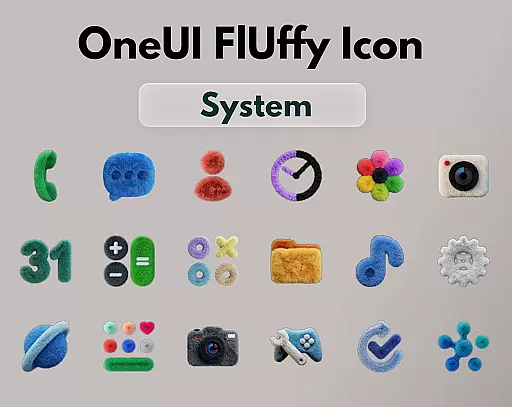
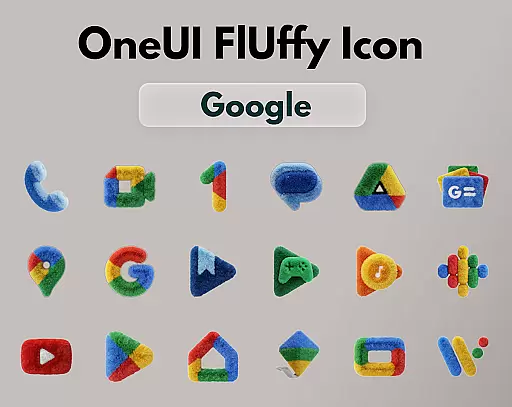
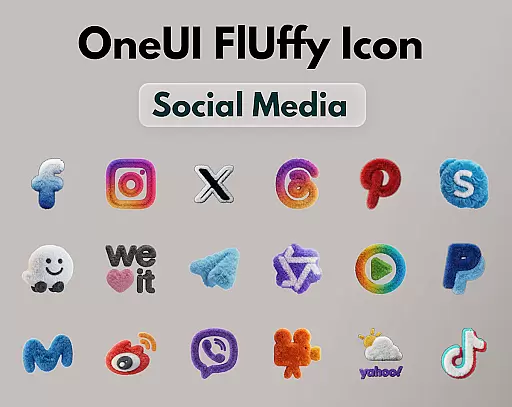
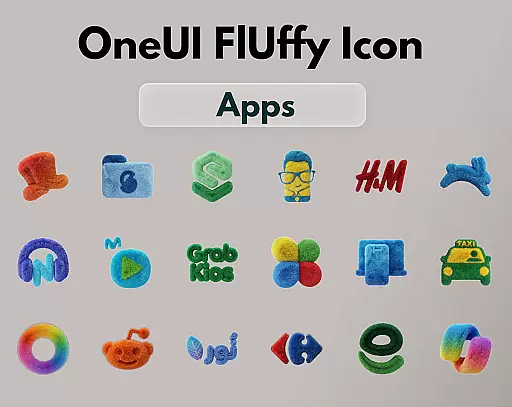
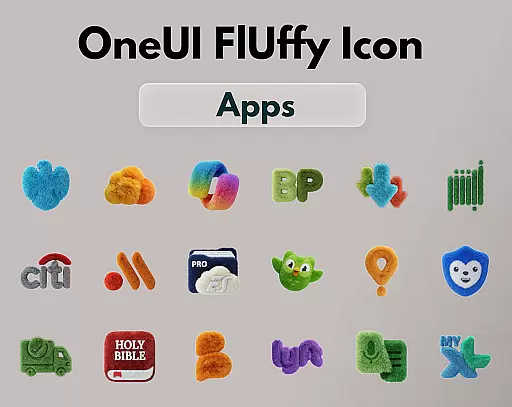
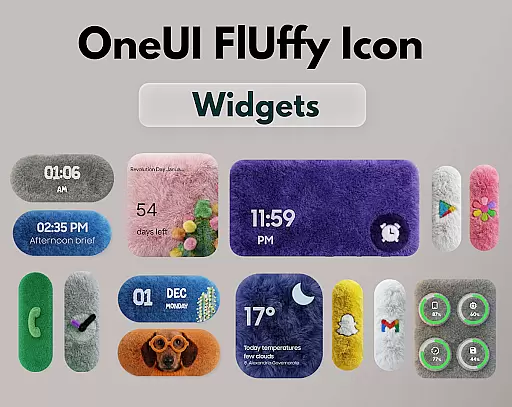
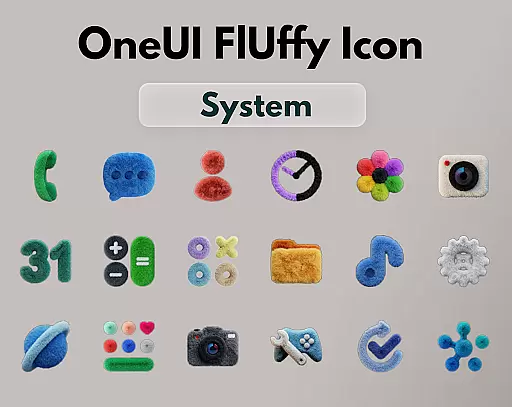
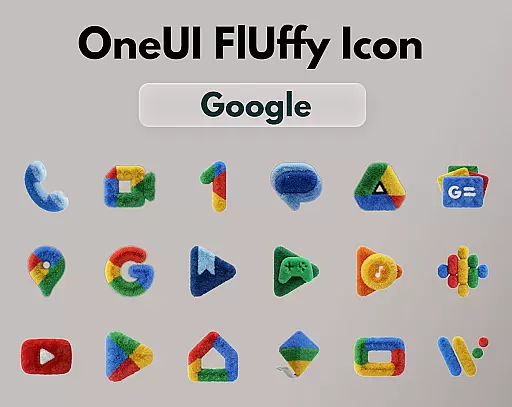
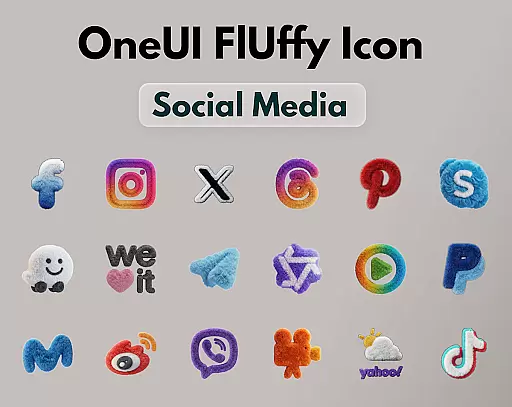
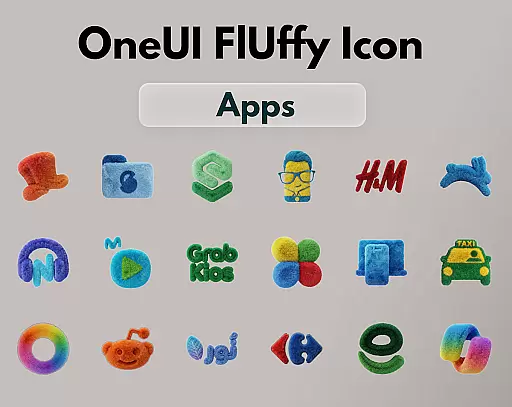
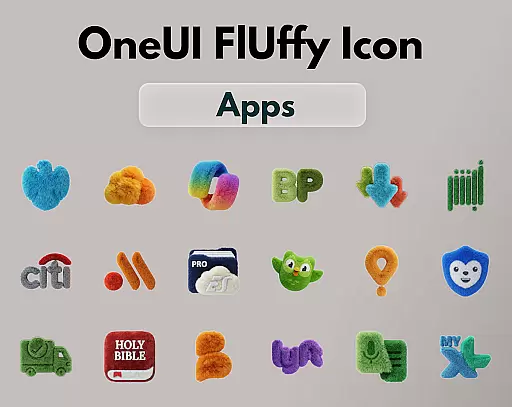
OneUI Fluffy Icons is a premium icon pack that gives your home screen a warm and fresh makeover. Inspired by the beloved OneUI style, it features over 1185 handcrafted fluffy-style icons with a unique soft 3D twist. The pack also includes professional widgets and exclusive wallpapers that perfectly match the fluffy theme.
Each icon is crafted to blend modern OneUI-inspired shapes with a playful fluffy texture, making your phone feel personal, friendly, and stylish. With ultra-high resolution and future updates planned, this icon pack ensures a crisp, clean, and continuously improving visual experience for your device.
OneUI Fluffy Icon Pack stands out with its distinctive features. The pack offers over 1185 handcrafted icons, each designed with a soft 3D texture that brings a tactile and comforting element to your home screen. These icons are not just visually appealing but also highly functional, ensuring compatibility with various launchers like Nova Launcher, Lawnchair, and more.
In addition to the extensive icon collection, users can enjoy professionally designed fluffy widgets and exclusive wallpapers that enhance the overall aesthetic. The pack supports icon requests, allowing users to shape its growth based on their needs. With planned future updates, users can expect even more icons and refinements, ensuring a continuously fresh and personalized experience.
OneUI Fluffy Icon Pack offers an extensive range of customization options, ensuring users can tailor their home screens to their unique preferences. With over 1185 handcrafted fluffy-style icons and professional widgets designed to match, the possibilities for personalization are vast.
The pack includes exclusive wallpapers that complement the soft, tactile icons, enhancing the overall aesthetic appeal. This cohesive design approach allows users to create a visually pleasing and harmonious home screen setup that feels both personal and stylish.
Moreover, the icon request feature enables users to suggest new icons, ensuring the pack grows with the apps they use daily. This dynamic customization process empowers users to shape the icon pack according to their needs, making it a truly personalized experience.
Compatibility is a key strength of OneUI Fluffy Icon Pack, as it works seamlessly with many popular launchers that support custom icon packs. Whether you're using Nova Launcher, Lawnchair, or Niagara Launcher, this pack ensures your icons maintain their soft, playful texture across different platforms.
The ultra-high resolution of the icons guarantees a crisp and clean look on any device, preserving the quality and detail of each fluffy icon. This attention to detail enhances the visual consistency, regardless of the launcher you choose.
Additionally, future updates are planned to include more icons and refinements, further solidifying the pack's compatibility and appeal. Users can enjoy peace of mind knowing their home screens will remain fresh and stylish, adapting to new trends and technologies.
Unique fluffy design
High-resolution icons
Wide launcher support
Customizable experience
Regular updates
Limited initial icons
Fewer widget options
No iOS support
Premium price tag
Third-party tools needed

A retro cartoon style watch face and a punch right in the face of the copyright
 4.60
4.60
Themes - Widget & Wallpaper: Customize home screen, icon changer w unique themes
4.30
Art & Emoji Keyboard with Cool Fonts, Cute Themes and Custom Designs.
4.40
Dark icon pack based on One 8
4.80 3.50
3.50
Color phone with cool effects for call screen, flash alert & ringtones music
4.50
Icons made of colorful linear lines
4.60
Transform your device in a game console
4.40
set a new experience for the Android mobile phone
4.20
Enjoy a variety of amazing live wallpapers and colorful EDGE lighting borders!
4.80
300+ Stunning and well-designed widgets inspired by NOTHING.
4.70
Make your phone look simple & luxury, like iDevice
4.60
Beautiful realistic hybrid watch face with numerous customization options.
4.50
Customizable screen pets that play, climb, and keep you company.
4.50
Turn text & photos into stunning AI videos, art, and creative visual stories.
4.50
More than 3000+ themes and 9000+ wallpapers for everybody!
4.10
Create unique, fun emojis with Funny Emoji Maker! Unlimited creativity!
4.00
Turn your lock screen into fun with smile live wallpapers & animated wallpapers!
2.50
Struggling to find apps? Use this app to locate and open any app on your phone!
2.20
Wallpaper Engine Android review—PC sync setup, crash issues, sound reactive limitations, and whether this free companion app is actually good.



User Reviews