
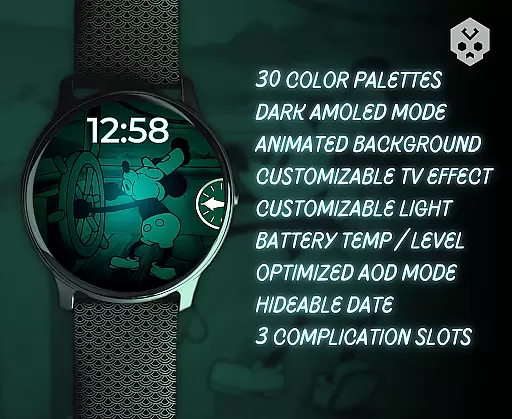
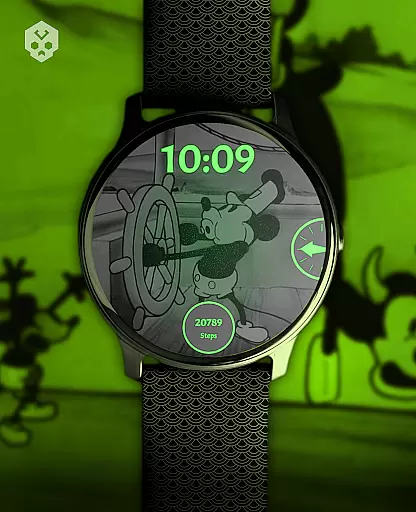
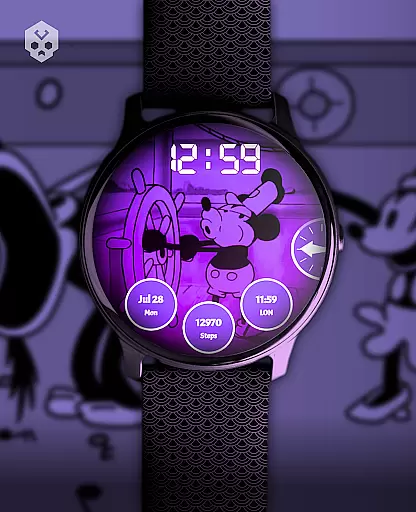
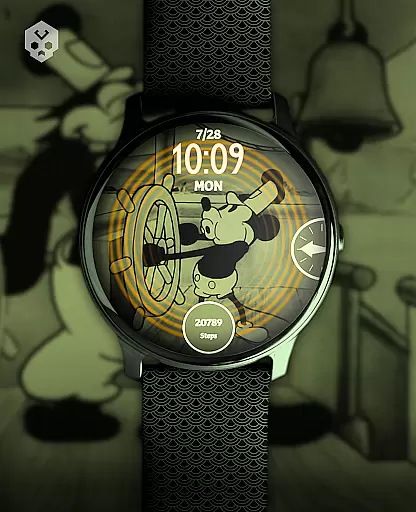
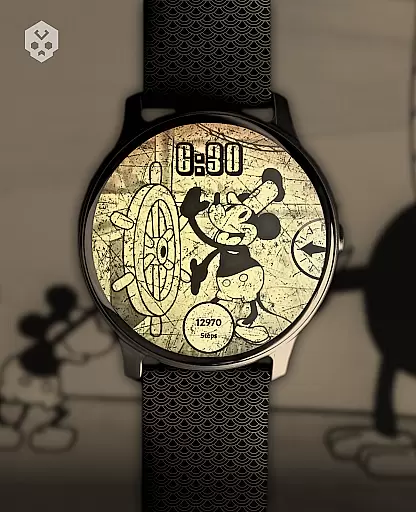
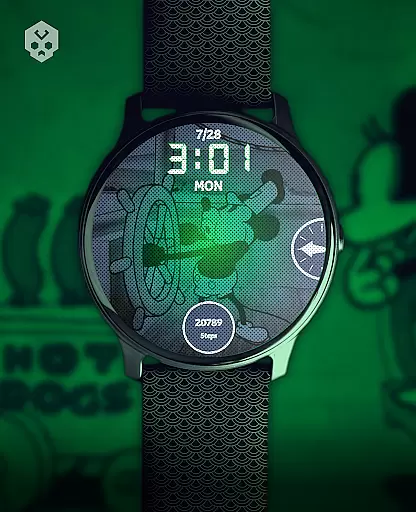
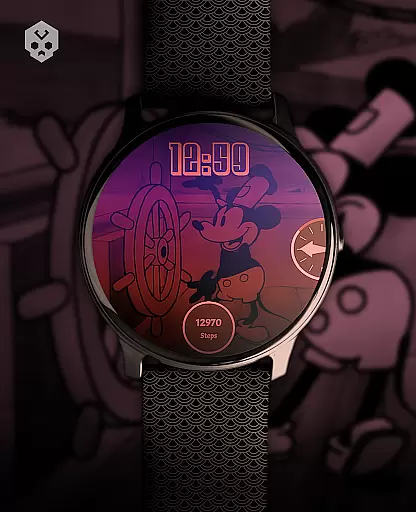
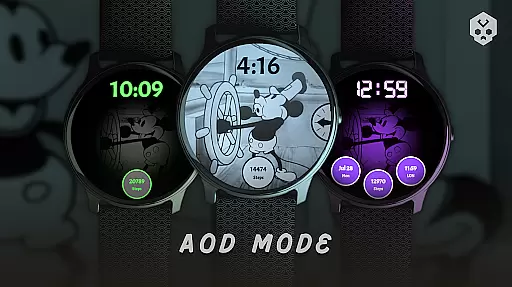
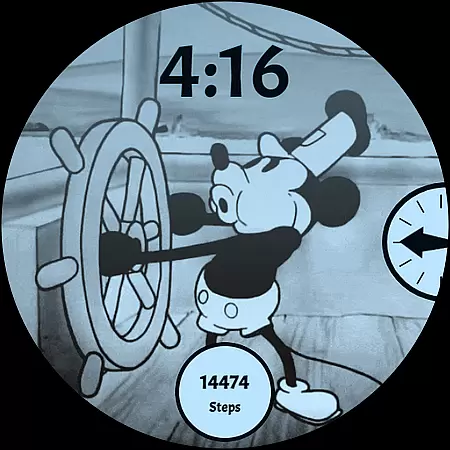
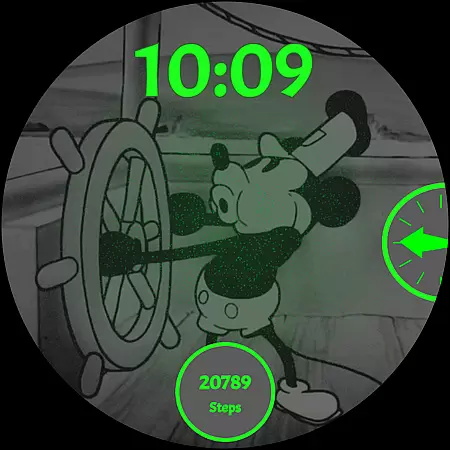
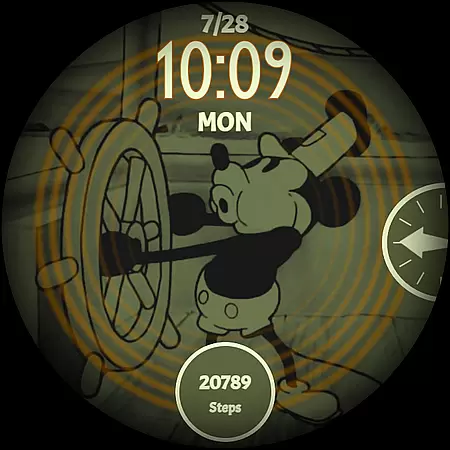
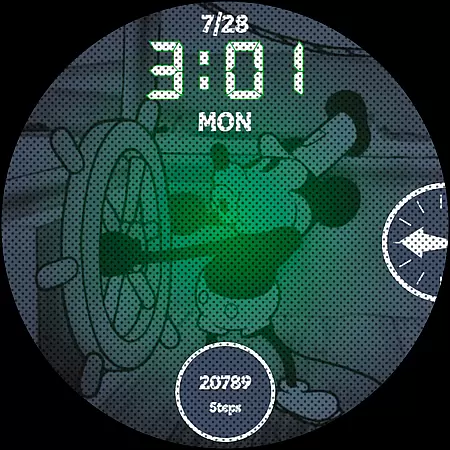
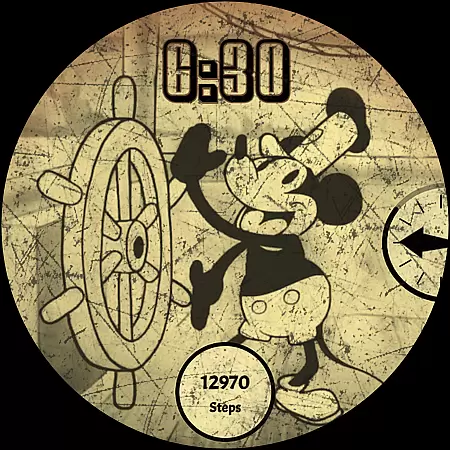
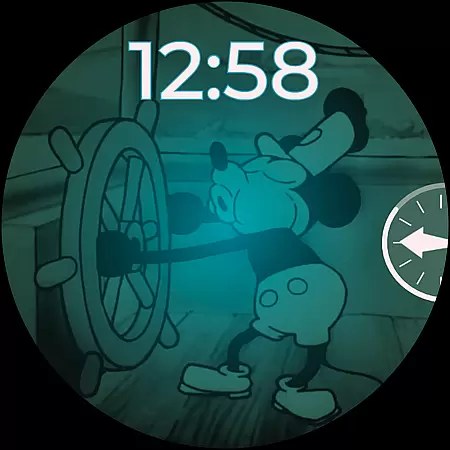
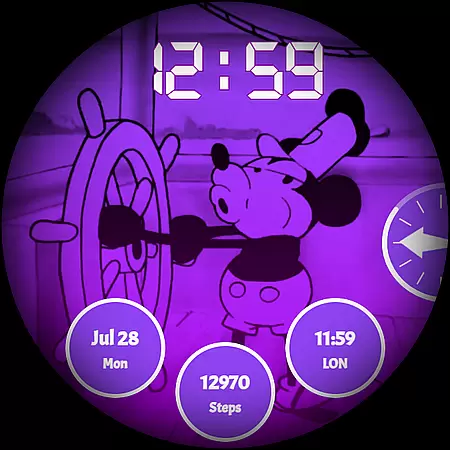
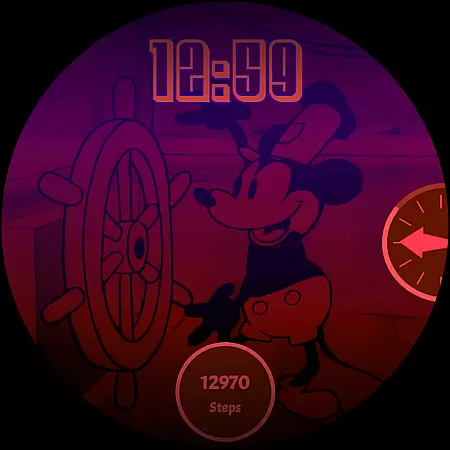
Steamboat Mouse Watch Face brings the iconic Steamboat Willie character to your smartwatch with a retro cartoon-inspired design. This Wear OS watch face is highly customizable, offering users a unique blend of vintage aesthetics and modern functionality. Perfect for fans of classic animation, it allows personalization while delivering essential information at a glance.
The watch face supports various customization options including color schemes, battery status indicators, and complications. Compatible with multiple smartwatch brands running Wear OS, this app ensures a seamless experience across devices. Its detailed design and customizable features make it a standout choice for those seeking both style and utility on their wrist.
This watch face stands out with its 30 color schemes and high readability mode, catering to diverse user preferences. The support for 12/24 hour formats, customizable overlays, and backgrounds ensures that users can tailor the appearance to match their personal style. These features create a versatile and visually appealing experience on Wear OS devices.
Beyond aesthetics, the watch face provides practical functionalities such as battery temperature monitoring, status indicators, and three customizable complications. Users can easily access important information while enjoying the minimal and vintage design. The companion app simplifies installation and management, making customization accessible even to less tech-savvy individuals.
Customization is at the heart of Steamboat Mouse Watch Face, offering users a versatile and personalized experience. With 30 distinct color schemes, this watch face allows you to tailor its appearance to match your style or mood. Whether you prefer a classic look or something more vibrant, the customization options ensure that your smartwatch reflects your personality.
Beyond colors, the watch face supports both 12 and 24-hour formats, catering to different user preferences worldwide. The customizable overlay and background provide further personalization, enabling you to adjust transparency levels for optimal readability in various lighting conditions. This flexibility ensures that important information remains accessible without compromising on aesthetics.
The inclusion of three customizable complications adds another layer of utility. Users can choose from a range of data points such as weather updates, fitness stats, or calendar events, making their smartwatch not just stylish but also highly functional. These features collectively enhance user engagement by allowing them to create a truly unique interface tailored specifically to their needs.
Steamboat Mouse Watch Face excels in theme compatibility, ensuring seamless integration across a wide array of Wear OS devices. Designed as a standalone application, it supports numerous smartwatches including Samsung, Mobvoi Ticwatch, Fossil, Oppo, and the latest Xiaomi models. This broad compatibility means that regardless of your device brand, you can enjoy a consistent and high-quality experience.
The design prioritizes visual harmony with its minimal and vintage style, which complements various smartwatch interfaces. Its handcrafted nature guarantees uniqueness while maintaining coherence with the overall aesthetic of different devices. This attention to detail ensures that whether you're using a modern or retro-themed smartwatch, the watch face will blend seamlessly into your device's ecosystem.
Moreover, practical features like battery temperature and status indicators are thoughtfully integrated, enhancing usability without disrupting the cohesive look. By focusing on both form and function, Steamboat Mouse Watch Face delivers an unmatched level of theme compatibility, providing users with a reliable and visually appealing experience across diverse Wear OS platforms.
Highly customizable
Vintage aesthetic
Wide device compatibility
Practical battery indicators
User-friendly companion app
Premium price point
Wear OS only
Complex setup process
Limited free features
Requires companion app

Realistic animated snow on your wrist, with 10 images landscapes to choose from
 4.00
4.00
Adult video chat, dating, making friends, random matching
4.20
Add cute Shimeji pets to screen, interact with them and relax with cute motions
4.60
Run multiple accounts of the same app on a single device
4.10
Vibrant Adaptive Icons with Material You and Enhanced Monet Colors.
4.50
One 8 icons glass color version
4.80
Transform your phone with stunning video wallpapers and a unique, personal touch
3.80
set a new experience for the Android mobile phone
4.20
Transform your phone with stylish zipper lock themes and 4D live wallpaper
4.10
Only for Wear OS devices!
4.90
Wallpaper HD 4K Live - Thousands of high-quality Anime backgrounds for you.
4.80
400+ Beautifully crafted widgets inspired by NOTHING.
4.70
Handcrafted pixel art icons, widgets & wallpapers
4.60
Customizable screen pets that play, climb, and keep you company.
4.50 4.50
4.50
Unique Fonts, typefaces and stylish text. Fonts for Instagram, Whatsapp & others
4.20
Magic fluids wallpaper 4D: Relax with stunning fluid simulation wallpaper app
4.20
Crystal-clear, square icon provides a sleek and sophisticated visual upgrade
4.00
Create unique, fun emojis with Funny Emoji Maker! Unlimited creativity!
4.00
Wallpaper Engine Android review—PC sync setup, crash issues, sound reactive limitations, and whether this free companion app is actually good.



User Reviews