
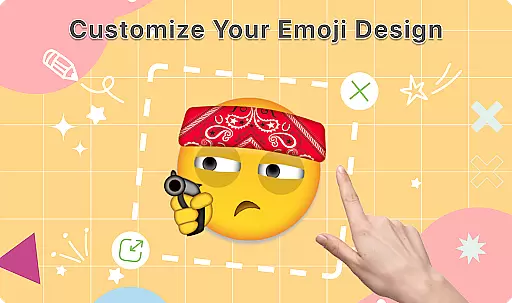
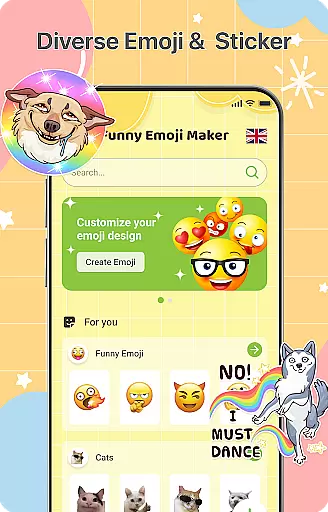
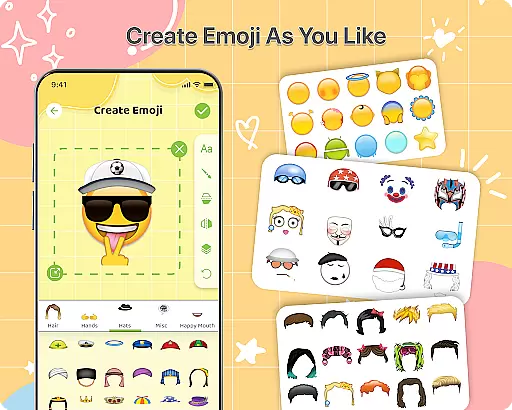
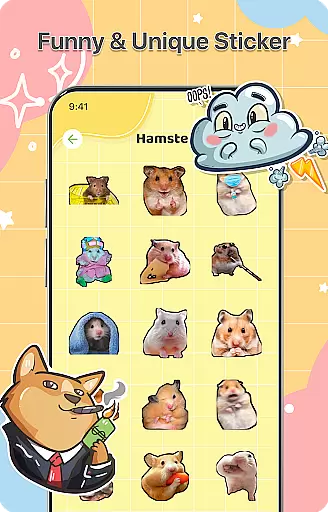
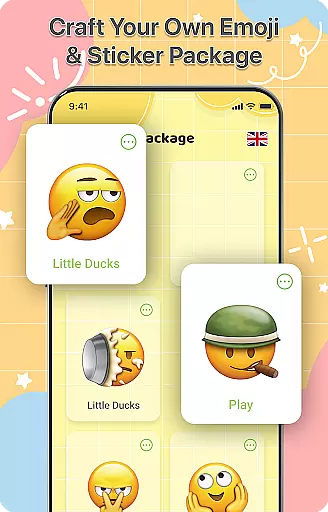
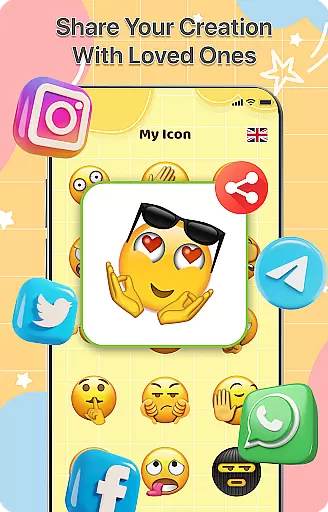
DIY Emoji is a creative personalization app that allows users to design their own unique emojis. With over 500 accessories including eyes, mouths, hats, and glasses, the app offers endless customization possibilities. Users can flip elements, draw details, add text with various fonts, and layer components for perfect emoji designs.
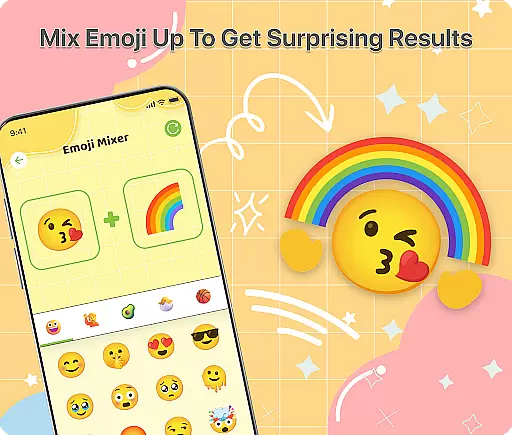
The app also features an innovative Emoji Mixer that lets users combine any two emojis for unique creations. The built-in Emoji Library helps manage and store all custom emojis, while frequent updates ensure a growing collection of accessories. Whether for personal expression or enhancing chats, DIY Emoji provides a fun way to create custom emojis.
DIY Emoji stands out with its comprehensive set of features tailored for emoji creation. The Emoji Maker tool provides over 500 accessories, enabling detailed customization. Users can flip elements horizontally or vertically to create mirror effects, use drawing tools for fine details, and add customizable text layers.
The Emoji Mixer feature allows combining two emojis into quirky new creations, offering unlimited creative possibilities. The app's Emoji Library makes it easy to store, search, and access all custom emojis. Regular updates bring new accessories and emotes, ensuring the app stays fresh and engaging for continuous creative expression.
Customization is at the heart of DIY Emoji, offering users a rich palette of options to express their creativity. With over 500 accessories including eyes, mouths, hats, and glasses, the app allows for extensive personalization.
The app's interface supports layering elements, flipping items for unique effects, and drawing fine details. This ensures that each emoji can be as unique as its creator, providing endless possibilities for customization.
Users benefit from the ability to add text with various fonts and colors, enhancing the personalized nature of their emojis. This feature not only makes the emojis more expressive but also adds an additional layer of individuality.
Ultimately, the vast array of customization options in DIY Emoji empowers users to craft emojis that truly reflect their personality and mood, making their digital communication more engaging and fun.
Theme compatibility in DIY Emoji ensures that all created emojis are visually consistent and compatible across different platforms and devices. This means your custom emojis will look great whether you're using them on iOS, Android, or any social media platform.
The app is designed to maintain high-quality standards for each emoji, adapting them seamlessly to various themes and backgrounds. This adaptability enhances the user experience by preserving the intended appearance of each emoji.
DIY Emoji's compatibility extends to its integration with existing emoji libraries, allowing users to incorporate their creations into any conversation without formatting issues. This seamless integration enriches the messaging experience.
By focusing on theme compatibility, DIY Emoji guarantees that users' creative efforts result in emojis that are versatile and reliable, ensuring they enhance digital communication regardless of the platform used.
User-friendly interface
Extensive customization options
Innovative emoji mixing feature
Frequent content updates
Easy sharing capabilities
Limited advanced editing tools
Some features require in-app purchases
Occasional performance issues
Basic text formatting options
Learning curve for beginners

A retro cartoon style watch face and a punch right in the face of the copyright
 4.60
4.60
Realistic animated snow on your wrist, with 10 images landscapes to choose from
4.00
Make your phone look simple & luxury, like iDevice
4.60
Over 28,000 high quality icons to bring color & homogeneity to your phone.
4.60
Dark icon pack based on One 8
4.80 4.10
4.10 4.50
4.50
Launcher OS™ Pro without ads help make your phone simple and pretty
4.30
HappyLighting is a Bluetooth lamp control software.
3.40
100+ Stylish Fonts, Emojis, Symbols keyboard for Instagram & TikTok!
4.80
Ultra realistic high quality analog watch face for Wear OS.
4.60
Want to make your phone more special than ever?
4.60
Ultimate Gallery Lock App - Hide Pictures, Videos and Lock Apps Instantly!
4.60
Embrace the Night. Unleash the power of darkness with Raven Dark Icon Pack
4.60
Handcrafted pixel art icons, widgets & wallpapers
4.60
Your home screen, just the way you like it.
4.30
Organize and manage your photos and videos effortlessly with Photo Gallery
4.20
Run multiple accounts of the same app on a single device
4.10
Your go to Weather App & Home Screen. Get your weather at a swipe of a finger!
3.80
Wallpaper Engine Android review—PC sync setup, crash issues, sound reactive limitations, and whether this free companion app is actually good.



User Reviews