
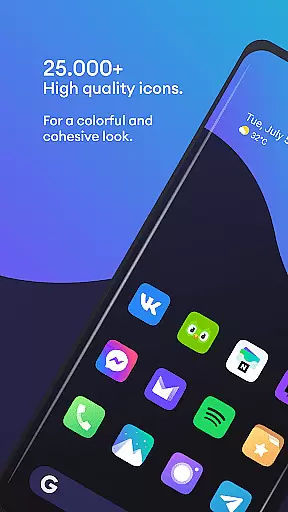
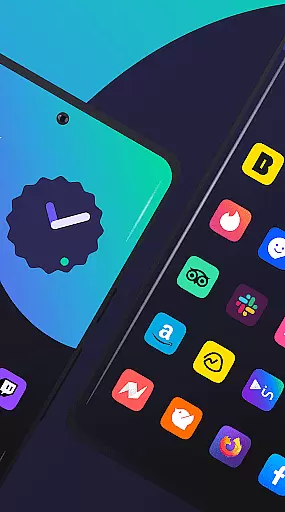
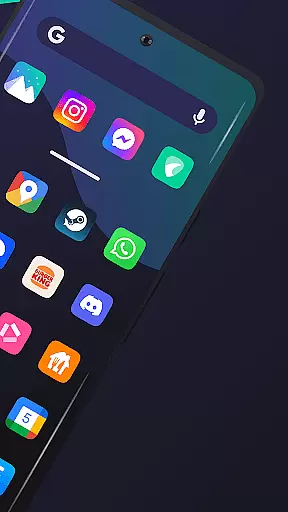
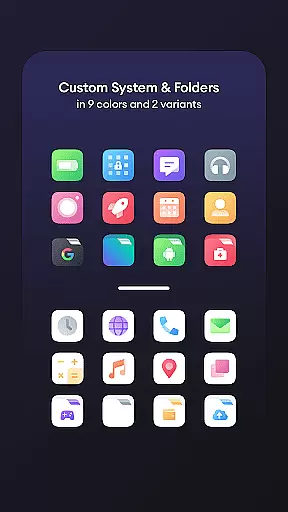
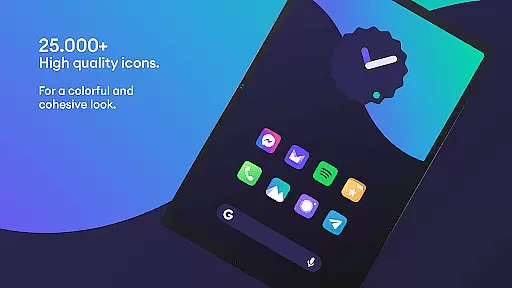
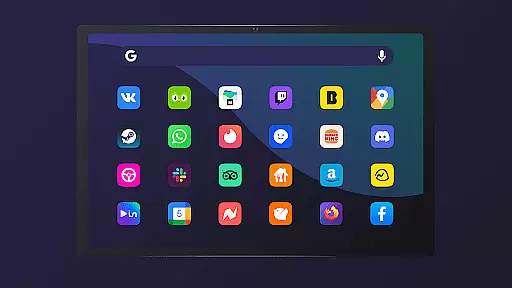
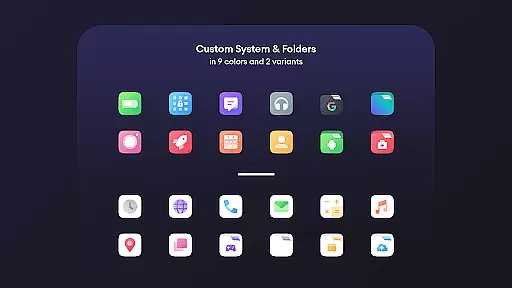
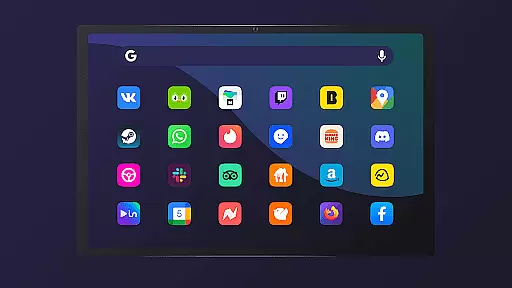
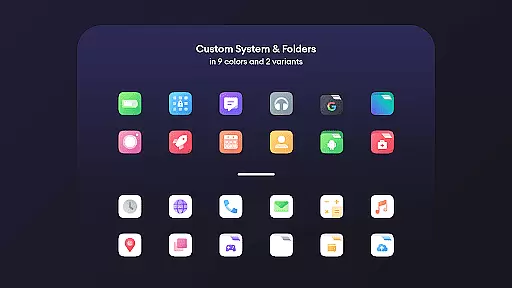
Borealis - Icon Pack is a premium personalization tool designed to bring color and homogeneity to your devices. With over 28,000 high-quality icons, it offers users the ability to customize their device's appearance while maintaining brand integrity. The pack includes multiple alternative icons for popular apps, dynamic calendar support, and icon masking for unthemed icons.
The icon pack features a modern dashboard interface that allows easy navigation and management of icons. Users can access cloud-based wallpapers and make icon requests for unthemed apps. Compatible with numerous launchers including Nova, Apex, and ADW, Borealis provides a comprehensive solution for those looking to personalize their Android experience with a cohesive and professional-looking design.
Borealis offers an extensive collection of over 28,000 icons, each crafted with attention to detail. The inclusion of multiple alternatives for popular app icons ensures users can find the perfect match for their style. Advanced features like icon masking provide a uniform look even for unthemed apps, while dynamic calendar support keeps your device feeling alive and current.
The pack's modern dashboard serves as a central hub for managing all customization options. Users can easily browse through 48+ high-resolution cloud-based wallpapers and submit icon requests directly through the app. Regular updates ensure compatibility with new devices and maintain the pack's freshness, making Borealis a reliable long-term solution for device personalization.
Borealis - Icon Pack offers an extensive range of customization options that allow users to personalize their device's appearance with ease. With over 28,000 high-quality icons, the variety ensures that there is a style for every user preference.
The inclusion of multiple alternative icons provides even more choice, ensuring that users can find the perfect match for their aesthetic. This level of variety not only enhances personal expression but also maintains brand recognition through thoughtful design.
Additionally, features such as icon masking and dynamic calendar support (for compatible launchers) extend the customization possibilities. Users can enjoy a cohesive look across their entire interface, making daily interactions with their devices more enjoyable.
Theme compatibility is a crucial aspect of Borealis - Icon Pack, ensuring that users have a seamless experience when applying themes across various launchers. The pack supports numerous launchers including Nova, Apex, and GO Launcher among others, providing flexibility in theme application.
This broad compatibility means that regardless of the launcher a user prefers, they can apply the Borealis theme without worrying about inconsistencies or unsupported features. It simplifies the process of achieving a uniform appearance on any supported platform.
Moreover, the intuitive dashboard within the app makes it easy to manage and apply themes. By streamlining these processes, Borealis ensures that users spend less time configuring settings and more time enjoying their personalized device experience.
Extensive icon library
Multiple icon alternatives
Regular updates
Wide launcher compatibility
Dynamic calendar support
Requires compatible launcher
No iOS support
Premium price point
Some icons may be missing
Learning curve for beginners

Ultra realistic high quality analog watch face for Wear OS.
 4.60
4.60
Bring adorable pets to life on your screen. Playful, interactive and full of fun
4.60
Dark icon pack based on One 8
4.80 4.10
4.10
Nothing Icon pack with more than 3750+ highly crafted icons.
4.70
HappyLighting is a Bluetooth lamp control software.
3.40
Crystal-clear, square icon provides a sleek and sophisticated visual upgrade
4.00
Transform your device in a game console
4.40
set a new experience for the Android mobile phone
4.20
Sparkle your screen with Glitter Wallpapers For Girls and Cute Backgrounds!
4.80
350+ widgets with a premium glass-style finish, perfect for home & lock screens.
4.70
A minimalist productivity launcher. One-hand-friendly. Zero ads.
4.70
Unique Android Launcher
4.60
Aesthetic Widgets, HD Wallpapers, Themes in Mico Widget for Home and Lock Screen
4.50
Romantic Kiss Stickers App. Start romantic messaging now!
4.30
App Icon Changer & Shortcut Creator. Customize your icons without any watermarks
4.30
Adaptive Dot Style IconPack with Light & Dark Theme.
3.70
Prank your friends with realistic broken screen and cracked HD effects!
4.3
Custom edge gestures for volume control, brightness, apps, and shortcuts.
4.3
Wallpaper Engine Android review—PC sync setup, crash issues, sound reactive limitations, and whether this free companion app is actually good.



User Reviews