
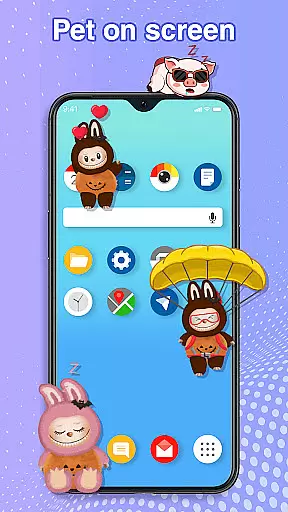
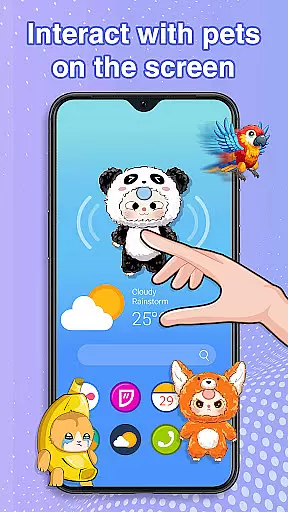
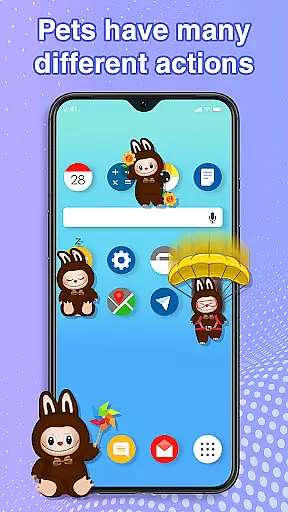
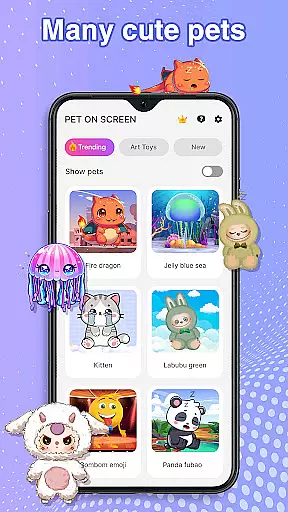
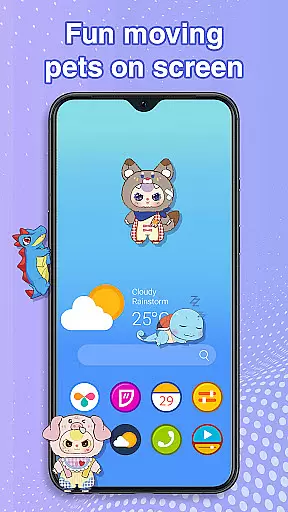
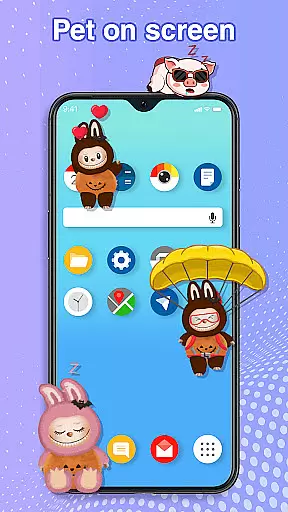
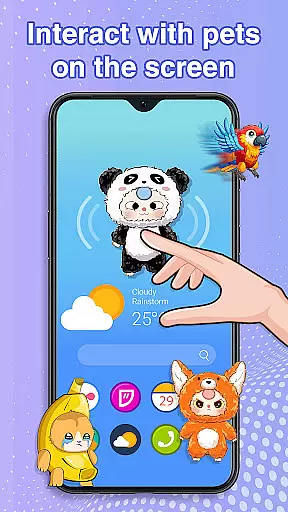
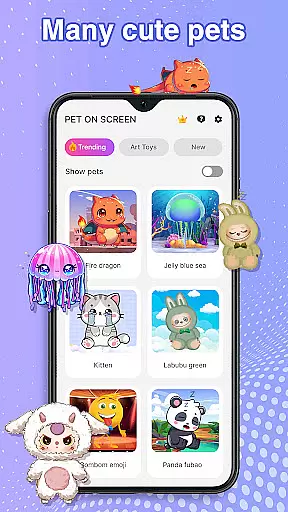
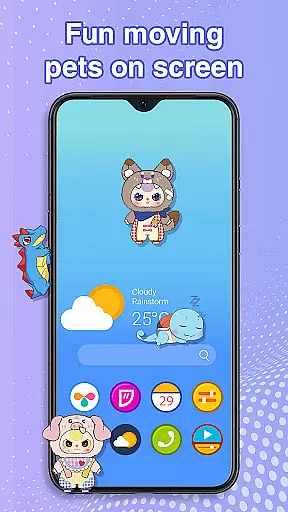
Pet On Screen - Desktop Pet is a delightful personalization app that brings charming virtual pets to your mobile screen. With a diverse range of creatures from playful Labubu to majestic Fire Dragons, this app creates an engaging and lively phone environment.
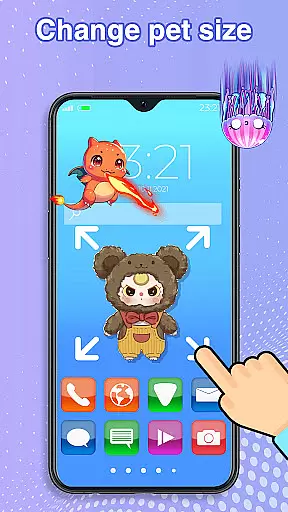
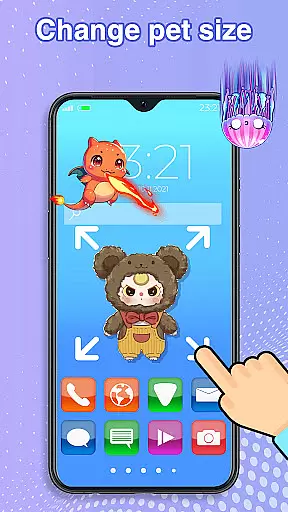
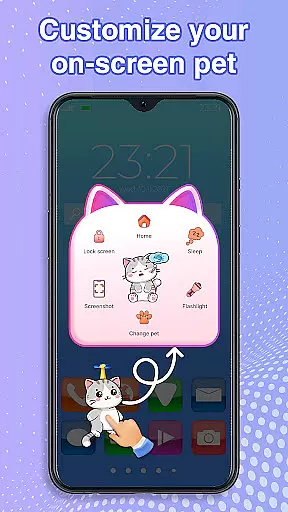
The app allows users to interact with their digital companions through tap responses, drag-and-drop movements, and customizable features like size and speed adjustments. These interactive elements make it perfect for stress relief during work breaks or simply adding a touch of fun to daily routines.
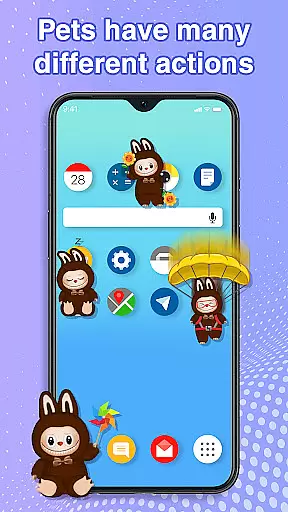
This personalization app stands out with its rich collection of unique virtual pets. Each creature, from soothing Jellyfish to energetic Pandas, has distinct animations and behaviors that respond to user interactions.
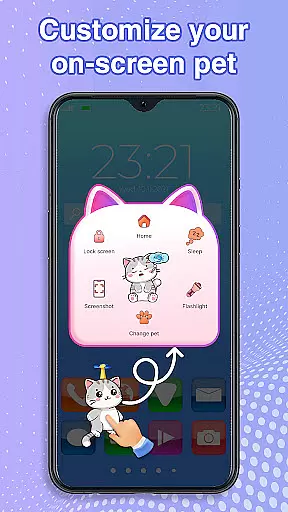
Beyond basic pet display, the app offers advanced customization options. Users can adjust pet movement speed, toggle between different creatures seamlessly, and control when their pets sleep or play. The app's performance optimization ensures smooth operation without disrupting other phone activities.
A key innovation is the app's use of accessibility permissions to enable desktop integration, allowing pets to roam freely across home screens and status bars while maintaining system stability and security.
Customization is at the heart of Pet On Screen - Desktop Pet, allowing users to tailor their experience with a wide array of options. The app provides an extensive selection of pets, each with unique characteristics and animations, ensuring there's a perfect companion for every user.
Beyond choosing from different pets like the soothing Jellyfish or the energetic Labubu, users can adjust various attributes to suit their preferences. This includes altering the size and movement speed of the pets, which gives users control over how their digital companions interact with their screen environment.
The ability to switch between pets effortlessly adds another layer of personalization. Whether you need a calming presence or a playful distraction, the app accommodates your changing moods and needs throughout the day.
This level of customization ensures that each useru2019s experience is unique, providing not just a pet but a personalized companion that enhances their mobile world. With these versatile options, Pet On Screen - Desktop Pet delivers an engaging and tailored experience that evolves with its users.
Pet On Screen - Desktop Pet excels in theme compatibility, seamlessly integrating with various device themes and interfaces. Regardless of whether your phone features a light or dark mode, these virtual pets adapt to maintain visual harmony with your chosen aesthetic.
The pets are designed to coexist with your home screen and status bar without disrupting your workflow or entertainment. By drawing on the screen through Accessibility services, the app ensures that pets move naturally within your deviceu2019s existing visual framework.
Moreover, the app supports smooth performance across different themes and settings. This means that no matter what theme you prefer, the pets will continue to entertain and engage without causing any lag or interference with other applications.
With this thoughtful design, Pet On Screen - Desktop Pet guarantees a cohesive and visually pleasing experience. Users can enjoy their favorite themes while interacting with charming digital pets, creating a delightful synergy between personalization and functionality.
User-friendly interface
Wide variety of pets
Customizable pet settings
Smooth performance
Stress-relief functionality
Requires accessibility permission
Potential battery consumption
Limited free pet options
May distract some users
Android-only availability

Beautiful realistic hybrid watch face with numerous customization options.
 4.50
4.50
A launcher for Samsung Good Lock and Good Guardians modules without ads
4.70
Art & Emoji Keyboard with Cool Fonts, Cute Themes and Custom Designs.
4.40
Ultimate widget creator. Design custom widgets for a truly unique home screen!
3.90
100+ Stylish Fonts, Emojis, Symbols keyboard for Instagram & TikTok!
4.80
Romantic Kiss Stickers App. Start romantic messaging now!
4.30
Vibrant Adaptive Icons with Material You and Enhanced Monet Colors.
4.50
Modern Glass Icon Pack with glossy icons, clean minimal theme & aesthetic style
4.3
set a new experience for the Android mobile phone
4.20
Customizable Glass widgets. Over 360+ stunning widgets and more!
4.70
A Colorful and Minimal icon pack in an Outline Style - Over 13,600 icons!
4.70
Vertically oriented rectangular icons
4.70
Add cute Shimeji pets to screen, interact with them and relax with cute motions
4.60 4.50
4.50 4.50
4.50
The definitive Icon pack maker and editor
4.30
Magic fluids wallpaper 4D: Relax with stunning fluid simulation wallpaper app
4.20
Customizable flower power digital watch face for Wear OS watches.
4.00
Adorable pets roam and play right on your phone screen!
3.30
Wallpaper Engine Android review—PC sync setup, crash issues, sound reactive limitations, and whether this free companion app is actually good.



User Reviews