
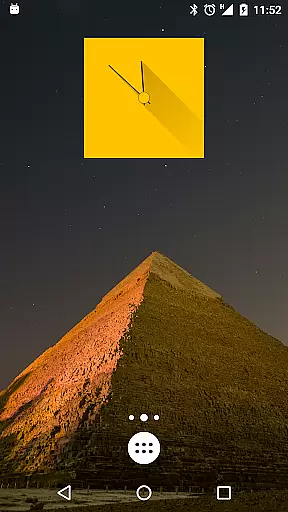
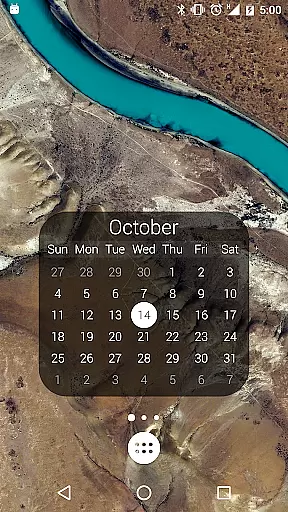
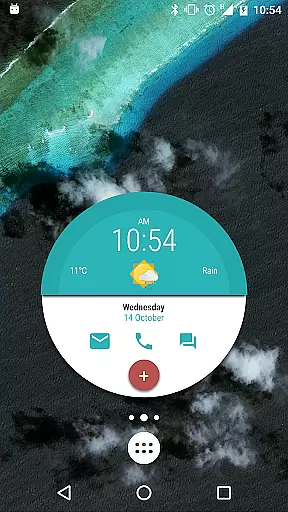
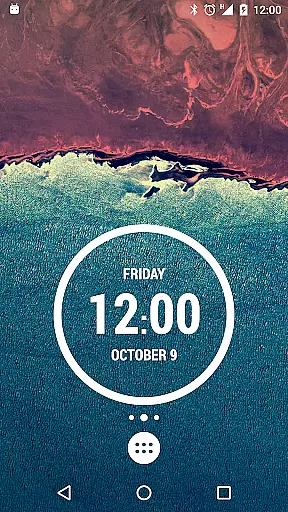
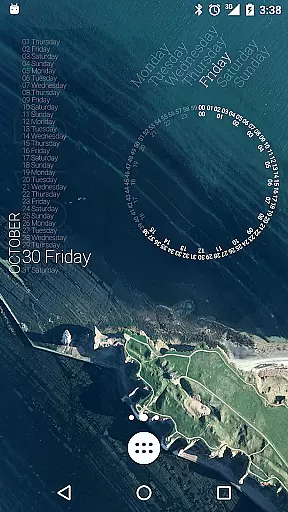
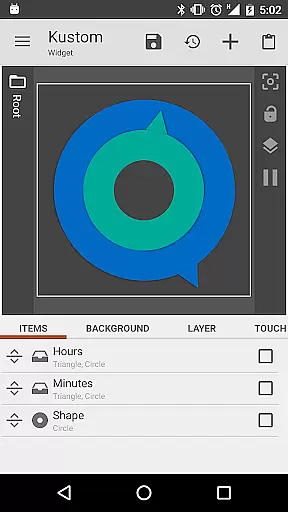
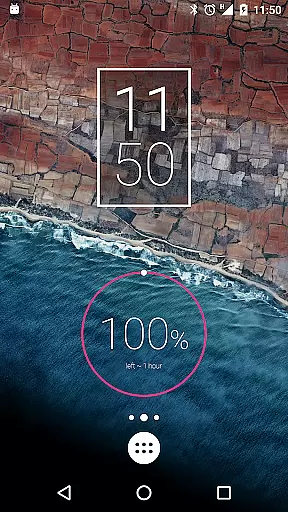
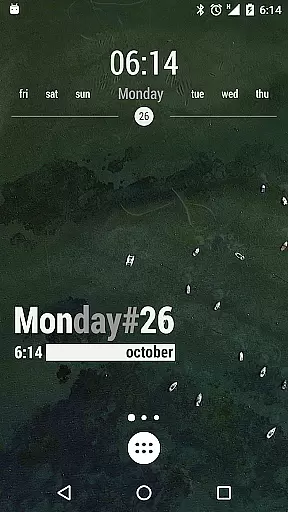
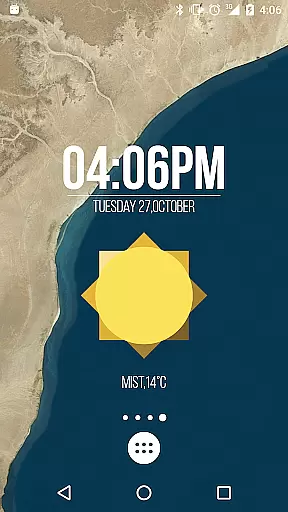
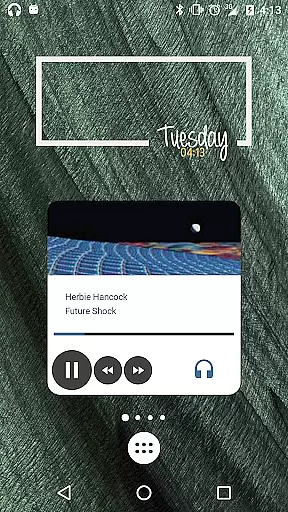
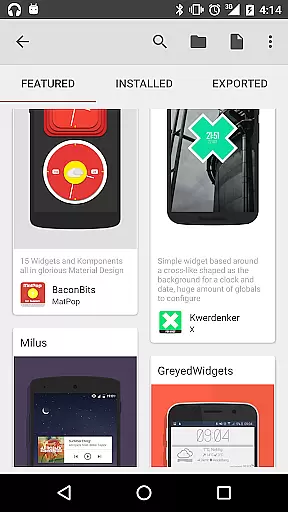
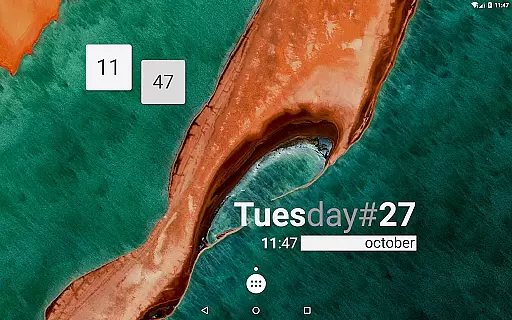
KWGT Kustom Widget Maker is the ultimate tool for Android users seeking to personalize their home screens. This powerful widget maker allows you to design custom widgets that display any data you need, exactly how you want it.
With its WYSIWYG editor, KWGT gives you total control over your widget's layout. You can use a blank canvas or start with included skins, adding custom fonts, colors, shapes, and images. The app supports advanced features like interactive elements, complex logic, and dynamic data fetching, making it suitable for both casual users and power users.
Whether you want aesthetic photo widgets, detailed weather information, or sophisticated system monitors, KWGT helps you create a truly unique phone experience. It is especially valuable for those who wish to go beyond basic customization and explore limitless creative possibilities.
KWGT stands out with its comprehensive set of features designed for maximum customization. The app includes a full suite of text controls allowing you to choose custom fonts, sizes, colors, and apply effects like 3D transformations and shadows.
Beyond text, you can add various shapes and images, including PNG, JPG, WEBP, and SVG formats. Advanced layering options let you apply gradients, color filters, and overlay effects such as blur and saturation, similar to professional photo editors.
The app also supports interactive widgets where you can add touch actions and hotspots to launch apps or toggle settings. For power users, KWGT offers complex logic programming, dynamic data fetching via HTTP, RSS, XML parsing, and seamless Tasker integration, enabling highly sophisticated and automated home screen setups.
Customization is at the heart of KWGT Kustom Widget Maker, offering users an extensive array of options to tailor their Android home screens. With its powerful WYSIWYG editor, users can manipulate every aspect of their widgets' appearance and functionality.
The level of customization KWGT provides is vast, allowing for personalized text with custom fonts, colors, sizes, and effects such as 3D transformations and shadows. Users are not limited to text alone; they can incorporate various shapes, images, and scalable vector graphics (SVG), ensuring that each widget is a unique reflection of personal style and needs.
Interactive elements further enhance the customization journey. KWGT supports touch actions and hotspots on widgets, meaning every tap can launch apps, toggle settings, or trigger specific actions, thus truly personalizing the user's interaction with their device.
This immense variety in customization options empowers users to craft a phone experience that is exclusively their own, making KWGT an indispensable tool for those looking to break free from generic presets and explore their creativity.
Theme compatibility in KWGT Kustom Widget Maker ensures that the widgets you create will not only be personalized in function but also in form, matching the visual theme of your Android device seamlessly.
Whether aiming for a minimalist aesthetic or a vibrant, data-rich display, KWGT's compatibility with various themes means that your widgets can adhere to any design language you prefer. The ability to layer objects and apply color filters, gradients, and effects like blur and saturation allows for cohesive visual integration with your chosen theme.
Moreover, KWGT extends its theme compatibility beyond static designs. It embraces dynamic content too, enabling widgets to display live data such as weather information, system stats, or fitness tracking while still conforming to the user's thematic preferences.
With KWGT, every widget becomes an integral part of the deviceu2019s theme, providing a harmonized and visually pleasing experience that underscores the importance of theme compatibility in personalization.
Highly customizable
User-friendly interface
Vast design options
Advanced logic support
Active community support
Steeper learning curve
Paid pro features
Requires technical knowledge
Occasional bugs
Ads in free version

Personalize your phone with stunning HD and 4K wallpapers!
 4.70
4.70
Dark icon pack based on One 8
4.80
Wallpaper HD 4K Live - Thousands of high-quality Anime backgrounds for you.
4.80
Romantic Kiss Stickers App. Start romantic messaging now!
4.30
Aesthetic Widgets, HD Wallpapers, Themes in Mico Widget for Home and Lock Screen
4.50
Organize and manage your photos and videos effortlessly with Photo Gallery
4.20
Unleash Your Creativity and Connect with Loved Ones with Lockscreen Drawing!
4.20
Install amazing sticker packs: endless styles, always cool.
4.70
Custom ringtones songs, music ringtones for Android phones
4.60
One 8 icons glass color version
4.80
Bring adorable pets to life on your screen. Playful, interactive and full of fun
4.60
Ultimate Gallery Lock App - Hide Pictures, Videos and Lock Apps Instantly!
4.60
Fingerprint Lock Screen & Live Animations with 4K Wallpapers as Live Wallpaper
4.40
Adult video chat, dating, making friends, random matching
4.20
Transfer your live wallpapers from Windows to Android using Wallpaper Engine!
4.00
Adaptive Dot Style IconPack with Light & Dark Theme.
3.70
Interactive Miniature Painting Catalogue
3.30
Prank your friends with realistic broken screen and cracked HD effects!
4.4
Modern Glass Icon Pack with glossy icons, clean minimal theme & aesthetic style
4.4
Wallpaper Engine Android review—PC sync setup, crash issues, sound reactive limitations, and whether this free companion app is actually good.



User Reviews