
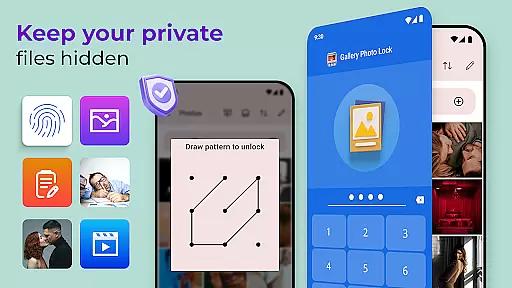
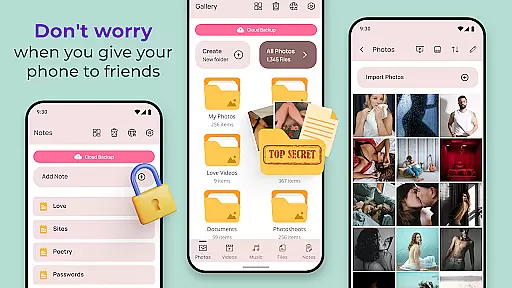
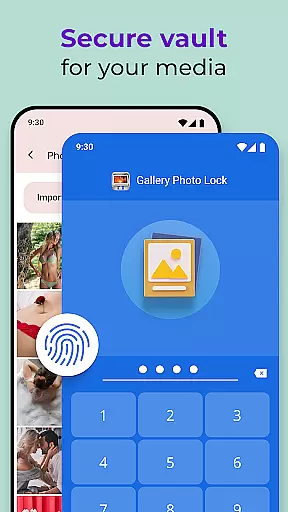
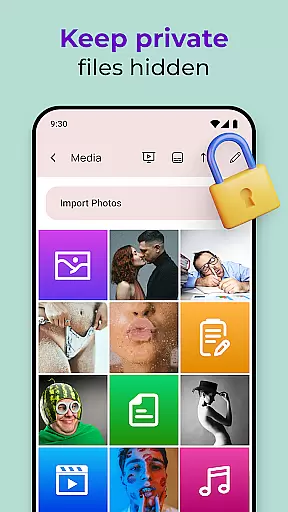
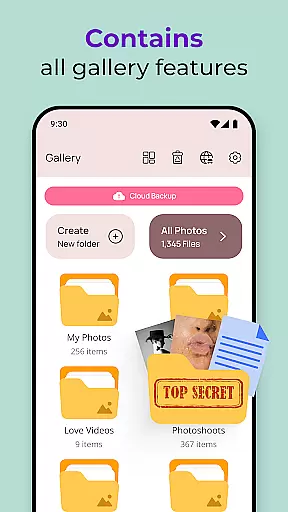
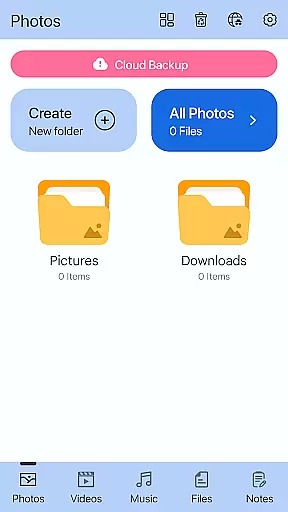
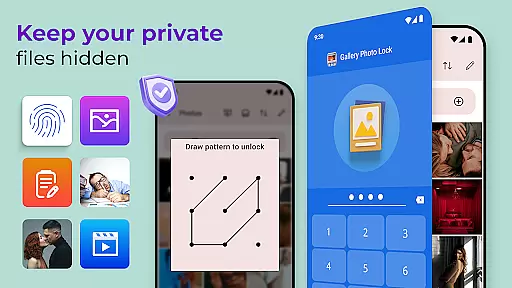
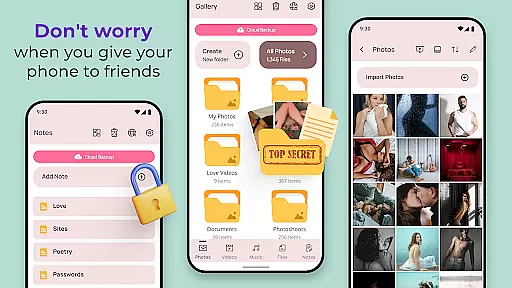
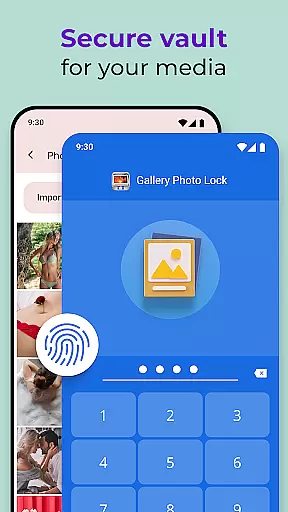
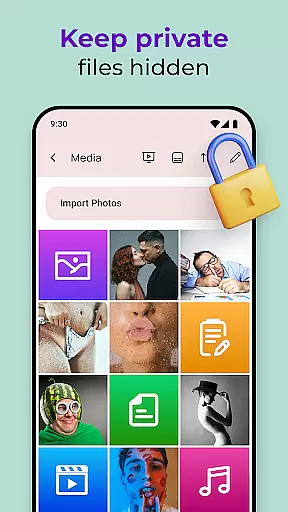
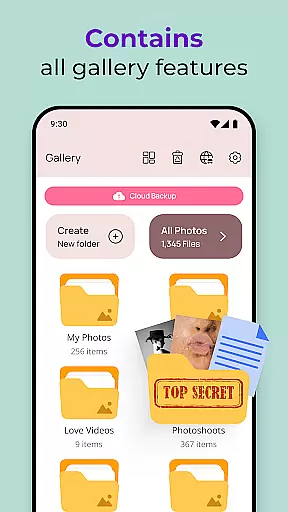
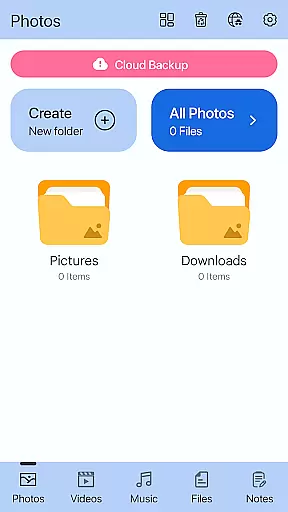
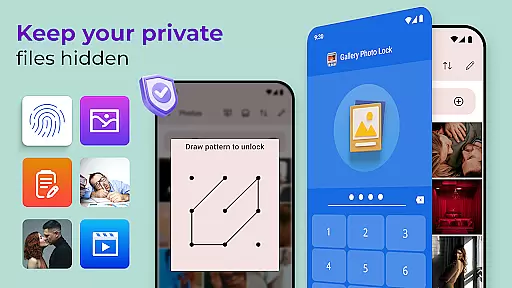
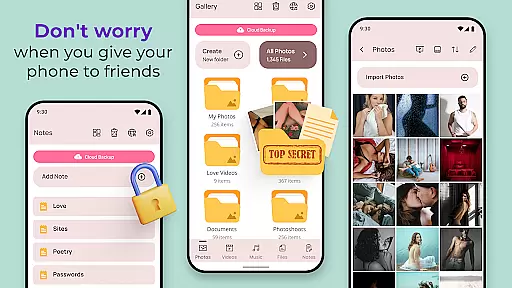
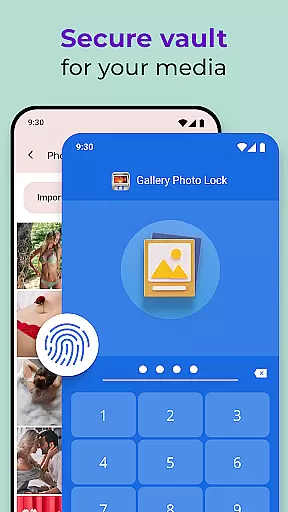
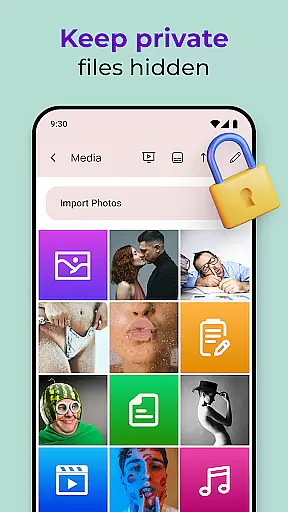
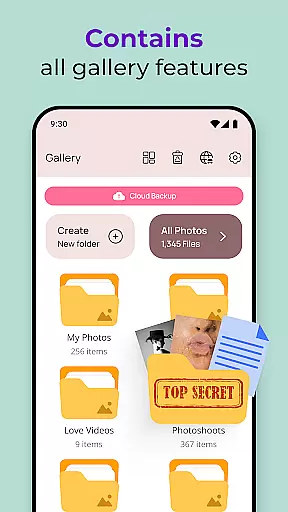
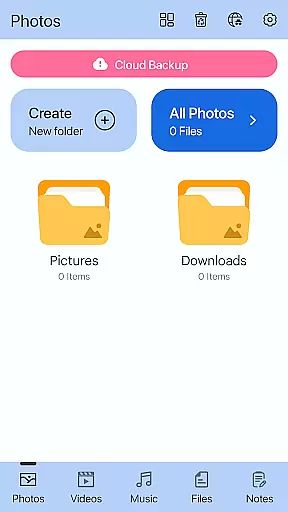
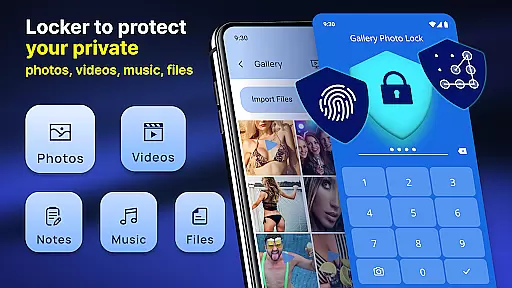
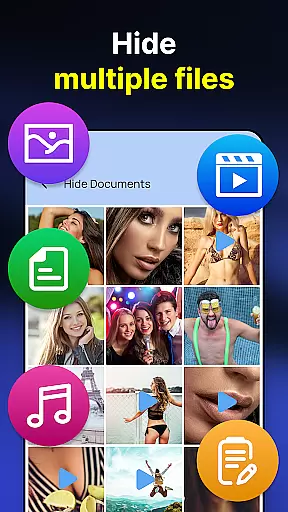
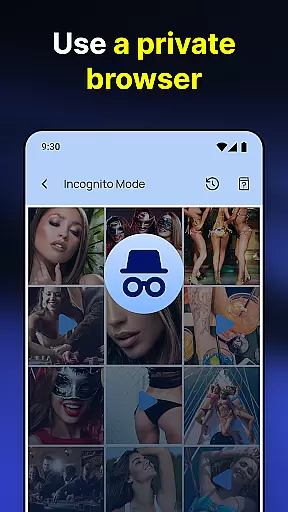
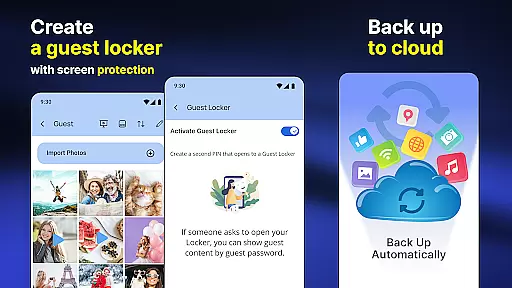
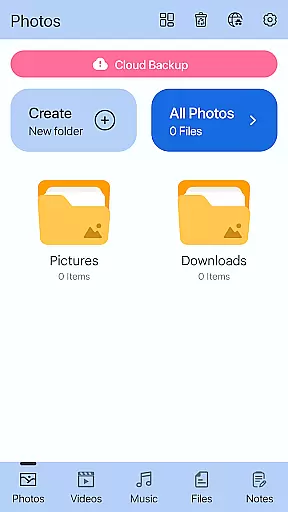
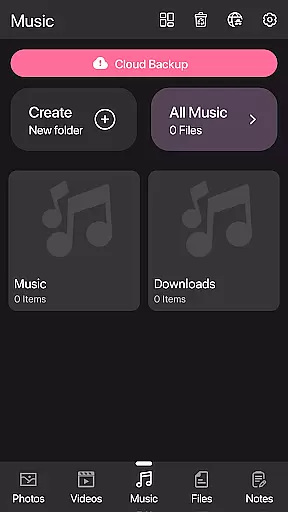
Photo Lock App - Hide Pictures is a comprehensive privacy protection solution designed to safeguard your personal media files. This app allows users to effortlessly hide an unlimited number of images and videos, ensuring that sensitive content remains secure. With features like fingerprint authentication, cloud backup, and customizable lock screens, it offers both security and convenience.
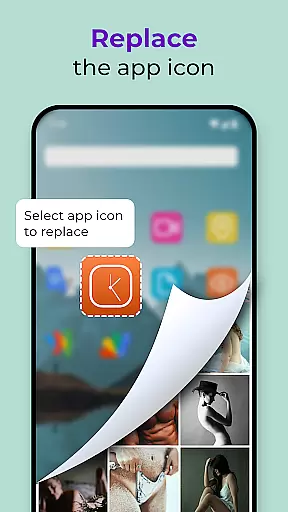
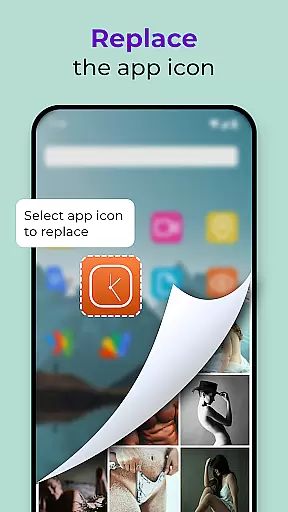
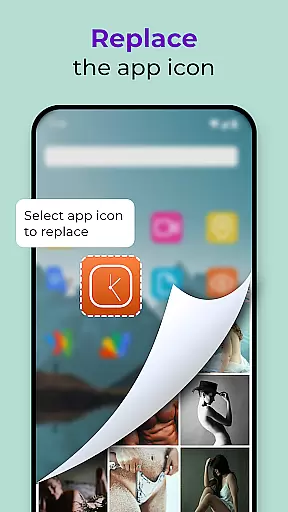
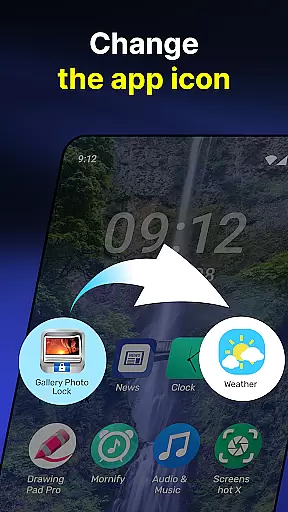
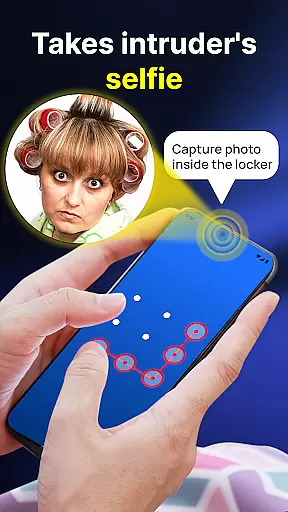
The application also includes advanced functionalities such as intruder selfies, which capture photos of anyone attempting unauthorized access, and the ability to replace the app icon with common icons like news or weather for added discretion. Whether you're looking to protect your gallery from prying eyes or need a secure vault for private notes, this app provides a complete suite of tools to maintain your privacy.
Photo Lock App - Hide Pictures stands out with its robust feature set tailored for privacy-conscious users. The app's core functionality revolves around its powerful media-hiding capabilities, allowing users to store private photos and videos in a secure vault. It supports fingerprint unlock for quick and secure access, while the guest locker feature lets you create a decoy gallery with a separate password.
Additional notable features include an inbuilt media viewer and player, cloud backup for all hidden content, and the unique face-down lock mechanism that automatically locks the app when the device is placed face down. Users can also customize the app's appearance with various themes and even change the app icon to something less conspicuous. These thoughtful features make Photo Lock App - Hide Pictures an indispensable tool for anyone serious about protecting their digital privacy.
Customization is at the heart of the Gallery Photo Locker experience, offering users a versatile way to personalize their privacy settings. With features like Galerie Lock Themes and the ability to replace the app icon, users can tailor the application's appearance to suit their preferences while maintaining discretion.
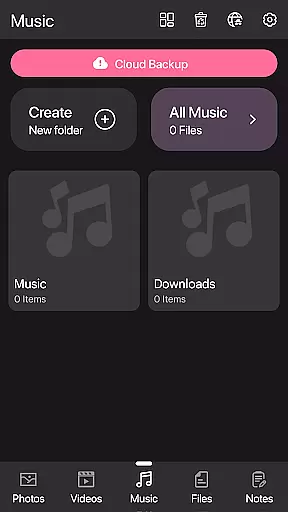
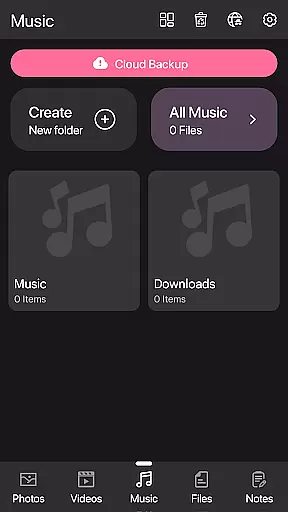
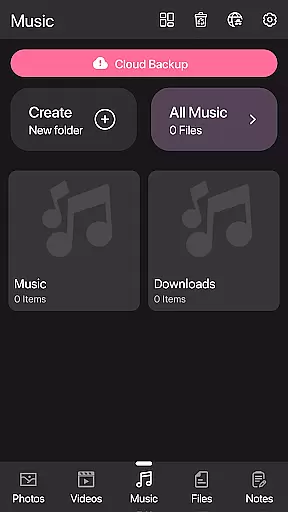
The app provides multiple themes that allow users to customize the look and feel of their Private Photo Vault. This ensures that the user interface remains fresh and engaging, encouraging regular use without compromising on security.
Moreover, the option to change the app icon to something more inconspicuous, such as a news or weather app icon, adds an extra layer of stealth. This feature is particularly useful for those who wish to keep the presence of the app hidden from prying eyes, thus enhancing personal security.
By integrating these customization options, Gallery Photo Locker not only secures your private media but also makes the process enjoyable and unique to each user's taste, ensuring that privacy protection is both effective and personalized.
Theme compatibility in the Gallery Photo Locker ensures that all customizations and themes within the app maintain full functionality across different devices and operating systems. This seamless integration allows users to enjoy a consistent experience without worrying about performance issues or design inconsistencies.
The Hidden Photo Vault supports a wide range of themes, which are designed to be compatible with various device specifications. Whether you're using an older model or the latest smartphone, the app adapts to provide optimal performance and visual appeal.
In addition to aesthetic enhancements, theme compatibility extends to functional elements such as fingerprint unlock and cloud backup. These features work harmoniously with the chosen theme, providing a cohesive user experience that does not sacrifice convenience for style.
Ultimately, the Gallery Photo Locker's commitment to theme compatibility means that users can personalize their privacy tools with confidence, knowing that every theme will support the app's core functionalities, delivering both security and personal expression without compromise.
Unlimited hiding capacity
Fingerprint authentication
Cloud backup support
Customizable app icon
Intruder selfie capture
Premium features locked
Occasional bugs reported
Interface not intuitive
Ads in free version
Large app size

Vertically oriented rectangular icons
 4.70
4.70
Make your phone look simple & luxury, like iDevice
4.60
Adult video chat, dating, making friends, random matching
4.20
Dark icon pack based on One 8
4.80
Transfer your live wallpapers from Windows to Android using Wallpaper Engine!
4.00
App Icon Changer & Shortcut Creator. Customize your icons without any watermarks
4.30
Customize glowing edges, wallpapers, and caller screen with EdgeAura.
3.50
Organize and manage your photos and videos effortlessly with Photo Gallery
4.20
Embrace the Night. Unleash the power of darkness with Raven Dark Icon Pack
4.60
Enjoy a variety of amazing live wallpapers and colorful EDGE lighting borders!
4.80
Nothing Icon pack with more than 3750+ highly crafted icons.
4.70
Glass style colourful icons with a One UI look and feel
4.60
Over 28,000 high quality icons to bring color & homogeneity to your phone.
4.60 4.50
4.50
Launcher OS™ Pro without ads help make your phone simple and pretty
4.30
Wear Os Watch Face - Seasonal - Animated Snow Effect - 9 Animals
4.20
Realistic animated snow on your wrist, with 10 images landscapes to choose from
4.00
Your go to Weather App & Home Screen. Get your weather at a swipe of a finger!
3.80
Struggling to find apps? Use this app to locate and open any app on your phone!
2.20
Wallpaper Engine Android review—PC sync setup, crash issues, sound reactive limitations, and whether this free companion app is actually good.



User Reviews