
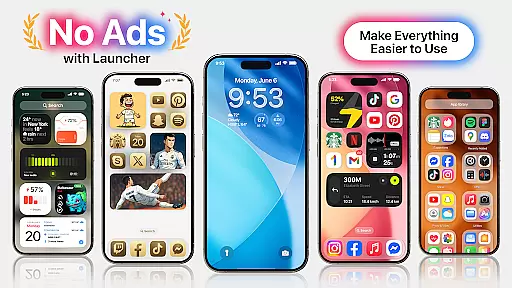
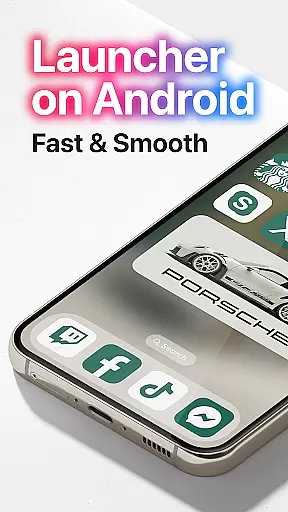
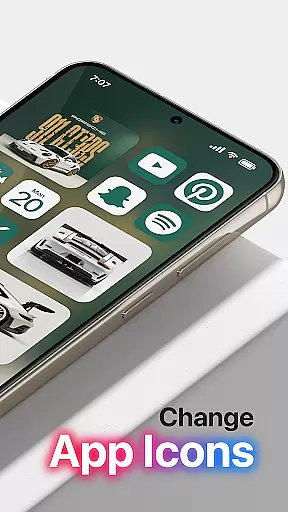
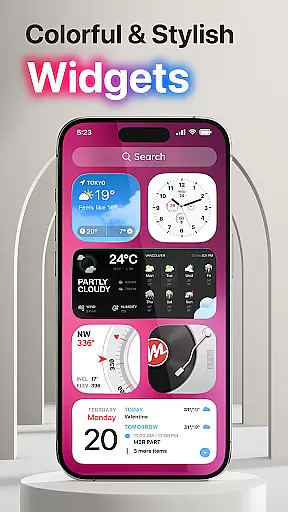
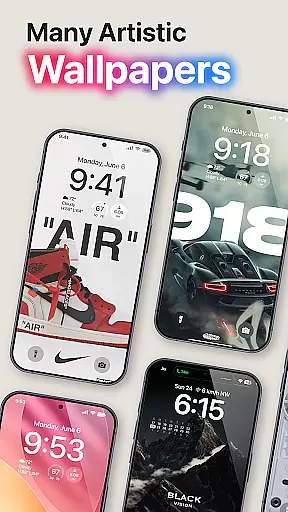
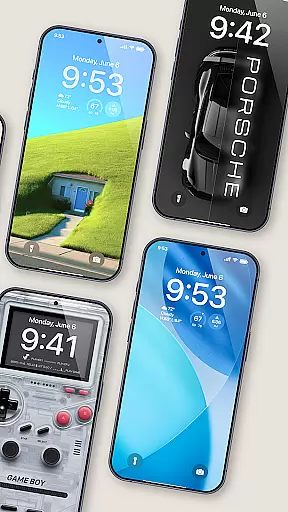
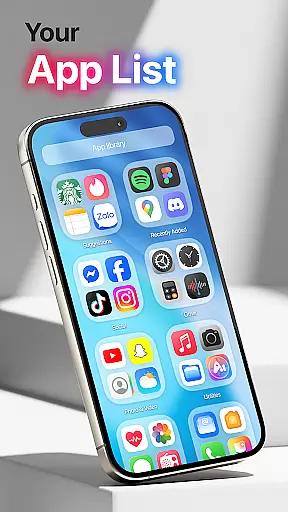
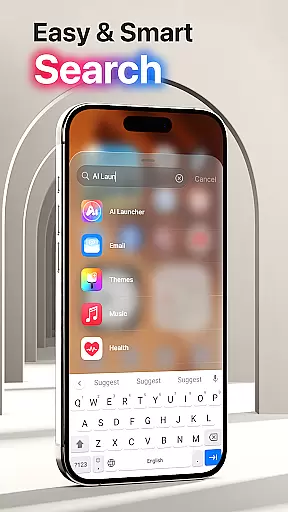
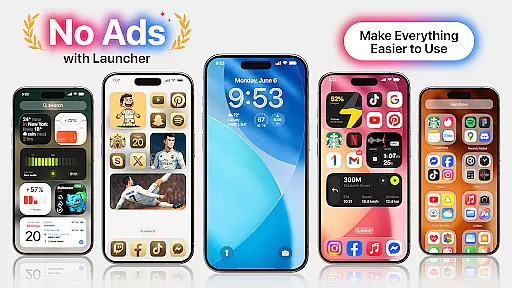
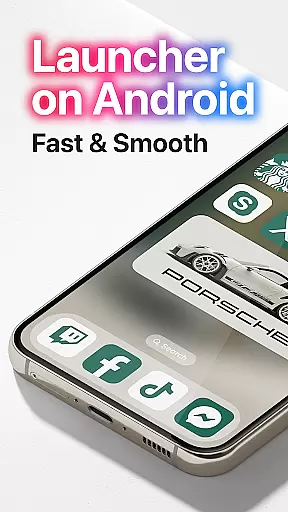
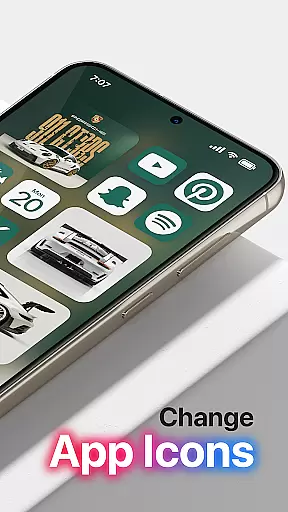

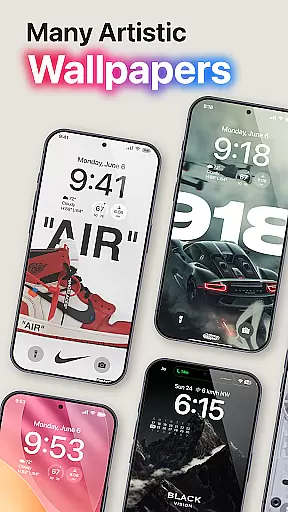
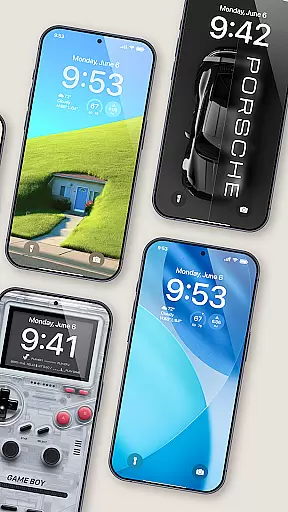
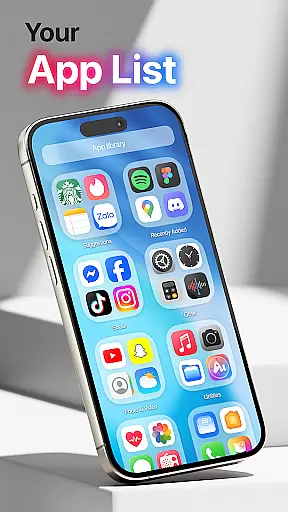
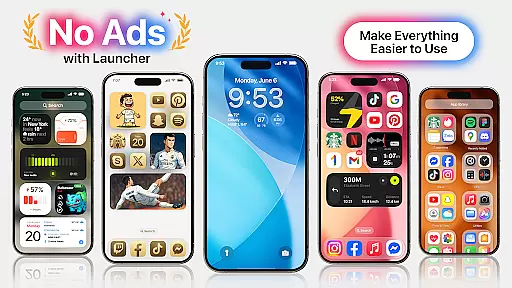
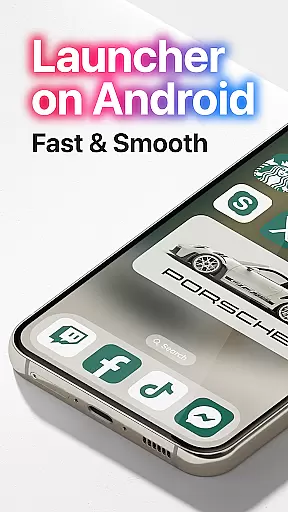
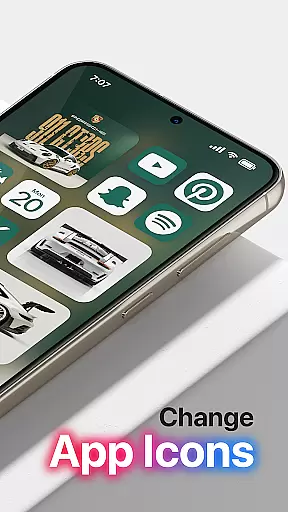
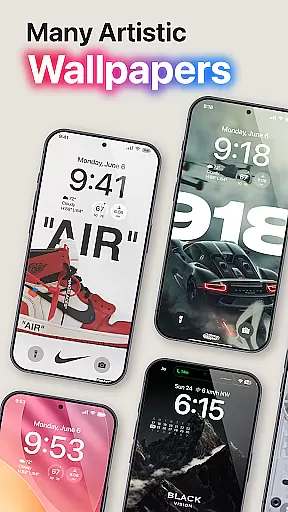
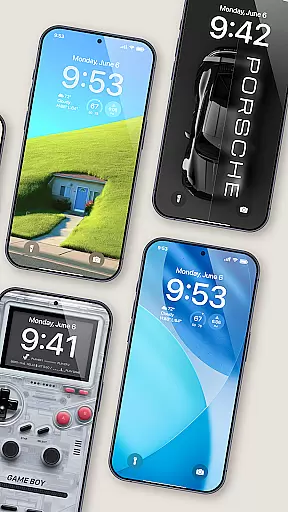
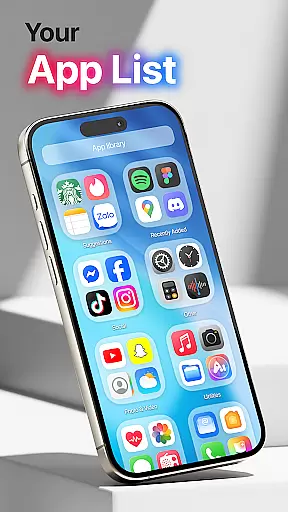
Launcher OS Pro is a premium Android launcher app that redefines the mobile operating system experience. It offers a clean, ad-free interface with an intuitive design inspired by row and column icon elements. The app provides over 50 unique wallpapers and customizable themes that support both light and dark modes, allowing users to personalize their devices like never before.
With advanced features such as gesture controls for quick access to apps and settings, Launcher OS Pro enhances productivity and convenience. Whether you want to customize your lock screen or optimize your phone's performance, this app delivers a smarter and more personal smartphone experience. Designed for users seeking a modern and highly customizable launcher, it transforms any Android device into a powerful tool tailored to individual preferences.
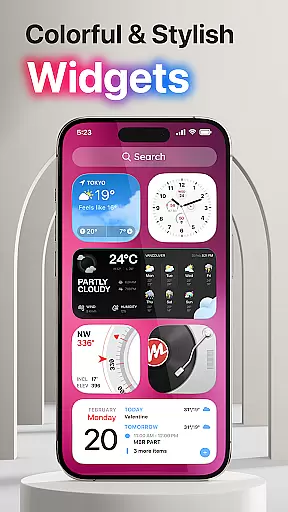
Launcher OS Pro stands out with its comprehensive feature set designed to elevate the Android user experience. One of its key highlights is the ability to remove ads, ensuring a pure and uninterrupted interface. The app also offers 50+ unique wallpapers and multiple color widgets, enabling users to create a personalized home screen that suits their style.
The app supports both light and dark modes, making it adaptable to different lighting conditions and user preferences. With advanced customization options for lock screens and widgets, Launcher OS Pro allows users to tailor every aspect of their device's appearance. Additionally, the inclusion of gesture controls for faster navigation and access to essential functions demonstrates the app's focus on both aesthetics and functionality.
These innovative features collectively position Launcher OS Pro as a top-tier Android launcher, appealing to users who value design flexibility and operational efficiency in their mobile devices.
Launcher OS Pro offers an extensive range of customization options that allow users to tailor their device's interface according to personal preferences. With over 50 unique wallpapers and numerous color widgets, the app supports both light and dark modes, catering to aesthetic and functional user needs.
The application provides advanced features such as lock screen customization, which includes personalized widgets. This level of detail ensures that users can create a home screen that not only looks good but also enhances usability by placing frequently used functions at their fingertips.
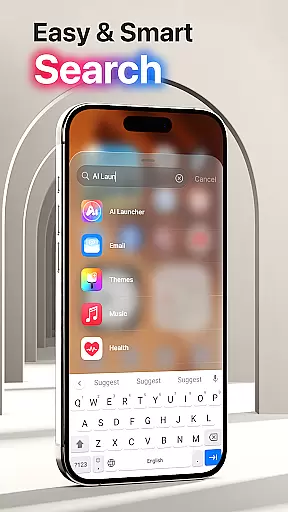
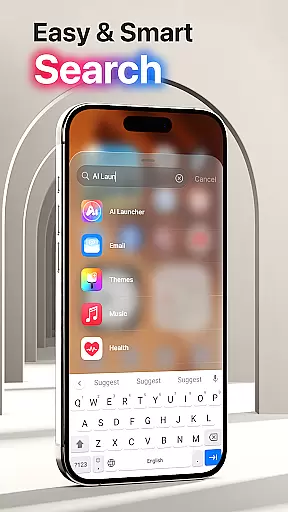
Moreover, Launcher OS Pro introduces more gestures for quick access to apps, contacts, settings, and search functionalities. These gestures significantly improve the user experience by streamlining navigation and making interactions with the device faster and more intuitive.
Theme compatibility in Launcher OS Pro is designed to provide seamless integration across various visual elements of the Android operating system. The app supports a wide array of themes that adapt to both light and dark modes, ensuring consistency in appearance regardless of user preference or environmental conditions.
Users benefit from the friendly user interface that incorporates row and column icon elements inspired by modern design standards. This thoughtful design approach guarantees that all visual components, from icons to widgets, maintain a cohesive look and feel, enhancing the overall aesthetic appeal of the device.
Furthermore, Launcher OS Pro's commitment to compatibility extends to its adaptive features that learn from user behavior, offering intelligent suggestions and adjustments. This ensures that the chosen themes not only look great but also evolve with the user's changing needs, providing a dynamic and personalized mobile experience.
Ad-free experience
Customizable themes
Unique wallpapers
Gesture controls
Light and dark mode
Requires permissions
Premium cost
Complex setup
Limited free features
Device compatibility

Classic analogue watch face. For wear os devices.
 4.60
4.60
Beautiful realistic hybrid watch face with numerous customization options.
4.50
Realistic animated snow on your wrist, with 10 images landscapes to choose from
4.00
Fingerprint Lock Screen & Live Animations with 4K Wallpapers as Live Wallpaper
4.40
Make your phone look simple & luxury, like iDevice
4.60 4.10
4.10
Handcrafted pixel art icons, widgets & wallpapers
4.60
Modern Glass Icon Pack with glossy icons, clean minimal theme & aesthetic style
4.3
Create stunning widgets with Widget 2026: Aesthetic Widgets for Android!
4.60
Gun Chase - Let the chase begin.
4.80
Glass style colourful icons with a One UI look and feel
4.60
Ultra realistic high quality analog watch face for Wear OS.
4.60
Over 28,000 high quality icons to bring color & homogeneity to your phone.
4.60
Choose your keyboard with RGB colors effect, themes, fonts, emojis.
4.60
300+ Beautifully crafted widgets inspired by OneUI.
4.60
3D, live, and moving wallpapers & themes in 4K and HD for your device.
4.50
AI-powered Copilot. Personalized keyboard with gifs, stickers & themes
4.40
App Icon Changer & Shortcut Creator. Customize your icons without any watermarks
4.30
Interactive Miniature Painting Catalogue
3.30
Wallpaper Engine Android review—PC sync setup, crash issues, sound reactive limitations, and whether this free companion app is actually good.


User Reviews