
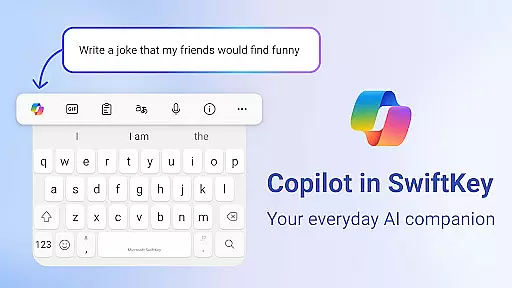
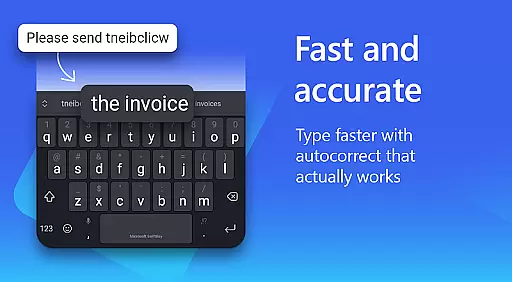
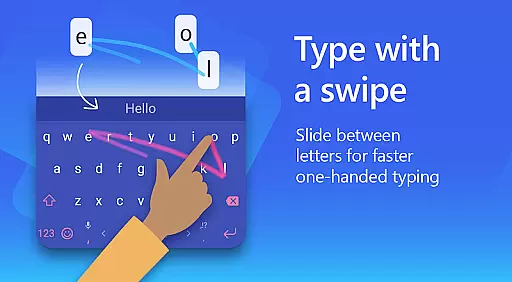
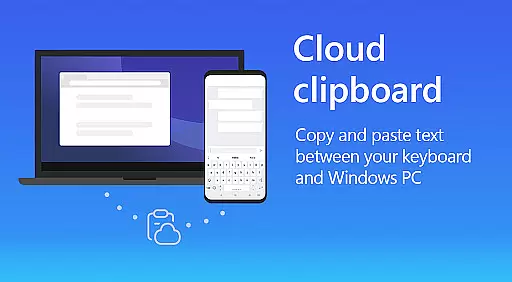
Microsoft SwiftKey AI Keyboard is a cutting-edge personalization tool designed to enhance typing efficiency and style. This intelligent keyboard learns your unique writing patterns, enabling faster text input through personalized predictions.
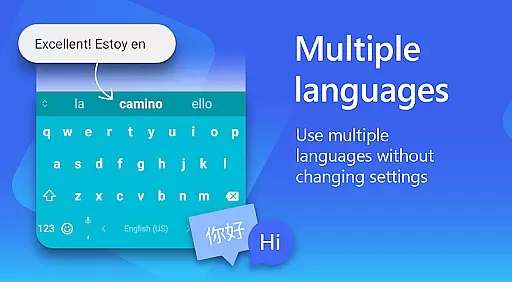
The app features Copilot, an integrated AI assistant that allows users to interact with their favorite apps using natural language queries. With support for over 700 languages and multiple typing methods including swipe and tap, it caters to diverse user preferences.
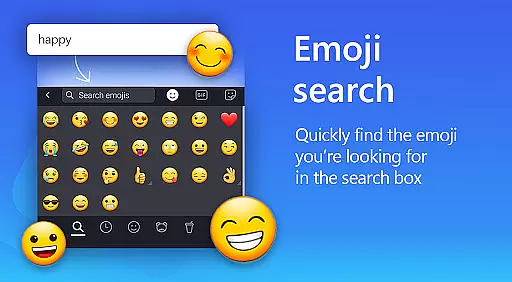
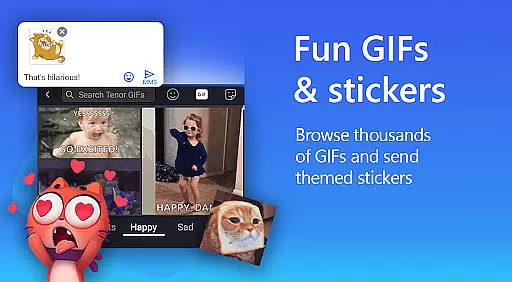
Users can customize their typing experience with adaptive emoji suggestions, GIF integration, and customizable themes. The keyboard's AI-powered autocorrect and rich content options make it an essential tool for anyone looking to improve their mobile communication.
Microsoft SwiftKey offers an array of advanced features that redefine mobile typing. Its AI-powered prediction engine provides accurate text suggestions while learning your personal slang and typing patterns.
The custom keyboard includes a versatile toolbar with quick shortcuts and AI-driven text transformation capabilities. Users can effortlessly switch between formal and informal tones or compose polished drafts using the built-in AI assistant.
For creative expression, the keyboard supports searchable emojis, GIFs, and stickers. The multilingual support extends to 700+ languages, allowing seamless switching between up to five languages simultaneously. Customization options include adjustable keyboard layouts and personalized themes.
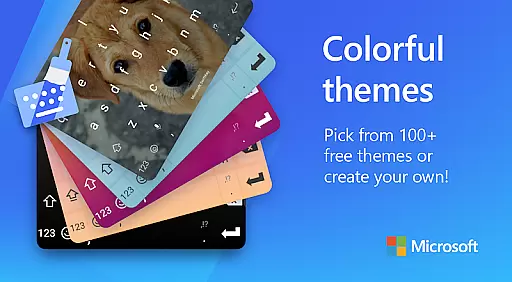
Microsoft SwiftKey AI Keyboard offers an impressive range of customization options that cater to individual preferences and styles. With over 100 colorful keyboard themes, users can select a design that best matches their personal taste or mood.
Beyond the preset themes, the application allows for deeper personalization. Users have the unique ability to create their own custom keyboard theme, incorporating personal photos as the background. This feature ensures that each user's keyboard is not only functional but also a reflection of their personality or current inspiration.
In addition to aesthetic customization, Microsoft SwiftKey provides adjustable settings for keyboard size and layout. This means users can modify the keyboard dimensions and key arrangements to suit their typing style, whether they prefer swiping or tapping.
The value of such extensive customization becomes clear when considering user comfort and efficiency. By tailoring the keyboard experience to individual needs, Microsoft SwiftKey enhances typing speed and accuracy, making communication faster and more enjoyable.
Theme compatibility in Microsoft SwiftKey AI Keyboard ensures that all visual customizations maintain their integrity across different devices and operating systems. This consistency is crucial for users who switch between multiple devices or upgrade their hardware frequently.
Regardless of whether you're using an Android phone or tablet, Microsoft SwiftKey themes adapt seamlessly to various screen sizes and resolutions. The application achieves this by optimizing image scaling and layout adjustments without compromising the quality or design intent of each theme.
Moreover, the compatibility extends to functionality. Custom themes do not interfere with the keyboard's core features, such as autocorrect and predictive text. This guarantees that while users enjoy a personalized appearance, they continue to benefit from the intelligent typing assistance that Microsoft SwiftKey is known for.
By ensuring robust theme compatibility, Microsoft SwiftKey delivers a reliable and cohesive user experience. Users can invest time in personalizing their keyboard once and trust that their preferences will be preserved, providing a sense of familiarity and satisfaction whenever they type.
AI-powered predictions
Multilingual support
Customizable themes
Integrated AI assistant
Adaptive emoji suggestions
Optional permissions needed
Feature limitations exist
Some features unavailable
Requires user consent
Premium features locked

Customizable flower power digital watch face for Wear OS watches.
 4.00
4.00
Ninja Turtles Cowabunga SE watch face for Wear OS
4.50
3D, live, and moving wallpapers & themes in 4K and HD for your device.
4.50
Unique Android Launcher
4.60
Ultimate widget creator. Design custom widgets for a truly unique home screen!
3.90
Want to make your phone more special than ever?
4.60
100+ Stylish Fonts, Emojis, Symbols keyboard for Instagram & TikTok!
4.80
Aesthetic Widgets, HD Wallpapers, Themes in Mico Widget for Home and Lock Screen
4.50
Handcrafted pixel art icons, widgets & wallpapers
4.60
One 8 icons glass color version
4.80
Shimeji adds cute animated characters to your screen, lively and fun.
4.70
Classic analogue watch face. For wear os devices.
4.60
Bring adorable pets to life on your screen. Playful, interactive and full of fun
4.60 4.50
4.50
Run multiple accounts of the same app on a single device
4.10 3.50
3.50
Prank your friends with realistic broken screen and cracked HD effects!
4.2
Custom edge gestures for volume control, brightness, apps, and shortcuts.
4.3
Modern Glass Icon Pack with glossy icons, clean minimal theme & aesthetic style
4.2
Wallpaper Engine Android review—PC sync setup, crash issues, sound reactive limitations, and whether this free companion app is actually good.



User Reviews