
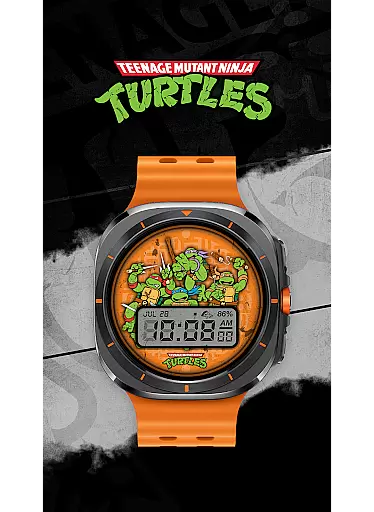
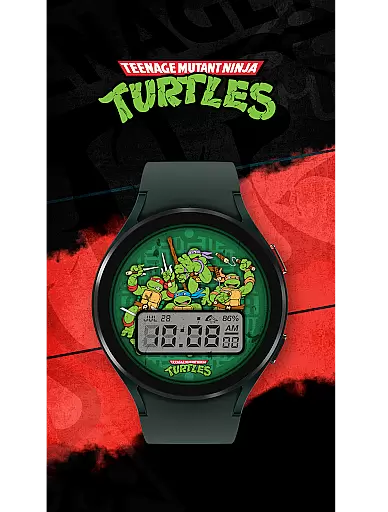
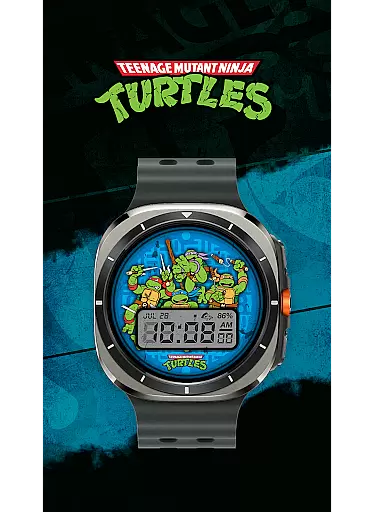
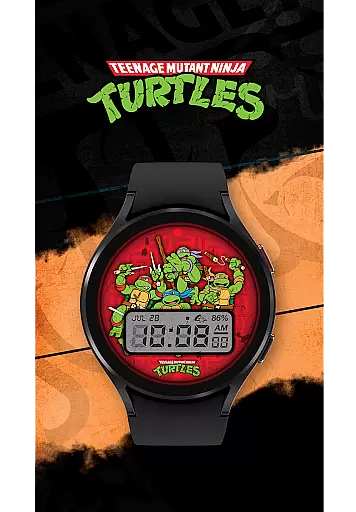
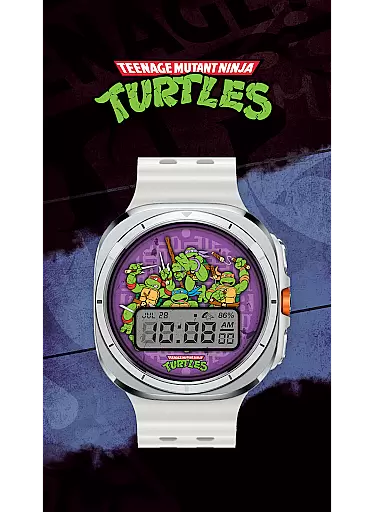
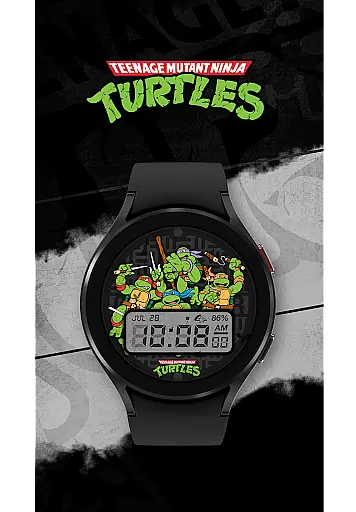
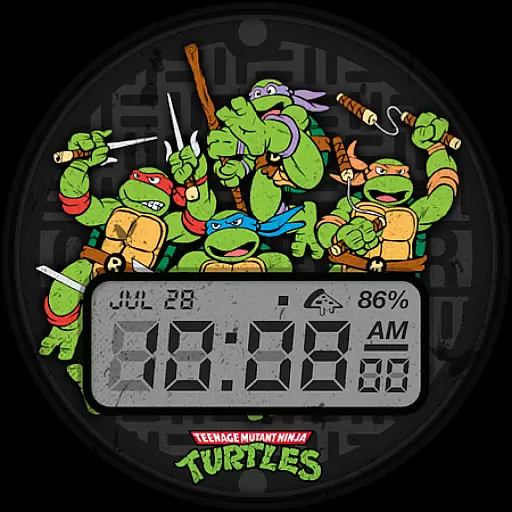
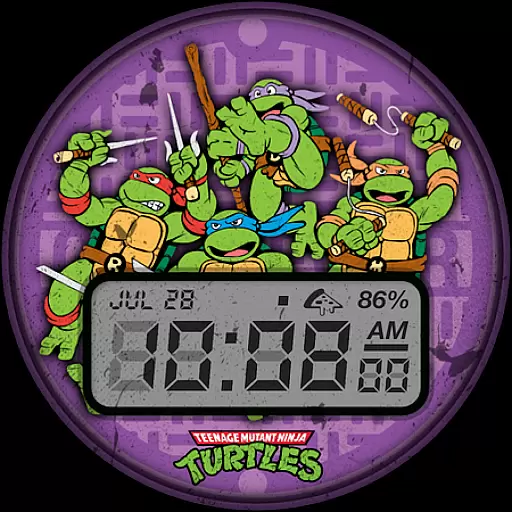
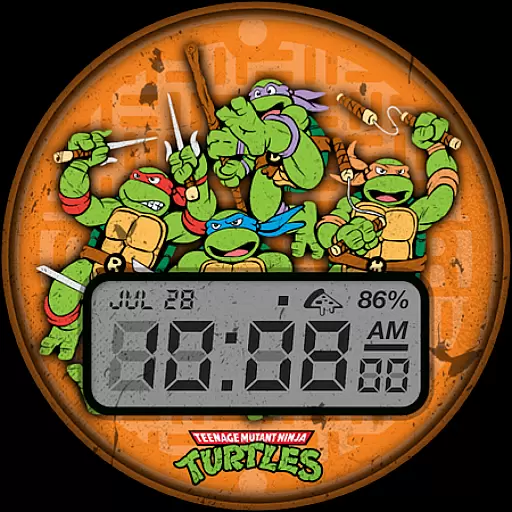
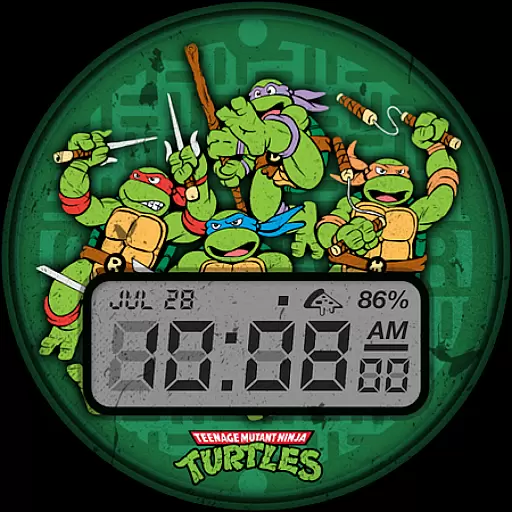
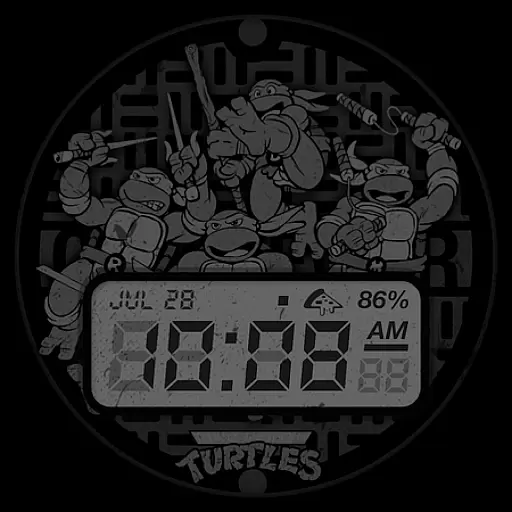
TMNT - Cowabunga SE Watch Face brings a retro-style experience to your Wear OS smartwatch, including Galaxy Watch7 and Ultra. Designed for fans of classic aesthetics, this watch face provides essential information at a glance while maintaining a fun vibe.
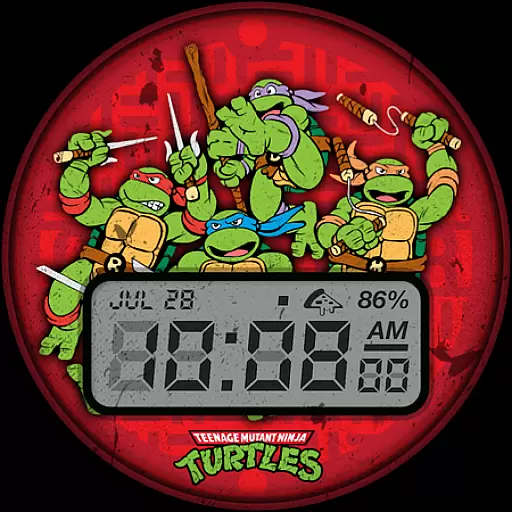
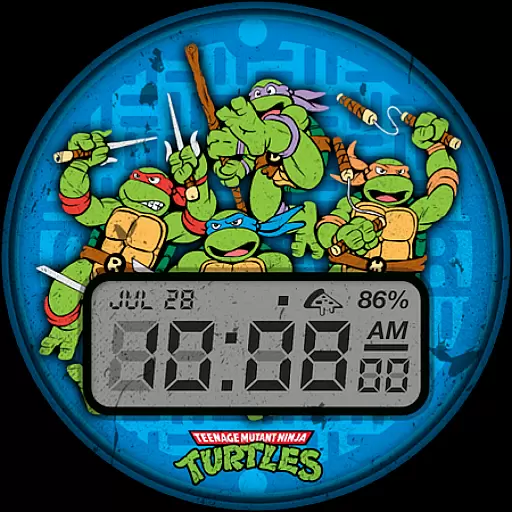
The app features a digital clock in both 12h and 24h formats, date display, battery level indicator, and customizable complications. With six color options available, users can tailor the appearance to match their personal style. Whether you're tracking time or expressing individuality, this watch face delivers both functionality and flair.
TMNT - Cowabunga SE Watch Face stands out with its unique combination of practicality and customization. The digital clock supports both 12h and 24h formats, catering to different user preferences, while the date and battery indicators ensure you stay informed throughout the day.
One of the key highlights is the customizable complication, which defaults to showing the day and date but can be adjusted based on your needs. Additionally, the inclusion of six vibrant color options allows users to personalize their watch faces effortlessly. These features make it versatile enough for everyday use while adding an element of nostalgia.
Customization is at the heart of personalizing your smartwatch experience, and the TMNT - Cowabunga SE Watch Face excels in providing a range of options to suit individual preferences. With six distinct color options available, users can select a look that best matches their style or mood.
In addition to color choices, this watch face features a customizable complication, which by default displays the day and date. This flexibility allows users to adapt the display to show the information most relevant to them, enhancing both aesthetics and functionality.
The inclusion of basic information such as a 12h/24h digital clock, date, and battery level ensures that users have quick access to essential details without cluttering the interface. These practical elements are seamlessly integrated into the retro-style design.
By offering these customization options, TMNT - Cowabunga SE Watch Face empowers Wear OS users to tailor their smartwatch faces to reflect their personality while maintaining utility, making daily interactions more engaging and enjoyable.
Theme compatibility is crucial for ensuring that a watch face integrates smoothly with various Wear OS smartwatches, including models like Galaxy Watch7 and Ultra. The TMNT - Cowabunga SE Watch Face has been designed with broad compatibility in mind, guaranteeing a consistent experience across different devices.
This retro-style watch face supports all Wear OS smartwatches, meaning that regardless of the specific model you own, you can expect the same high-quality performance and visual appeal. Such universal support enhances user satisfaction by removing concerns about device-specific issues.
Moreover, the watch face maintains its core featuresu2014such as the digital clock, date, battery level indicator, and customizable complicationsu2014across all compatible devices. This uniformity ensures that users enjoy the full functionality of the watch face without any loss of features due to compatibility problems.
With its robust theme compatibility, TMNT - Cowabunga SE Watch Face delivers a reliable and visually cohesive experience, allowing users to focus on enjoying their personalized smartwatch interface without worrying about technical inconsistencies.
Compatible with Wear OS
Six color options
Customizable complications
Battery level display
Retro-style design
Limited to Wear OS
No advanced features
Basic complications only
Fewer customization options
Requires smartwatch

Add cute Shimeji pets to screen, interact with them and relax with cute motions
 4.60
4.60
Over 28,000 high quality icons to bring color & homogeneity to your phone.
4.60
More than 3000+ themes and 9000+ wallpapers for everybody!
4.10
Ultimate Gallery Lock App - Hide Pictures, Videos and Lock Apps Instantly!
4.60
Custom edge gestures for volume control, brightness, apps, and shortcuts.
4.0
Icons made of colorful linear lines
4.60
Launcher OS™ Pro without ads help make your phone simple and pretty
4.30
Your go to Weather App & Home Screen. Get your weather at a swipe of a finger!
3.80
A minimalist productivity launcher. One-hand-friendly. Zero ads.
4.70
Winter's Journey: digital watch face for Galaxy Watch & Wear OS
4.80
100+ Stylish Fonts, Emojis, Symbols keyboard for Instagram & TikTok!
4.80
One 8 icons glass color version
4.80
Customizable Glass widgets. Over 360+ stunning widgets and more!
4.70
350+ widgets with a premium glass-style finish, perfect for home & lock screens.
4.70
Customize your home screen with stunning themes, blur, widgets & icons.
4.60
Customizable screen pets that play, climb, and keep you company.
4.50 4.50
4.50
Color phone with cool effects for call screen, flash alert & ringtones music
4.50 4.10
4.10
Wallpaper Engine Android review—PC sync setup, crash issues, sound reactive limitations, and whether this free companion app is actually good.



User Reviews