
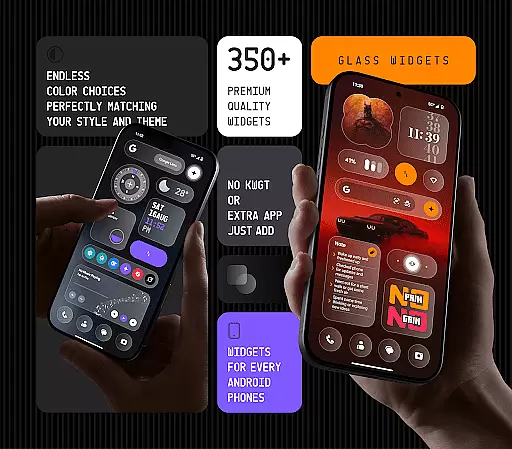
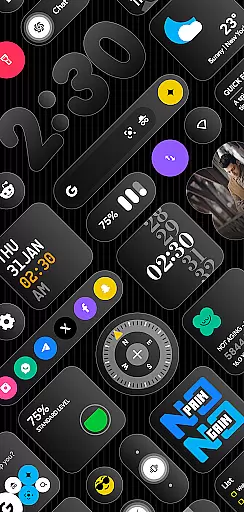
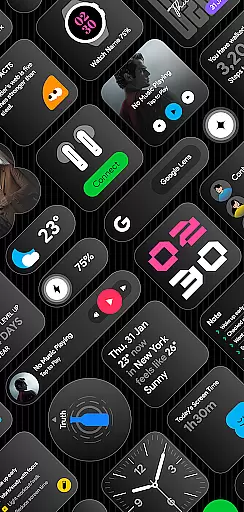
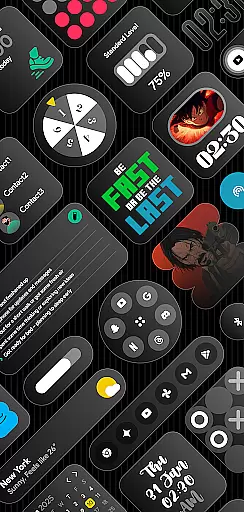
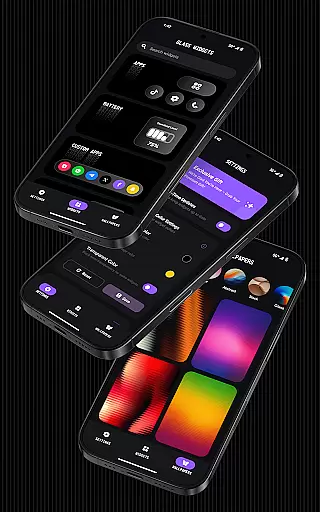
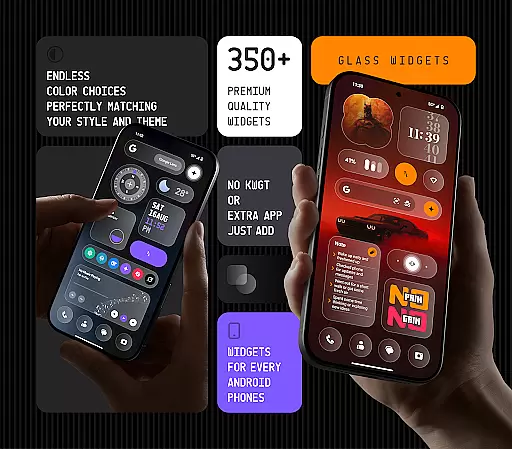
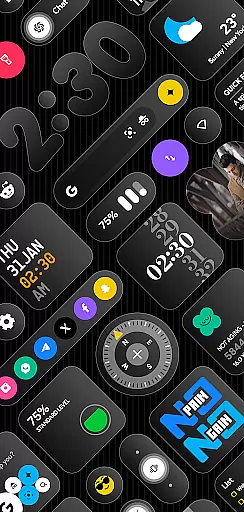
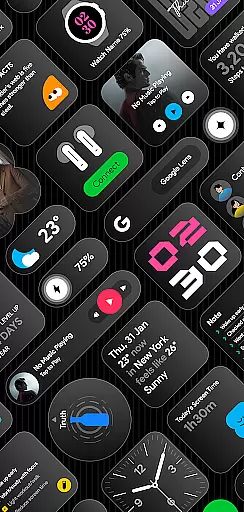
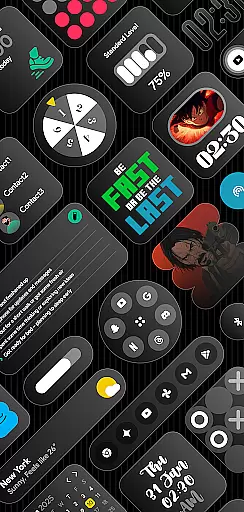
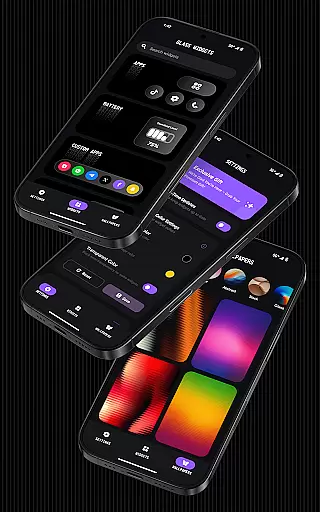
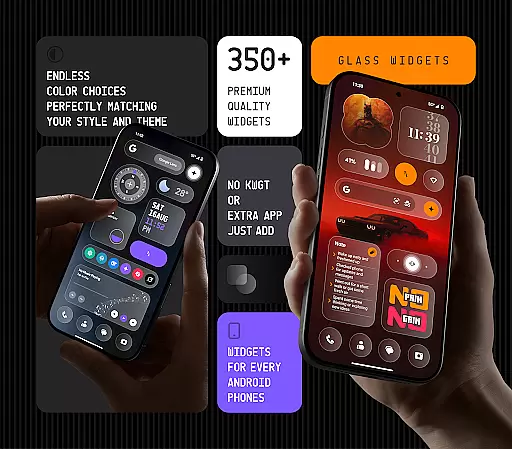
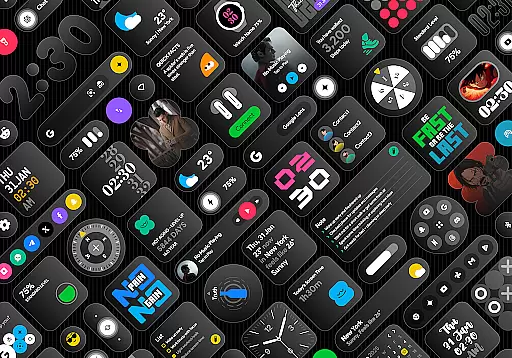
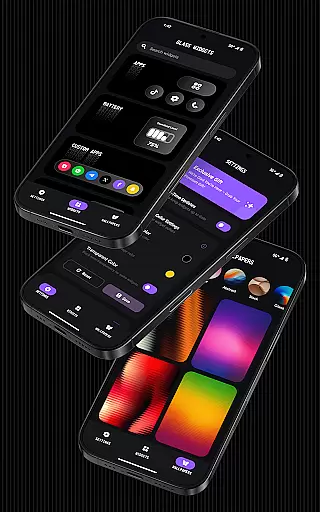
Glass Widgets is a feature-rich personalization app that offers over 350 beautifully designed, glass-style widgets compatible with any Android device. These sleek, transparent widgets can be used to upgrade both home screens and lock screens, providing users with a modern and stylish way to customize their devices.
The app includes a wide variety of widget types such as clocks, weather, calendars, battery indicators, step counters, quotes, compasses, and quick settings. Each widget is crafted with a minimalist and personalized design approach, allowing users to tailor their device's appearance to match their unique style. The inclusion of battery-friendly optimization ensures smooth performance while regular updates bring fresh content to users.
Whether you want to enhance your device's aesthetics or improve its functionality, Glass Widgets provides an effortless solution for Android users seeking a customizable and visually appealing experience.
Glass Widgets stands out through its extensive feature set tailored for Android customization enthusiasts. One of the key highlights is its ability to function without requiring additional apps like KWGT, offering instant usability right after installation. This makes it exceptionally user-friendly for those looking to personalize their devices quickly.
The app provides over 350 glass-style widgets, each featuring customizable colors and transparency options. Users can choose from minimal, stylish, and personalized designs that fit seamlessly into any theme. Additionally, the app supports both home screen and lock screen widgets, ensuring comprehensive coverage for all customization needs. Unique offerings like glass-effect wallpapers further enhance the cohesive look users can achieve.
Beyond aesthetics, Glass Widgets emphasizes practicality with real-time updates powered by foreground services and exact alarms. These features ensure timely information delivery for widgets displaying dynamic content like weather, photos, and calendar events. With regular updates adding new widgets and functionalities, the app continues to evolve, keeping the user experience fresh and engaging.
Customization is at the heart of personalizing your digital experience, and Glass Widgets excels in providing a wide array of options to tailor your Android device to your unique style. With over 350 glass-style widgets, this application allows users to modify their home and lock screens with sleek, transparent designs that are both modern and stylish.
The app offers customizable colors for its widgets, ensuring they match your preferred aesthetics without the need for additional applications. Whether you're looking for minimalistic clock displays or comprehensive weather updates, Glass Widgets supports various types including calendars, battery indicators, and step counters, all designed with a personalized touch.
Users benefit from the extensive selection that seamlessly integrates into any theme they choose. The ability to personalize extends beyond mere functionality; it's about expressing individuality through technology. Glass Widgets makes certain that whether you favor a vibrant palette or subdued tones, the power to design your phone interface is at your fingertips.
Theme compatibility is crucial for users who wish to maintain a cohesive look across their devices, and Glass Widgets delivers on this front by offering designs that effortlessly match any theme. This feature ensures that regardless of the visual style you prefer, from minimalistic to elaborate, the widgets will blend harmoniously with your chosen aesthetic.
Glass Widgets provides a versatile range of styles including transparent, personalized, and live designs which cater to those who appreciate a modern appearance. These widgets not only serve functional purposes like displaying time or weather but also enhance the visual appeal of both home screens and lock screens.
By integrating glass-effect wallpapers alongside an assortment of widget types such as clocks, calendars, and quick settings, Glass Widgets guarantees an uninterrupted thematic flow throughout your deviceu2019s interface. This attention to compatibility means users can enjoy a battery-friendly experience without sacrificing style or performance while enjoying regular updates that keep their interfaces fresh and engaging.
Wide widget variety
Easy to customize
Modern glass design
Optimized performance
Regular feature updates
Premium version costly
Some widgets redundant
Designs not universal
Occasional bugs
Android only

Ninja Turtles Cowabunga SE watch face for Wear OS
 4.50
4.50
Themes - Widget & Wallpaper: Customize home screen, icon changer w unique themes
4.30
A launcher for Samsung Good Lock and Good Guardians modules without ads
4.70
Try creating your own keyboard with "Keyboard theme for android" app now!
4.50
Customize your home screen with stunning themes, blur, widgets & icons.
4.60
Organize and manage your photos and videos effortlessly with Photo Gallery
4.20
Design your screen with unique, vibrant clocks
3.80
Embrace the Night. Unleash the power of darkness with Raven Dark Icon Pack
4.60
300+ widgets inspired by Material You and Material 3 expressive design.
4.60
Gun Chase - Let the chase begin.
4.80
Enjoy a variety of amazing live wallpapers and colorful EDGE lighting borders!
4.80
Nothing Icon pack with more than 3750+ highly crafted icons.
4.70
400+ Beautifully crafted widgets inspired by NOTHING.
4.70
Want to make your phone more special than ever?
4.60
Choose your keyboard with RGB colors effect, themes, fonts, emojis.
4.60
Handcrafted pixel art icons, widgets & wallpapers
4.60
Ultra realistic gold analog watch face with lots of customization options.
4.50
Yandex Browser — stylish and secure, with voice search and data compression
4.40
Create unique, fun emojis with Funny Emoji Maker! Unlimited creativity!
4.00
Wallpaper Engine Android review—PC sync setup, crash issues, sound reactive limitations, and whether this free companion app is actually good.



User Reviews