
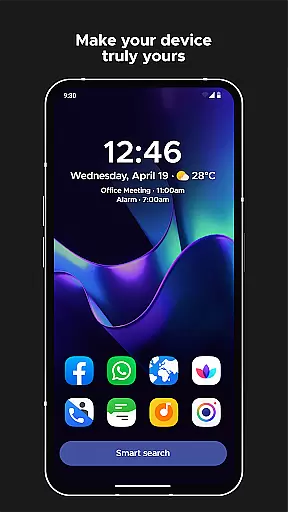
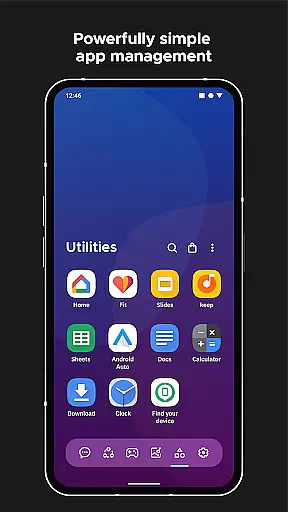
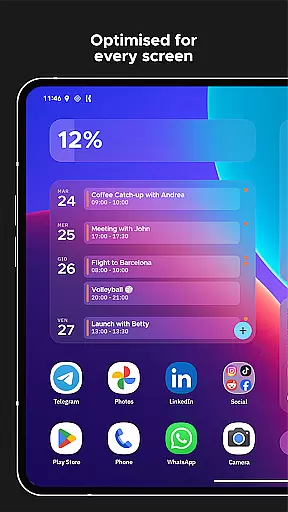
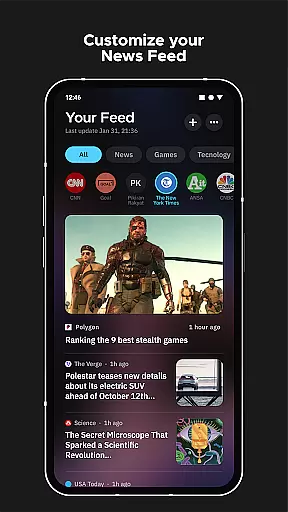
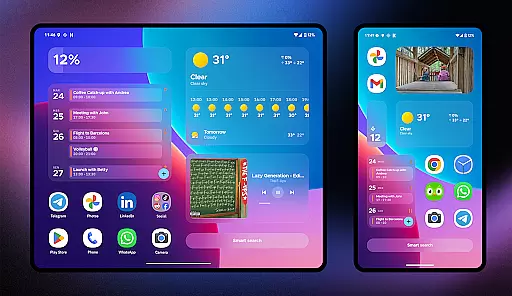
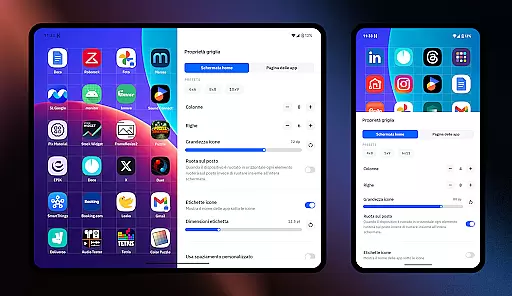
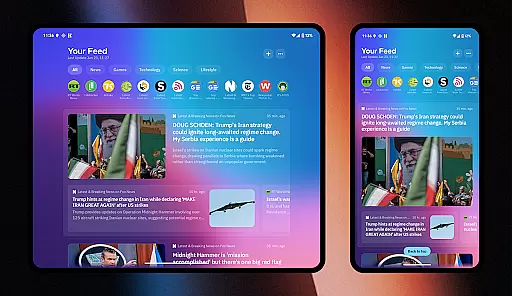
Smart Launcher 6 is a revolutionary home screen replacement app designed to enhance the Android experience. It introduces an innovative interface that automatically organizes apps into smart categories, saving users time and effort in managing their device's layout.
The launcher features an ambient theme engine that dynamically adjusts colors to match your wallpaper, creating a visually cohesive experience. With its one-hand optimized design, essential functions are always within reach. The inclusion of customizable widgets, adaptive icons, and advanced search functionality makes this launcher both powerful and intuitive.
Ideal for users seeking efficiency and personalization, Smart Launcher 6 transforms the Android home screen into a productivity powerhouse while maintaining ease of use.
Smart Launcher 6 distinguishes itself through several groundbreaking features. Its automatic app sorting eliminates manual organization by intelligently categorizing applications. The ambient theme system creates a seamless visual experience by matching interface colors with your chosen wallpaper.
Productivity is enhanced through various innovations. The smart search bar enables rapid access to apps, contacts, and quick actions. Customizable gestures and hotkeys provide convenient shortcuts for common tasks. Meanwhile, the ultra-immersive mode maximizes screen real estate by hiding system UI elements.
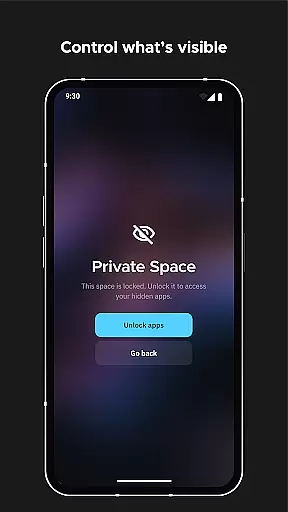
Security and customization options are equally impressive. Users can protect sensitive apps with PIN protection while enjoying extensive theming capabilities, including icon shape modification and Google Fonts integration. These features collectively create a personalized yet efficient home screen experience.
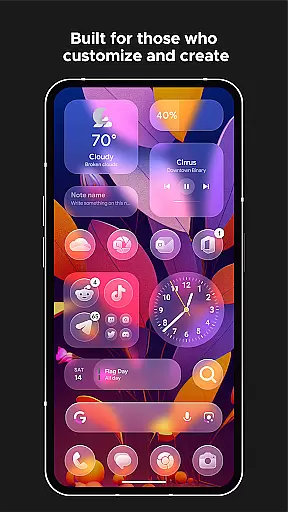
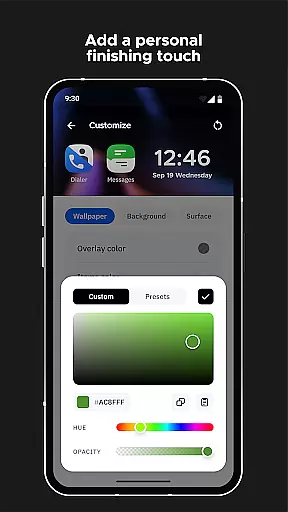
Smart Launcher 6 offers an extensive range of customization options that allow users to tailor their home screen to their personal preferences. This Android launcher provides the ability to modify every single color within the theme, unlocking infinite possibilities for color combinations.
In addition to color customization, users can also change fonts on the home screen. With access to thousands of fonts from Google Fonts, personalizing the text appearance is simple and comprehensive.
The launcher supports adaptive icons, a feature introduced with Android 8.0 Oreo, which is available for any Android device. This means not only customizable icon shapes but also larger and more visually appealing icons.
With these robust customization features, Smart Launcher 6 empowers users to create a home screen environment that is truly their own, enhancing both aesthetics and usability according to individual tastes and needs.
Theme compatibility in Smart Launcher 6 ensures that users experience a seamless integration of themes across their devices. The launcher automatically changes the theme colors to match the user's wallpaper, providing a cohesive and visually pleasing interface every time the wallpaper is changed.
This automatic adaptation of theme colors simplifies the process of maintaining a consistent look and feel without manual adjustments. Users can enjoy a dynamic home screen that responds to their personal style and current mood or preference as reflected in their choice of wallpapers.
Furthermore, this feature complements other customization capabilities such as font changes and adaptive icons, ensuring all visual elements are harmonized. The result is an intuitive and attractive home screen that retains familiarity while offering fresh aesthetics with each change.
Smart Launcher's approach to theme compatibility highlights its commitment to delivering smart, responsive design tailored to user preferences.
Automatic app organization
Dynamic color adaptation
One-hand friendly interface
Extensive customization options
Powerful search functionality
Requires accessibility permissions
Some features need premium version
Occasional stability issues
Steep learning curve
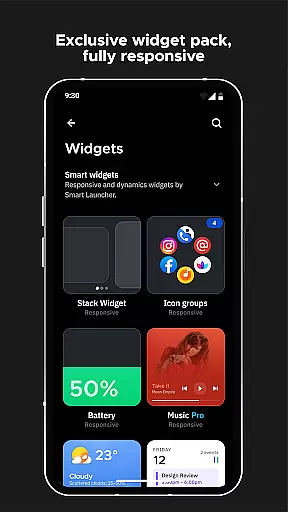
Limited widget support

Stunningly Different look with Line Icons and Neon Colors
 4.60
4.60
Customize glowing edges, wallpapers, and caller screen with EdgeAura.
3.50 4.50
4.50
Design your screen with unique, vibrant clocks
3.80
Icons made of colorful linear lines
4.60
200+ Material Inspired Widgets
4.50
Modern Glass Icon Pack with glossy icons, clean minimal theme & aesthetic style
4.0
Create unique, fun emojis with Funny Emoji Maker! Unlimited creativity!
4.00
Customize phone with anime themes, 3D icons, aesthetic widgets & wallpapers
4.80
Dark icon pack based on One 8
4.80
Shimeji adds cute animated characters to your screen, lively and fun.
4.70
Handcrafted pixel art icons, widgets & wallpapers
4.60
Ultra realistic gold analog watch face with lots of customization options.
4.50 4.50
4.50
Transform your device in a game console
4.40
Adult video chat, dating, making friends, random matching
4.20
Organize and manage your photos and videos effortlessly with Photo Gallery
4.20
Magic fluids wallpaper 4D: Relax with stunning fluid simulation wallpaper app
4.20
Crystal-clear, square icon provides a sleek and sophisticated visual upgrade
4.00
Wallpaper Engine Android review—PC sync setup, crash issues, sound reactive limitations, and whether this free companion app is actually good.



User Reviews