
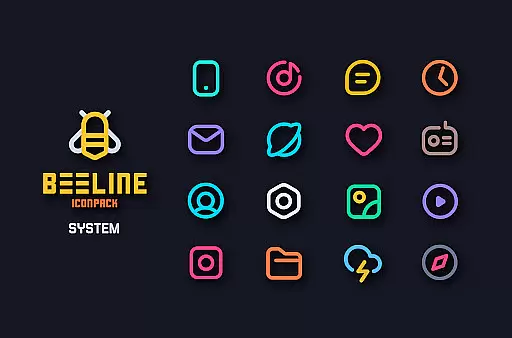
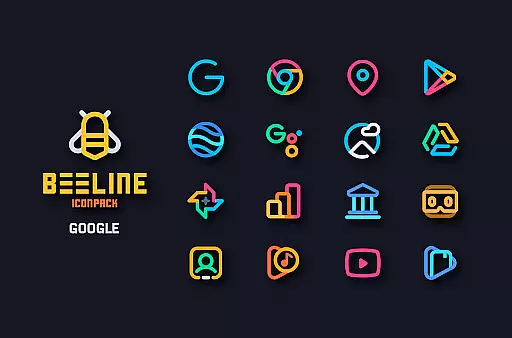
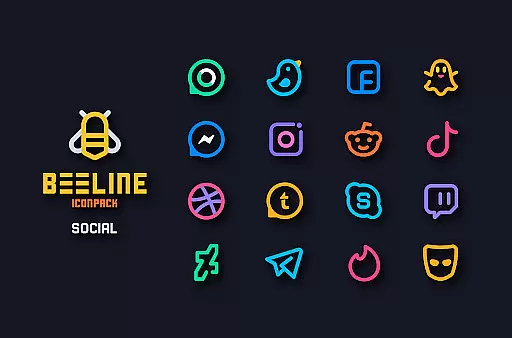
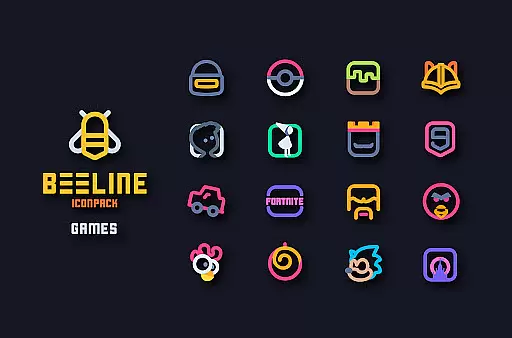
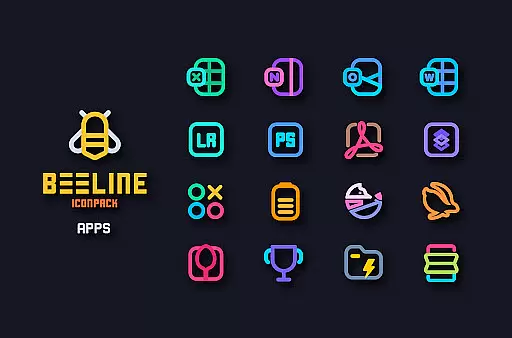
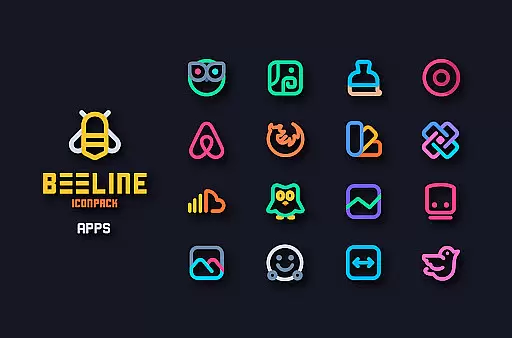
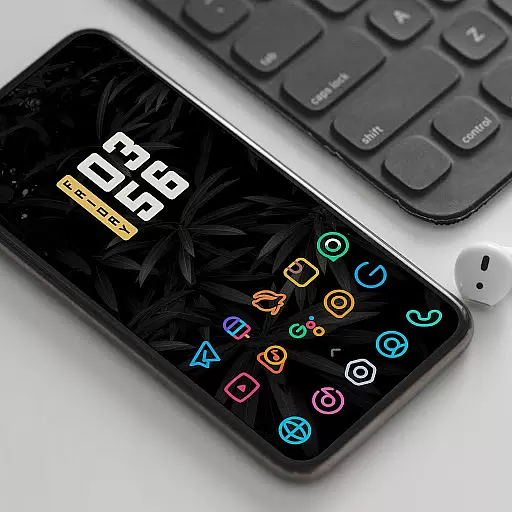
BeeLine Icon Pack is a vibrant collection of over 3000 linear icons designed to enhance your Android device's interface with colorful, minimalistic designs suitable for both dark and light themes. Inspired by Google's Material Design guidelines, each icon is meticulously crafted, offering a fresh aesthetic that revitalizes your smartphone experience.
This icon pack stands out with its unique artistic approach, providing not only a wide array of icons but also features like cloud-based wallpapers, alternative icons for popular apps, and support for dynamic calendars. Whether you're looking to customize your home screen or seeking matching wallpapers, BeeLine Icon Pack delivers both functionality and style.
BeeLine Icon Pack boasts an impressive set of features tailored for customization enthusiasts. With over 3000 icons, users can enjoy a consistent and personalized look across their devices. The pack includes alternative icons for popular applications, ensuring compatibility and variety.
In addition to its extensive icon library, BeeLine offers a material design dashboard, icon search and preview capabilities, and supports Muzei Live Wallpaper. Users can also request missing icons through a server-based system, guaranteeing continuous updates and improvements to the pack.
When it comes to personalizing your smartphone experience, BeeLine Icon Pack offers an impressive array of customization options. With over 3000 icons, this pack ensures that you can give a fresh look to almost every app on your device.
The icon pack doesn't stop at just icons; it also includes a collection of cloud-based wallpapers, allowing users to enjoy a complete aesthetic overhaul of their device's interface. This vast selection means that whether you prefer dark or light themes, there is something in BeeLine that will suit your style.
BeeLine takes pride in its attention to detail and creativity, crafting each icon as a masterpiece that aligns with Googleu2019s Material Design guidelines while adding its unique touch. Users have the ability to preview and search for specific icons, ensuring they can easily find and apply their desired look.
In addition to static icons, BeeLine supports dynamic calendars, custom folder icons, and app drawer icons, providing a comprehensive customization experience that breathes new life into your phone's interface.
BeeLine Icon Pack stands out due to its exceptional theme compatibility across a wide range of launchers. Whether you're using popular launchers like Nova Launcher or more niche ones such as Apex or GO Launcher, BeeLine has been tested and optimized to work seamlessly.
The pack includes support for not only the most common launchers but extends its compatibility to include less mainstream options. Even if your launcher isnu2019t directly listed in the apply section, you can often still apply BeeLine through your launcheru2019s theme settings, making it versatile for various user preferences.
For users who enjoy live wallpapers, BeeLine integrates with Muzei Live Wallpaper, enhancing the visual experience beyond static images. This compatibility ensures that your home screen remains lively and engaging.
It's important to note that while BeeLine works with many launchers, some stock launchers like Google Now Launcher and ONE UI do not support third-party icon packs. However, devices running Oxygen OS or Mi Poco may offer native support, expanding BeeLine's reach to more users seeking a personalized device experience.
Extensive icon library
Vibrant and modern designs
Frequent updates
Cloud-based wallpapers
Responsive developer support
Requires compatible launcher
No Google Now Launcher support
Some icons may be missing
Premium price point
Limited use on stock launchers

A light in the dark, a unique style and an andless cutomization!
 4.30
4.30
Capture moments that pass like a storm, second by second.
4.0
Winter's Journey: digital watch face for Galaxy Watch & Wear OS
4.80
Wear Os Watch Face - Seasonal - Animated Snow Effect - 9 Animals
4.20
Customizable screen pets that play, climb, and keep you company.
4.50
Aesthetic Widgets, HD Wallpapers, Themes in Mico Widget for Home and Lock Screen
4.50
Customize glowing edges, wallpapers, and caller screen with EdgeAura.
3.50
Transform your device in a game console
4.40
Custom ringtones songs, music ringtones for Android phones
4.60
Dark icon pack based on One 8
4.80
Add cute Shimeji pets to screen, interact with them and relax with cute motions
4.60
Ultimate Gallery Lock App - Hide Pictures, Videos and Lock Apps Instantly!
4.60 4.50
4.50
App Icon Changer & Shortcut Creator. Customize your icons without any watermarks
4.30
Magic fluids wallpaper 4D: Relax with stunning fluid simulation wallpaper app
4.20
Run multiple accounts of the same app on a single device
4.10
Create unique, fun emojis with Funny Emoji Maker! Unlimited creativity!
4.00
Transform your phone with stunning video wallpapers and a unique, personal touch
3.80
Struggling to find apps? Use this app to locate and open any app on your phone!
2.20
Wallpaper Engine Android review—PC sync setup, crash issues, sound reactive limitations, and whether this free companion app is actually good.



User Reviews