
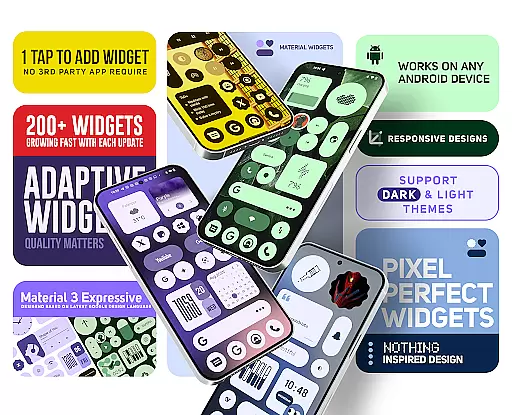
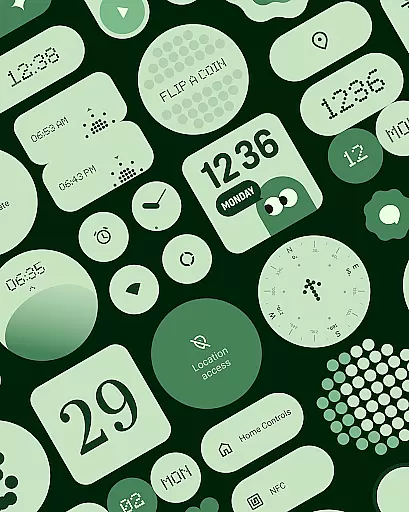
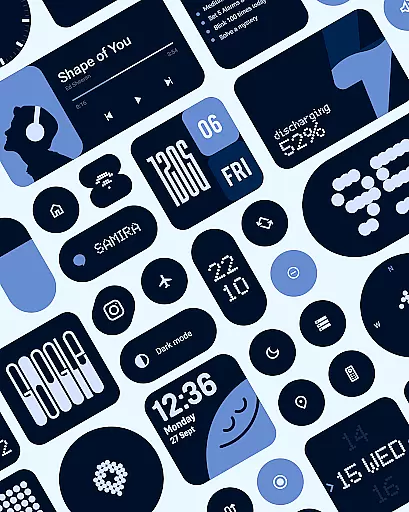
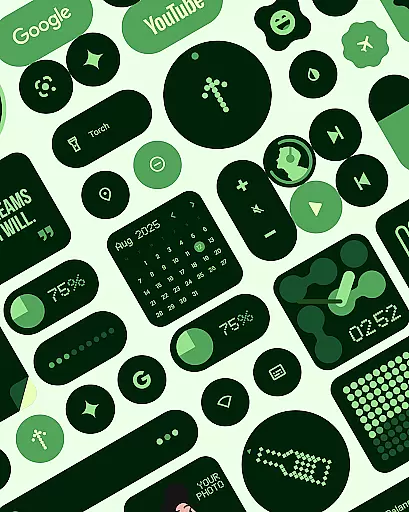
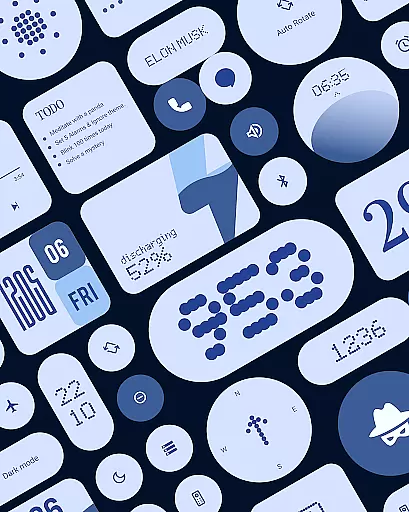
Material Widgets is a dynamic home screen customization tool that brings Google's Material 3 design to life. The app offers over 200 beautifully crafted widgets that automatically adapt to your wallpaper colors and system themes, providing a fresh and personalized experience.
Key features include resizable clock, calendar, weather, and battery widgets, quick settings controls, and photo frames. With native functionality requiring no third-party apps, users can easily customize their Android devices with modern shapes, bold typography, and adaptive theming.
Ideal for those seeking an expressive and functional home screen, Material Widgets makes device personalization both effortless and visually stunning.
Material Widgets stands out with its comprehensive widget collection designed using Google's Material 3 guidelines. Each widget dynamically adjusts its color scheme based on the user's wallpaper, creating a cohesive look across the device.
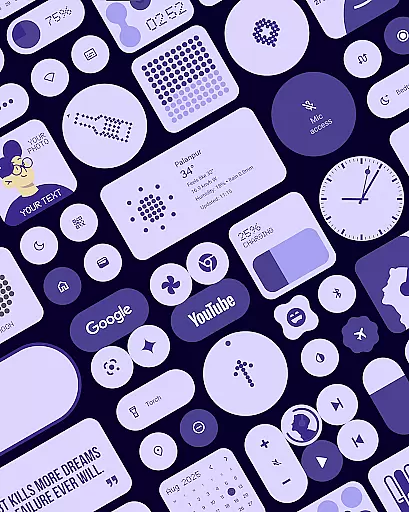
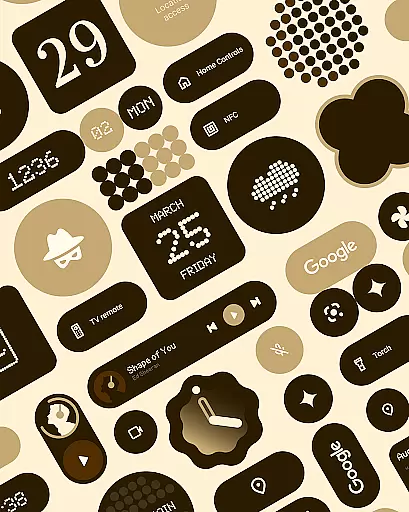
The app includes various widget categories such as clocks, calendars, weather indicators, and productivity tools. Users can enjoy features like one-tap system controls, adaptive contact cards, and motivational quote displays. The package also comes with matching wallpapers for complete customization.
Unlike other widget solutions, this app works natively without requiring additional launcher apps. Its fully resizable design maintains quality at any size, while regular updates ensure new widgets are continually added.
Customization is at the heart of Material Widgets, offering users a rich variety of options to tailor their home screens. With over 200 widgets available, the app provides an extensive selection that caters to different needs and preferences.
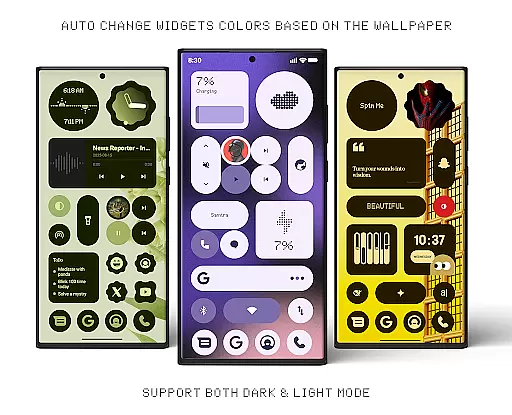
Each widget is designed not only to be functional but also to adapt its colors to match your wallpaper. This dynamic theming ensures that whether you're using clock, calendar, or weather widgets, they seamlessly integrate with your personal style and system settings.
The app supports both dark and light modes, making it versatile for any time of day or user preference. The ability to switch between these modes while maintaining visual consistency enhances usability and comfort during prolonged use.
Material Widgets excels in theme compatibility, ensuring that every element on your home screen aligns perfectly with Googleu2019s Material 3 expressive design guidelines. This results in a cohesive look and feel across all widgets, enhancing the overall aesthetic appeal.
Widgets are crafted to adjust automatically based on your chosen wallpaper and system colors. This feature allows for a personalized experience where each widget feels like an integral part of your device's interface rather than an add-on.
In addition to color adaptation, the app offers fully resizable widgets that scale beautifully from small icons to full-screen layouts. This flexibility ensures that no matter how you customize your home screen, the widgets will fit seamlessly into your design without compromising functionality or appearance.
Native widget support
Dynamic color adaptation
Wide widget variety
Easy installation
Regular updates
Limited iOS support
High memory usage
Premium features locked
Occasional bugs
Complex settings

A retro cartoon style watch face and a punch right in the face of the copyright
 4.60
4.60
Fingerprint Lock Screen & Live Animations with 4K Wallpapers as Live Wallpaper
4.40
Transform your phone with Launcher iOS 26 - Smooth & elegant iOS experience
4.50
Unique Android Launcher
4.60
Wallpaper HD 4K Live - Thousands of high-quality Anime backgrounds for you.
4.80
Want to make your phone more special than ever?
4.60
Romantic Kiss Stickers App. Start romantic messaging now!
4.30
⭐ OneUI inspired Fluffy Icon Pack – Soft. Stylish. Standout. ⭐
4.5
Magic fluids wallpaper 4D: Relax with stunning fluid simulation wallpaper app
4.20
Personalize your phone with stunning HD and 4K wallpapers!
4.70
Ultimate Gallery Lock App - Hide Pictures, Videos and Lock Apps Instantly!
4.60
Embrace the Night. Unleash the power of darkness with Raven Dark Icon Pack
4.60
300+ Beautifully crafted widgets inspired by OneUI.
4.60 4.50
4.50
Unique Fonts, typefaces and stylish text. Fonts for Instagram, Whatsapp & others
4.20
Transfer your live wallpapers from Windows to Android using Wallpaper Engine!
4.00
Customize glowing edges, wallpapers, and caller screen with EdgeAura.
3.50
Interactive Miniature Painting Catalogue
3.30
Modern Glass Icon Pack with glossy icons, clean minimal theme & aesthetic style
4.5
Wallpaper Engine Android review—PC sync setup, crash issues, sound reactive limitations, and whether this free companion app is actually good.



User Reviews