
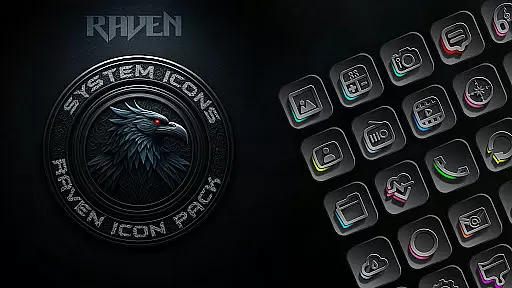
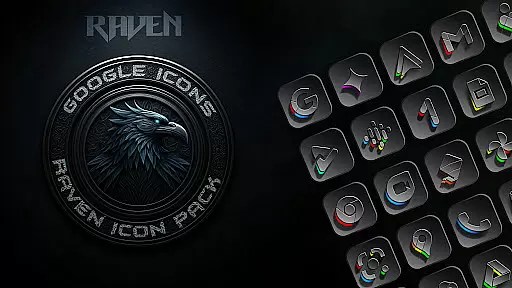
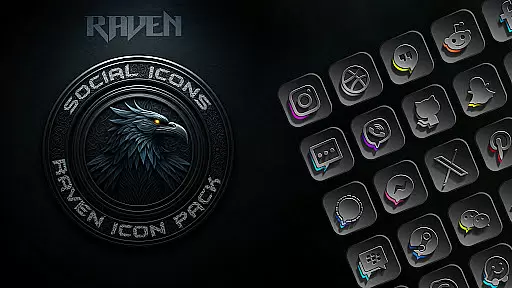
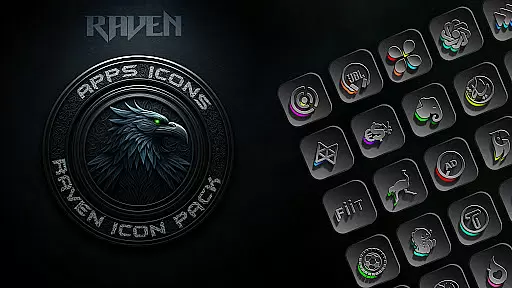
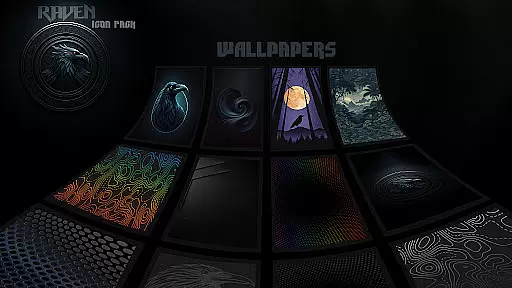
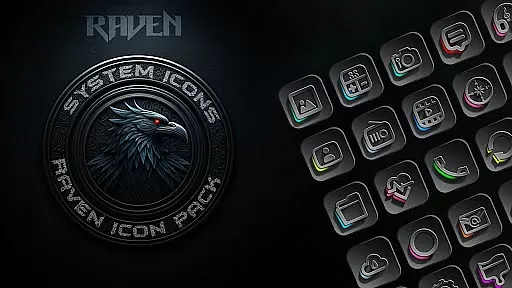
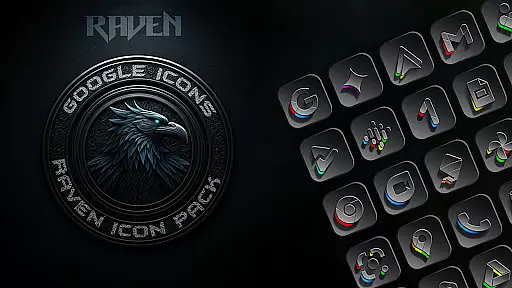
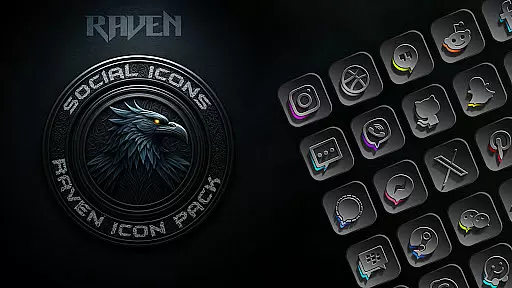
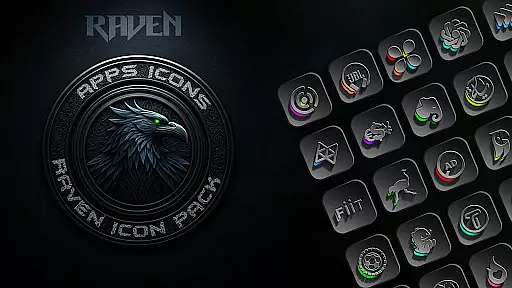
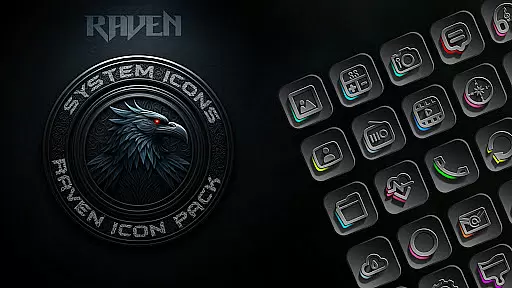
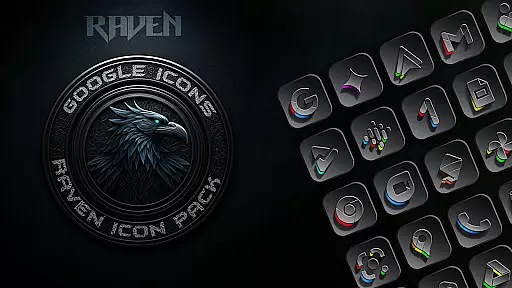
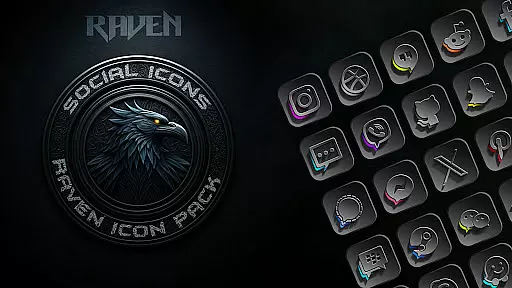
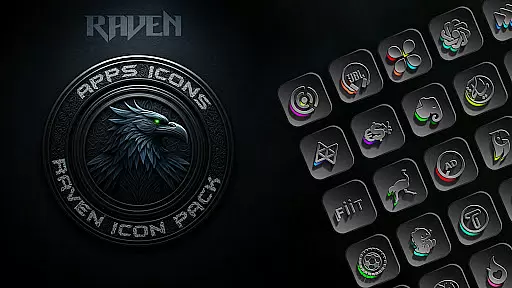
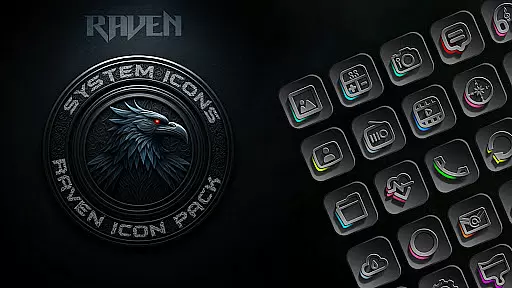
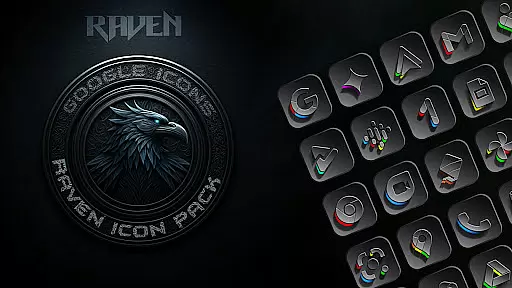
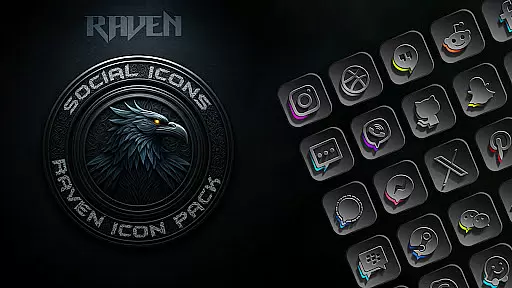
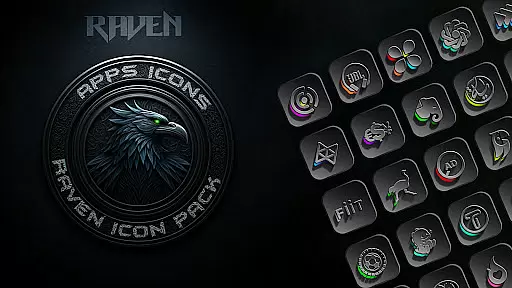
Raven Dark Icon Pack offers a sophisticated collection of dark-themed icons, designed to give Android users a sleek and mysterious aesthetic. With over 4500 meticulously crafted icons, this pack caters to those who appreciate minimalist design combined with functionality. The deep blacks, greys, and subtle color accents create an elegant nocturnal ambiance on your home screen.
Beyond its visually appealing design, Raven Dark Icon Pack provides practical features such as regular updates that include user-requested icons, cloud-based wallpapers, and compatibility with most Android launchers. Whether you're using Nova Launcher or another supported option, customization is seamless and straightforward. This icon pack not only enhances visual appeal but also ensures smooth performance and a refined interface.
The standout feature of Raven Dark Icon Pack is its extensive library of unique icons, offering alternate designs for popular apps. Each icon is crafted to maintain a consistent dark and moody aesthetic, ensuring visual harmony across your device. The inclusion of vibrant color accents adds a touch of allure without compromising the minimalist design philosophy.
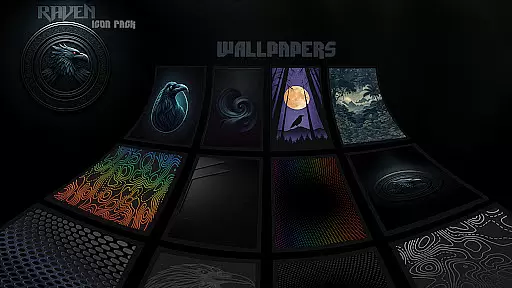
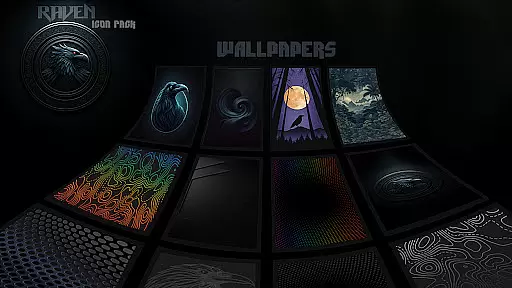
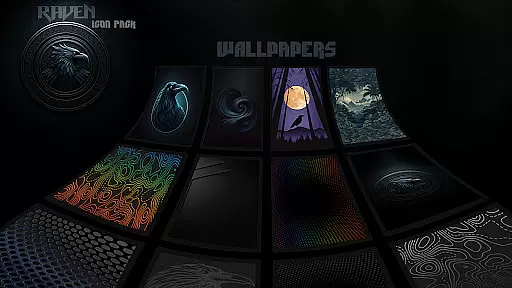
In addition to the vast icon collection, users can access a curated selection of stunning dark wallpapers, enhancing the overall theme. The pack also includes an easy-to-use icon request tool, allowing users to ask for specific app icons not yet included. Regular updates ensure that the icon pack remains relevant and comprehensive, adapting to user needs and preferences while maintaining its elegant and functional design.
Customization is at the heart of the Raven Dark Icon Pack, offering users a plethora of options to tailor their Android device's appearance. With over 4500 unique icons, this pack ensures that most apps on your device can don a new look that aligns with your personal style.
The pack doesn't stop at just icons; it extends to providing cloud-based wallpapers. This feature allows users to select from a range of dark-themed wallpapers that complement the iconography, ensuring a cohesive and immersive aesthetic across the entire device interface.
For those seeking true individuality, the icon request tool empowers users to ask for specific app icons not already included in the pack. This service underscores a commitment to personalization, acknowledging that each user's app collection is unique.
Moreover, regular updates to the pack mean that it evolves with your needs. User requests are incorporated into updates, ensuring that the icon pack remains relevant and continues to offer fresh customization possibilities over time.
The Raven Dark Icon Pack shines in its compatibility with a wide array of Android launchers, making it an adaptable choice for personalizing your device. Whether you're using popular launchers like Nova or more niche options such as Zero Launcher, this icon pack integrates seamlessly, enhancing your home screen with its dark, elegant design.
Notably, Samsung users aren't left out. With Android 12 and Samsung One UI 4.0 or newer, applying these themes becomes possible through the Theme Park app from GOOD LOCK, thus extending the reach of the Raven Dark Icon Pack to a broader audience.
However, it's important to note that some launchers do not support third-party icon packs. Google Now Launcher and certain other launcher exclusions mean users must ensure their launcher is compatible before diving into customization.
This level of theme compatibility ensures that regardless of your launcher preference, you can achieve a consistent and personalized look across your device, elevating your smartphone experience with minimal effort.
Extensive icon library
Sleek dark aesthetic
Regular updates
User-friendly customization
Compatible with many launchers
Requires compatible launcher
No Google Now support
Premium price tag
Limited dynamic features
Occasional update delays

Winter's Journey: digital watch face for Galaxy Watch & Wear OS
 4.80
4.80
3D, live, and moving wallpapers & themes in 4K and HD for your device.
4.50
Sparkle your screen with Glitter Wallpapers For Girls and Cute Backgrounds!
4.80
AI-powered Copilot. Personalized keyboard with gifs, stickers & themes
4.40
Customizable screen pets that play, climb, and keep you company.
4.50
100+ Stylish Fonts, Emojis, Symbols keyboard for Instagram & TikTok!
4.80
Zip lock screen with magic wallpaper to decorate your phone with fun zipper lock
4.60
Your home screen, just the way you like it.
4.30
Your home screen, just the way you like it.
3.80
A Colorful and Minimal icon pack in an Outline Style - Over 13,600 icons!
4.70
Vertically oriented rectangular icons
4.70
Nothing Icon pack with more than 3750+ highly crafted icons.
4.70
350+ widgets with a premium glass-style finish, perfect for home & lock screens.
4.70
A minimalist productivity launcher. One-hand-friendly. Zero ads.
4.70
Choose your keyboard with RGB colors effect, themes, fonts, emojis.
4.60
300+ widgets inspired by Material You and Material 3 expressive design.
4.60
Transform your phone with Launcher iOS 26 - Smooth & elegant iOS experience
4.50
Launcher OS™ Pro without ads help make your phone simple and pretty
4.30 4.10
4.10
Wallpaper Engine Android review—PC sync setup, crash issues, sound reactive limitations, and whether this free companion app is actually good.



User Reviews