
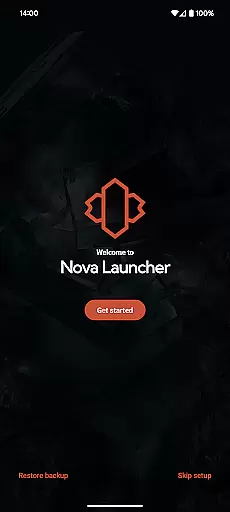
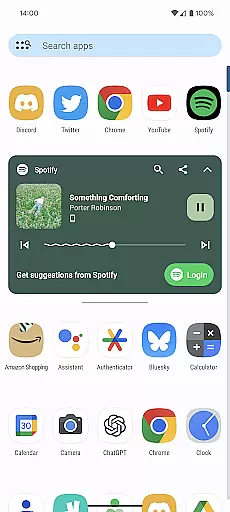
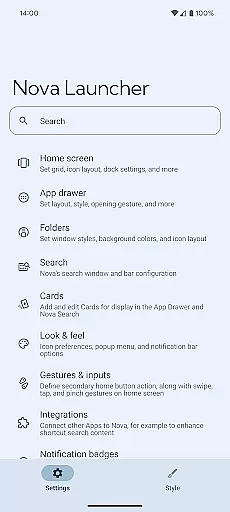
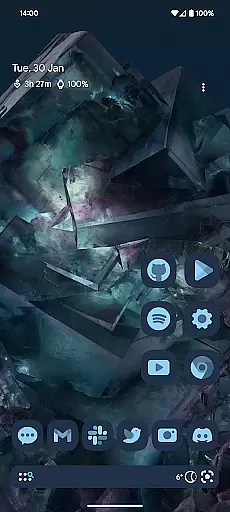
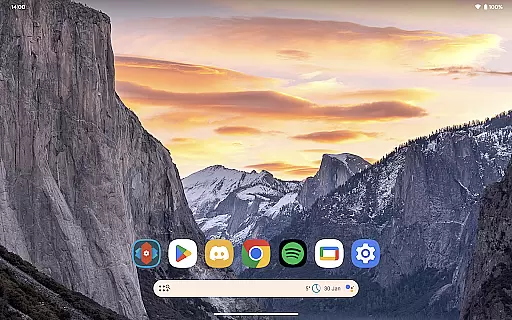
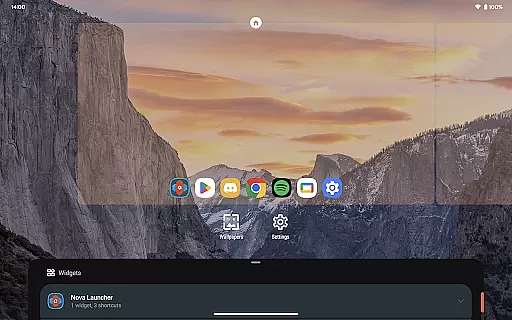
Nova Launcher represents a highly customizable home screen replacement for Android devices, offering users the ability to personalize their mobile experience extensively. With its advanced features, Nova Launcher caters to both tech-savvy individuals and everyday users seeking a cleaner, faster interface. The app supports countless icon themes, custom light and dark modes, and an extensive color system that allows users to tailor their home screens to match personal preferences.
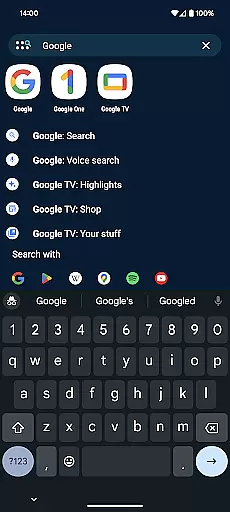
One of Nova Launcher's standout capabilities is its powerful search system, enabling users to find content within apps, contacts, and integrated platforms quickly. Additionally, it offers subgrid positioning for precise layout control, backup and restore functionalities for seamless transitions between devices, and gestures that enhance productivity. Whether you're looking to revamp your phone's appearance or optimize its performance, Nova Launcher provides the tools necessary to create a personalized and efficient home screen environment.
Nova Launcher distinguishes itself through a plethora of innovative features designed to enhance user interaction and customization. The app drawer and home screen offer extensive customization options, including icon size adjustments, label color changes, and vertical or horizontal scrolling. Users can also take advantage of customizable cards in the app drawer, providing quick access to essential information. Furthermore, Nova Launcher Prime unlocks additional capabilities such as gesture controls, app drawer groups, and custom icon swipe gestures, which collectively contribute to a more organized and productive digital workspace.
The introduction of Material You colors and the ability to sync dark mode with system settings or keep it permanently activated adds another layer of personalization. Nova Launcher's backup and restore feature ensures that users can effortlessly migrate their configurations across devices or experiment with new setups without losing previous arrangements. These features not only highlight Nova Launcher's commitment to user-centric design but also underscore its position as a leading choice for those seeking to elevate their smartphone experience through customization and functionality.
Nova Launcher stands out in the realm of personalisation with its vast array of customization options, making it a top choice for users seeking to tailor their home screens. The app allows for intricate adjustments ranging from icon size and label colors to the positioning of the search bar, offering a personalized experience that caters to individual preferences.
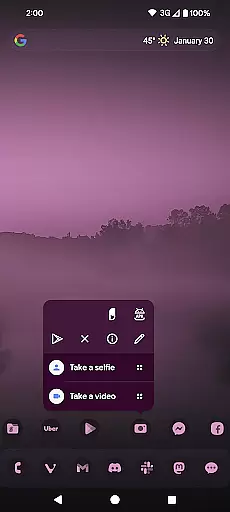
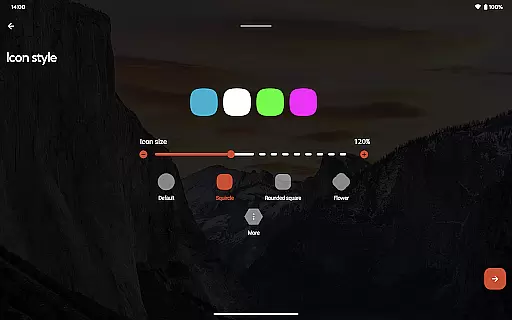
One of the key features is its support for thousands of icon themes available in the Play Store, alongside the ability to reshape all icons to a uniform shape of your choosing. This flexibility extends to creating custom light and dark themes, enabling users to sync their launcher's appearance with system settings or opt for a personalized color scheme that reflects their style.
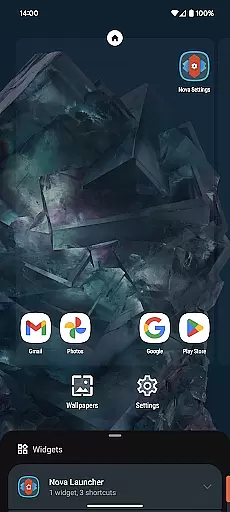
The level of control Nova offers over the home screen setup is unparalleled. Users can customize not only the home screen but also the app drawer and folders, introducing innovative elements like customizable cards that display necessary information precisely when needed. This ensures that every aspect of the user interface aligns with personal workflow and aesthetic desires.
Such extensive customization empowers users to craft a digital environment that is both functional and expressive, significantly enhancing the overall mobile experience by ensuring that the device truly feels like their own.
Theme compatibility in Nova Launcher ensures that users enjoy a seamless and visually consistent experience across their devices. By supporting an extensive range of themes, including Material You colors from the system or custom palettes, Nova guarantees that every visual element aligns perfectly with user preferences.
This compatibility extends beyond mere color schemes; Nova embraces thousands of icon themes available on the Play Store, allowing users to apply cohesive looks that span across all icons and interface components. The ability to reshape icons further enhances this uniformity, providing a polished and professional appearance that elevates the entire home screen aesthetic.
Moreover, Novau2019s adaptive theming capabilities mean that whether you prefer a sleek dark mode synced with sunrise and sunset times or a vibrant light theme, the transition is smooth and visually appealing. This adaptability ensures that no matter how dynamic your style or needs may be, Nova remains in perfect harmony with your digital lifestyle.
Ultimately, Nova Launcheru2019s commitment to theme compatibility not only beautifies the user interface but also reinforces usability and satisfaction, proving that form and function can indeed coexist beautifully.
Highly customizable
Extensive icon support
Powerful search system
Backup and restore feature
User-friendly interface
Premium features locked
Occasional bugs reported
Steep learning curve
Limited iOS compatibility
Resource-intensive

Classic analogue watch face. For wear os devices.
 4.60
4.60
Glass style colourful icons with a One UI look and feel
4.60
Realistic animated snow on your wrist, with 10 images landscapes to choose from
4.00
Unique Android Launcher
4.60
AI-powered Copilot. Personalized keyboard with gifs, stickers & themes
4.40
Turn your lock screen into fun with smile live wallpapers & animated wallpapers!
2.50
Vibrant Adaptive Icons with Material You and Enhanced Monet Colors.
4.50
Amazing letter fonts in your messages and social statuses
4.70
Fast SMS & group chat - use GIFs and emojis from your home screen launcher.
4.50
Wallpaper HD 4K Live - Thousands of high-quality Anime backgrounds for you.
4.80
Bring adorable pets to life on your screen. Playful, interactive and full of fun
4.60
Icons made of colorful linear lines
4.60
Transform your device in a game console
4.40
A light in the dark, a unique style and an andless cutomization!
4.30
Unique Fonts, typefaces and stylish text. Fonts for Instagram, Whatsapp & others
4.20
Design your screen with unique, vibrant clocks
3.80
Transform your phone with stunning video wallpapers and a unique, personal touch
3.80
Customize glowing edges, wallpapers, and caller screen with EdgeAura.
3.50
Custom edge gestures for volume control, brightness, apps, and shortcuts.
4.4
Wallpaper Engine Android review—PC sync setup, crash issues, sound reactive limitations, and whether this free companion app is actually good.


User Reviews