
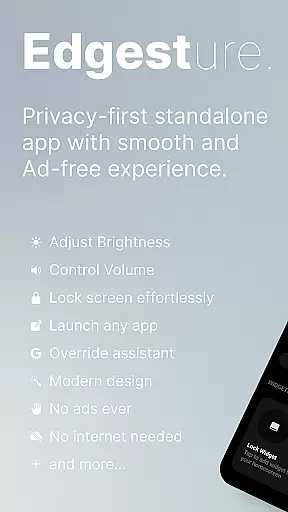
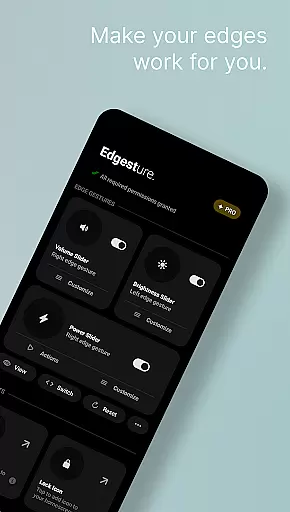
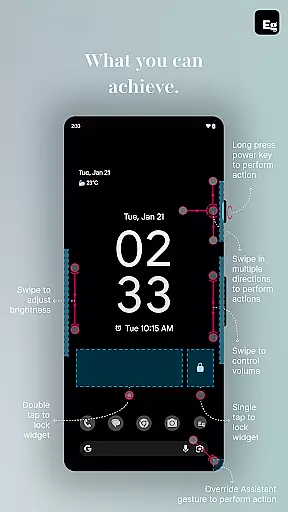
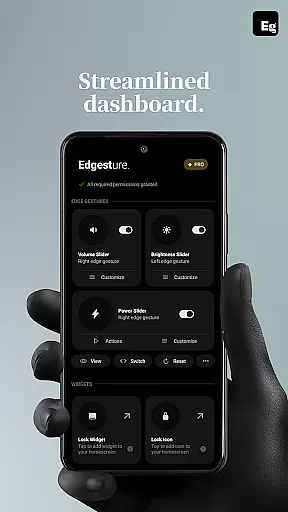
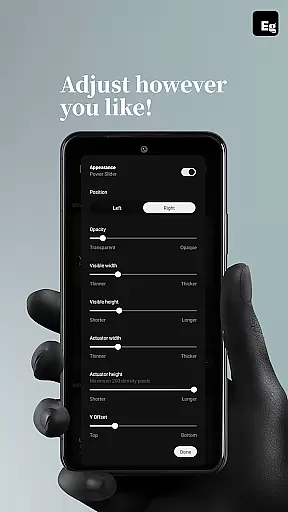
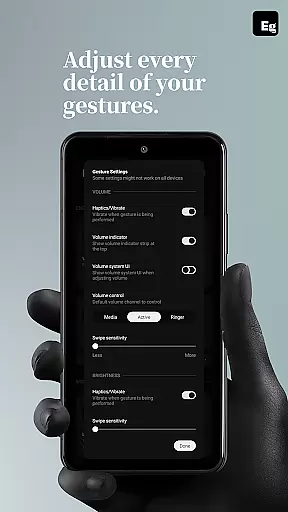
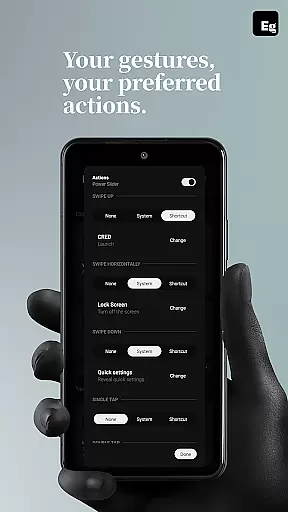
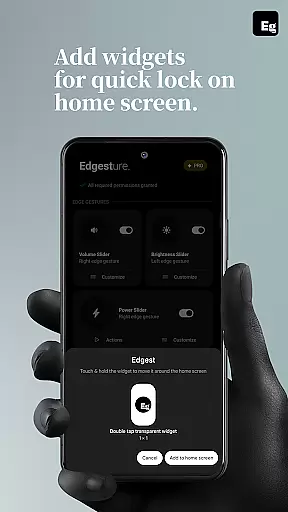
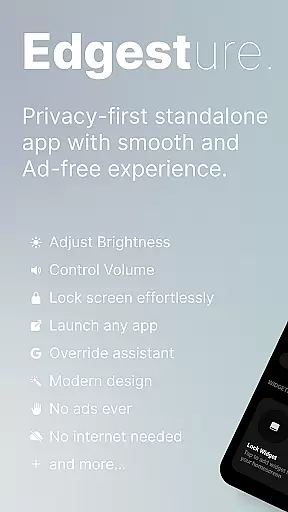
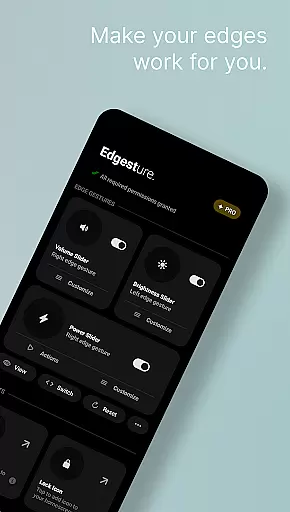
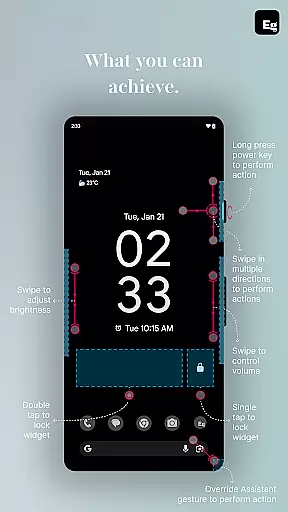

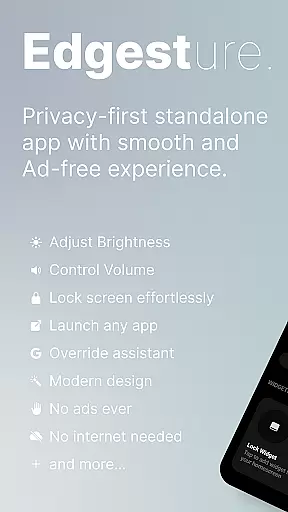
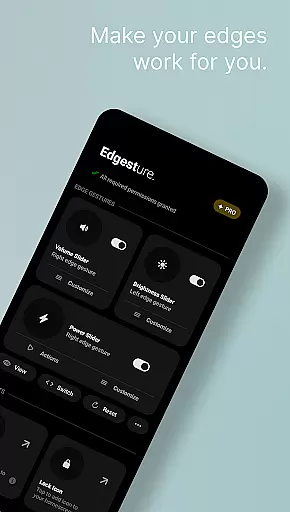
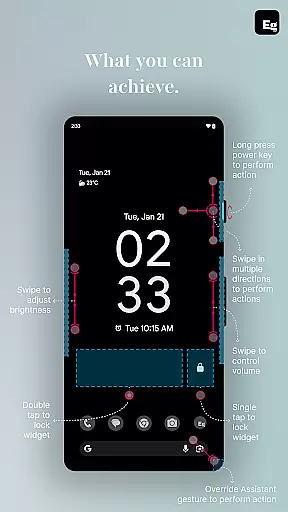
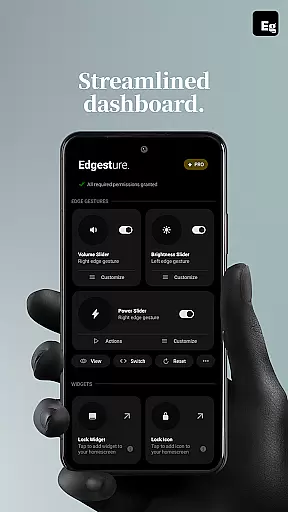
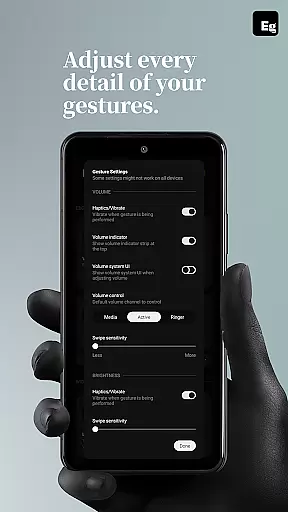
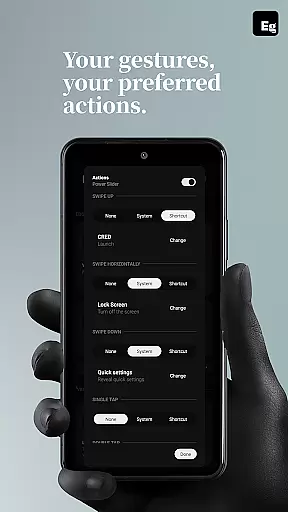
Edgest is a powerful personalisation tool that revolutionises how users interact with their smartphones through intuitive edge gestures and custom controls. The app allows seamless navigation, instant access to favourite apps, and quick adjustments of essential settings like volume and brightness directly from the screen's edge.
Beyond basic gestures, Edgest supports fully customisable shortcuts for launching apps, controlling media playback, and managing system functions. Its lock screen widgets and quick settings tiles further enhance accessibility, making device management effortless. Designed with simplicity in mind, it ensures an ad-free, user-friendly experience while boosting productivity and personalisation.
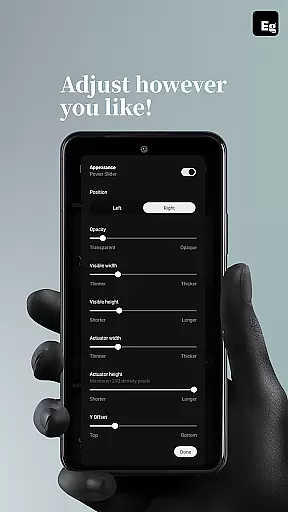
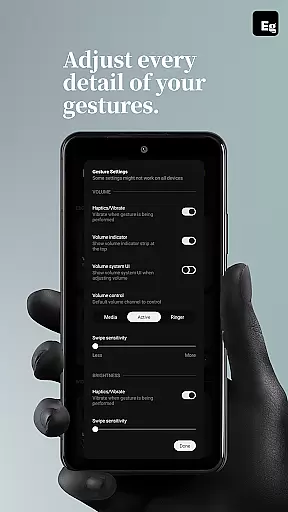
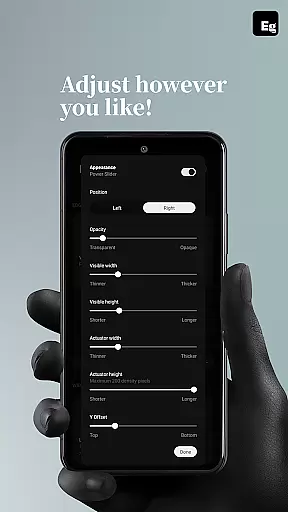
Edgest stands out with its comprehensive gesture-based control system. Users can create custom gestures tailored to their needs, such as opening apps, toggling settings, or triggering system actions like screenshots and media controls. The app also offers adjustable sensitivity and animation speeds, ensuring a personalised experience.
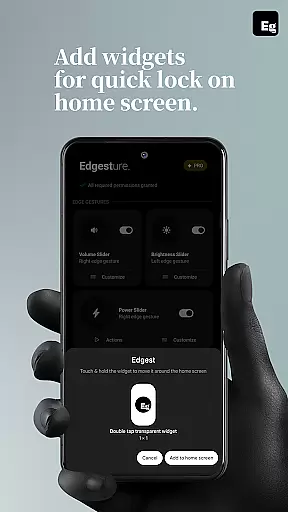
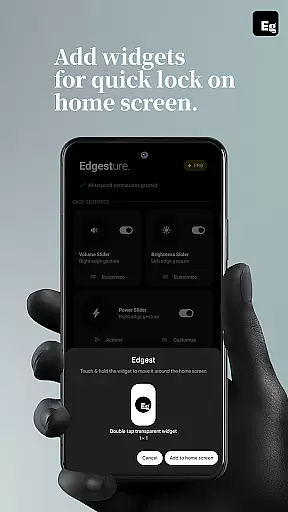
Additional features include lock screen widgets for one-tap device locking, quick settings tiles for instant access to frequently used actions, and override options for assistant triggers. With its lightweight design and focus on battery efficiency, Edgest delivers both functionality and performance without compromising device resources.
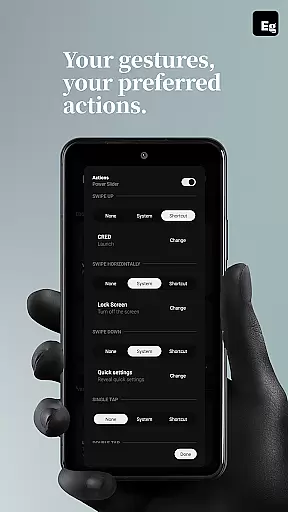
Customization is at the heart of Edgest, allowing users to tailor their device interaction in ways that suit their personal preferences. With a wide array of gesture controls, users can define specific actions for different types of swipes, taps, and long presses along the screen edges.
The app offers volume and brightness control directly from the screen's edge, eliminating the need to navigate through menus. Users can also create custom gestures that launch apps, open system menus, or trigger shortcuts, making daily tasks quicker and more intuitive.
Moreover, Edgest provides a highly customizable experience with adjustable gesture sensitivity, animation speed, and feedback. This ensures that each user can fine-tune the app to match their unique usage patterns and preferences.
By integrating lock screen widgets and quick settings tiles, Edgest enhances productivity and convenience. These features allow users to perform essential functions like locking the device or controlling media playback without leaving their current app, thus streamlining their smartphone experience.
While Edgest focuses primarily on gesture navigation and customization, its design ensures seamless integration with various themes and visual styles. The app's interface is crafted to maintain visual consistency across different devices and Android versions.
Users can enjoy a cohesive look and feel as Edgest adapts to the system's theme settings. Whether using a light or dark theme, the app maintains clarity and usability, ensuring that all controls and settings are easily accessible.
Furthermore, Edgest supports personalized gesture shortcuts that align with the user's preferred theme. This means that regardless of the visual style, users can execute commands efficiently without any compromise on aesthetics or functionality.
In summary, Edgest not only excels in providing extensive customization options but also ensures that these features are compatible with diverse themes, enhancing both the utility and visual appeal of the user's device.
Intuitive navigation
Customisable gestures
Lightweight design
No ads or tracking
Enhanced productivity
Limited visual themes
Advanced features require setup
Dependent on accessibility API
Fewer beginner tutorials
Premium-only customisation

Glass style colourful icons with a One UI look and feel
 4.60
4.60
Try creating your own keyboard with "Keyboard theme for android" app now!
4.50
Zip lock screen with magic wallpaper to decorate your phone with fun zipper lock
4.60 4.50
4.50
Customize your home screen with stunning themes, blur, widgets & icons.
4.60
Your go to Weather App & Home Screen. Get your weather at a swipe of a finger!
3.80
Crystal-clear, square icon provides a sleek and sophisticated visual upgrade
4.00
350+ widgets with a premium glass-style finish, perfect for home & lock screens.
4.70
A minimalist productivity launcher. One-hand-friendly. Zero ads.
4.70
Wallpaper HD 4K Live - Thousands of high-quality Anime backgrounds for you.
4.80
Customizable Glass widgets. Over 360+ stunning widgets and more!
4.70
Personalize your phone with stunning HD and 4K wallpapers!
4.70
Nothing Icon pack with more than 3750+ highly crafted icons.
4.70
Make your phone look simple & luxury, like iDevice
4.60
Unique Android Launcher
4.60
Aesthetic Widgets, HD Wallpapers, Themes in Mico Widget for Home and Lock Screen
4.50
Yandex Browser — stylish and secure, with voice search and data compression
4.40
Realistic animated snow on your wrist, with 10 images landscapes to choose from
4.00
Design your screen with unique, vibrant clocks
3.80
Wallpaper Engine Android review—PC sync setup, crash issues, sound reactive limitations, and whether this free companion app is actually good.



User Reviews