
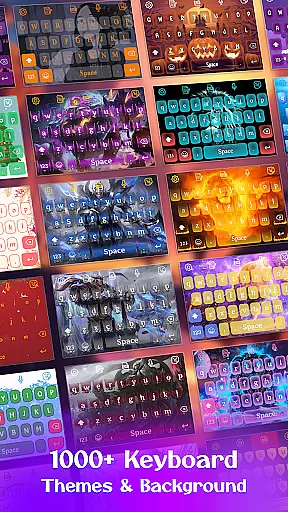
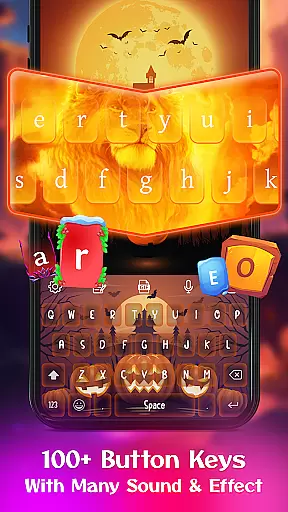
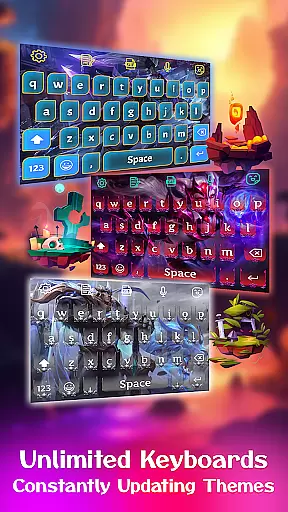
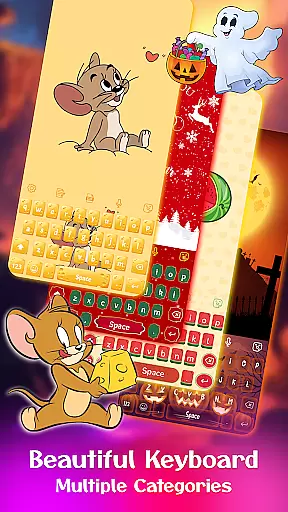
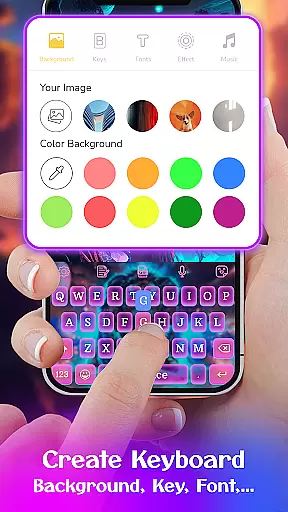
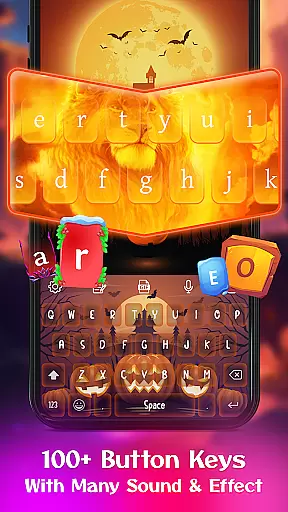
Keyboard Maker is a feature-rich personalization app that allows users to create their own custom keyboard themes for Android devices. With support for over 150 languages, this app offers diverse keyboard layouts and customization options including fonts, wallpapers, and backgrounds.
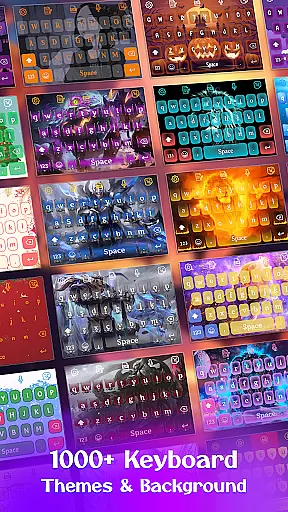
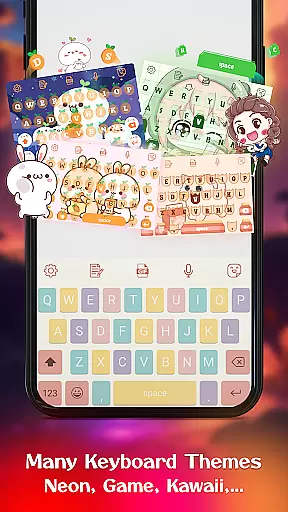
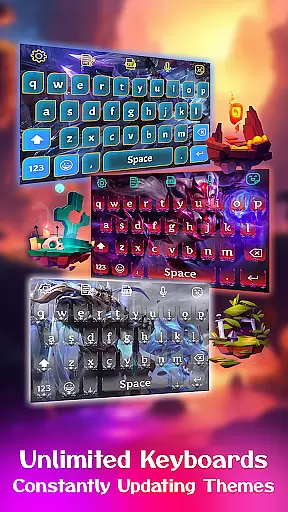
The app stands out with its extensive collection of 500+ free themes ranging from simple designs to vibrant colorful styles, LED effects, and anime-inspired visuals. Users can also personalize their typing experience by adding photos from their gallery as keyboard backgrounds.
This application is particularly useful for those who want both functionality and style in their daily typing. The smart autocorrect, word prediction, and gesture typing features ensure efficient communication while maintaining a personalized touch through unique themes and emojis.
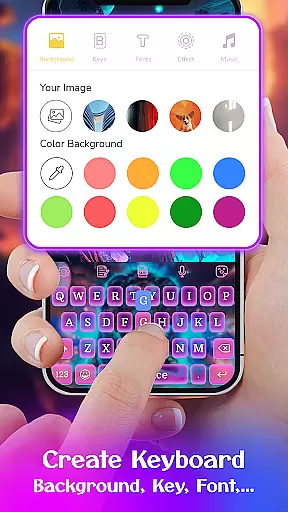
One of the key strengths of Keyboard Maker lies in its comprehensive customization capabilities. The app provides various tools to design your own keyboard theme, including options to change fonts, add wallpapers, and select from multiple keyboard layouts.
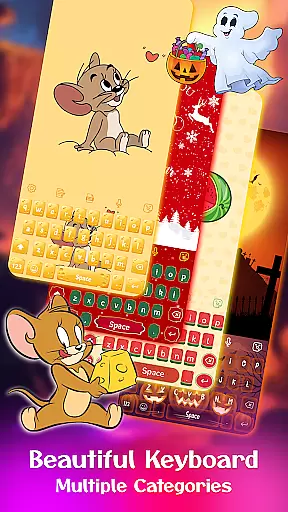
Users can choose from different categories such as simple, colorful, LED, anime, love, and cute themes. Each category offers unique aesthetics that cater to individual preferences. Additionally, the DIY feature lets users upload personal images to create truly customized keyboard backgrounds.
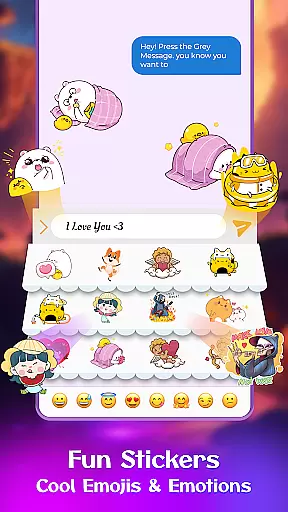
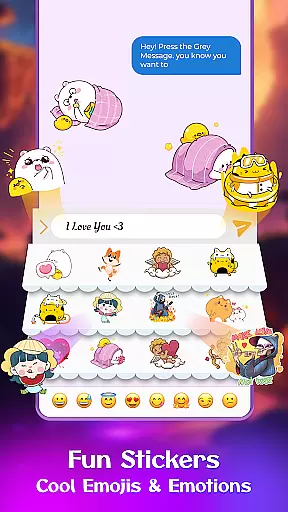
Beyond visual customization, the app includes practical features like smart autocorrect, word prediction, voice input, and multi-language support. These functionalities not only enhance typing efficiency but also make communication more enjoyable through fun stickers, emojis, and GIFs.
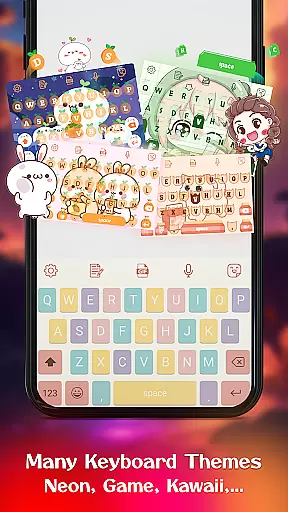
Customization is at the heart of Keyboard Maker, offering users a vast array of options to tailor their typing experience. This app provides an extensive selection of themes, ranging from simple and colorful designs to specialized options like LED, Neon, and Anime themes. With over 500 free keyboard themes, users can constantly refresh their keyboard's look and feel, ensuring it always matches their personal style or mood.
Beyond themes, Keyboard Maker supports comprehensive customization features such as adjustable keyboard layouts, font choices, and the ability to add personal photos as keyboard backgrounds. Users can modify their keyboard layout to suit different devices or preferences, activate a number row, or resize the keyboard for comfort. These options empower users to design a typing interface that perfectly fits their needs.
The app also includes fun elements like stickers, emojis, and GIFs, which can be shared directly during conversations. This level of customization not only enhances the aesthetic appeal but also improves usability and engagement. By allowing users to inject personality into their keyboards, Keyboard Maker transforms a mundane typing tool into a dynamic extension of personal identity.
Keyboard Maker ensures seamless theme compatibility across various devices and operating systems, providing a consistent user experience. The app supports more than 150 languages, making it accessible to a global audience. Regardless of the device in use, users can expect their chosen theme to display correctly without losing quality or functionality. This universal compatibility is crucial for maintaining the integrity of the personalized keyboard experience.
In addition to language support, Keyboard Maker offers diverse categories of themes including Simple, Colorful, LED, Anime, Love, and Cute themes. Each category is designed to cater to different tastes and preferences while guaranteeing smooth integration with the keyboardu2019s core functions. Whether you prefer vibrant colors or sleek designs, each theme maintains its visual appeal and operational consistency.
Furthermore, advanced features like gesture typing, voice input, and smart autocorrect work harmoniously with any selected theme. This ensures that no matter how users customize their keyboards, they will continue to benefit from the app's intelligent functionalities. By prioritizing theme compatibility, Keyboard Maker delivers a reliable and enjoyable typing experience that adapts to both individual styles and practical requirements.
Highly customizable
Wide language support
Variety of themes
User-friendly interface
Smart typing features
May drain battery
Occasional glitches
Ads in free version
Large file size
Learning curve

Vertically oriented rectangular icons
 4.70
4.70
Art & Emoji Keyboard with Cool Fonts, Cute Themes and Custom Designs.
4.40
More than 3000+ themes and 9000+ wallpapers for everybody!
4.10
Romantic Kiss Stickers App. Start romantic messaging now!
4.30
Color phone with cool effects for call screen, flash alert & ringtones music
4.50
Crystal-clear, square icon provides a sleek and sophisticated visual upgrade
4.00
300+ Beautifully crafted widgets inspired by OneUI.
4.60
Emoji Maker app - Design custom emojis and effortlessly blend them with Mixer
3.80
Custom ringtones songs, music ringtones for Android phones
4.60
Only for Wear OS devices!
4.90
300+ Stunning and well-designed widgets inspired by NOTHING.
4.70
Stylish Pink Cute Hippo keyboard with 10000+ customized keyboard themes!
4.60
300+ widgets inspired by Material You and Material 3 expressive design.
4.60
Transform your phone with Launcher iOS 26 - Smooth & elegant iOS experience
4.50
Customizable screen pets that play, climb, and keep you company.
4.50
Vibrant Adaptive Icons with Material You and Enhanced Monet Colors.
4.50
Unique Fonts, typefaces and stylish text. Fonts for Instagram, Whatsapp & others
4.20
Realistic animated snow on your wrist, with 10 images landscapes to choose from
4.00
Design your screen with unique, vibrant clocks
3.80
Wallpaper Engine Android review—PC sync setup, crash issues, sound reactive limitations, and whether this free companion app is actually good.



User Reviews