
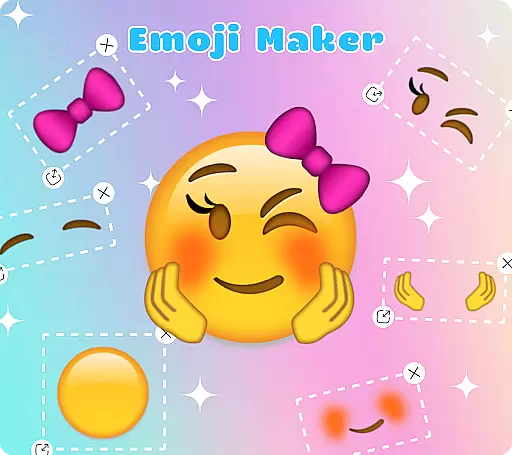
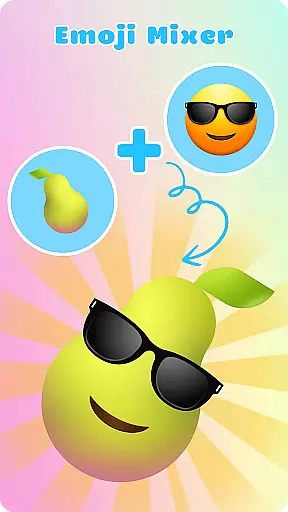
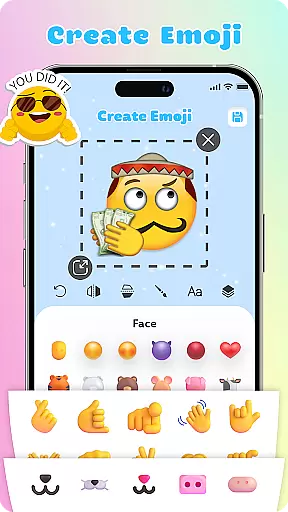
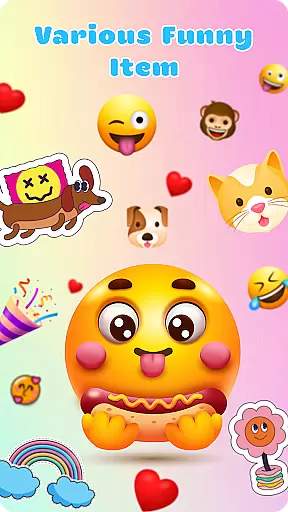
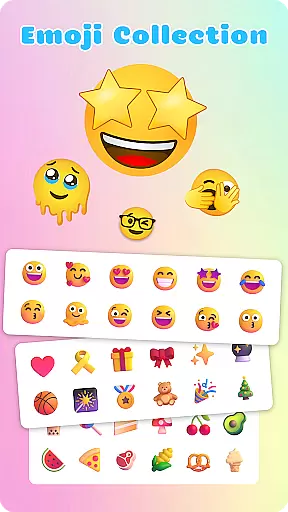
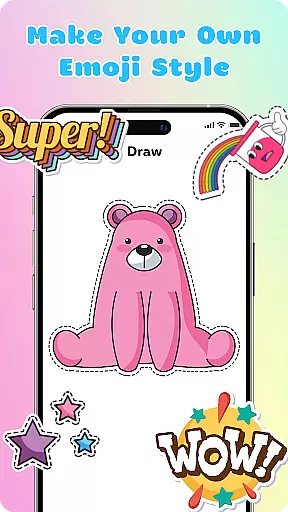
Emoji Maker is a creative personalization app that allows users to design and customize their own emojis. With two main functions - Emoji Maker and Emoji Mixer, it provides an innovative platform for creating unique emoji combinations. The app offers endless customization possibilities, from designing individual emojis to mixing different components like facial expressions, gestures, and accessories.
The app's key value lies in its ability to help users express emotions and meanings more precisely through personalized emojis. Its intuitive interface and various editing tools make emoji creation accessible even for beginners. Users can add text, use freehand drawing tools, and work with layers to create complex and personalized emojis. These features make it particularly useful for enhancing chat conversations across different contexts, from casual chats to professional communication.
Emoji Maker stands out with its comprehensive set of creative tools. The app provides users with complete control over emoji customization through its robust editing features. Users can resize, flip, and duplicate elements while working with layers to stack and reorder components, enabling the creation of sophisticated emoji designs.
A notable feature is the text tool that allows adding words and phrases directly on emojis, while the freehand drawing tool lets users incorporate unique details. The app also supports creating custom emoji packs with self-designed elements. Regular updates bring new features and customization options, keeping the creative possibilities fresh. These capabilities ensure users can continually find new ways to express themselves through personalized emojis.
Customization options variety refers to the range and depth of personalization features available within an application. For Emoji Maker, this aspect is at the core of its offering.
The app provides extensive tools for creating and customizing emojis. Users can modify every detail, from facial expressions to accessories, ensuring that each emoji suits their unique style and mood. The ability to resize, flip, and duplicate images adds another layer of customization.
With features like freehand drawing and text overlays, users can further personalize their emojis. These options allow for the creation of emojis that are not only visually appealing but also rich in meaning and context.
This level of customization empowers users to express themselves more accurately and creatively, enhancing their communication through personalized emojis.
Theme compatibility involves how well an app's features align with various thematic elements and styles. In the case of Emoji Maker, theme compatibility ensures that created emojis fit seamlessly into different conversational contexts.
Emoji Maker supports a wide array of themes by allowing users to mix and match different components. Whether itu2019s quirky faces or expressive gestures, the app provides the tools needed to adapt emojis to any theme.
The layer feature enables stacking elements, changing orders, and creating complex designs. This flexibility ensures that regardless of the conversation's toneu2014be it humorous or seriousu2014the emojis can be tailored accordingly.
Ultimately, this compatibility enhances user experience by making emojis versatile and appropriate for any messaging scenario, thus enriching digital communication.
User-friendly interface
Extensive customization options
Regular feature updates
Layer-based editing
Text integration
Limited sharing options
No cloud backup
Basic tutorial
Occasional bugs
Premium features

Customizable flower power digital watch face for Wear OS watches.
 4.00
4.00
Themes - Widget & Wallpaper: Customize home screen, icon changer w unique themes
4.30
Sparkle your screen with Glitter Wallpapers For Girls and Cute Backgrounds!
4.80
The definitive Icon pack maker and editor
4.30
Romantic Kiss Stickers App. Start romantic messaging now!
4.30
Design your screen with unique, vibrant clocks
3.80
Choose your keyboard with RGB colors effect, themes, fonts, emojis.
4.60
Enjoy a variety of amazing live wallpapers and colorful EDGE lighting borders!
4.80
set a new experience for the Android mobile phone
4.20
A launcher for Samsung Good Lock and Good Guardians modules without ads
4.70
Personalize your phone with stunning HD and 4K wallpapers!
4.70
400+ Beautifully crafted widgets inspired by NOTHING.
4.70
Classic analogue watch face. For wear os devices.
4.60
Customizable screen pets that play, climb, and keep you company.
4.50
Vibrant Adaptive Icons with Material You and Enhanced Monet Colors.
4.50
Fingerprint Lock Screen & Live Animations with 4K Wallpapers as Live Wallpaper
4.40
Transform your device in a game console
4.40
Adult video chat, dating, making friends, random matching
4.20
⭐ OneUI inspired Fluffy Icon Pack – Soft. Stylish. Standout. ⭐
4.3
Wallpaper Engine Android review—PC sync setup, crash issues, sound reactive limitations, and whether this free companion app is actually good.



User Reviews